In this guide
Way 1: the Audio card when you paste the link
- 1Copy the Reel's linkTap the share arrow under the video, then Copy Link. It works with videos posted from a public account.
- 2Open RaheebIn the Search tab, a “There's a link in your clipboard” card appears: tap Save, or tap Paste.
- 3Pick the Audio cardIt sits under the list of qualities, with the file size on it.
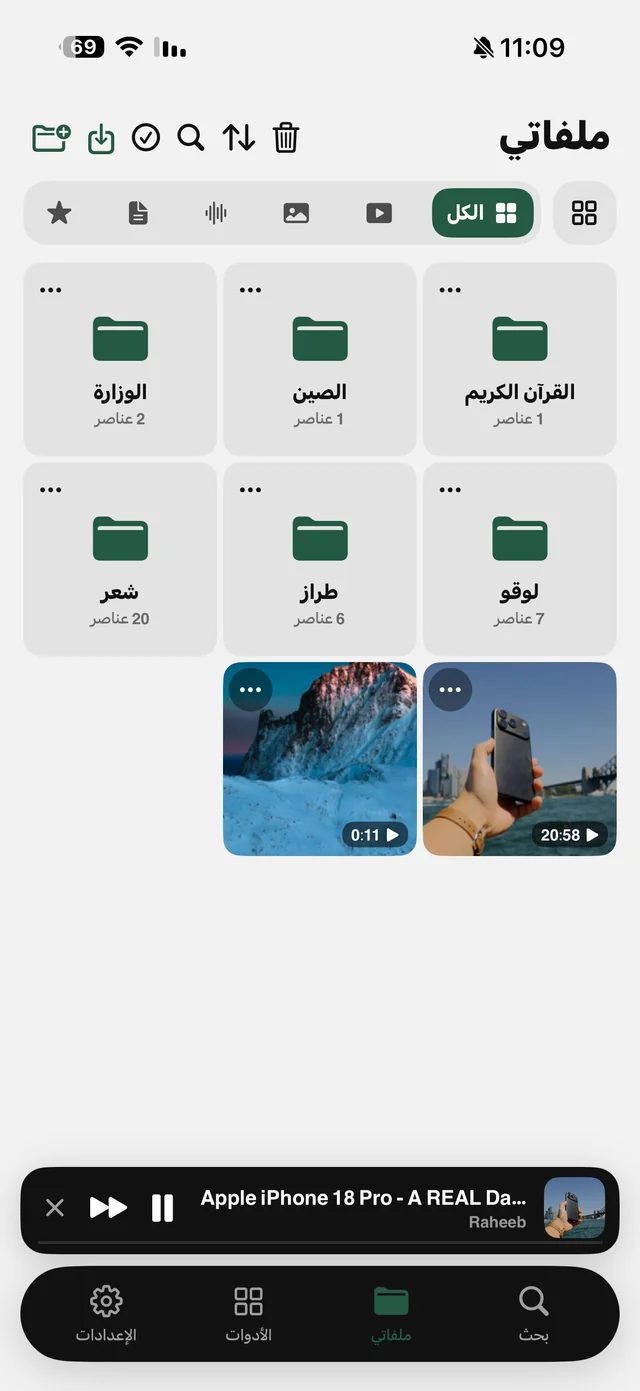
- 4Open My FilesAudio always goes to My Files; find it under the Audio filter, named after the video.
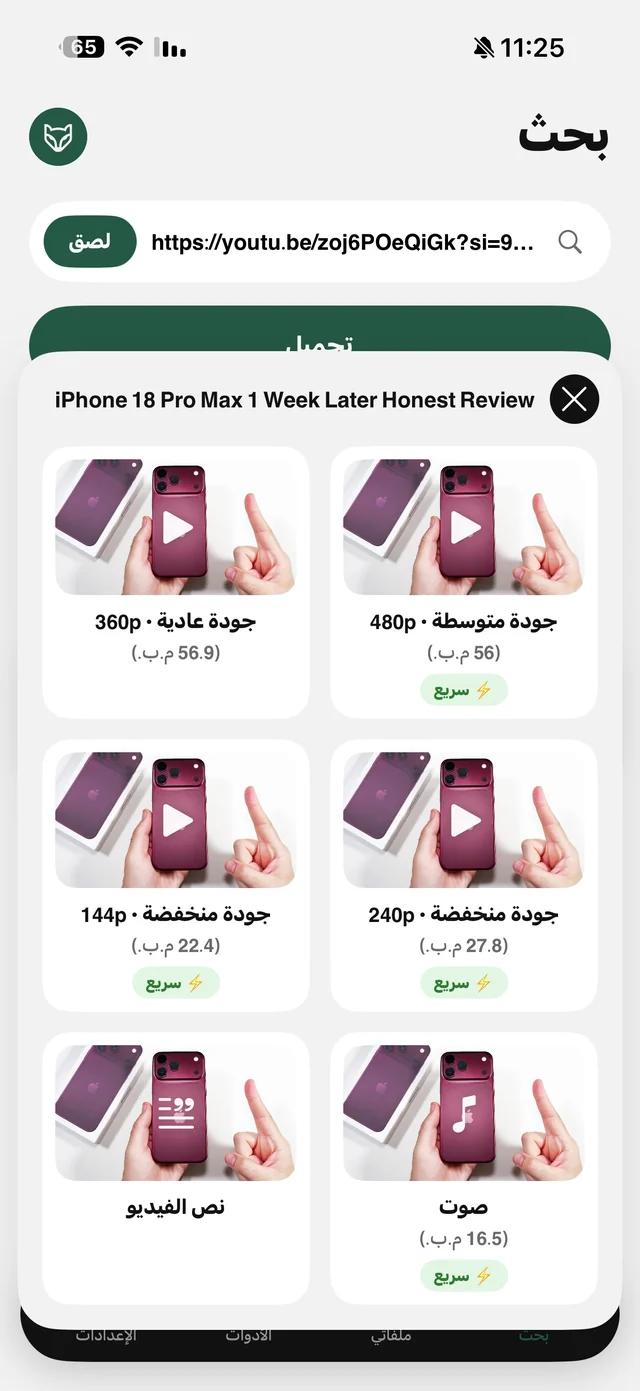
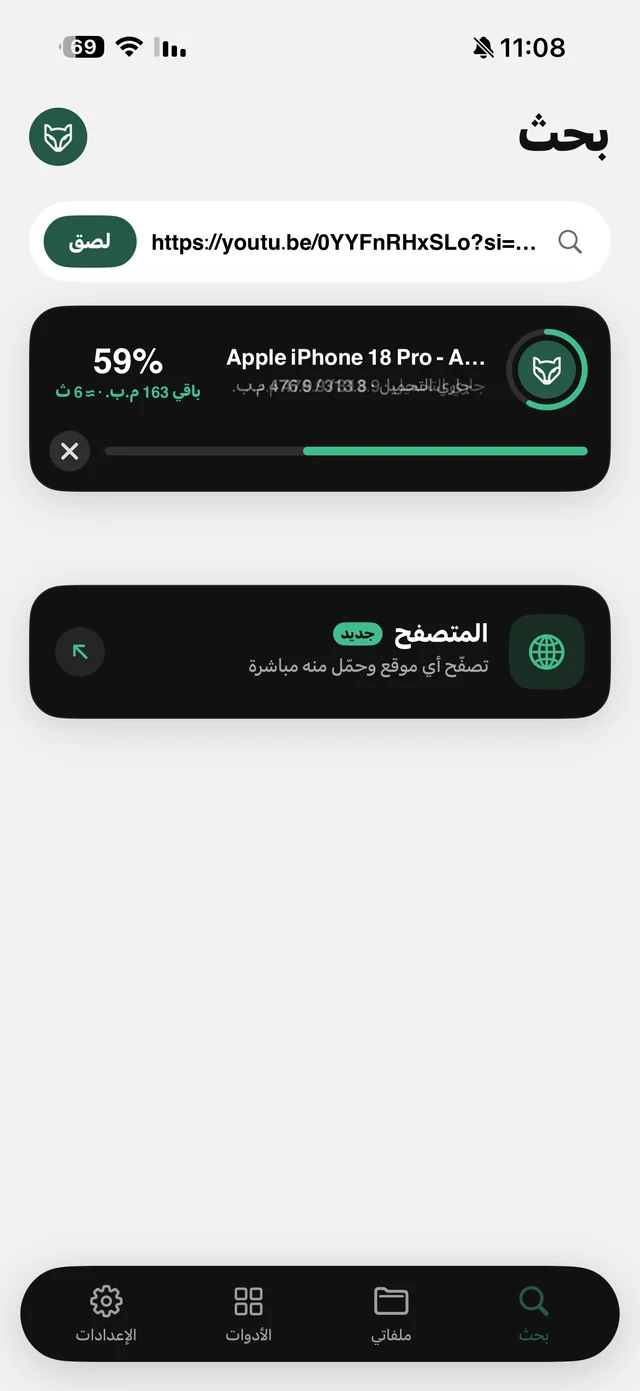
For this site, the Audio card saves the video and then separates its sound on your iPhone, so nothing is uploaded to a server for conversion. You get an audio file that plays in Raheeb's player or can be sent like any file. The Audio card is free and counts toward the daily limit like any file.
Way 2: already saved the Reel? Extract its audio
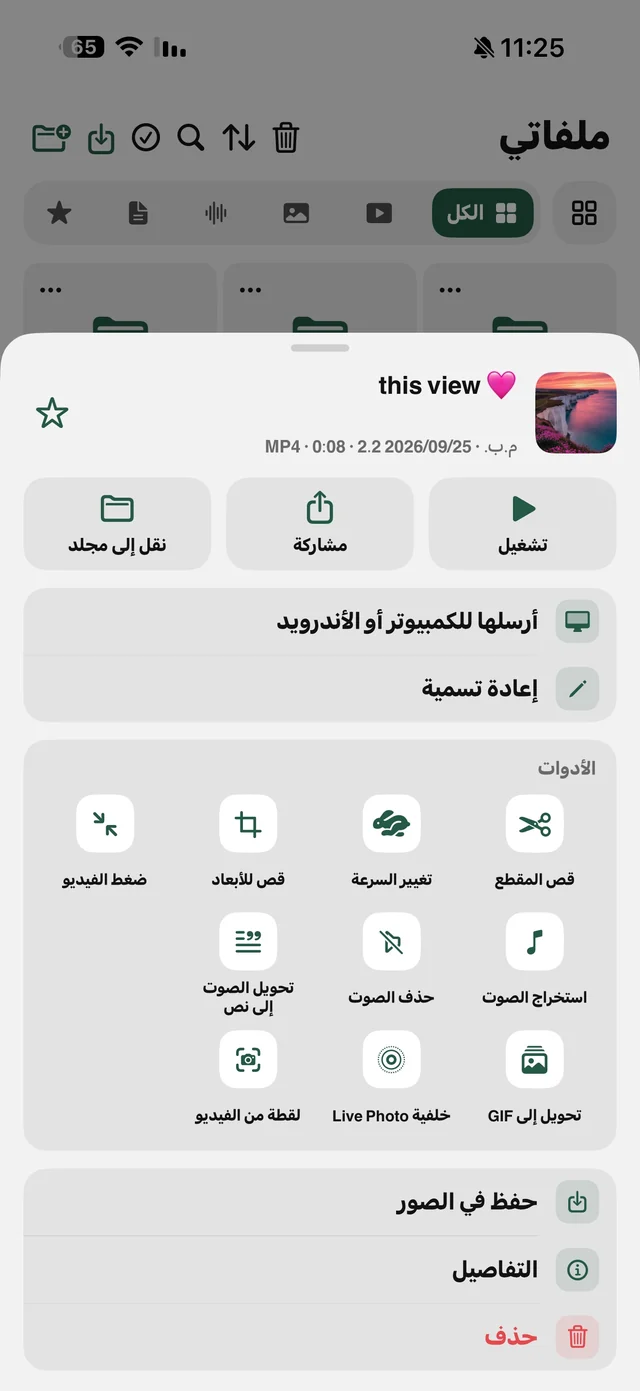
If you saved the video from the Share button (share arrow, then Raheeb), there's no need to save it again. In My Files, tap ⋯ on the video and choose Extract Audio under Audio & Text. A new file appears under the Audio filter, and the original video stays as it was. Details on the video to MP3 page.
M4A or MP3?
Every player on iPhone plays M4A, but some cars, speakers and older editing apps want MP3 specifically. You have three options:
| Method | Result | Free or Pro |
|---|---|---|
| Audio card, default setting | An M4A file | Free |
| Audio card with “Save audio as MP3” | A real 192 kbps MP3, directly | Raheeb Pro |
| Convert to MP3 on any audio file | An MP3 copy next to the original | Free |
Why do some Reels have no sound?
Sometimes a video's audio is muted for copyright, by the site or by the owner, often when the music is licensed. Raheeb tries to recover the audio more than once, and if it really isn't available it tells you plainly: “This video is protected by copyright, so its audio isn't available.” instead of handing you a silent file without a word.

Save the audio of the first Reel you want to listen to later: 3 files a day free, no account.
After saving: listen with the screen locked
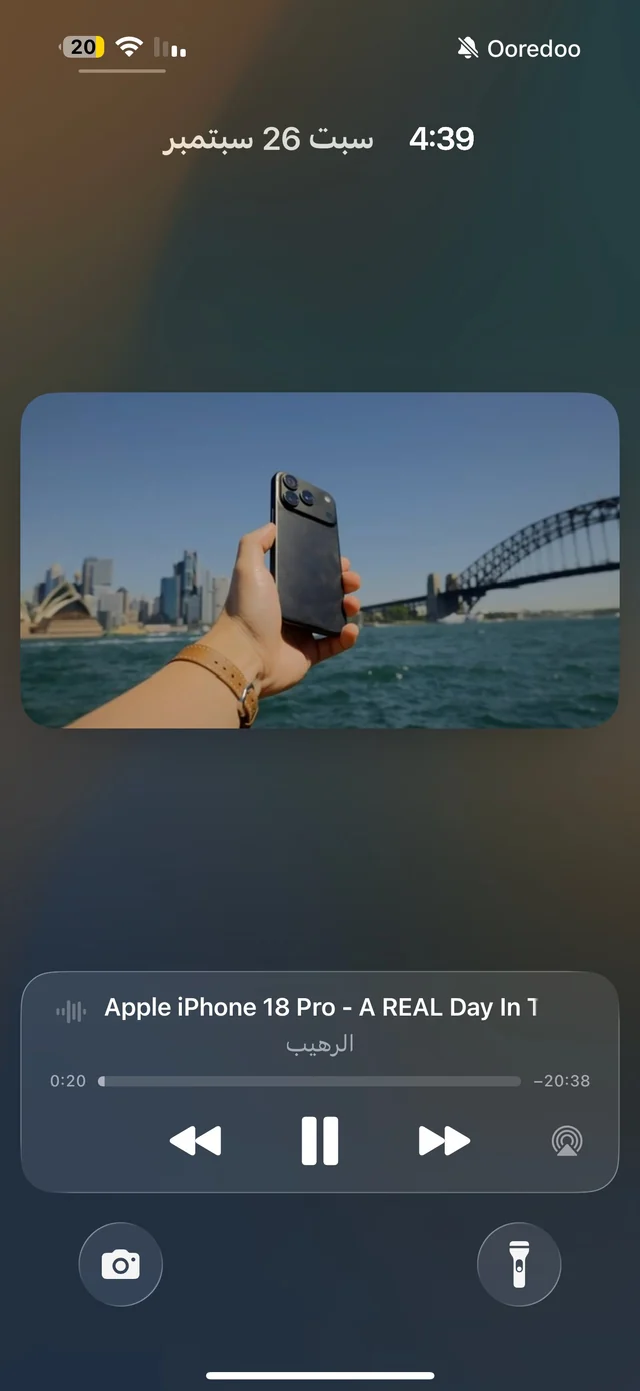
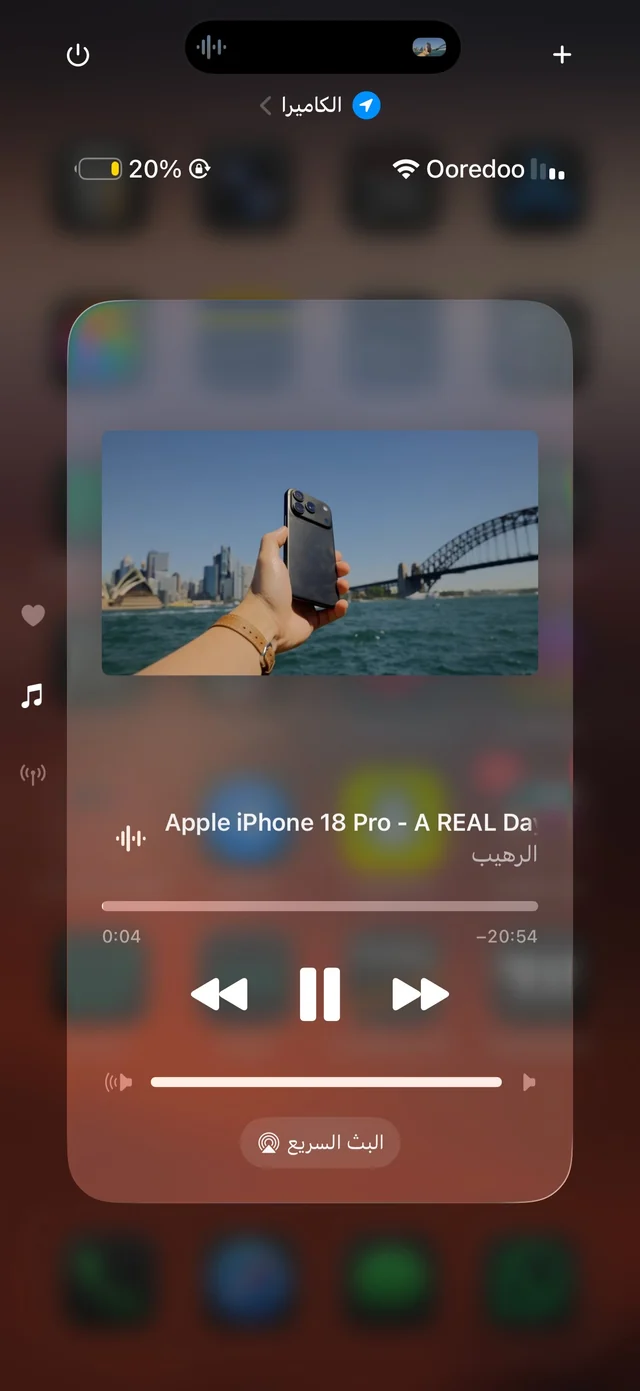
Raheeb's player keeps playing with the screen locked or while you're in another app, and you control it from the Lock Screen and Control Center. The player has speeds from 0.5× to 2× and 10-second skip back and forward. Details on background playback.
- Only need part of it? Use Trim Video before extracting the audio, or trim the audio file itself. The original stays as it was.
- Several clips on one topic? Put them in one folder in My Files and the player moves between them with next and previous.
- Want the words as text? Audio to Text is a Raheeb Pro feature. Read video to text in Arabic.
Who is it for?
For anyone who wants to listen to a short tip, a recitation or a lesson posted as a Reel while on the move, and for creators who want the audio of a video they posted themselves to reuse in an edit. Content belongs to its owners, and saving is for personal use. To save the video itself with sound, read download Instagram Reels with sound.