In this guide
Option 1: Screen recording
The easiest method and the worst result. You start Screen Recording from Control Center and play the clip, and everything on screen gets captured: the status bar, the like and comment buttons, the account name, and any notification that pops up mid-recording. The resolution is your screen's, not the original video's, and sometimes the audio isn't recorded at all if the phone is on silent or the platform blocks it.
Afterwards you have to trim the start and end by hand, and the file ends up much bigger than the original. Fine for one clip in a hurry — not for anything you want to come back to.
Option 2: Download websites
You search for a “video download site”, paste the link into a page crowded with ads, and tap one of five “Download” buttons — most of them ads. If you do reach the real file, it lands in Safari's Downloads folder, not in your photo album, so you need an extra step to move it. Many of these sites also hand you a compressed, lower-quality copy, open pop-ups, or ask for notification permission.
Option 3: A dedicated downloader app
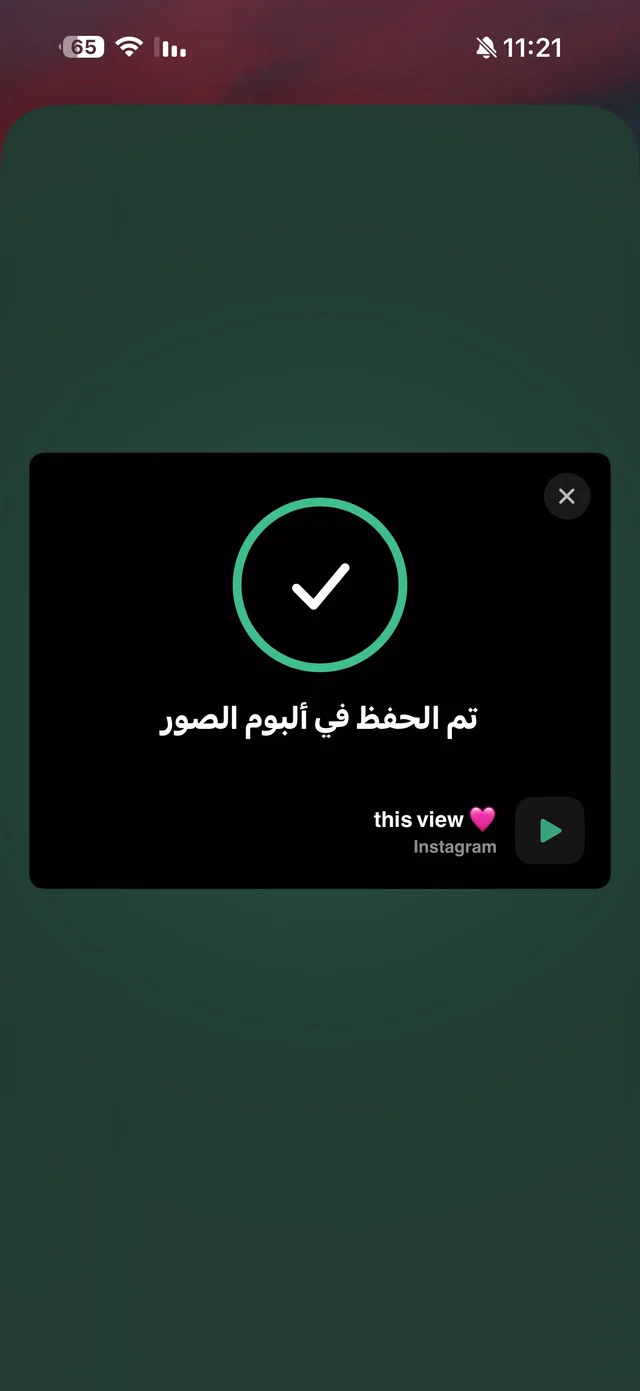
A downloader app reads the link and fetches the file itself, the way the platform serves it: with its audio, without buttons on top, and at the quality you choose. With Raheeb you don't even need to open the app: inside TikTok, Instagram or YouTube you tap “Share”, then Raheeb, and the clip is saved to your photo album while you stay where you are.
| Screen recording | Download website | Raheeb | |
|---|---|---|---|
| Quality | Screen resolution | Often compressed | Every available quality, up to 4K |
| Buttons and notifications | Show up in the clip | No | No |
| Audio | Sometimes cuts out | Yes | Yes, or the audio alone |
| Ads | No | Lots | No ads |
| Where it's saved | Photos | Safari Downloads | Photos and My Files |
| Post with several photos | One at a time | Depends on the site | Every item at once |
How to download any clip with Raheeb
There are two ways, and both work with TikTok, Instagram, YouTube, X, Facebook and Pinterest, as well as any direct link to a file.
1. Paste the link (and pick the quality)
- 1Copy the linkIn the app you're watching, tap “Share”, then “Copy link”.
- 2Open RaheebA “Found a link in your clipboard” card appears — tap “Download Now”, or paste the link with the “Paste” button.
- 3Pick the qualityEvery quality appears with its size in megabytes, plus an “Audio” card if you only want the sound.
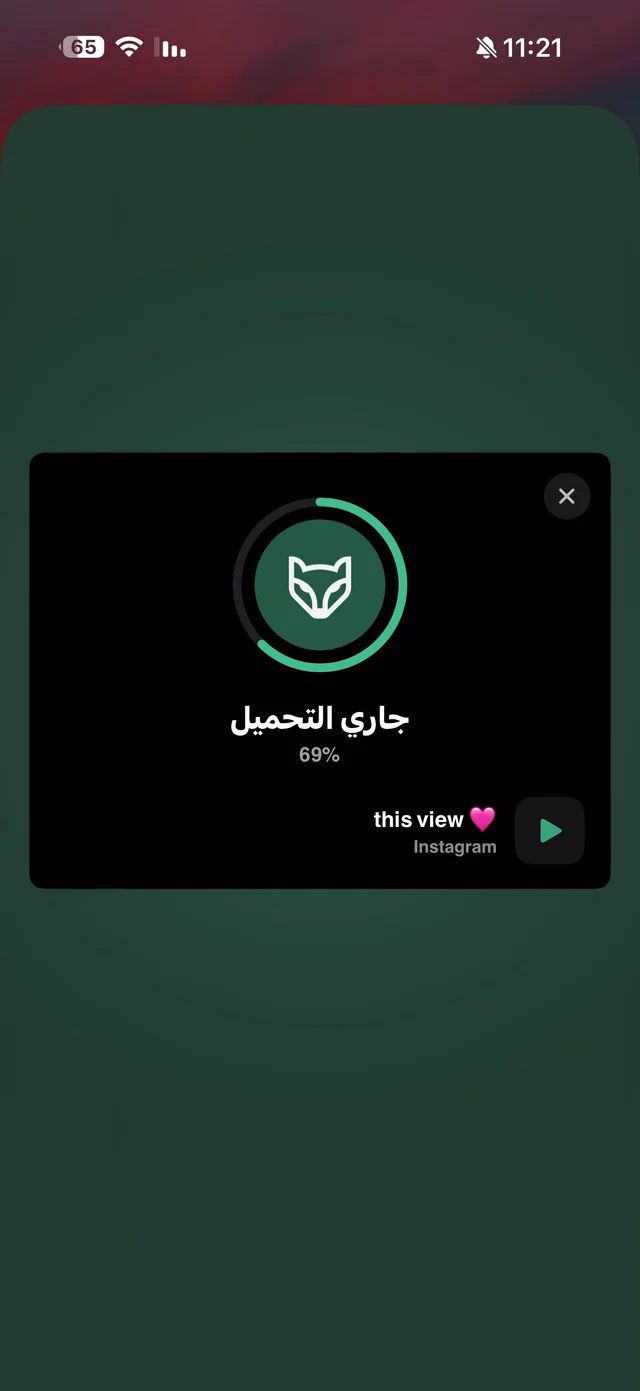
- 4Watch the progressA card shows the percentage, the size left and the estimated time, and the ✕ button cancels — a cancelled download doesn't count against your allowance.
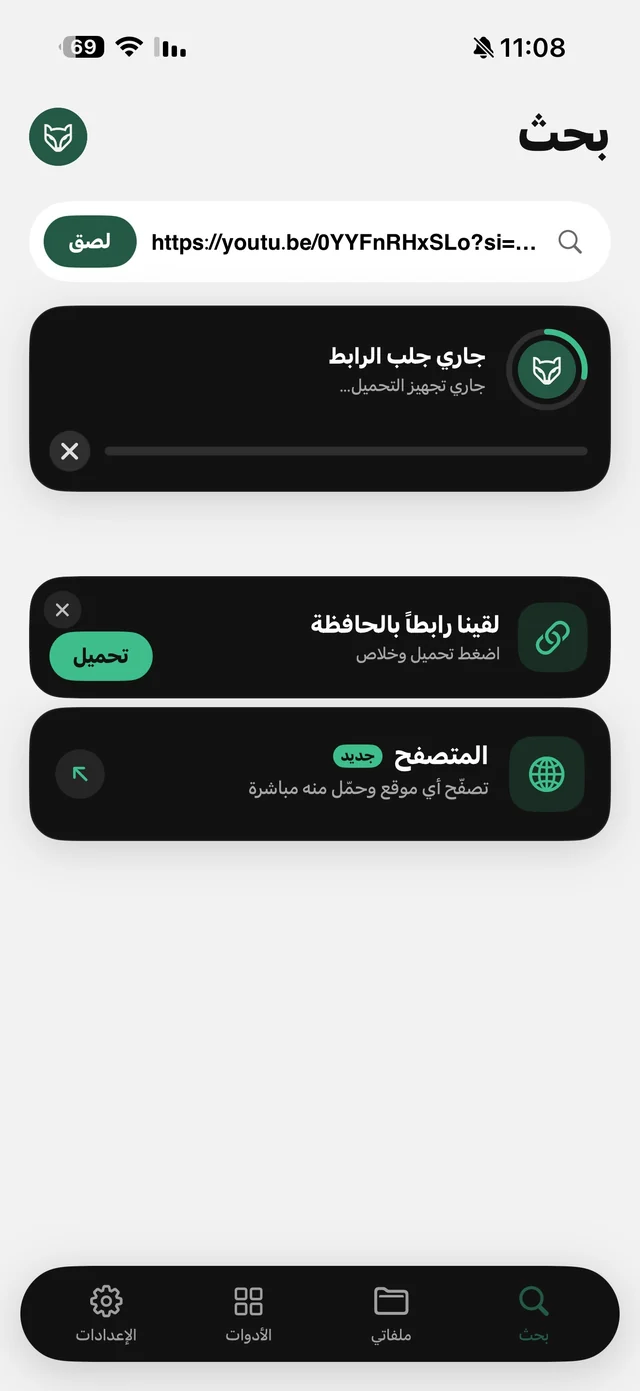
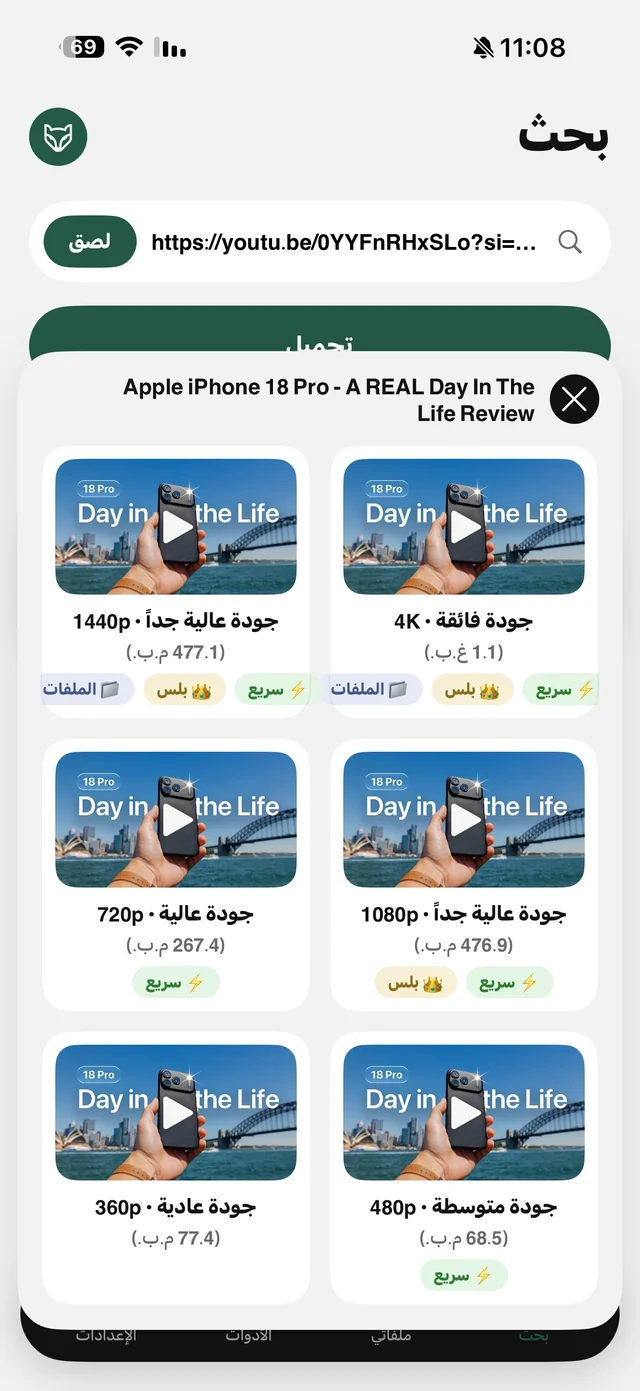
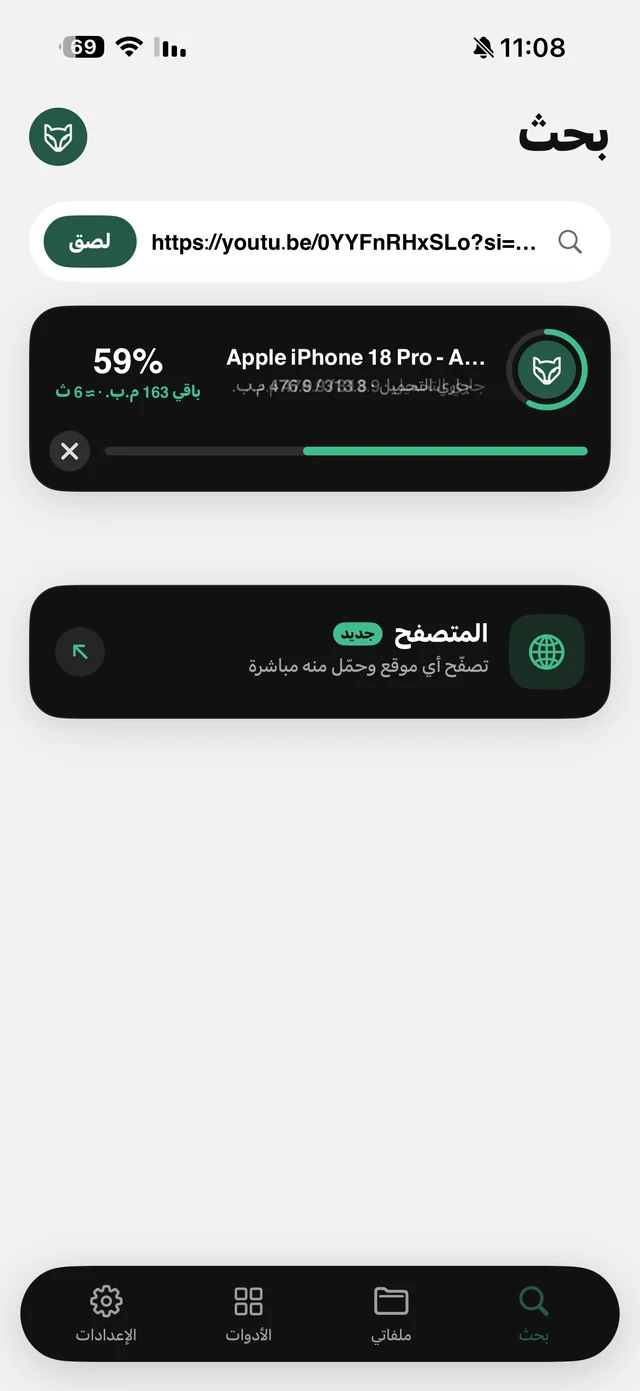
2. From the Share button (without opening the app)
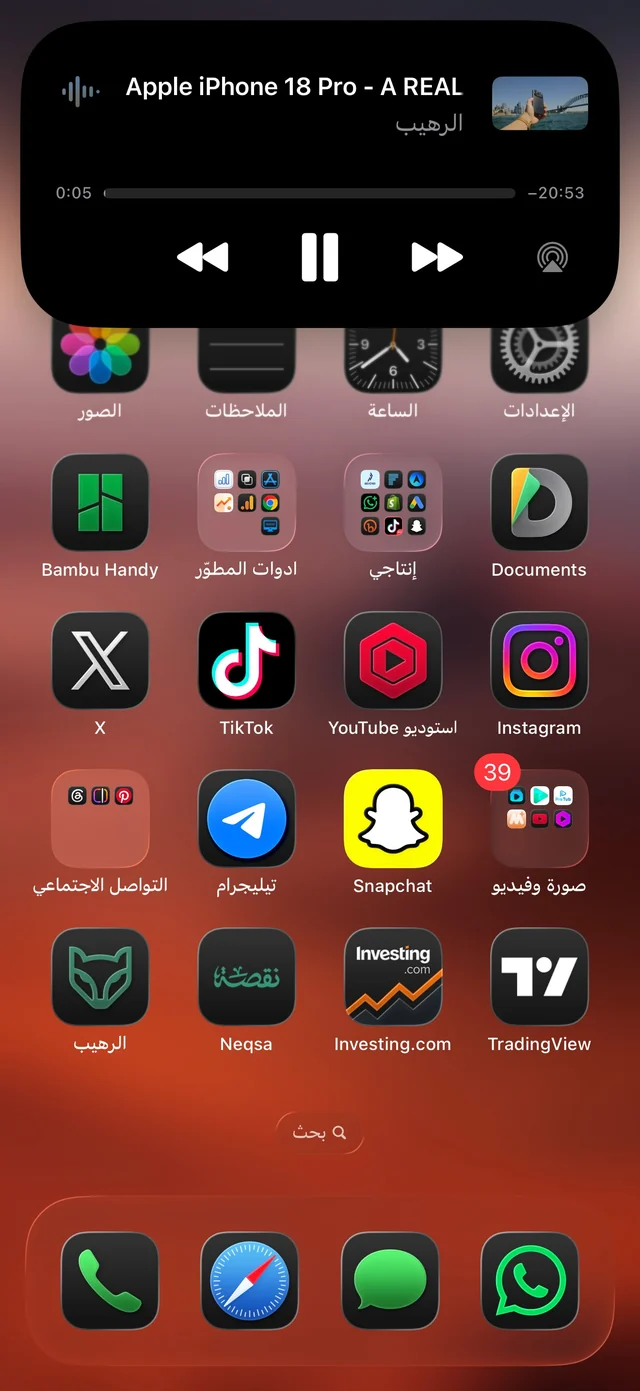
This is the fastest way. The first time, add Raheeb to the favorites in the share sheet so it sits at the front of the row; after that, every clip takes two taps. Details on the Share button page.
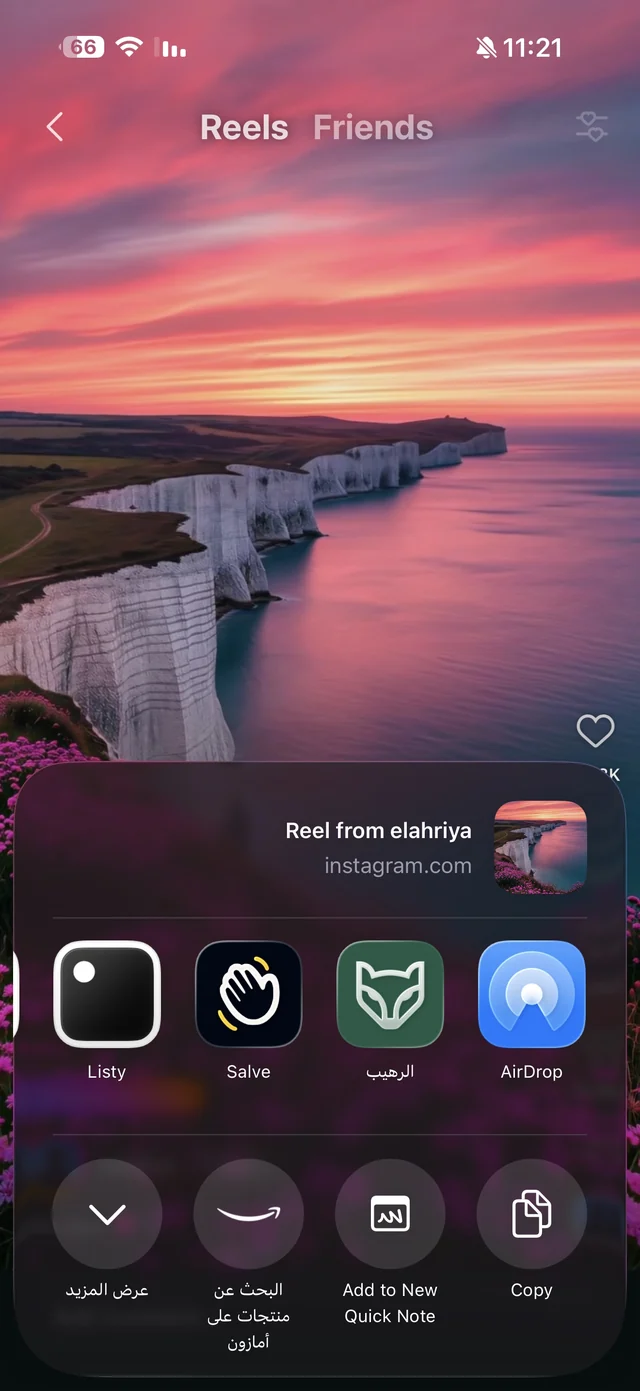

Try both ways for free — 3 downloads a day, no account needed.
What to expect from a good downloader
- No login: an app that asks for your Instagram or TikTok password is a risk to your account. Raheeb doesn't ask for any account — not its own, not the platforms'.
- A real list of qualities: you see the resolution and size before downloading, not a single button that gives you whatever it picks. See quality selection.
- Audio only: a lecture or podcast you just want to listen to? The “Audio” card downloads a small file instead of the whole video — details in video to MP3.
- The whole post: an Instagram carousel or a TikTok photo slideshow downloads with every item at once.
- A tidy place for your files: Raheeb saves to Photos and to My Files — folders plus a player that works offline.
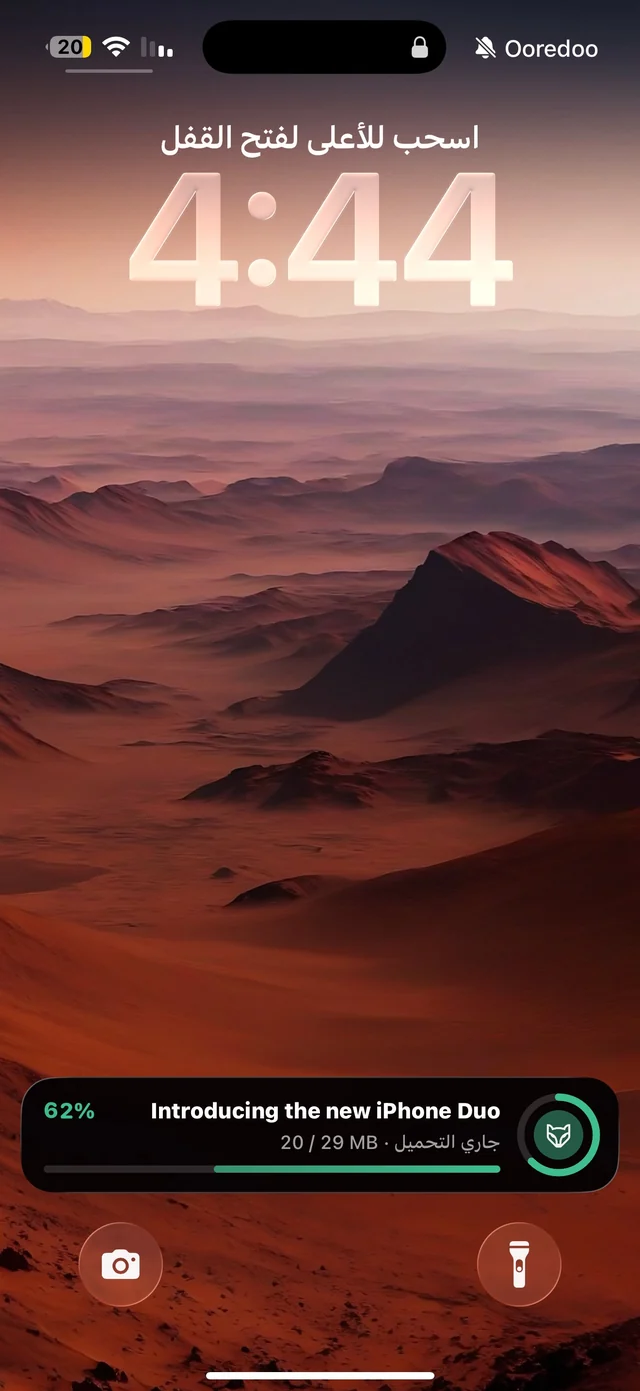
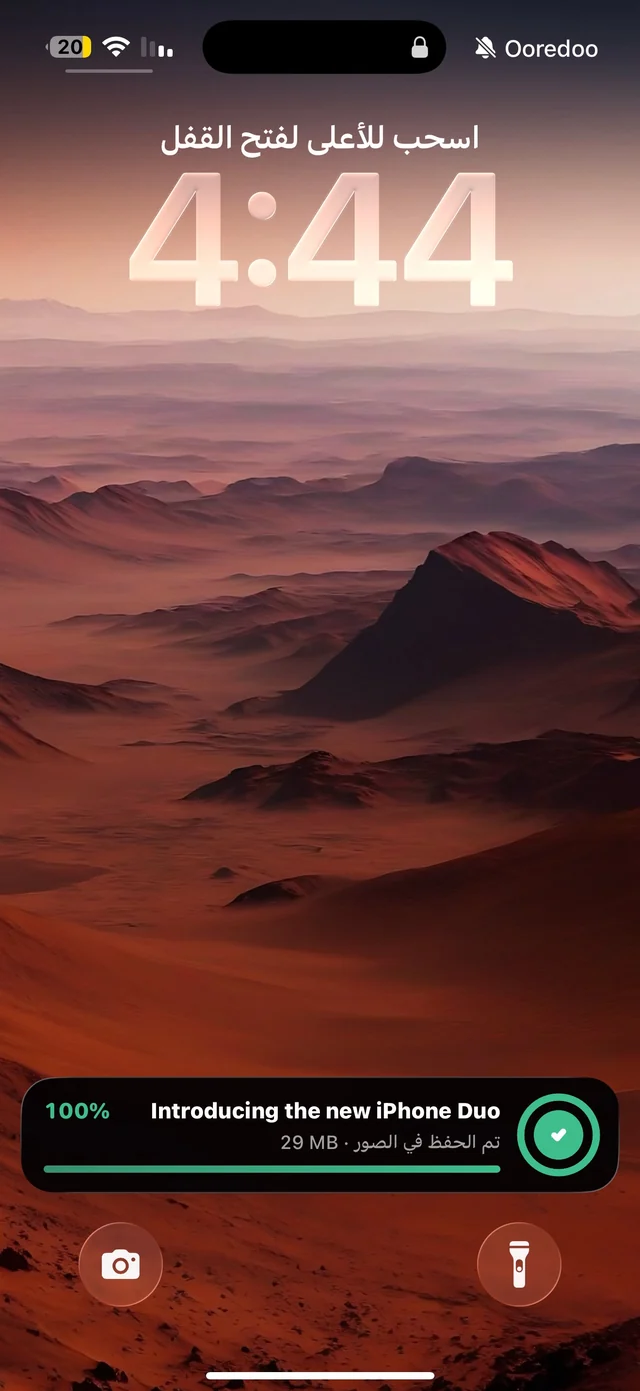
- Clear progress and fair cancelling: progress shows even on the Lock Screen and in the Dynamic Island (iOS 16.2+), and failed or cancelled downloads don't count.
What no honest app will download
Content locked behind a login isn't public: private accounts, Stories, Highlights, and posts restricted by age or audience. Raheeb rejects these links before it starts, so nothing comes off your allowance. And some Instagram Reels have their audio muted by the owner or the platform for copyright reasons — in that case the app tells you the audio isn't available instead of quietly handing you a silent file.
How much does it cost?
Raheeb is free with 3 downloads a day and no account, and you can add to your allowance with an invite code for your friends. Raheeb Pro unlocks unlimited downloads, the very high YouTube qualities and extra tools — details on the pricing page.