Save videos from X (Twitter)
Paste the post's link into Raheeb and the video is saved to My Files and Photos, with no account and none of the ad-covered sites.
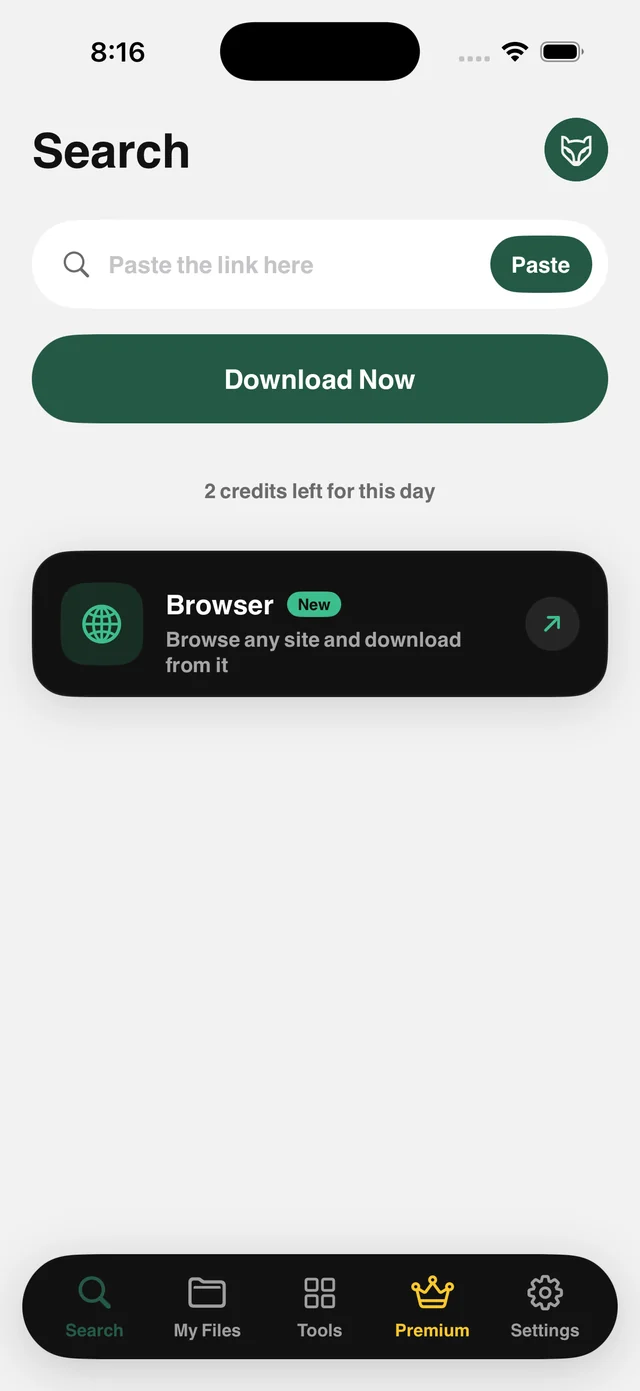
How it works
This site gives you no button to save a video, so copying the post's link is the only way. Raheeb reads that link and pulls the original video file, including GIFs, which the site stores as video, straight into your files.
Public posts only: Raheeb signs in to nothing and stores no cookies, so protected accounts are out of scope. After saving, you can trim the video, extract its audio, or lock it in My Files.
Video and GIF
GIFs are saved as short videos that play in Photos.
Best available quality
The original file from the link, not a compressed copy.
No account
No sign-in, no cookies. Public links only.
From the Share button
Share a post to Raheeb without leaving the app you're in.
How to use it
- 1
Open the post
Any public post with a video or GIF.
- 2
Copy the link
In X: from the Share button, choose Copy Link.
- 3
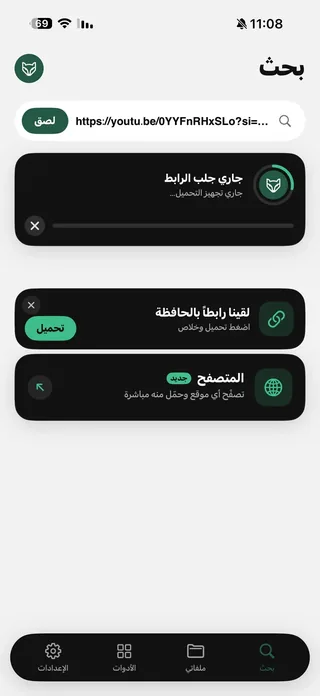
Paste it in Raheeb
Tap Paste, then Save.
- 4
Saved
The video is in My Files and Photos.
When to use it
News videos
Keep a copy of the video before the post is deleted.
GIFs
Collect the GIFs you like in a folder in My Files.
Personal archive
Keep your own videos before deleting a post or an account.
Frequently asked questions
Do both the old and new link formats work?
Can I save GIFs?
Can I save from a protected account?
Where is the video saved?
Is saving free?

Get Raheeb Free
On the App Store for iPhone and iPad. No account, and your first save takes seconds.