Search by image and find its source
Got a photo in a group chat and don't know where it came from? Pick it in Raheeb and search with it to find out.
What is this feature?
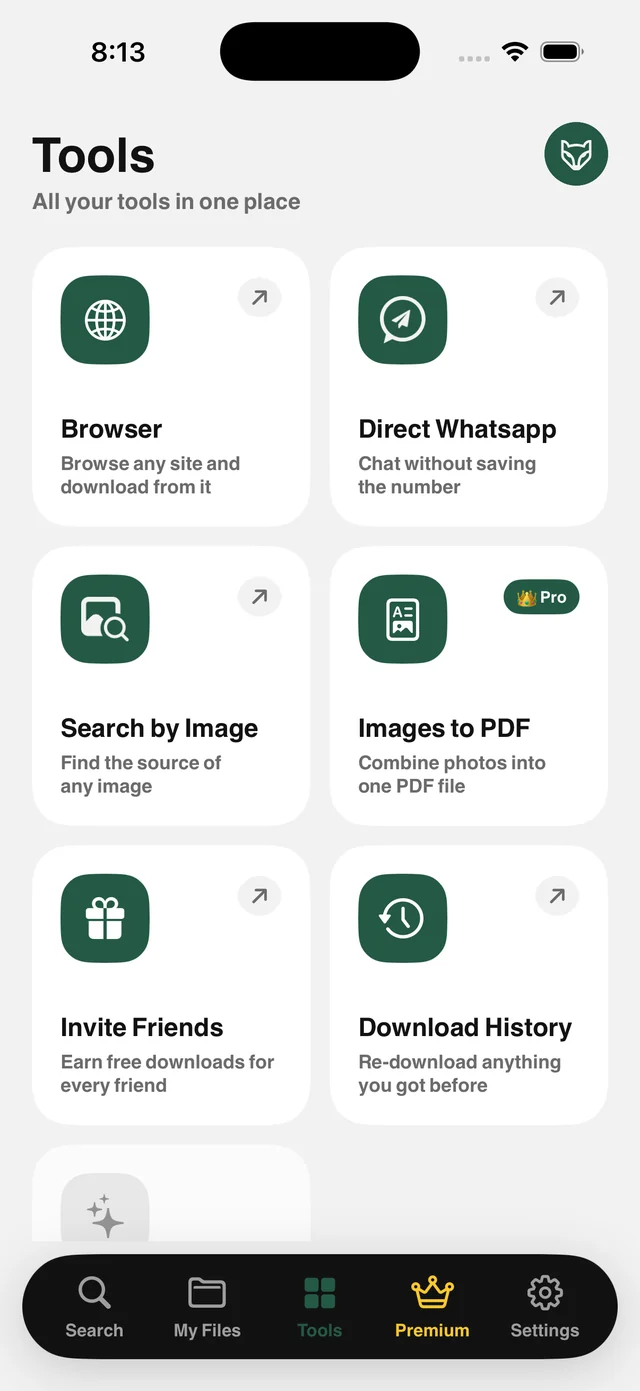
Searching by image on a phone is usually a hassle: open the browser, upload the photo, deal with a desktop interface. Raheeb shortens the path: pick a photo from your device, tap Search, and you get results showing its source and where else it appears.
The most common use is checking facts: a news photo going around a group chat, a product photo to find the original seller, or a suspicious profile picture to see whether it was copied. It also helps you find a larger, sharper version of a small photo.
Straight from your photos
Pick from your photo library with no manual upload in a browser.
Check the news
Find out whether a photo is old or from another context.
Higher resolution
Look for a bigger version of a small photo.
Product sources
See where a product photo came from and who sells it.
How to use it
- 1
Open Search by Image
From the Tools tab.
- 2
Pick the photo
From your photo library or My Files.
- 3
Search
The app prepares the photo and shows results.
- 4
Open a result
Tap any result to open its source.
When to use it
Check a rumor
Before you forward a photo, find out where it started.
Shopping
Find the same product from another seller or at a better price.
Fake accounts
Check whether a profile picture was copied.
Frequently asked questions
Do you keep my photo?
Does it need internet?
Are results guaranteed?
Can I search with a photo from My Files?
Is it free?
Guides
 How to message someone on WhatsApp without saving their numberA courier, a seller or a new number? Message them on WhatsApp and keep your contacts clean.4 min read
 How to reverse image search on iPhone with four enginesA product in an ad, a news photo, or your own copied pictures — four reverse image search engines on one screen.4 min read
Get Raheeb Free
On the App Store for iPhone and iPad. No account, and your first save takes seconds.