In this guide
Why can't I save TikTok photos from the app itself?
TikTok shows photo posts as a moving slideshow: images flipping by over music. The in-app save doesn't give you the individual photos in your camera roll, so most people screenshot each slide — with the account name, buttons and caption on top, at screen resolution.
And people save these slideshows for obvious reasons: recipes with photographed steps, tips written on the images, study summaries, phone wallpapers, or quotes. Things you want to come back to offline, without hunting for the post again.
How to download TikTok photos with Raheeb
- 1Open the slideshowAny photo slideshow from a public TikTok account.
- 2Tap ShareThe arrow on the side of the post.
- 3Choose RaheebFrom the app row in the share sheet — or tap Copy link and paste it into Raheeb's Search tab. Short vm.tiktok.com links work as they are.
- 4Every photo comes downAll at once, with no quality sheet, each photo saved as its own file.
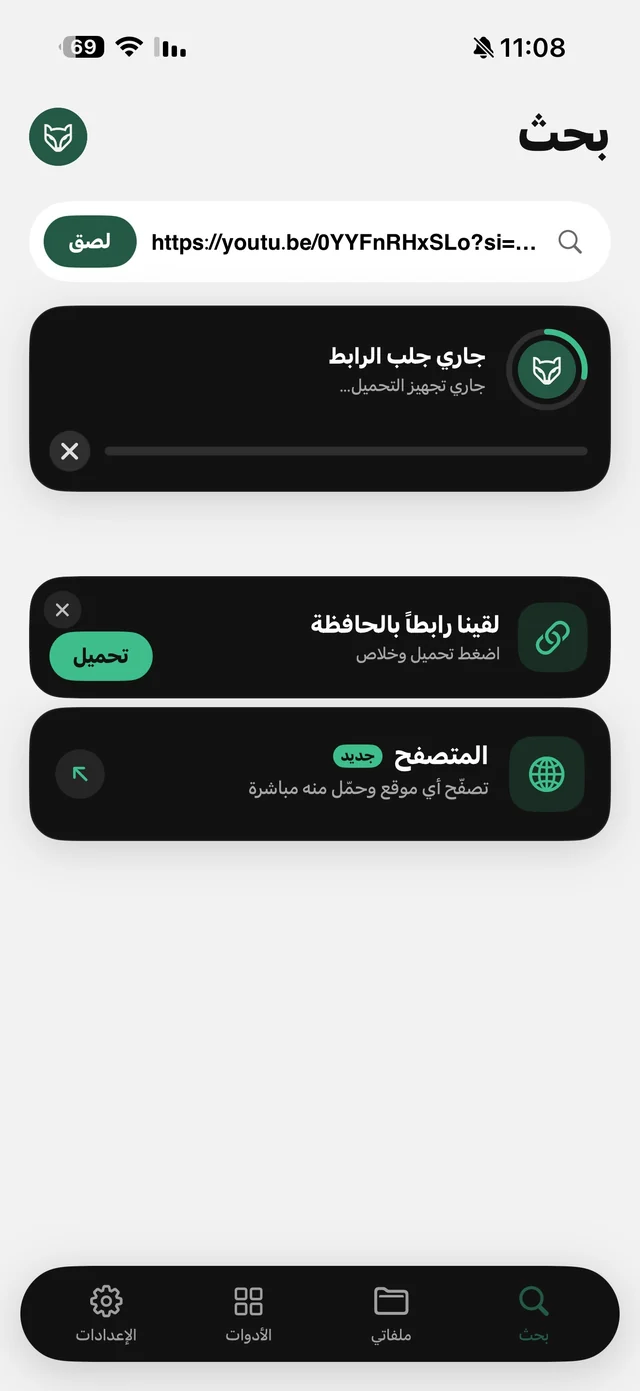
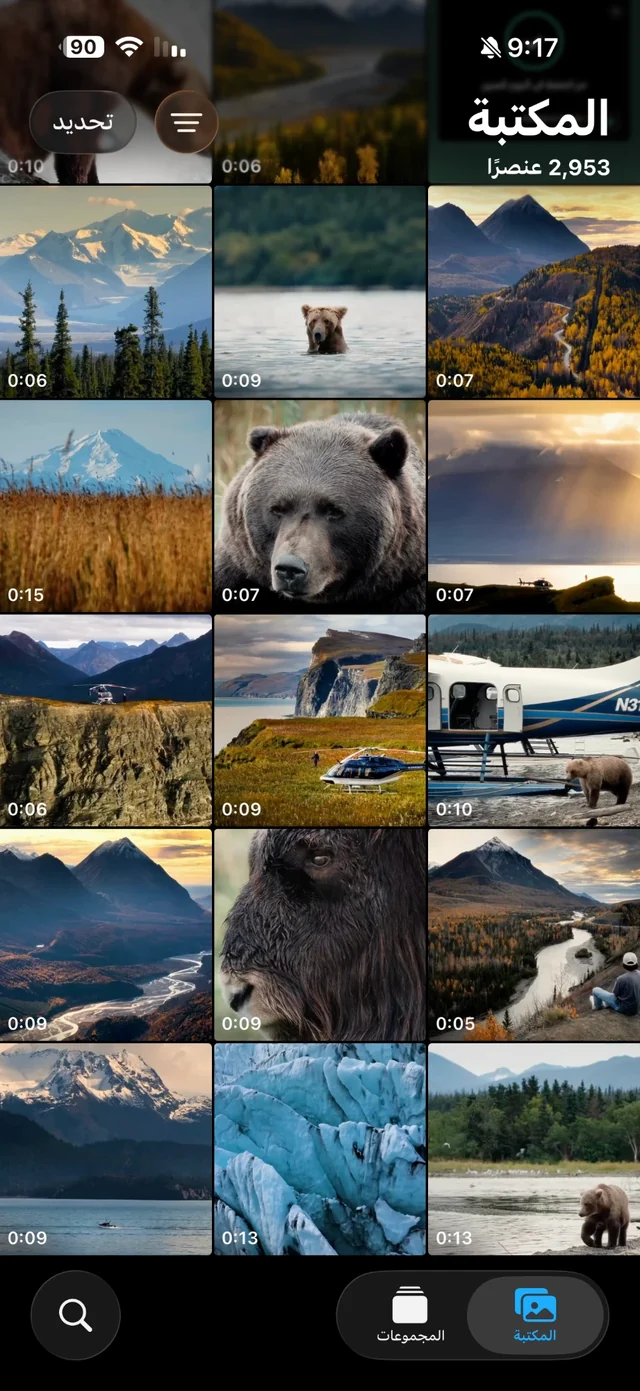
It's the same flow as saving a TikTok video; the difference is that photos don't get a quality sheet. The Share button downloads while you stay inside TikTok — details on the Share button page.
What exactly do you get?
| Screenshots | Raheeb | |
|---|---|---|
| An 8-photo slideshow | 8 screenshots + cropping each | One link, all at once |
| Account name and buttons | On top of the image | No — just the photo |
| Resolution | Your screen's | The image as TikTok serves it |
| Daily allowance used | — | One download for the whole slideshow |

Try it on the first slideshow you want to keep — 3 free downloads a day, no account needed.
Once the photos are saved: 4 useful things
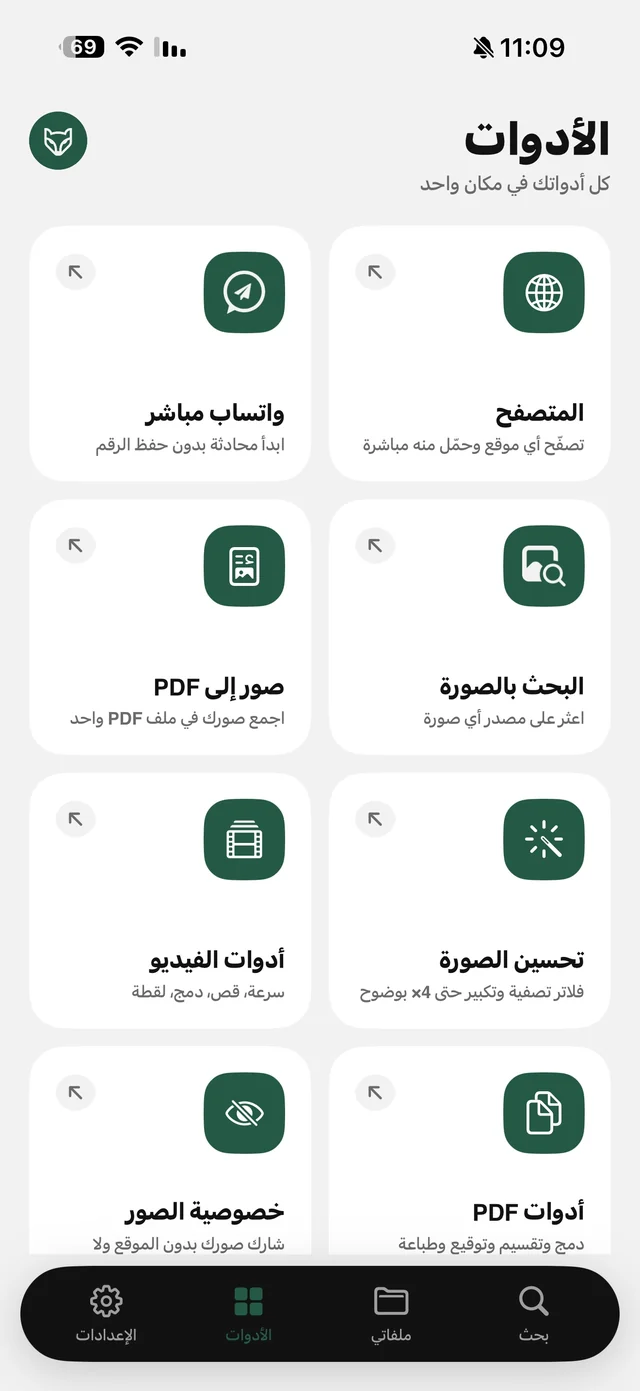
- A recipe or summary? Make it one file: Images to PDF combines the slides in the order you tap them, at image size or A4 — the same way as turning a carousel into a PDF.
- Text written on the photos: “Copy text from image” in the ⋯ menu in My Files turns it into text you can copy, in Arabic or English.
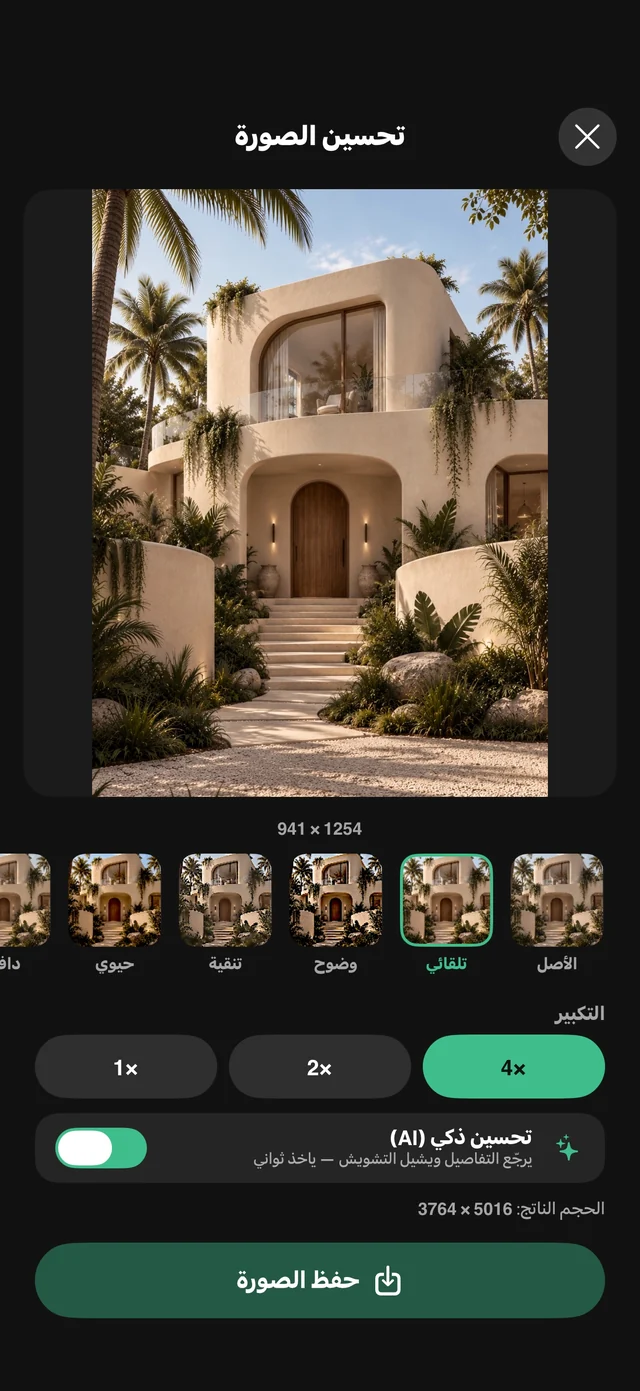
- A sharper wallpaper: photo enhance upscales the image 2× or 4× — more in enhancing photo quality.
- Keep them tidy: one folder for recipes, one for wallpapers in My Files, and search finds them.
What doesn't download
Slideshows from private accounts, posts limited by age or audience, and profile or sound-page links are all rejected before the download starts, so they never touch your allowance — Raheeb doesn't ask for your account or use anyone else's. And the photos belong to their creators: save them for yourself, and ask before reposting.