In this guide
Option 1: the video is in your Drive
Open the Google Drive app, tap the three dots next to the video, then "Send a copy," then "Save video." The video downloads and lands in Photos. You don't need another app, but the file has to be yours or shared with you while you're signed in.
Option 2: you only have a Drive link
In Safari the link opens a preview page that often pushes the Drive app or a sign-in, and a long video only plays there. Raheeb's browser opens the same file page, and when you tap Download it offers to save the file to My Files.
- 1Copy the Drive linkTouch and hold the link in the chat or message and tap Copy. It starts with drive.google.com, and its sharing has to be set to "Anyone with the link."
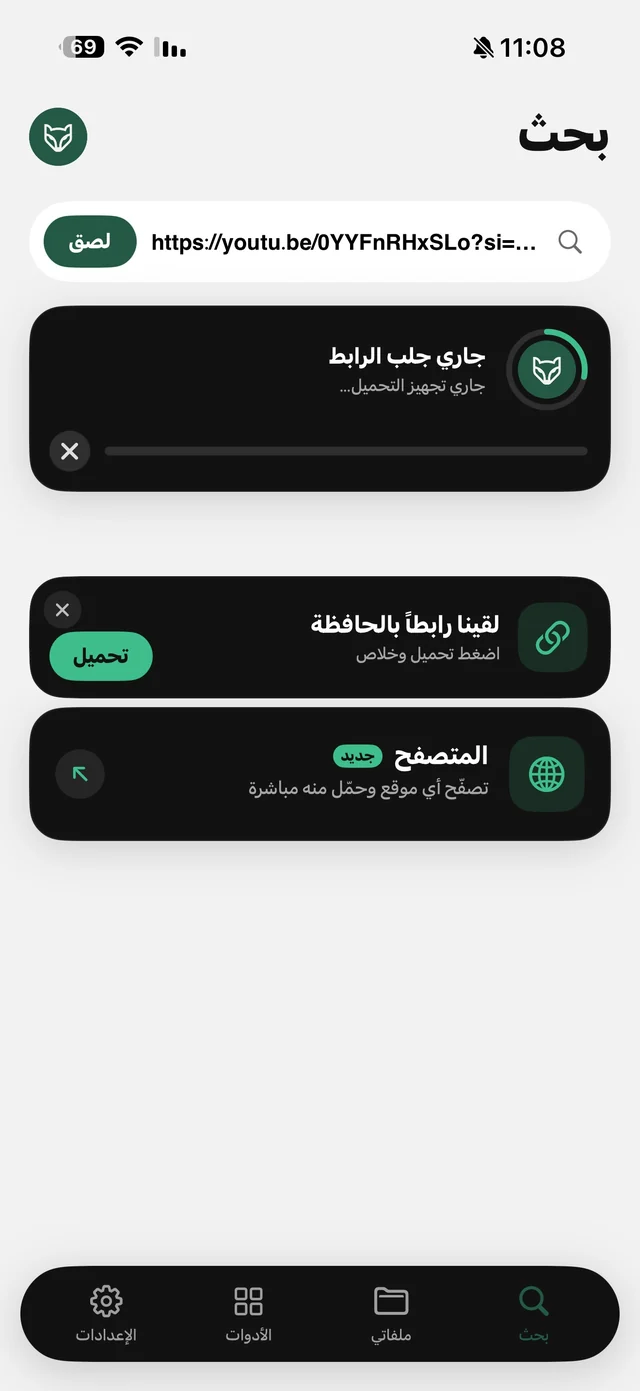
The copied link shows up as a card in Raheeb's Search tab. - 2Open it in Raheeb's browserPaste the link into the address bar in Raheeb's browser, and the file's Drive page opens. Files shared by link don't need a Google account.
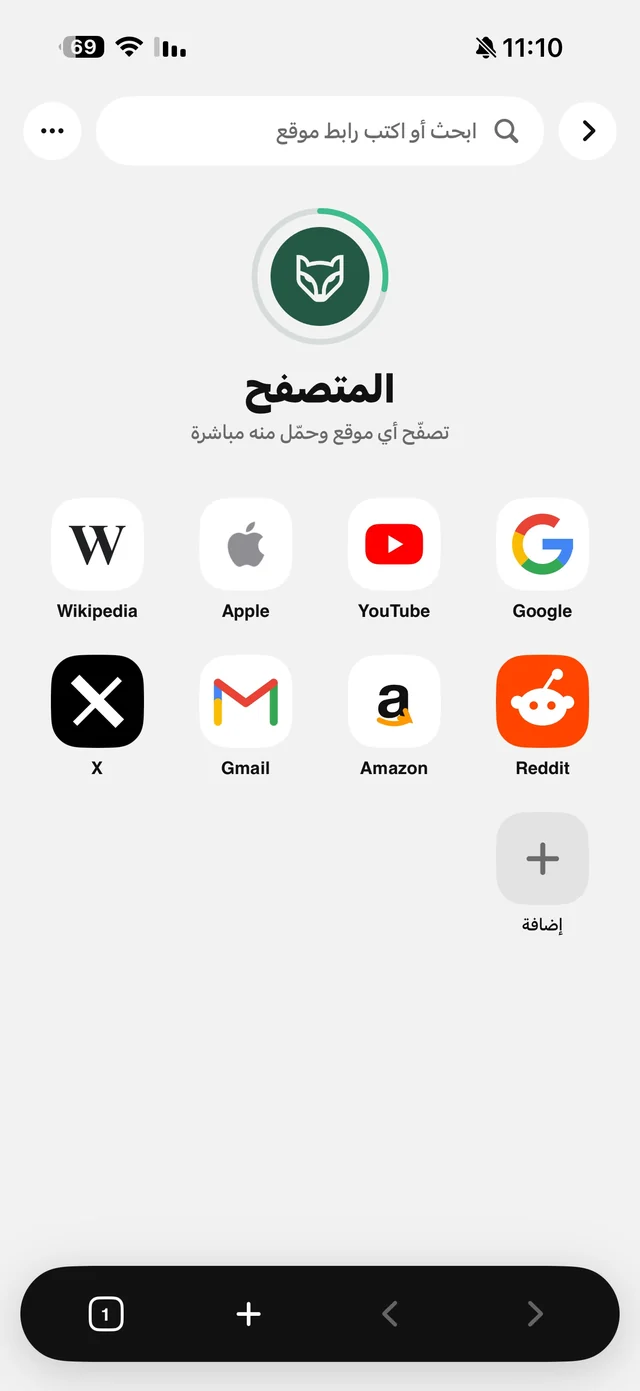
The address bar in Raheeb's browser. - 3Tap Download, then Save to My FilesTap the download button on the Drive page. If Drive warns that the file is too large to scan for viruses, tap "Download anyway." A card shows the file's name and size: tap Save to My Files.
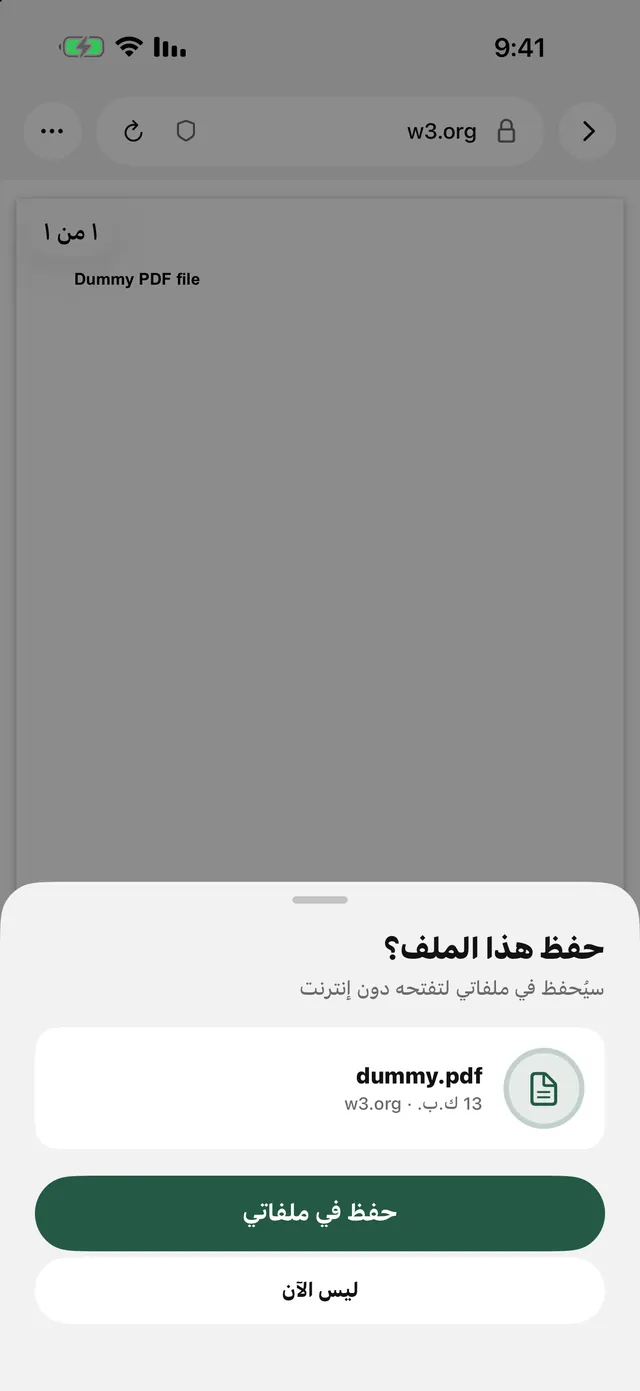
The file card and the Save to My Files button under it. - 4Save it to PhotosOpen My Files, touch and hold the video, then tap Save to Photos. It stays in My Files too, so you can watch it offline and move it into a folder.
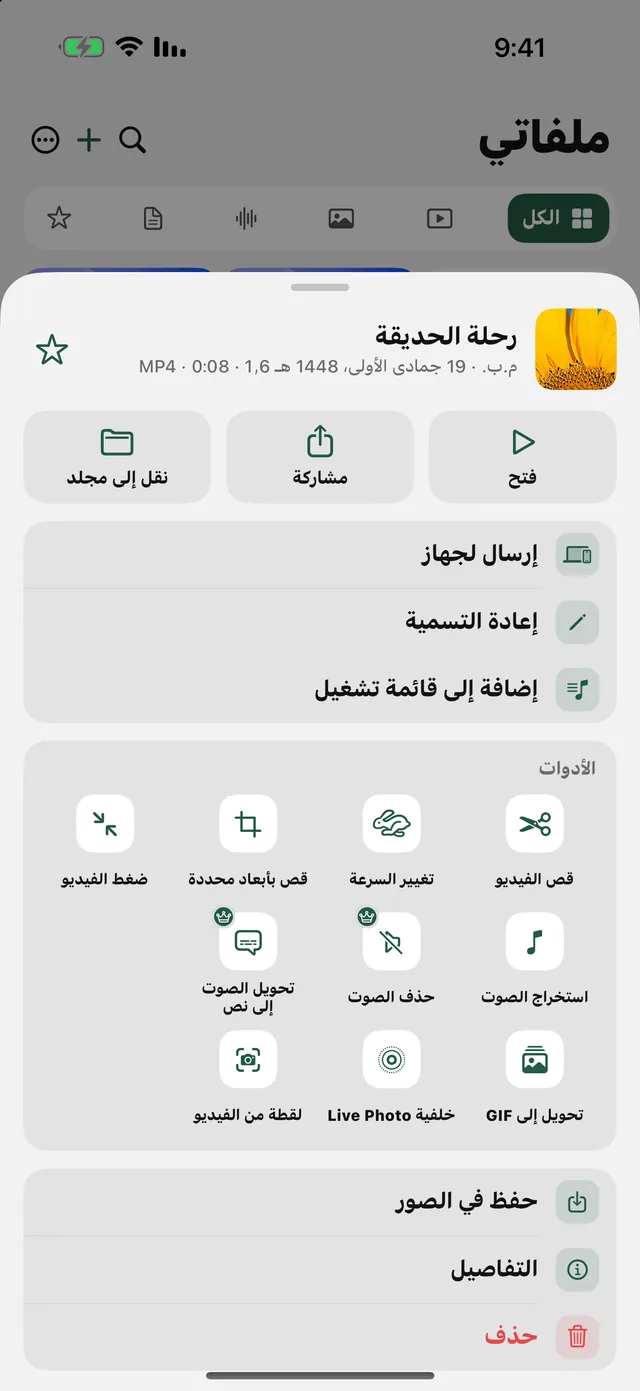
Save to Photos in the video's menu in My Files.

Save Drive files from a link: 3 files a day free, no account.
After you save it
- Just the lecture's audio: Extract Audio in the video's menu. Read convert video to MP3.
- A smaller file to send: Compress Video in the same menu. Read compress video for WhatsApp.
- Tidy files: one folder per course or class in My Files. Read organize files on iPhone.
What doesn't work
- A private file that wasn't shared with you: it needs the account that has access. Use option 1 in the Drive app.
- A whole Drive folder: Drive zips it. Save the ZIP, then open it in My Files. Read open a ZIP file on iPhone.
- A file with downloads turned off: if the owner blocked downloads, there's no download button at all.