Save a file from any direct link
Paste any file link, whether it's a PDF, ZIP, Word, Excel, image, video or audio file, and it's saved to My Files.
How it works
Downloading a file from the web on iPhone is harder than it should be: you open the link in Safari and end up in a preview window with nowhere obvious to go. Raheeb treats a direct link as what it is. It identifies the file type from the server, downloads it over your own connection, and saves it to My Files under its real name.
Archives are uncompressed automatically: a ZIP becomes a folder in My Files with its folder structure intact, and documents open in a quick preview inside Raheeb. Images and video from direct links are also saved to Photos, like any other file you save.
Any file type
PDF, ZIP, Word, Excel, PowerPoint, images, video, audio and more.
Automatic ZIP uncompressing
The archive becomes a tidy folder with its subfolders in My Files.
Built-in preview
Documents open in a quick preview, no extra app needed.
From the browser too
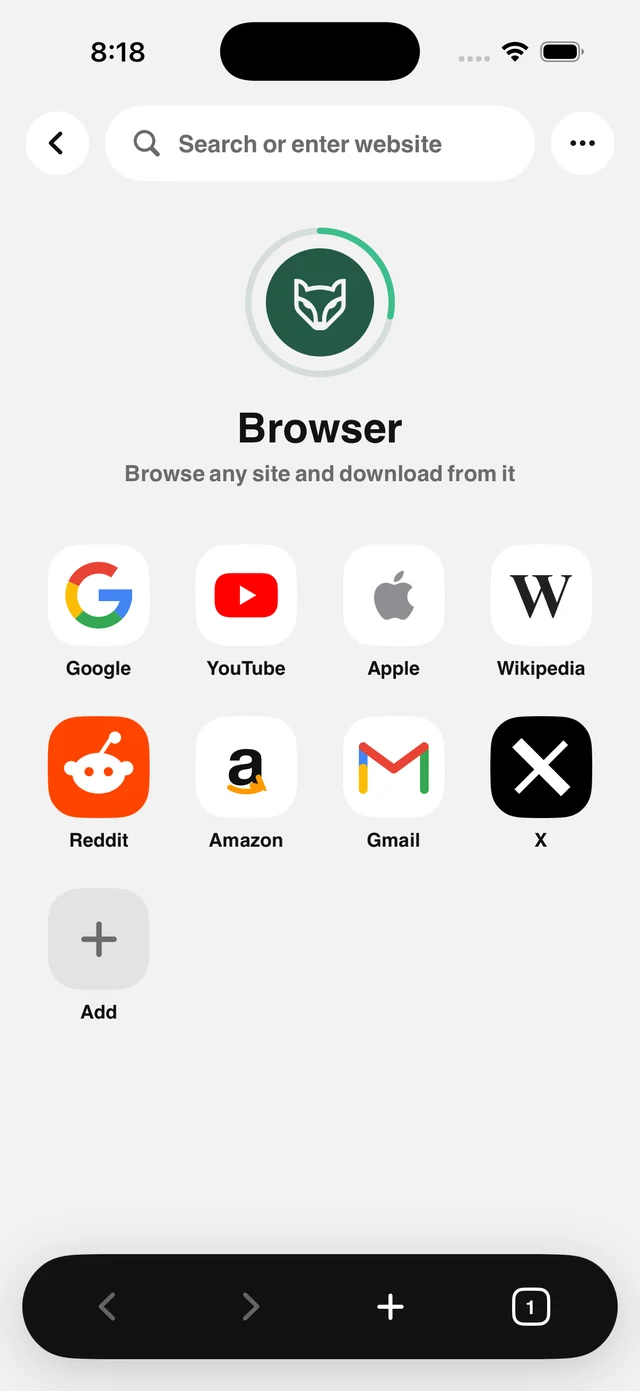
Raheeb's browser offers to save any downloadable file.
How to use it
- 1
Copy the file link
Any link ending in a file: .pdf, .zip, .mp4 and so on.
- 2
Paste it in Raheeb
Tap Paste, then Save.
- 3
It downloads to your device
Straight from the source to your phone. The server stores nothing.
- 4
Open or organize
Documents open in a quick preview; archives uncompress into a folder.
When to use it
Course material
Keep university PDFs in one folder locked with Face ID.
Work files
Save an attachment from a link and share it later from My Files.
Compressed files
A ZIP of dozens of images becomes an organized folder in one tap.
Frequently asked questions
Which file types are supported?
Are ZIP files uncompressed automatically?
Does the file pass through your server?
Does it work with password-protected links?
Where do I find the file afterward?

Get Raheeb Free
On the App Store for iPhone and iPad. No account, and your first save takes seconds.