Raheeb guides: download, edit and organise your files on iPhone
Written from inside the app itself, with real steps and screenshots — and honest about what works and what doesn't.
Downloading
TikTok, Instagram, YouTube, X, Facebook and Pinterest — step by step.
Best Video Downloader for iPhone: 3 Ways Compared
Screen recording vs. download sites vs. a dedicated app — an honest comparison with steps.
5 min readWhat do Arab users download from social media? Data from 490,000 download requests in 2026
490,000 download requests: which platform, and which country.
3 min read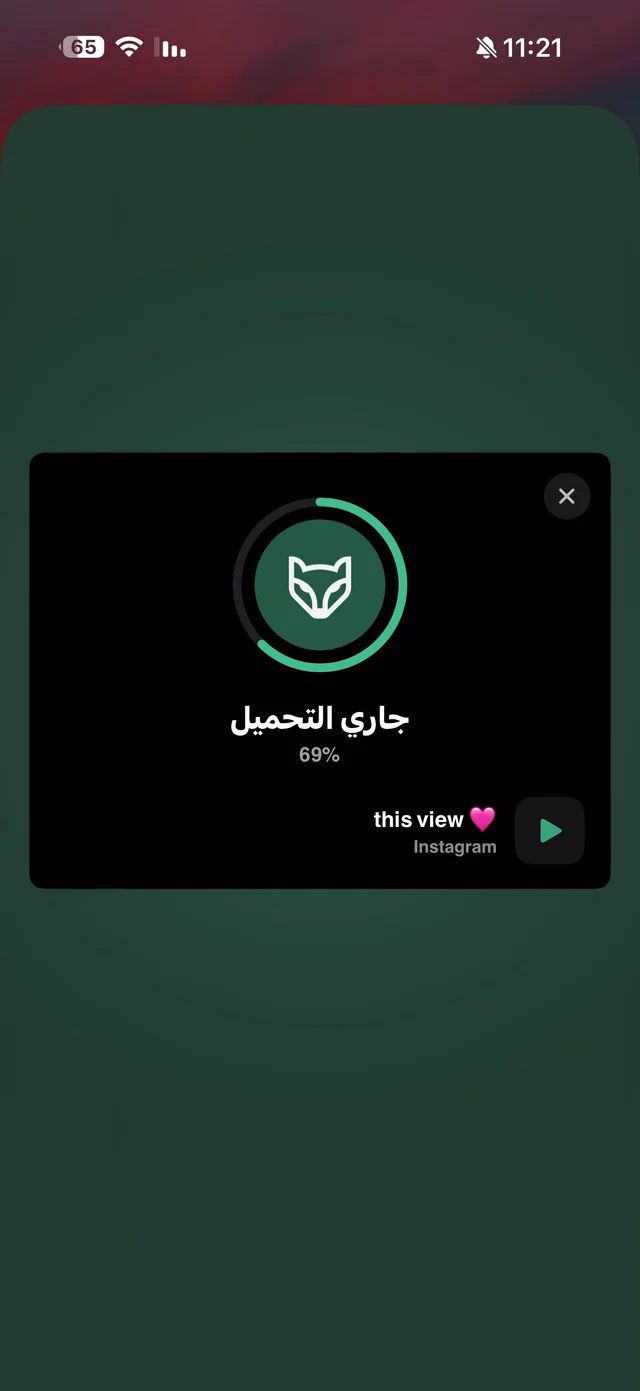
Save TikTok Videos to Camera Roll on iPhone: Videos and Photo Slideshows
From the Share button or by pasting the link — videos up to 1080p and complete photo slideshows.
5 min read
How to download TikTok photos on iPhone — every slide at once
The whole slideshow as separate photos — instead of a screenshot per slide.
3 min read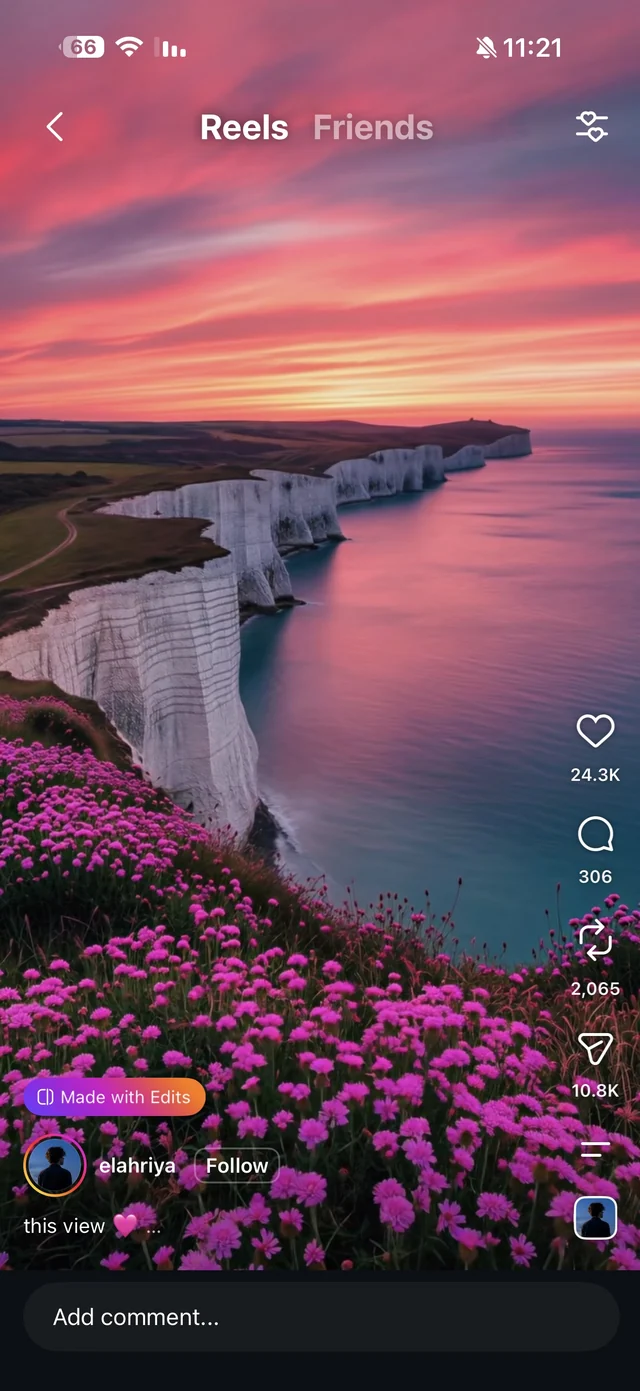
Download Instagram Reels on iPhone with Sound in Full Quality
Save a Reel to your camera roll with its audio — from Share or by pasting the link.
3 min read
How to save all photos from an Instagram post on iPhone — every photo and video in two taps
Every photo and video in the post at once — no more screenshotting slide by slide.
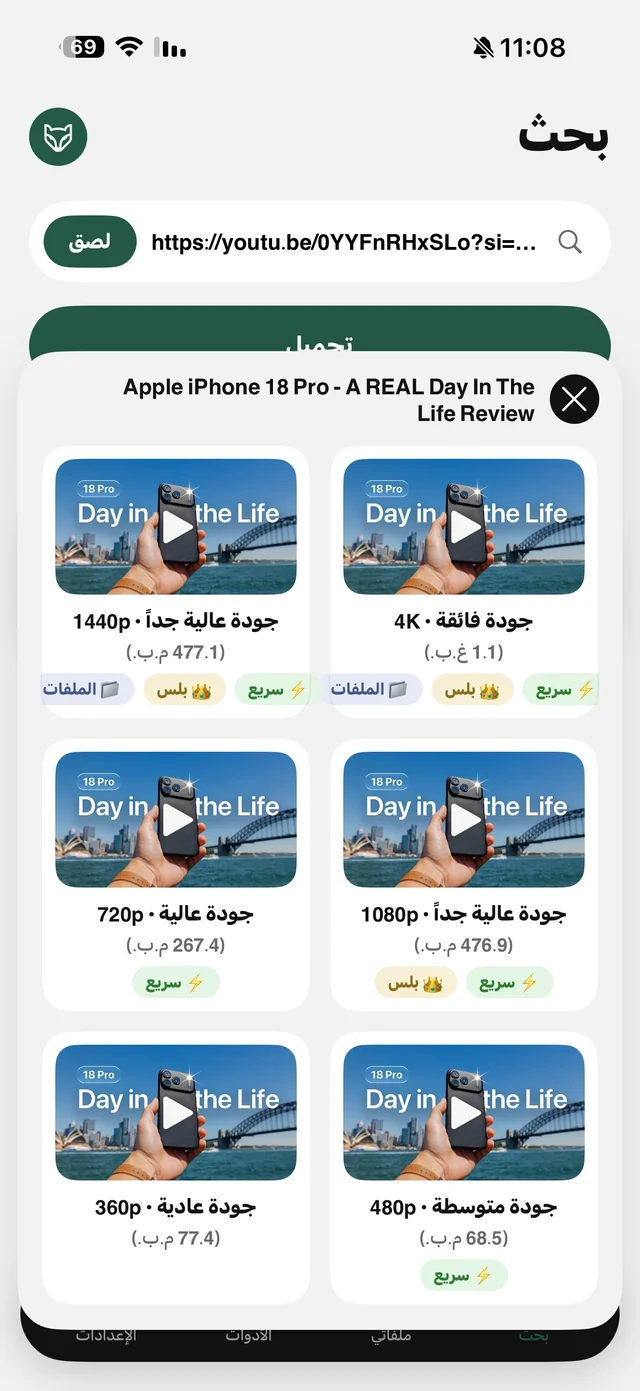
4 min readDownload YouTube Videos in HD, 1080p and 4K on iPhone
Every quality of the video with its size, up to 4K — and follow the download from the Lock Screen.
5 min read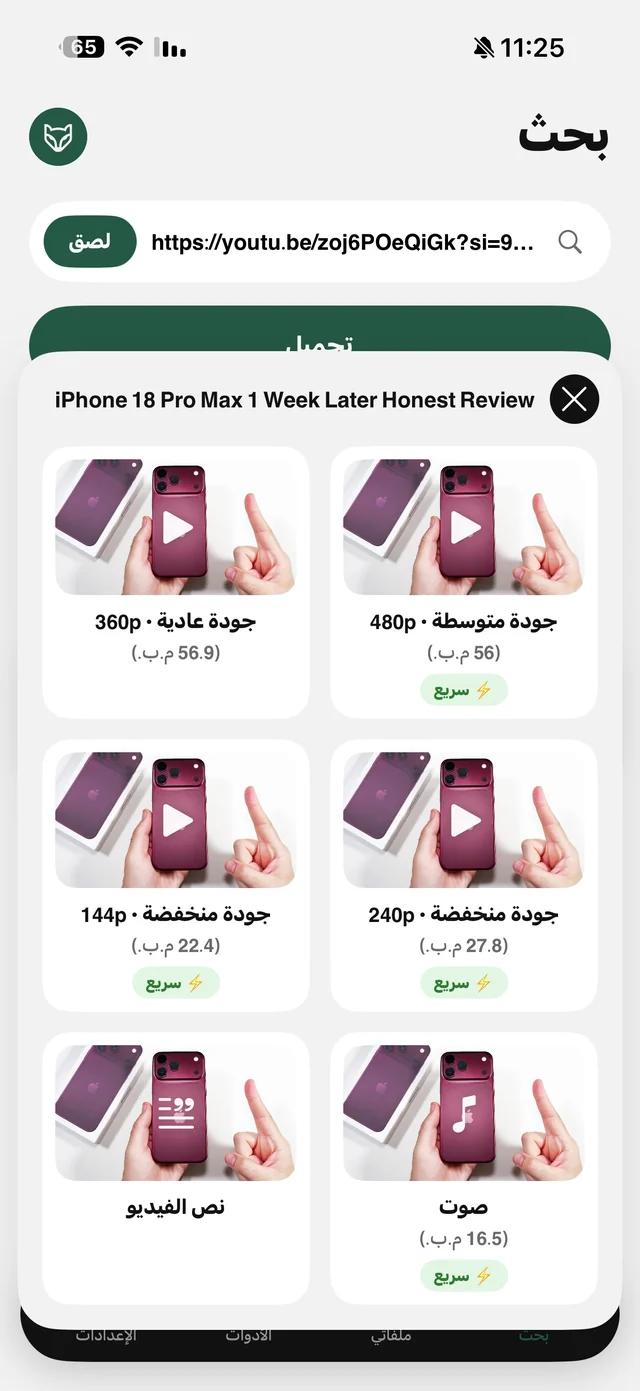
YouTube to MP3 on iPhone
The “Audio” card downloads just the audio track — and it plays with the screen locked.
5 min read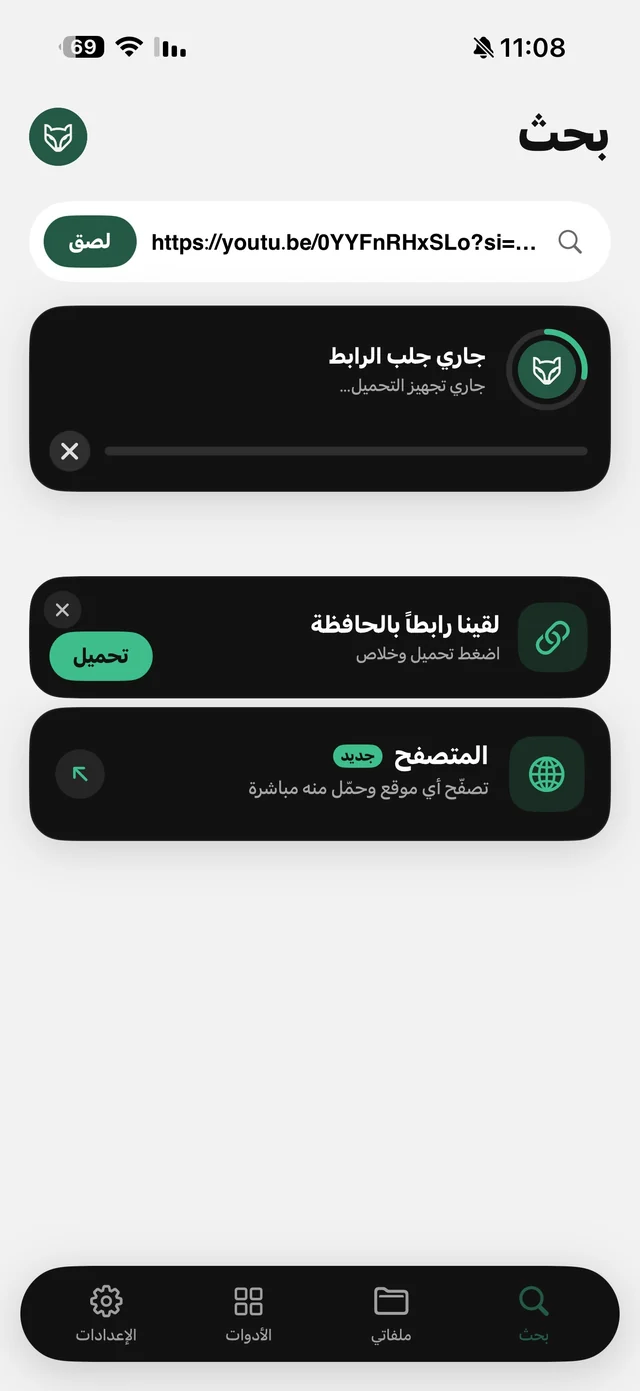
Download Twitter (X) and Facebook Videos on iPhone
Videos from tweets, Facebook and fb.watch — a copy of your own before they're deleted.
5 min read
Download Pinterest Videos and Images on iPhone in Full Quality
Pin images as they are, plus their videos — and folders for recipes and decor.
5 min readVideo and audio
Convert, trim, compress and listen — all on your iPhone.
Transcribe a YouTube video or lecture to text on iPhone
A YouTube lecture as text you can copy and study — with SRT and Arabic ↔ English translation.
5 min read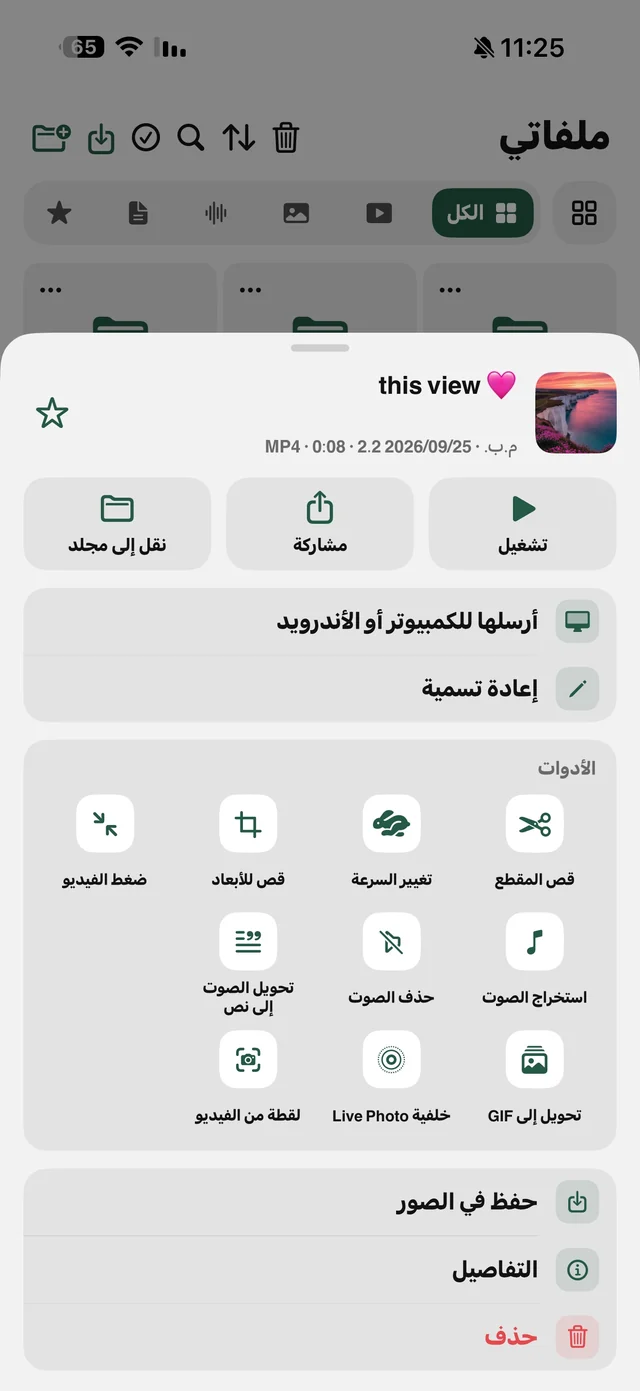
Transcribe voice memos and WhatsApp voice notes on iPhone
That long voice note, now text you read in seconds — Arabic or English.
5 min readHow to compress a video and reduce its size on iPhone
Shrink any video in three taps and see the size before and after.
4 min read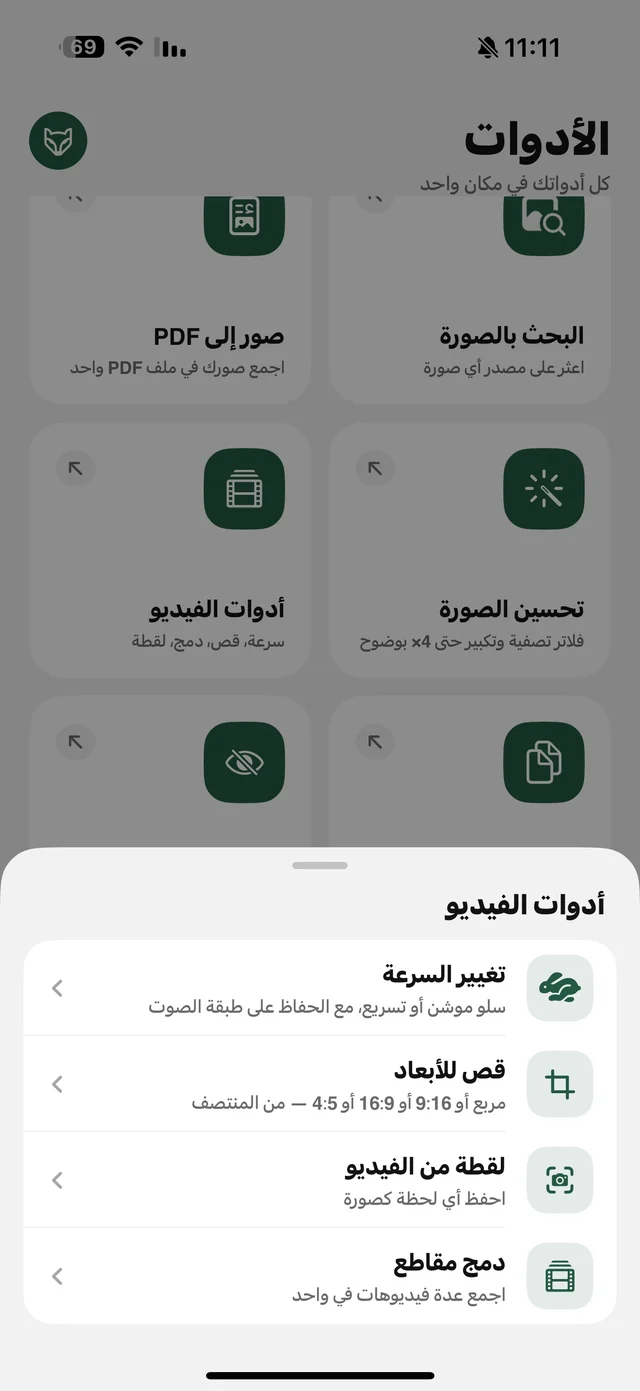
Trim, merge and change video speed on iPhone
Trim, Reels ratio, speed and merge — four free tools on your phone.
5 min readTurn a video into a live wallpaper, GIF or photo on iPhone
Your favorite clip as a moving wallpaper, a GIF, or a photo from any moment.
5 min read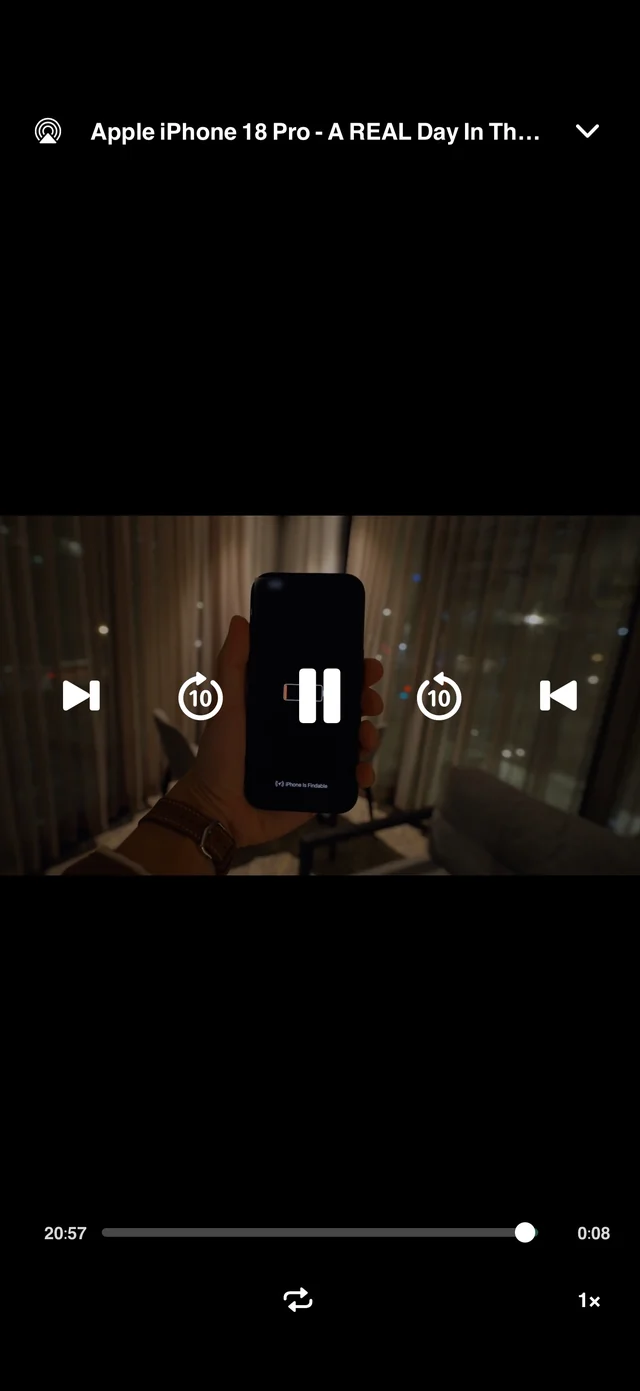
Watch videos offline on a plane on your iPhone
Load up the kids' videos and lectures before the trip and play them offline.
5 min readPhotos and PDF
Enhance your photos, protect their privacy and turn them into tidy files.
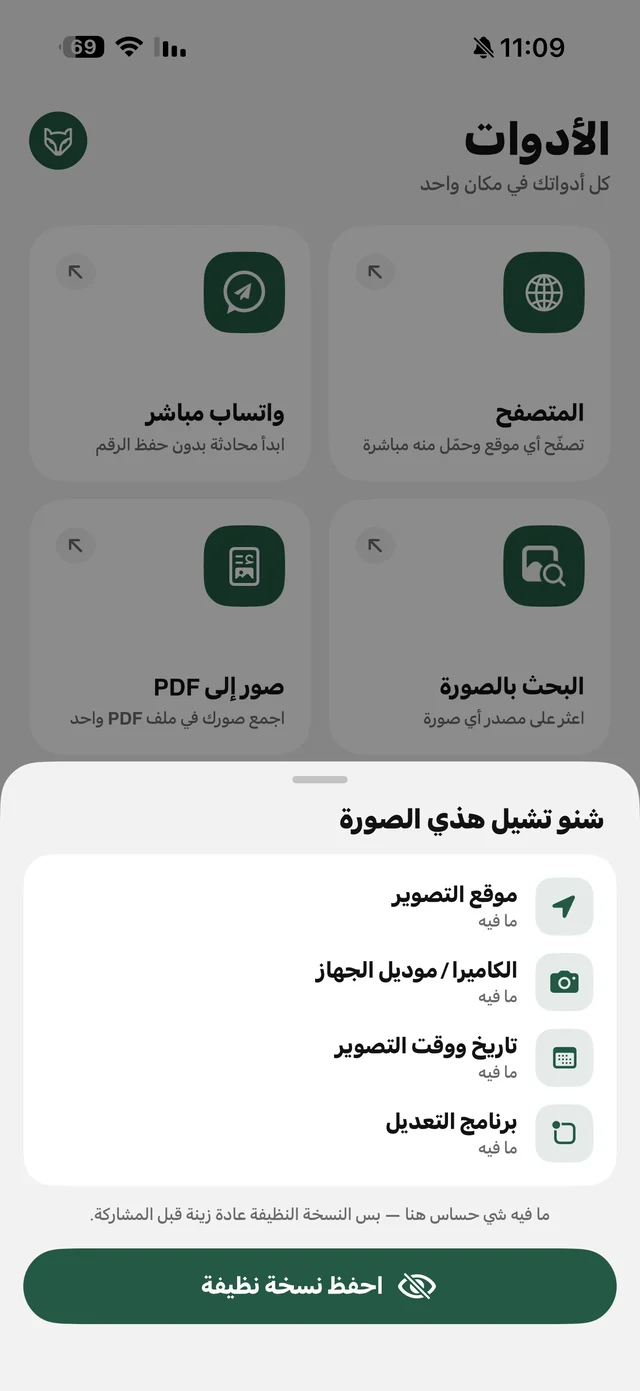
Remove the location from your photos before you post them
Your photo may reveal where you live — see its hidden data and strip it before posting.
4 min read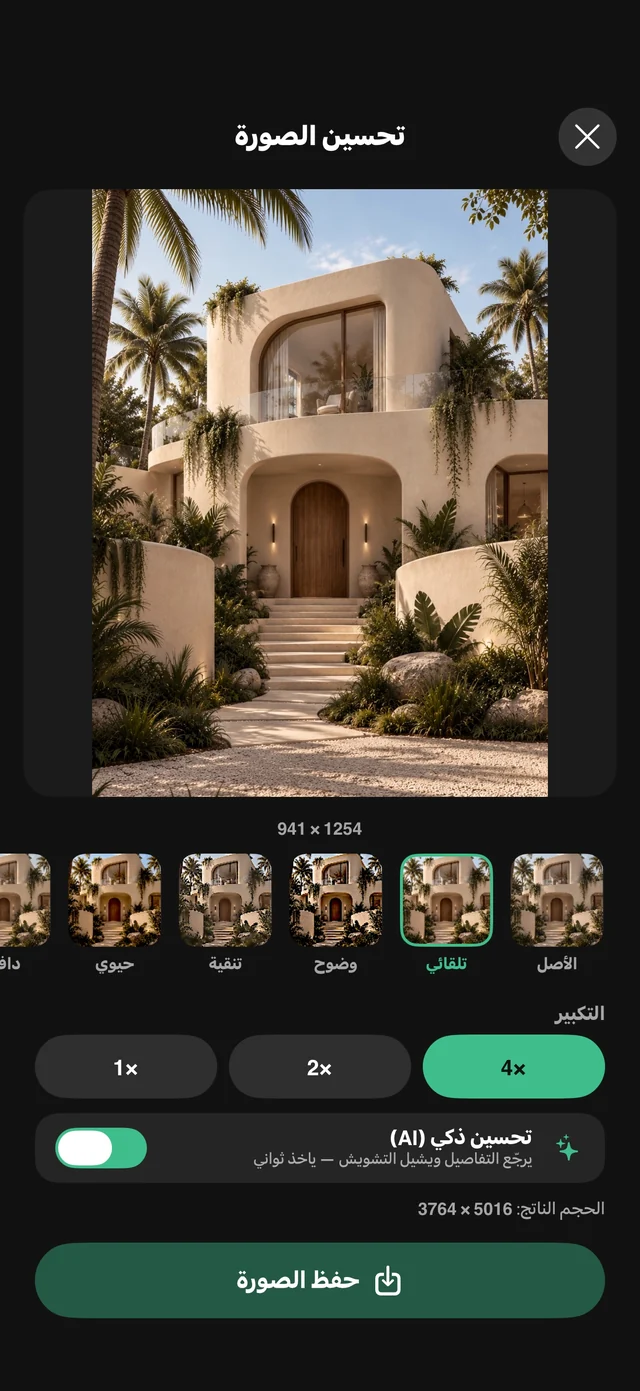
Enhance photo quality and upscale images with AI on iPhone
Small old photo or a dull product shot? Enhance it and upscale 4× on your device.
5 min readConvert HEIC to JPG on iPhone, resize photos, and copy text from them
Site rejects your photo? Convert it to JPG, shrink it and copy its text on iPhone.
5 min read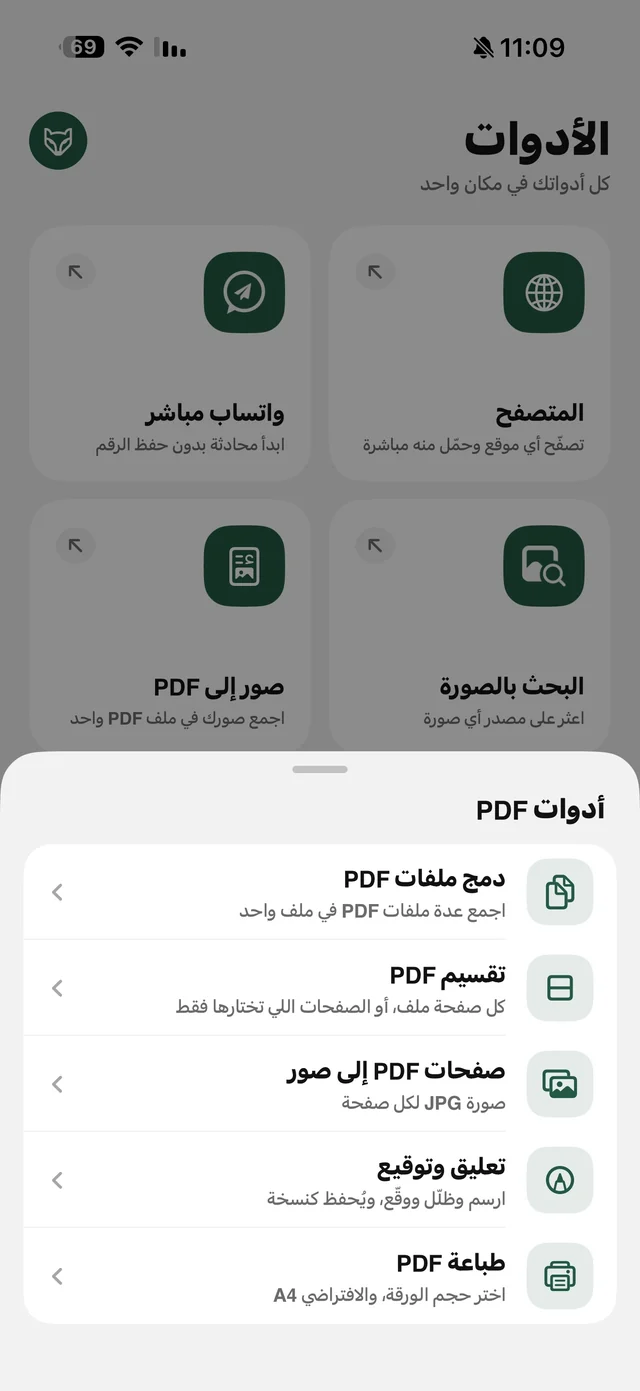
Convert images to PDF, merge, split and sign PDFs on iPhone
Images to PDF, merge, split, sign and print — all from your iPhone, free.
5 min readTurn an Instagram carousel into one PDF you can read and share
A summary or tips carousel? Make it one PDF, in order.
3 min readFiles and iPhone tips
Move, organise, search and message faster.
How to transfer files from iPhone to PC without a cable or software
iPhone to Windows or Android over Wi-Fi: a browser and a PIN, no cable, no software.
5 min read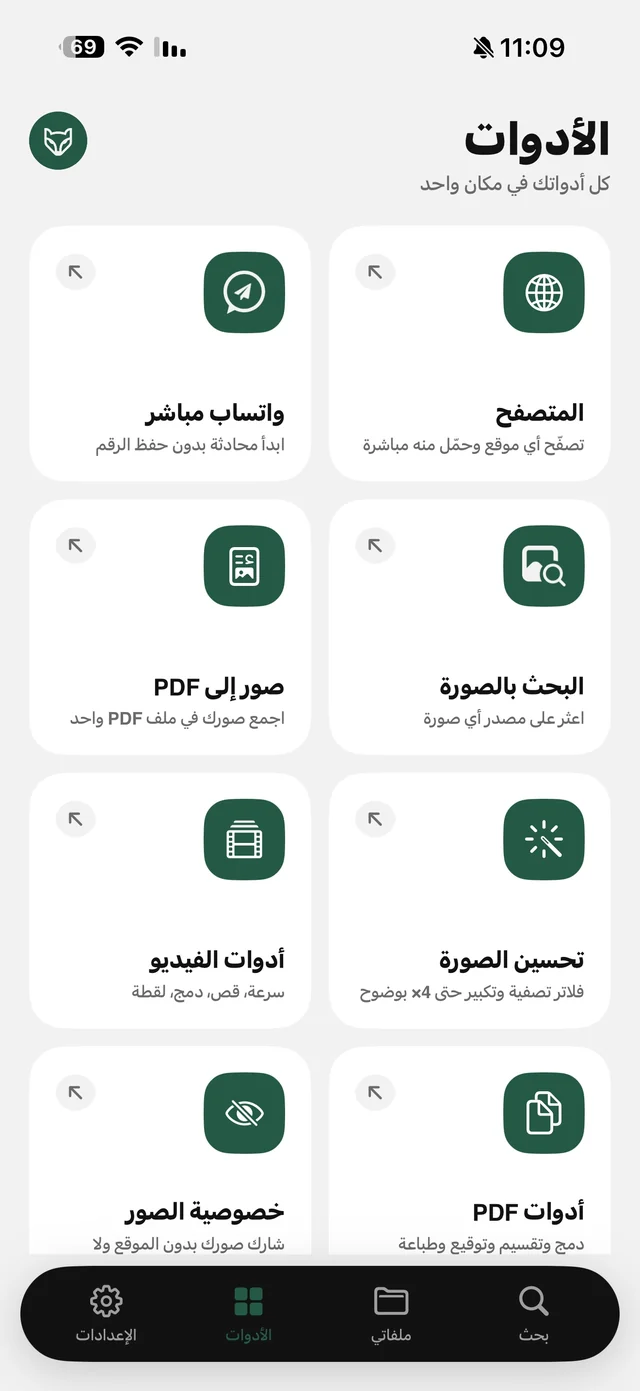
How to message someone on WhatsApp without saving their number
A courier, a seller or a new number? Message them on WhatsApp and keep your contacts clean.
4 min read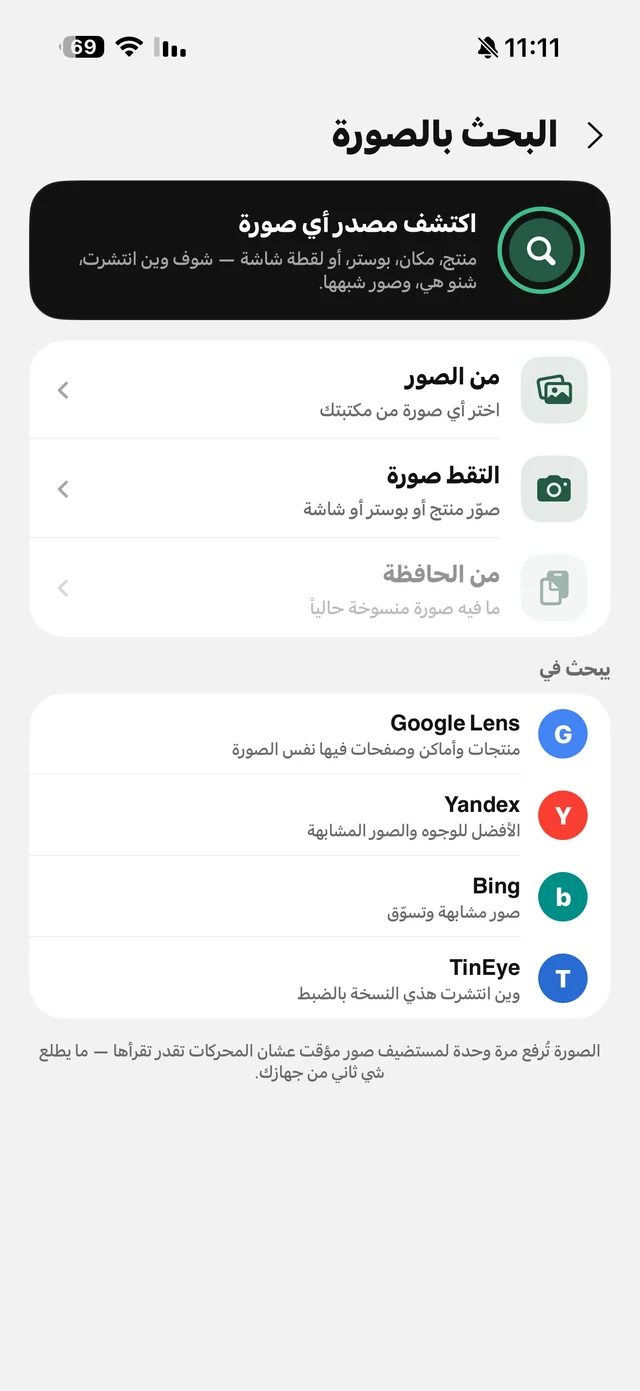
How to reverse image search on iPhone with four engines
A product in a story, a news photo, or your own stolen pictures — four reverse image search engines on one screen.
4 min read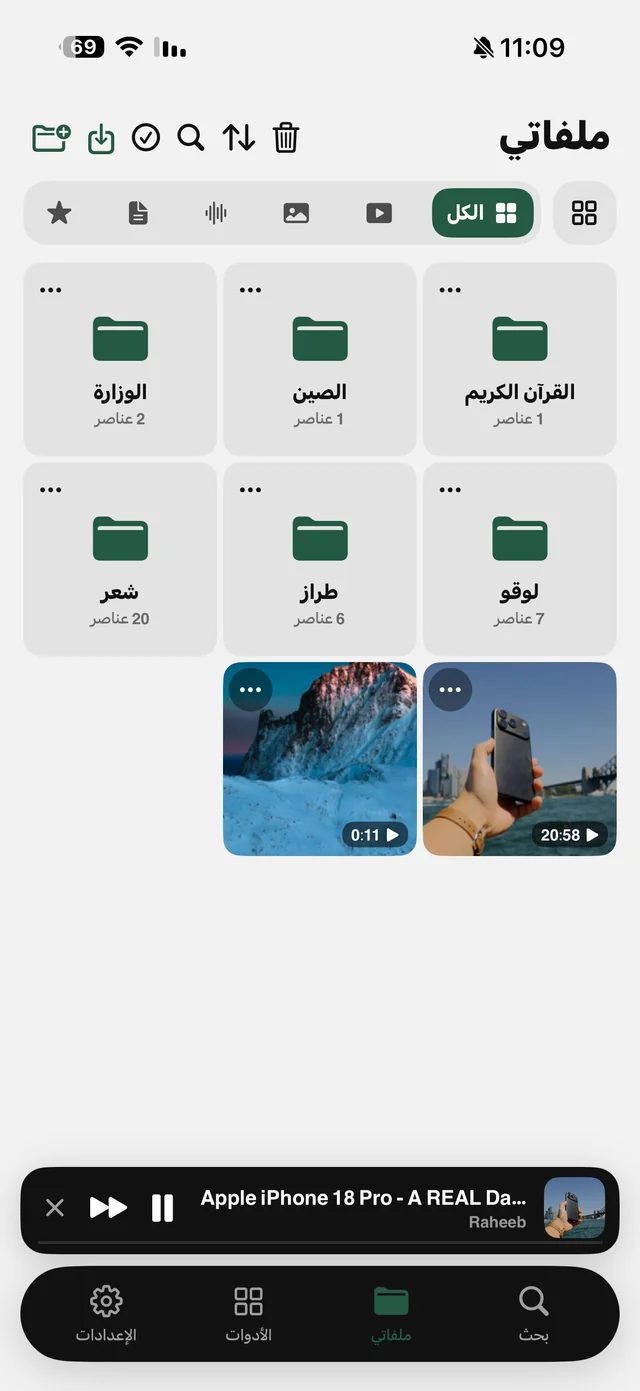
How to organize files on iPhone with folders and a Face ID lock
Folders, filters, search, a Recently Deleted bin and a Face ID lock — one tidy place for your files.
5 min read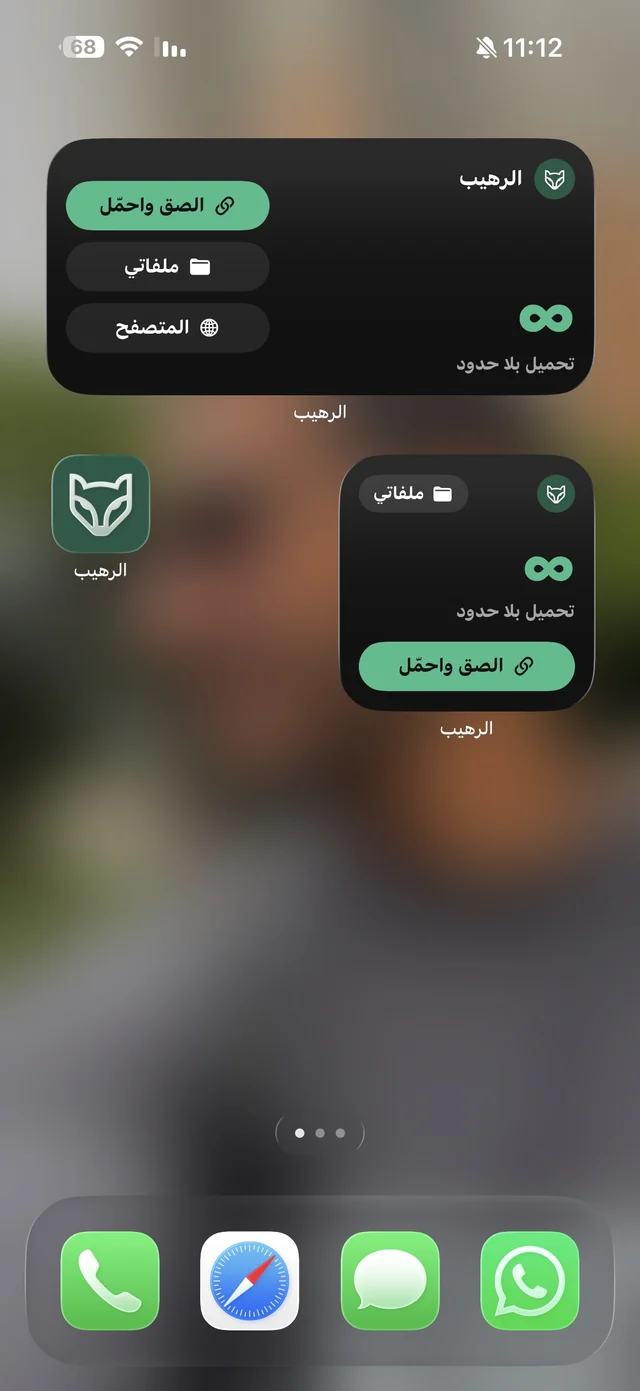
Raheeb tips: the widget, Siri commands and quick download shortcuts
Widget, Siri, icon shortcuts, download history and invite codes — 10 tips that save you taps.
6 min read
Get Raheeb free
On the App Store for iPhone and iPad — no account, and your first download takes seconds.