In this guide
The fastest way: the Share button
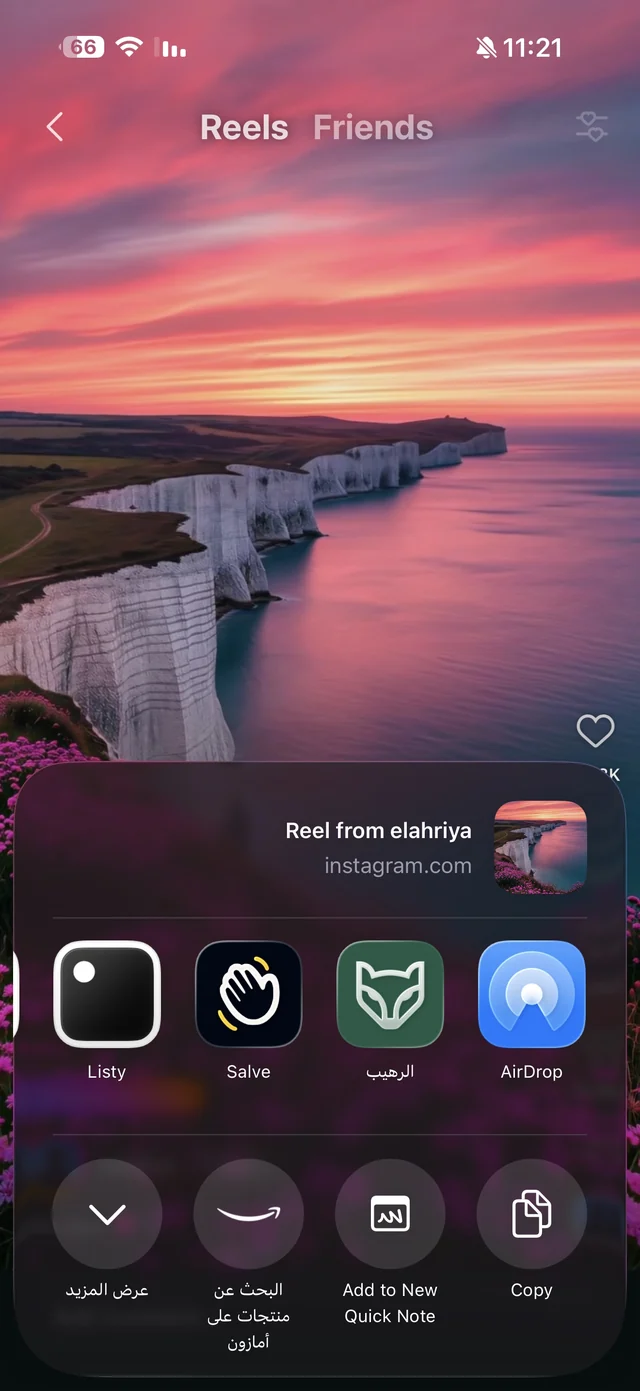
- 1Open the post with the videoFrom a public account. Open the post itself, not the profile.
- 2Tap the share buttonThen the option to share via other apps, and choose Raheeb from the row of apps. The first time, add it to the share sheet's favorites so it sits at the front of the row.
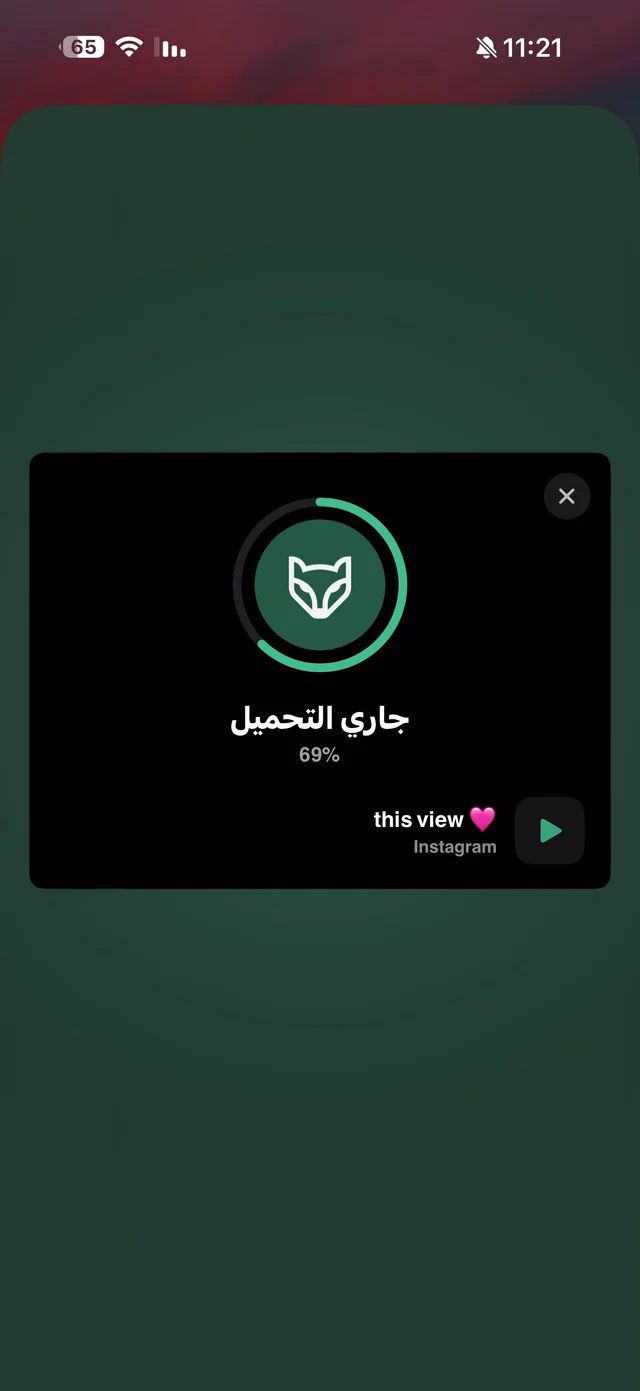
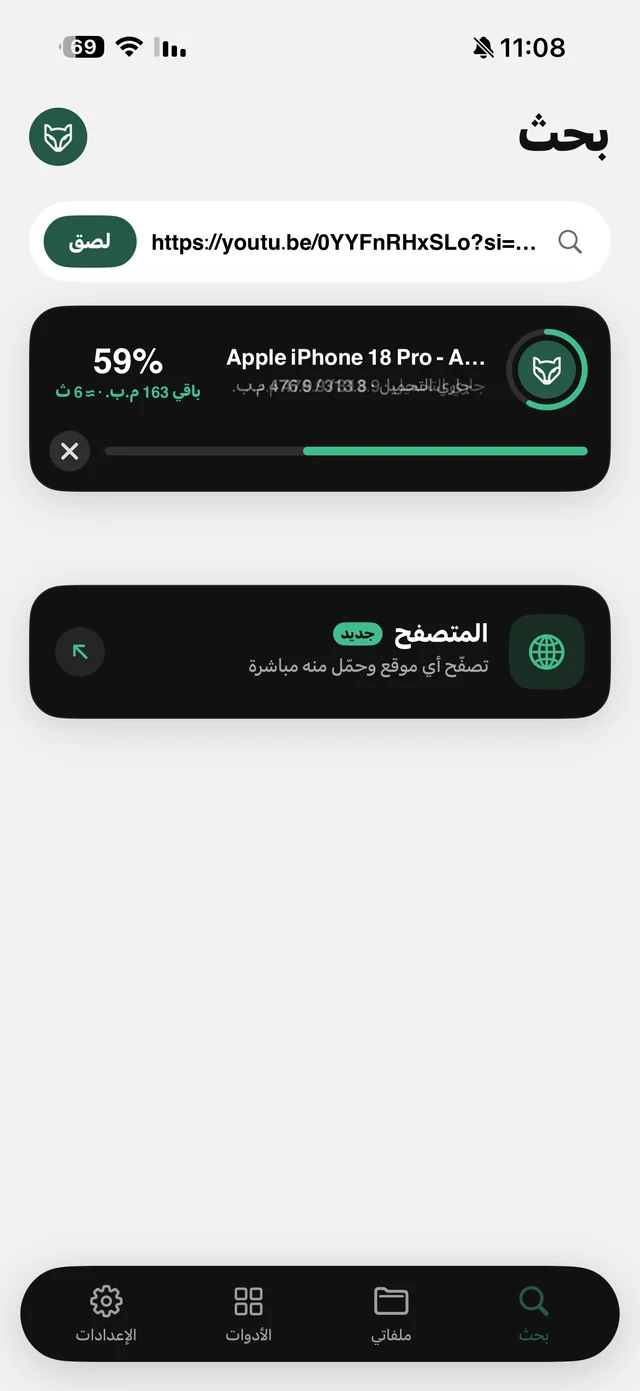
- 3Wait for the cardA card over the app shows the link being read, then the progress as a percentage.
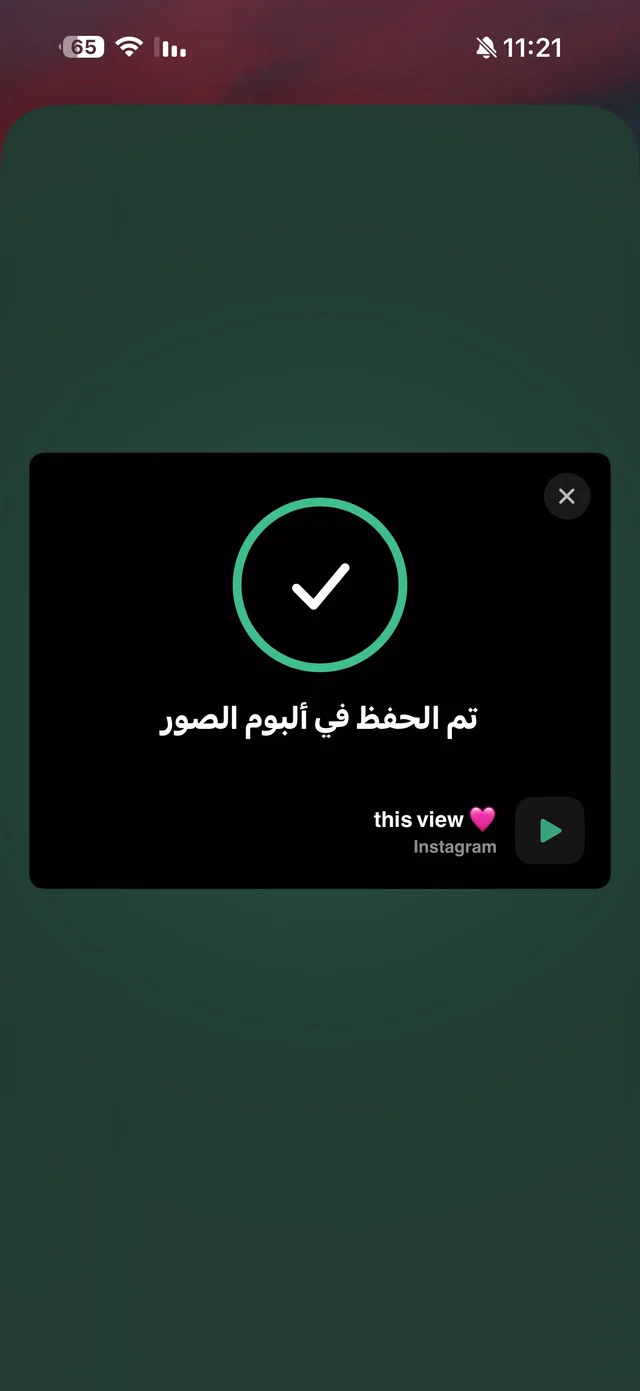
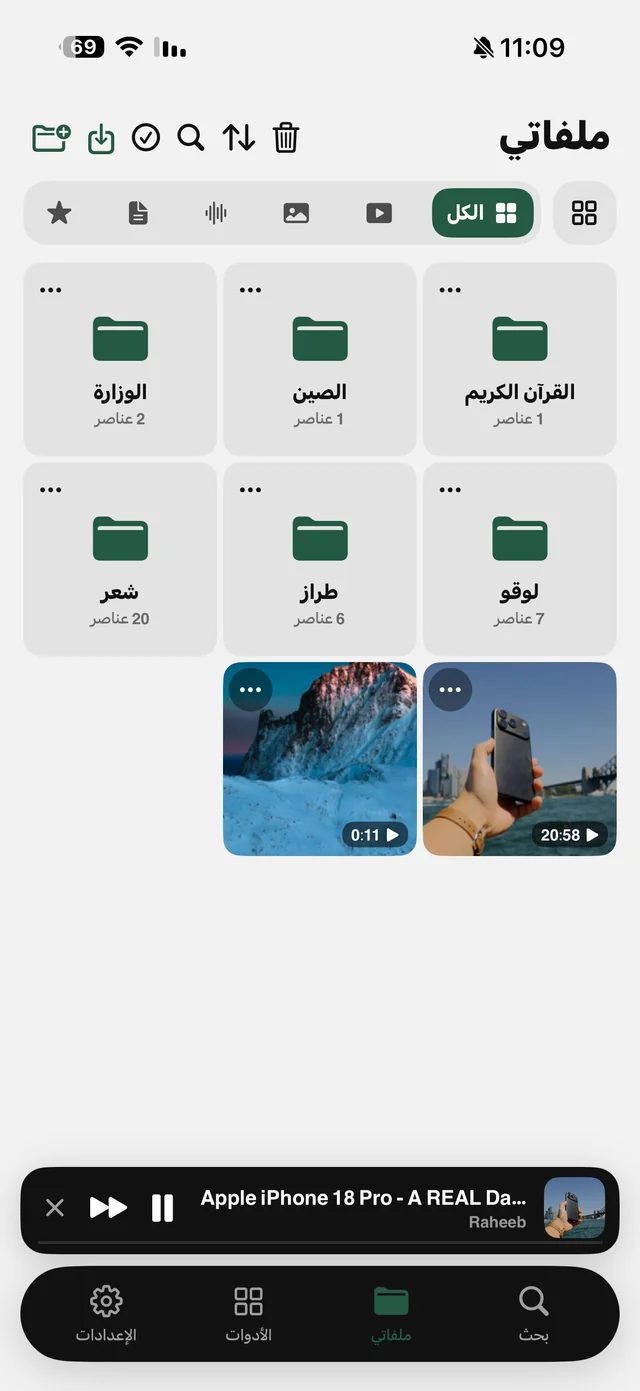
- 4Saved“Saved to Photos” appears and you carry on browsing where you were.
To pick the quality: paste the link
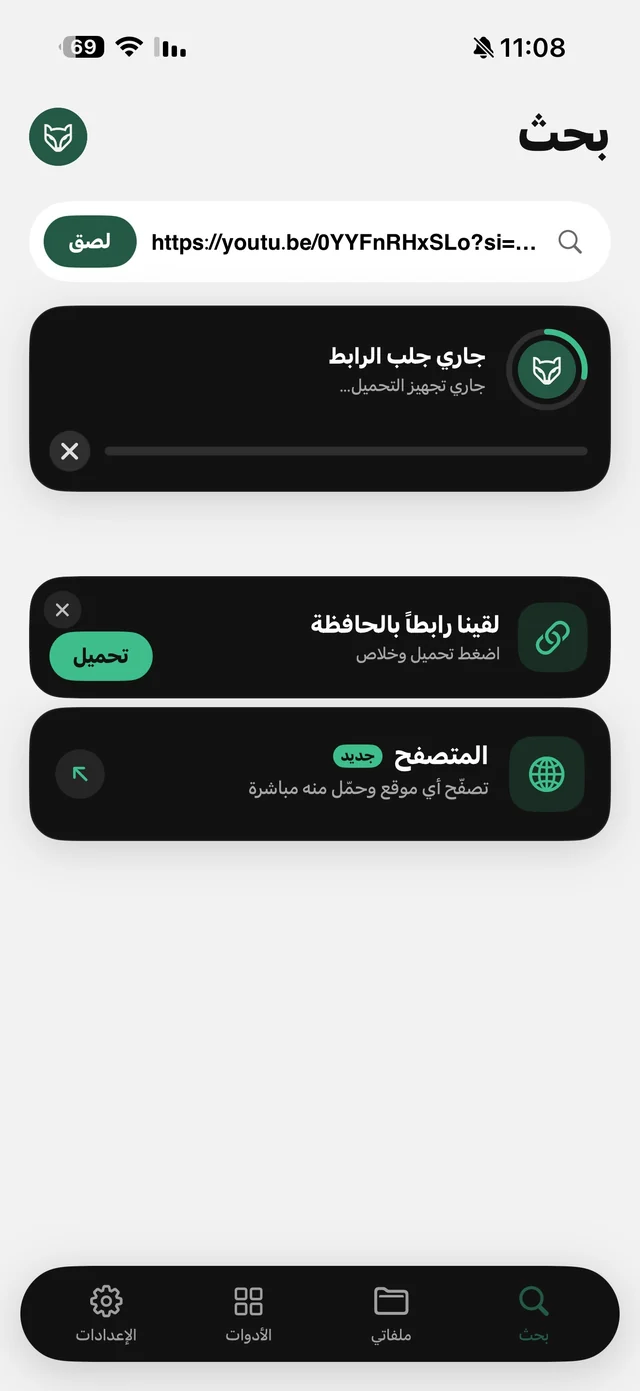
The Share button saves straight away, with no quality sheet. To choose yourself, tap Share, then Copy Link, and open Raheeb on the Search tab: a “There's a link in your clipboard” card appears with a Save button. If the video has more than one quality, they all show with their sizes, plus an Audio card if you only want the sound.
Links that work and links that don't
| Link | Result |
|---|---|
| The link to a post with a video | The video is saved |
| A short link, or a link on the site's old or new domain | Works as is; paste it unchanged |
| A post with an animated GIF | Saved as a short video that plays in Photos |
| A profile link | Rejected; you need the link to a specific post |
| A post from a protected account | Can't be saved, because Raheeb never signs in |
Rejected links are turned down before the download starts, so they don't count against your daily limit, and neither does anything that failed or that you canceled. Details on this site's guide page.

Save the first video you want to come back to: 3 files a day free, no account.
Save it before it's deleted
News clips and viral videos are often deleted within days. Bookmarking a post saves only a link, so if the post is deleted it disappears with it. Saving with Raheeb puts a copy on your phone that a deleted post can't erase. More on that in save Facebook and X videos before they're deleted.
After saving
- Sending it to a group? The video itself beats the link, since nobody needs an account to watch it. If it's large, shrink it with Compress Video. Read compress a video before sending it.
- Only need part of it? Use Trim Video from its menu in My Files; the original stays as it was.
- Want the audio? Use Extract Audio from the video's menu, or the Audio card when you paste the link. Details on video to MP3.
- Keeping it organized? Put it in a folder named after the topic in My Files, and find it later by name.
Video didn't save? Check these
- Did you copy the post's link? Not the profile link and not the home page.
- Is the account public? Posts from protected accounts can't be saved.
- Is the post still there? If it was deleted before you saved it, there's nothing to save.
- Does the post have a video? A text-only post has no file to save.