In this guide
Links that work
- X (Twitter): x.com and twitter.com links, plus short t.co links.
- Facebook: facebook.com links to videos and posts, plus fb.watch links.
What matters is that it's the link to the tweet or the video itself, not to the profile or page. A whole page doesn't download, and that kind of link is rejected before it counts against your allowance.
The steps (the same on both platforms)
- 1Open the tweet or videoFrom a public account or page.
- 2Tap “Share”And choose Raheeb — or “Copy link” if you want to pick the quality.
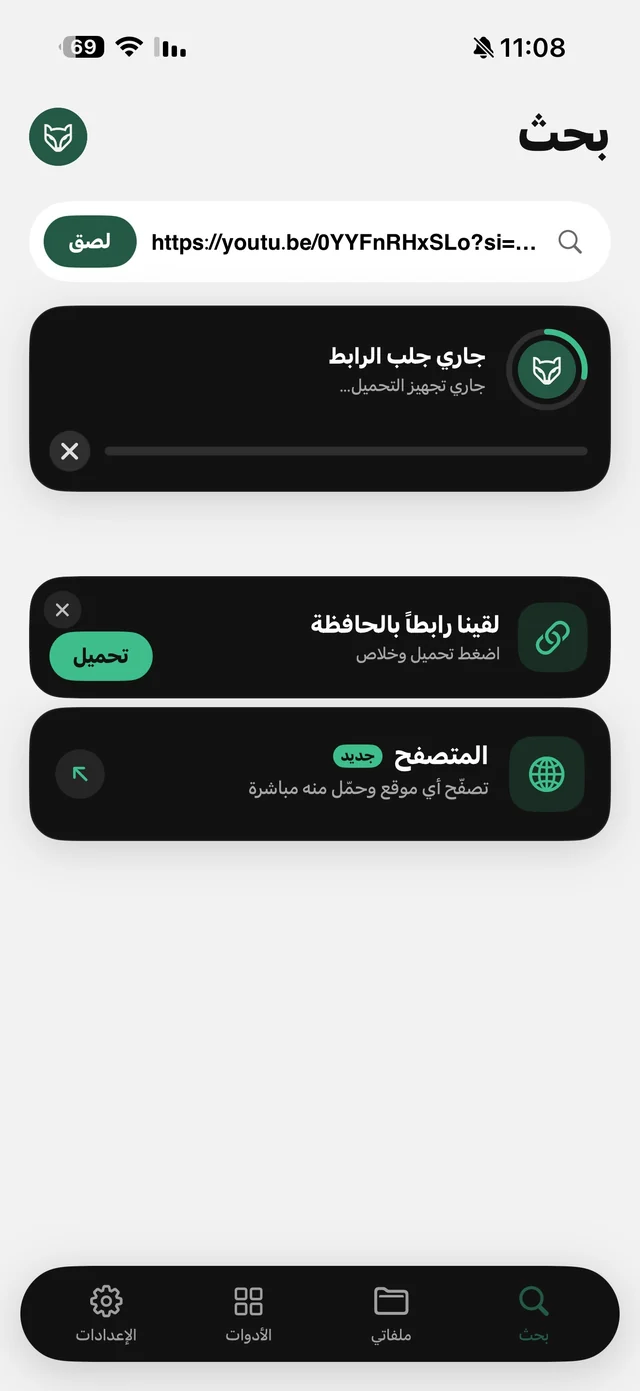
- 3If you copied the linkOpen Raheeb on the Search tab and tap “Download Now” on the “Found a link in your clipboard” card, or tap “Paste”.
- 4Pick a quality or “Audio”If the video comes in more than one quality you'll get to choose, along with “Audio” if you only want the sound.
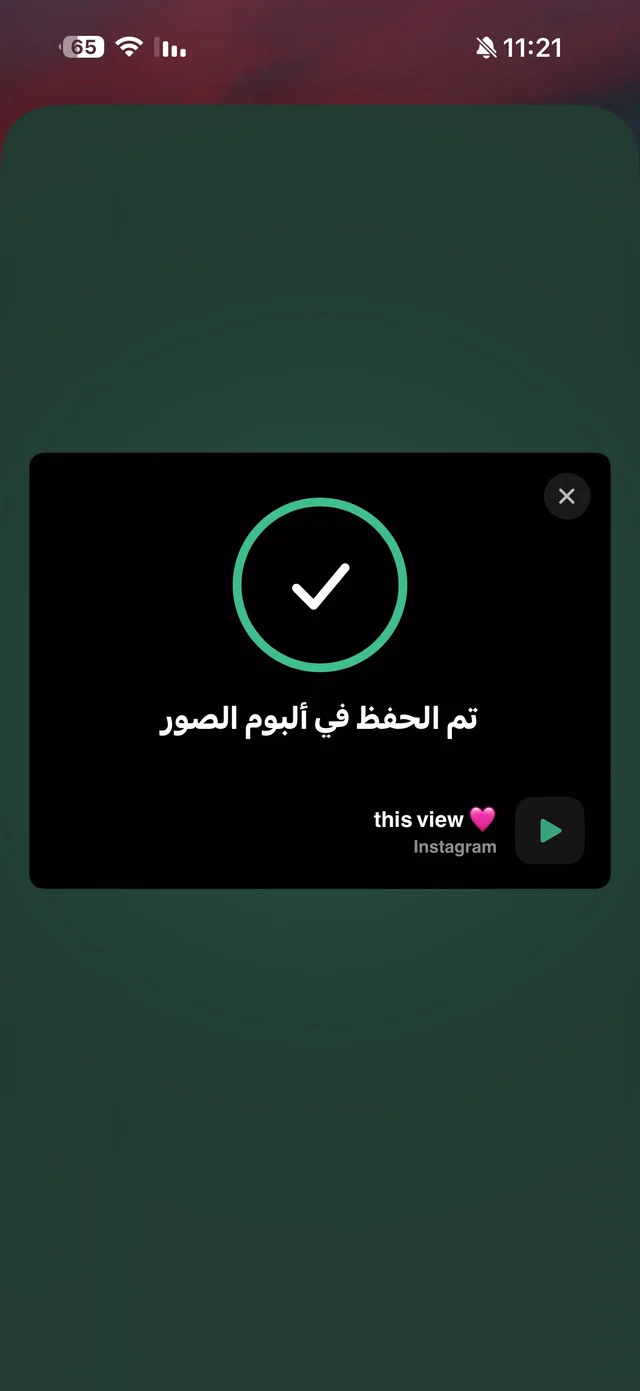
- 5It's savedTo Photos or My Files, depending on the “Where downloads are saved” setting.
Save it before it's deleted
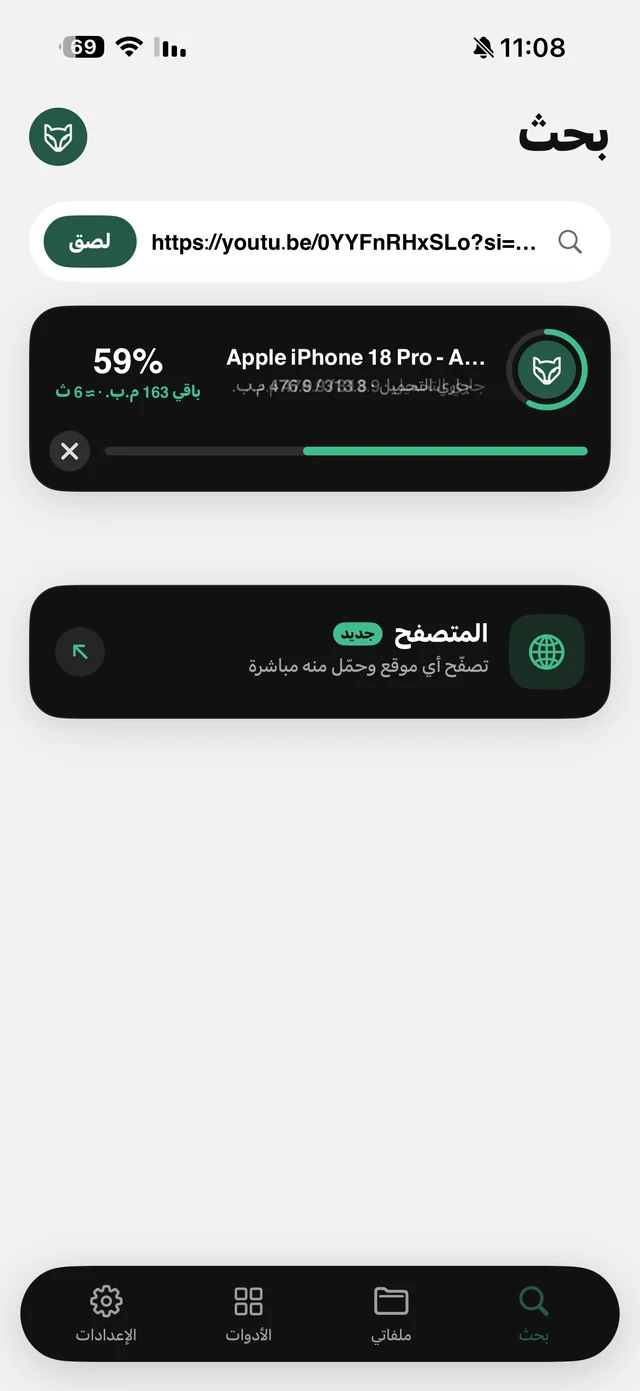
News and event videos on X and Facebook often get deleted after they spread — removed by the owner or taken down — and when you go looking for them later, they're gone. Downloading keeps a copy on your phone, so deleting the video from the platform doesn't erase it. The best habit: “Share”, then Raheeb, the moment you see the video, not later.
The built-in options don't solve this: “Save” on a Facebook post or a bookmark on X stores a link inside the app, not the file — if the post is deleted or the account goes private, it disappears from your saves along with it. And screen recording captures buttons and notifications at screen resolution and needs manual trimming. Only downloading gives you the file itself, with its audio.
X videos: things to know
- GIFs: X stores animated GIFs as video, so they're saved on your phone as a short clip that plays in your photo album.
- Qualities: if the tweet has more than one quality you'll see them, along with “Audio” (the audio is separated on the phone).
- Protected accounts: their tweets don't download, because Raheeb doesn't log in with any account.
A video you want to keep for work or study — a statement, a press conference, a short explainer — download it and put it in a folder named after the topic in My Files, and you'll find it later by searching its name instead of hunting for the tweet again. More on the X download page.
Facebook videos: family clips and recipes
Facebook is home to family clips, recipes and videos shared by relatives. Any video posted publicly — on a page, a profile or a public group — can be saved with the same steps, and fb.watch links work as they are. Videos from private groups and private accounts need membership or a login, and Raheeb doesn't log in, so they're out of scope. Details on the Facebook download page.
After saving: the video in My Files plays offline, you can show it on the TV with AirPlay, or send it to the home computer over Wi-Fi — see transfer files from iPhone to PC.

Save the video before it disappears — 3 free downloads a day, no account needed.
Sending it to a group chat? The video beats the link
A link in a WhatsApp group pulls people out of the chat into the platform's app or a browser, and some of them don't even have an account. The video itself plays right inside the chat. If it's big, “Compress video” from its menu in My Files shrinks it to 720p or 540p as a copy next to the original — see compress video for WhatsApp — and “Trim video” keeps just the important part.
On the TV and offline
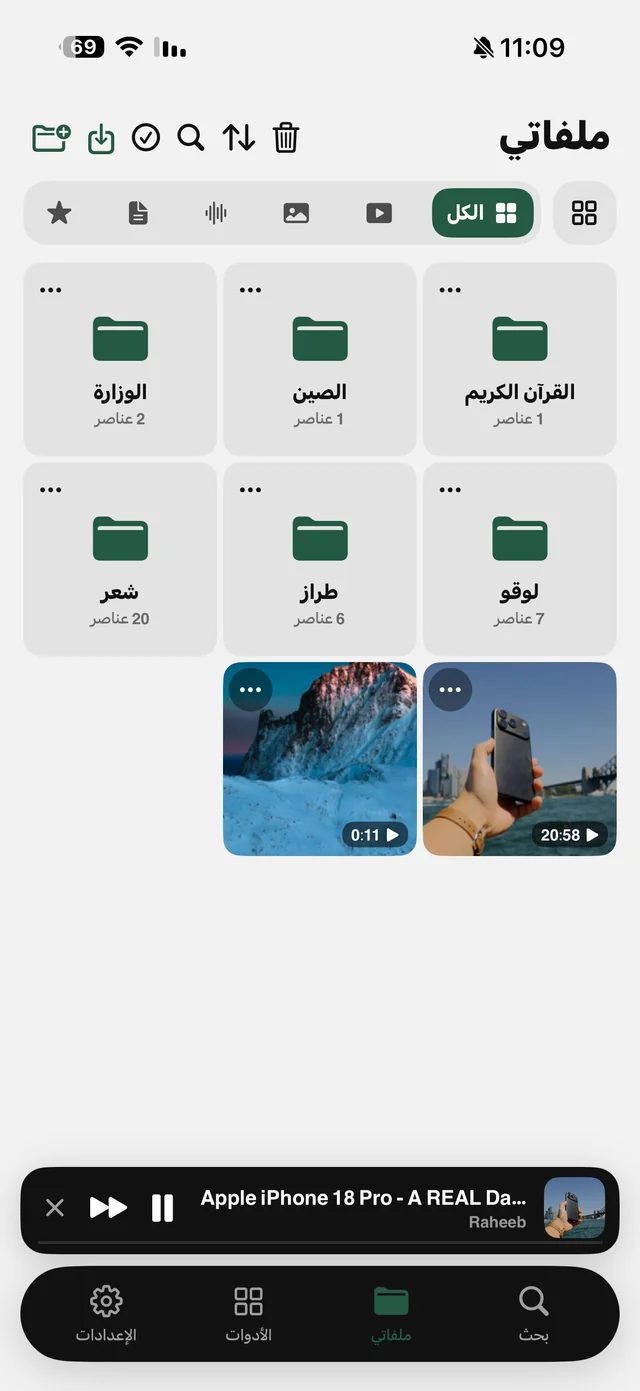
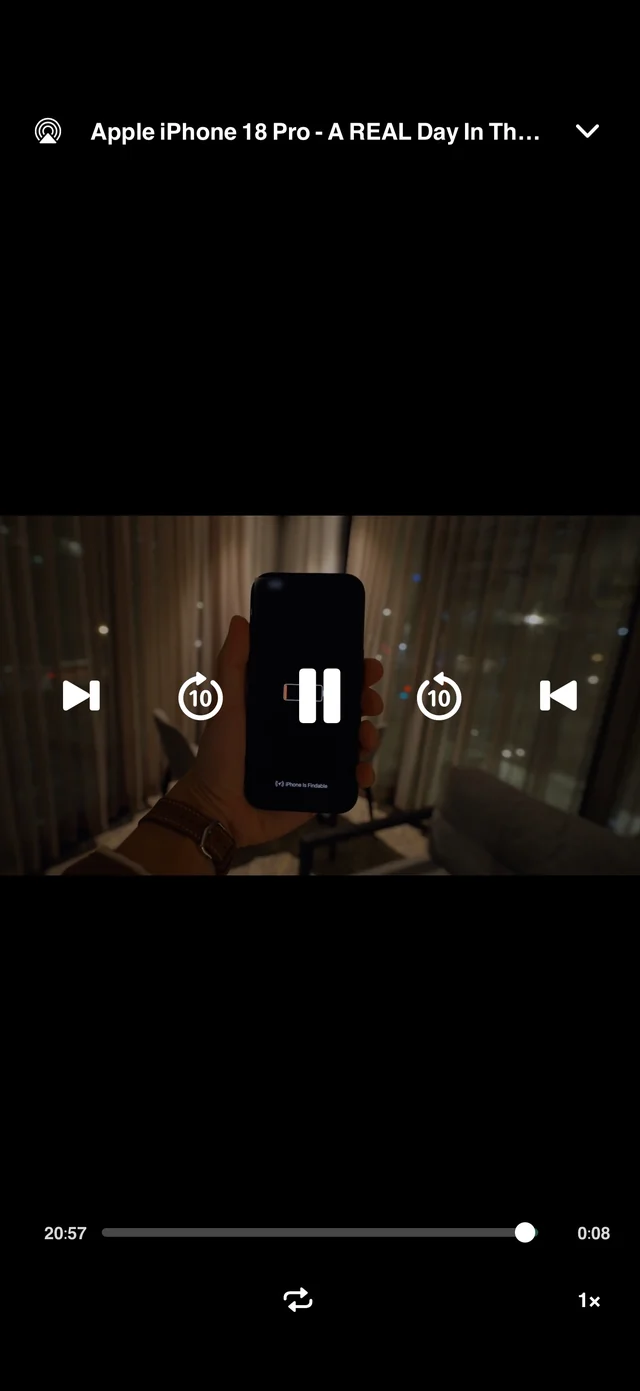
The video in My Files plays in Raheeb's player with no internet, with 10-second skip forward and back and speeds up to 2×, and you can show it on the TV with AirPlay — handy for a family video you want everyone in the living room to see.
Video didn't download? Check these
- Is the link right? It has to be the link to the tweet or video, not the account or page.
- Is the account public? Protected accounts on X and private groups on Facebook don't download.
- Does the video still exist? If it was deleted from the platform before you downloaded it, there's nothing to download.
- Did the download fail? Failed or cancelled downloads don't count against your allowance — try again.