In this guide
Why doesn't TubeMate work on iPhone?
TubeMate became popular on Android for downloading YouTube videos at different qualities and converting them to MP3, and it's downloaded from its site as an APK file. iPhone can't install APK files, or apps from outside the App Store without profiles and certificates from unknown parties. VidMate is the same. So “old TubeMate for iPhone” or “latest version for iPhone” are headlines on pages that won't give you the app itself.
What TubeMate does, and Raheeb's equivalent
| TubeMate on Android | Raheeb on iPhone |
|---|---|
| A list of video qualities | Every quality with its size, from 144p up to 4K where the video offers it |
| Convert to MP3 | The Audio card, then Convert to MP3 for free |
| A built-in YouTube browser | Raheeb's browser, with audio that keeps playing in the background |
| A downloads list | My Files with folders, a player and search |
| Background downloads | Downloads keep going in another app, shown in the Dynamic Island and on the Lock Screen |
Saving a YouTube video in Raheeb
- 1Copy the video linkIn YouTube: Share, then Copy Link. It works with regular videos and Shorts.
- 2Open RaheebTap Save on the copied-link card in the Search tab.
- 3Pick a quality or AudioEvery quality with its size, with a Fast tag on the quickest to save.
- 4Watch it offlineIn Photos and My Files, and it plays on a plane.
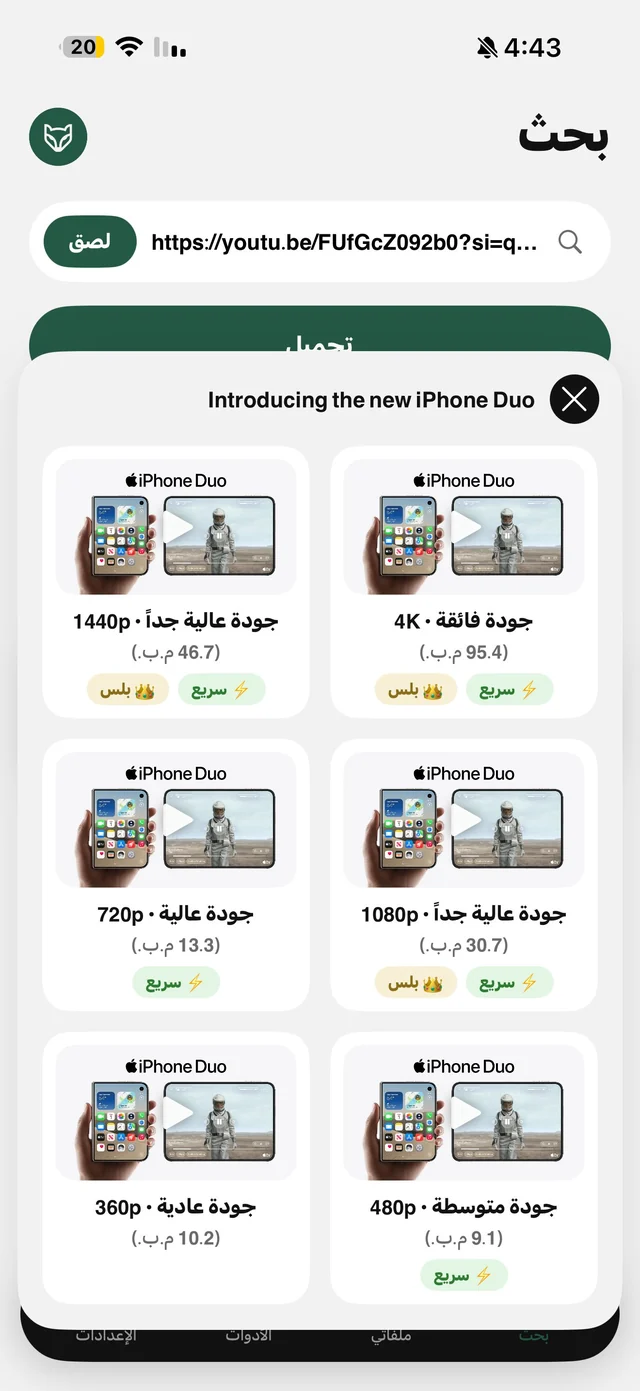
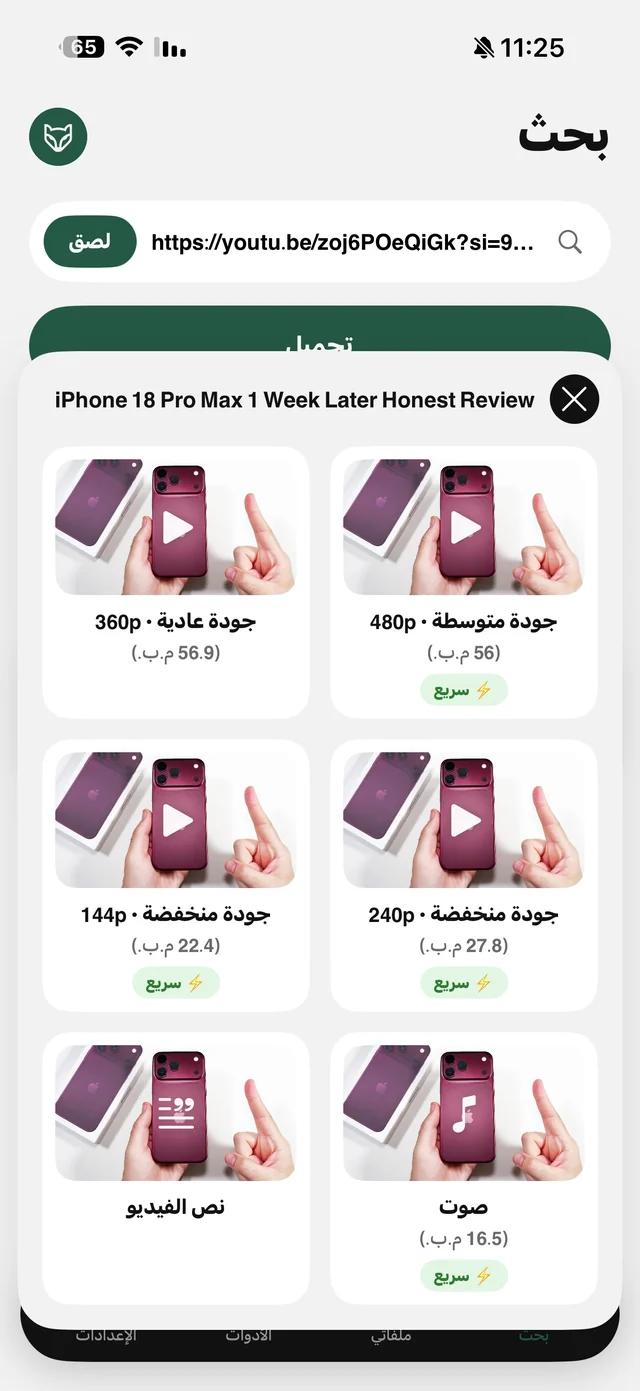
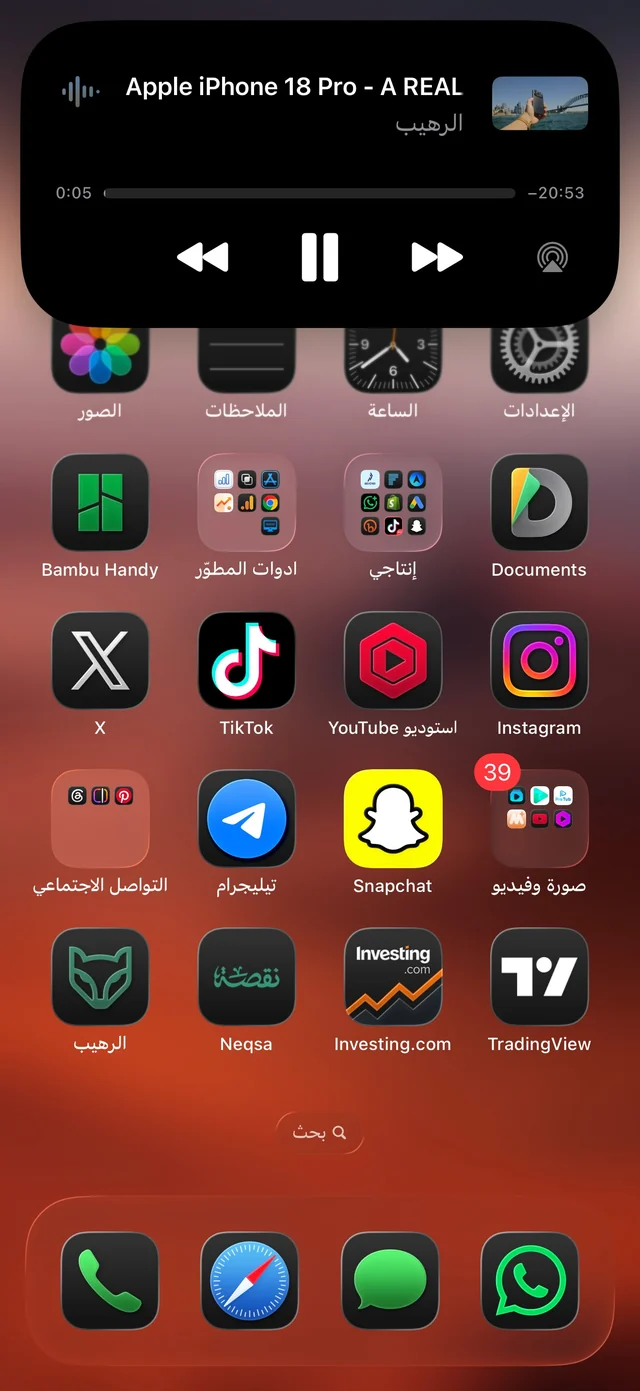
Qualities up to 720p are free on this site, and 1080p and above are part of Raheeb Pro. Details in download YouTube in HD and on the pricing page.

Try the TubeMate alternative: 3 files a day free, no account.
YouTube to MP3, like TubeMate
The Audio card saves just the video's sound, a small file you can listen to with the screen locked. If you need MP3 specifically, Convert to MP3 from the file's menu is free. Read YouTube to MP3.
What it doesn't save
- A whole channel or playlist: you need each video's own link.
- A live stream in progress: it can be saved after it ends and is processed.
- Private or members-only videos: they need a sign-in, and Raheeb never signs in.