In this guide
Steps: from a video in My Files to an MP3
- 1Open My FilesFind the video. If it's in Photos, add it first as shown in the next section.
- 2Tap ⋯ on the videoOr long-press it, and the file's tools appear.
- 3Choose Extract AudioIt's under Audio & Text. It takes a few seconds, depending on the video's length.
- 4Convert it to MP3 if you need toThe audio file shows up under the Audio filter. Tap ⋯ on it and choose Convert to MP3, and an MP3 copy is saved next to it.
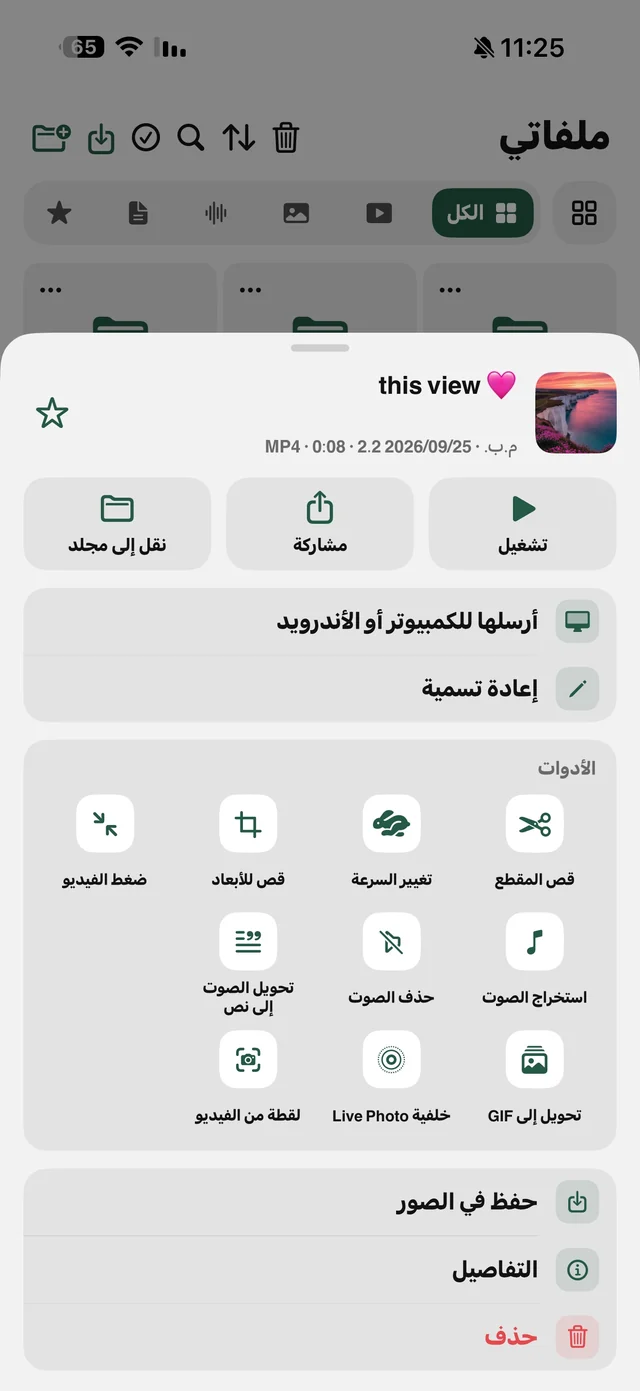
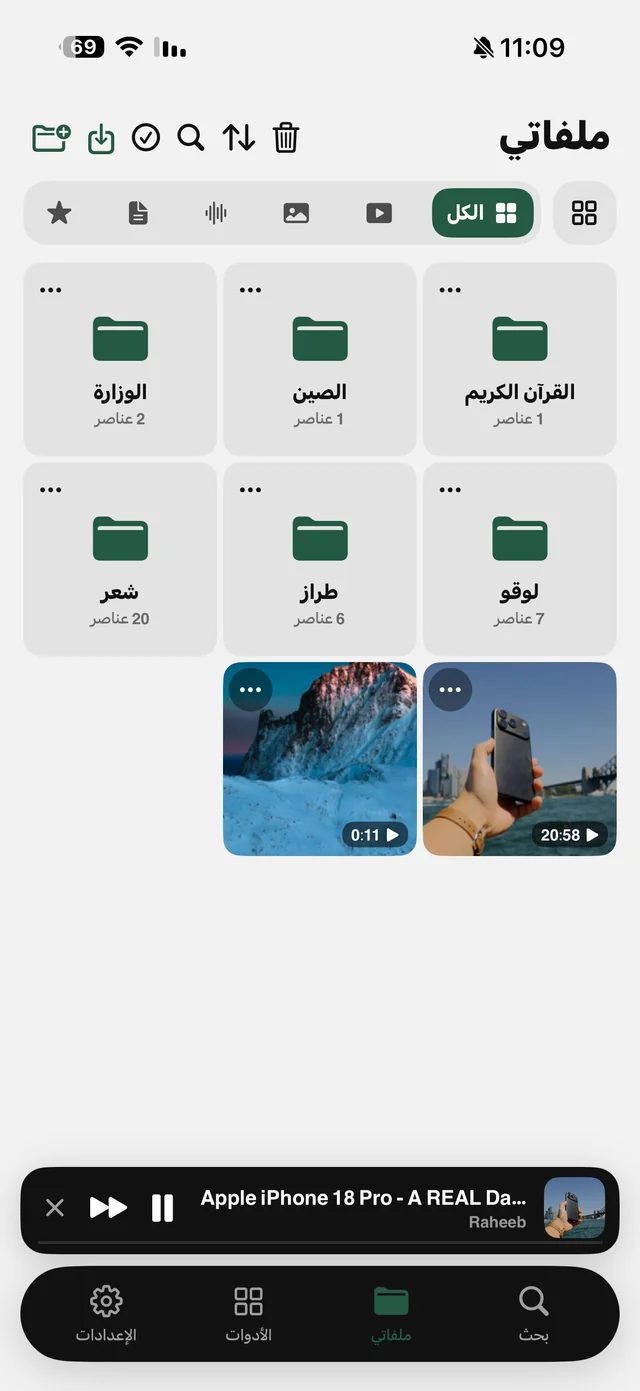
The original video doesn't change; the audio is a new file named after it. Neither extracting nor converting needs the internet, because everything happens on the iPhone itself. Details on the audio extraction page.
Video in Photos? Add it to My Files first
Raheeb's tools work on what's in My Files, so there are two ways to bring in a video from your camera roll or any other app:
- From inside Raheeb: in My Files tap the add button, then Import Files → From Photos, and pick one or more videos. This doesn't ask for access to your whole photo library.
- From any app: in Photos, Files or a chat with a video, tap Share and choose Raheeb. You'll see “Adding to My Files…”, and the video arrives when you open the app.
Convert a video to MP3 from a link
If the video is posted on a site rather than on your phone, there's no need to save it and then extract the sound. Copy its link, open Raheeb on the Search tab, tap Save on the copied-link card, then pick the Audio card under the list of qualities. Only the audio is saved to My Files, and it counts as one file toward the daily limit.
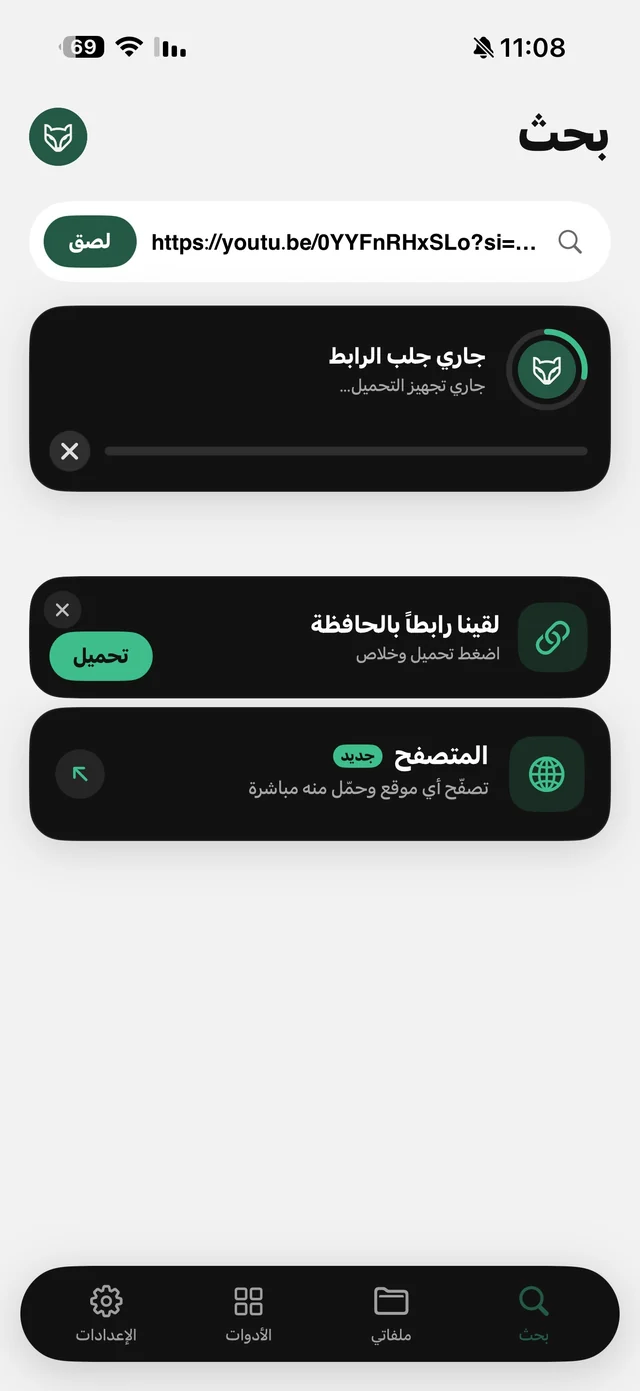
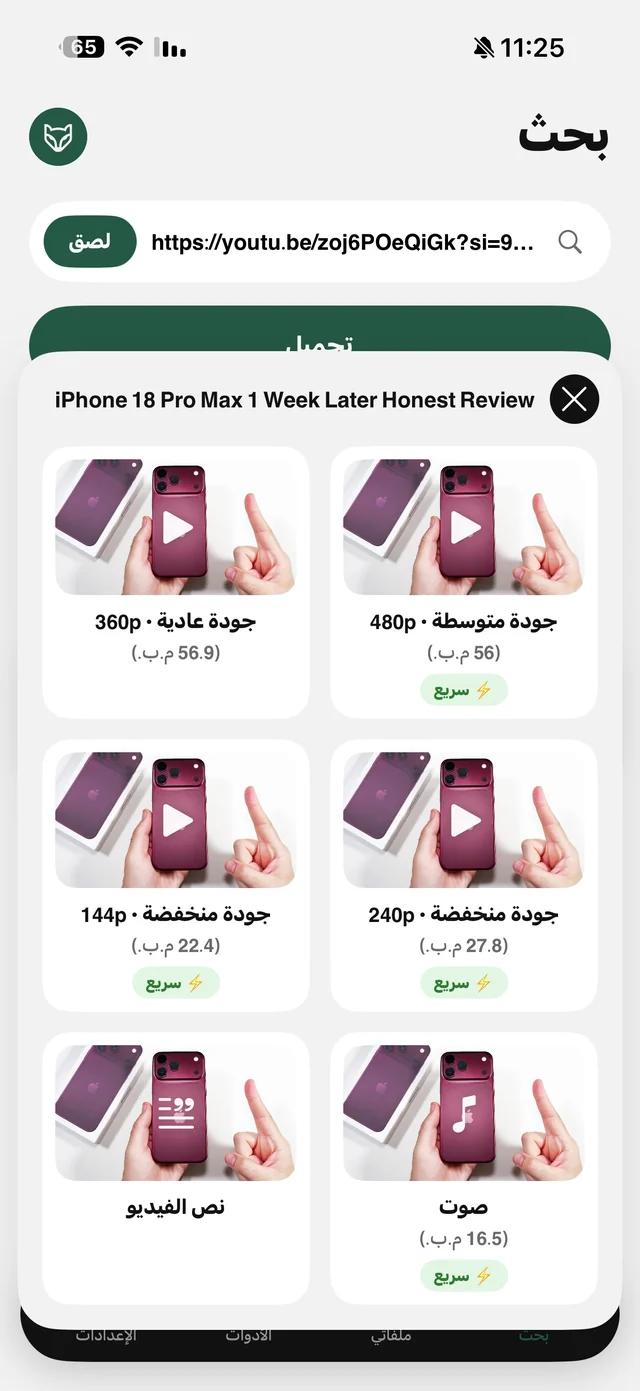
We wrote a guide for each site: YouTube to MP3, Instagram Reels audio and TikTok sounds.
M4A or MP3: which one?
iPhone and every Apple device play M4A without a problem, and it's usually smaller at the same audible quality. MP3 is what some cars, older speakers, editing apps and upload sites ask for. The simple rule: if the file stays on your iPhone, keep it M4A; if you're sending it to a device you don't know, convert it to MP3.
| Method | Result | Free or Pro |
|---|---|---|
| Extract Audio on a video in My Files | An M4A file next to the video | Free |
| The Audio card when you paste a link | An M4A file in My Files | Free (counts toward the daily limit) |
| Convert to MP3 on an audio file | A 192 kbps MP3 copy next to the original | Free |
| The “Save audio as MP3” setting | MP3 straight away, no conversion step | Raheeb Pro |
Convert to MP3 works on any audio file in My Files, not just extracted audio: an M4A someone sent you, or a Voice Memos recording you shared to Raheeb. That's the “M4A to MP3” conversion so many people search for.

Convert your first video to MP3 now: the tools are free, with no account.
After converting: listen and send
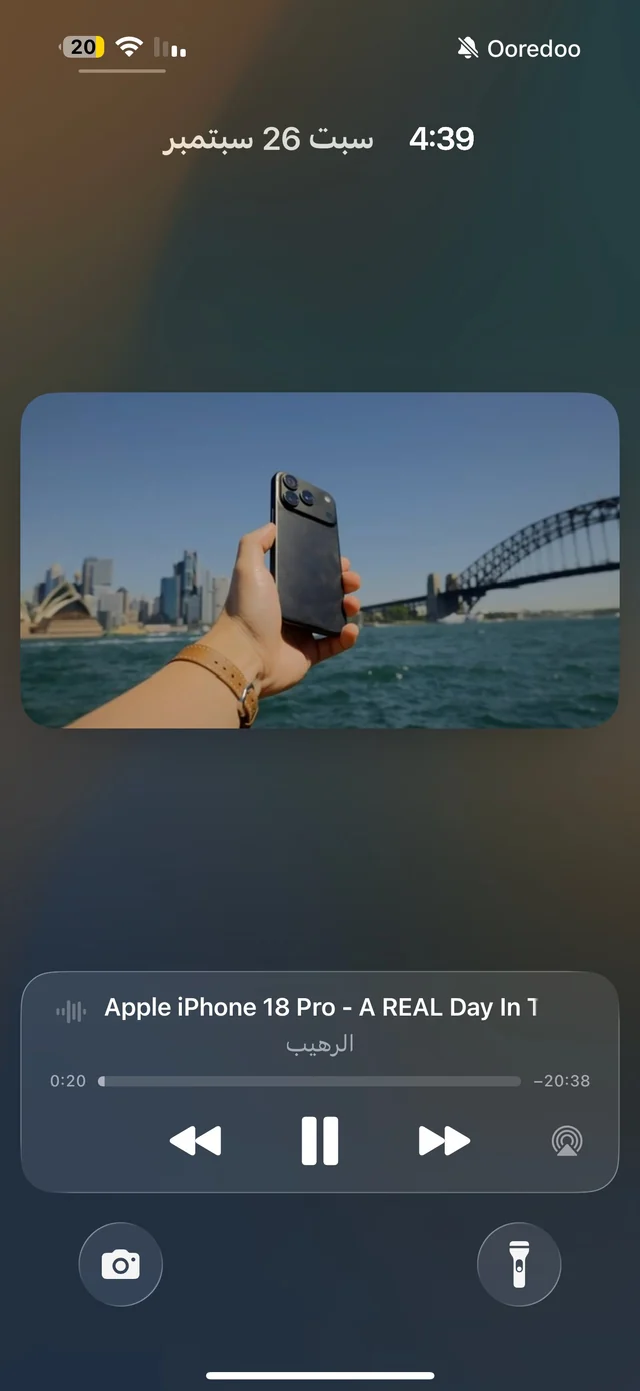
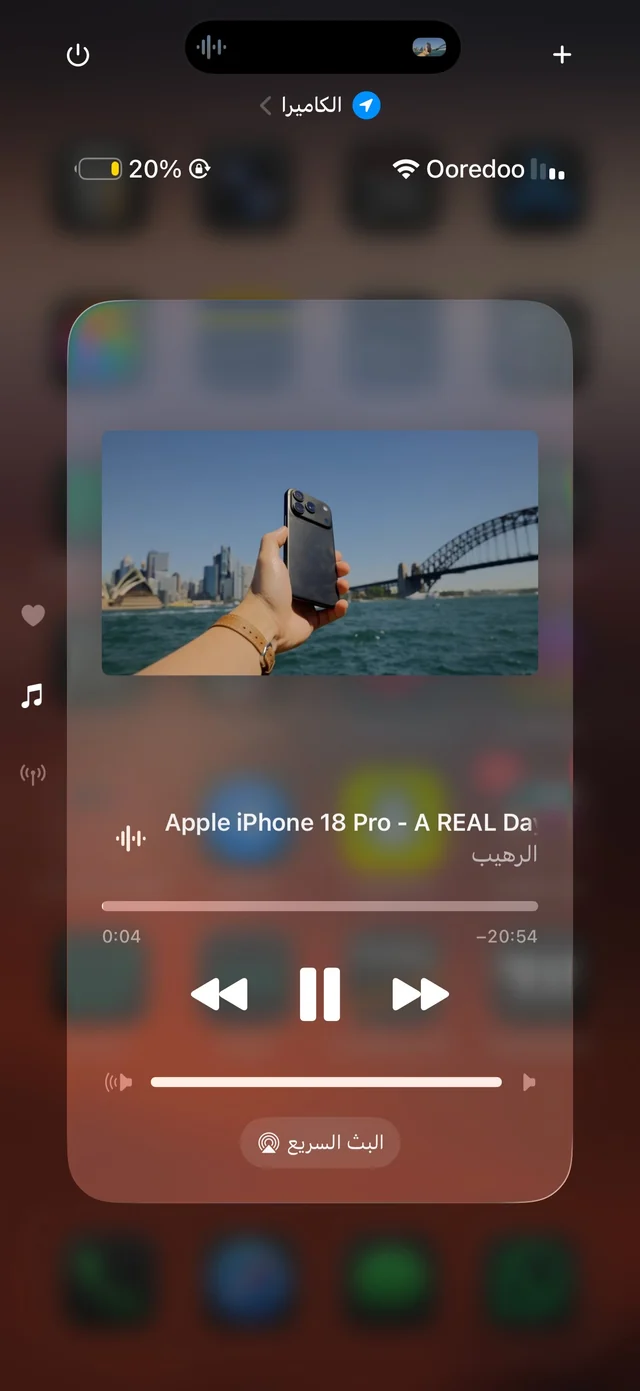
- Listen with the screen locked: Raheeb's player keeps going in the background, with Lock Screen controls and speeds from 0.5× to 2×. Details in Background Playback.
- Send it: Share from the file's menu sends it in any chat or email like any audio file.
- Move it to a computer: Send to Device opens a page on the computer over the same Wi-Fi. Read transfer files from iPhone to a computer.
- Want the words written down? Audio to text is part of Raheeb Pro. Read video to text.
Who is this for?
For the student who recorded a lecture and wants to hear it in the car, for anyone with a family video whose sound is all they need, and for creators who need the audio of a video they shot themselves to reuse in an edit. Published content belongs to its owners: convert what you recorded or have the right to use, and keep the rest for personal listening.