Save Facebook videos on iPhone
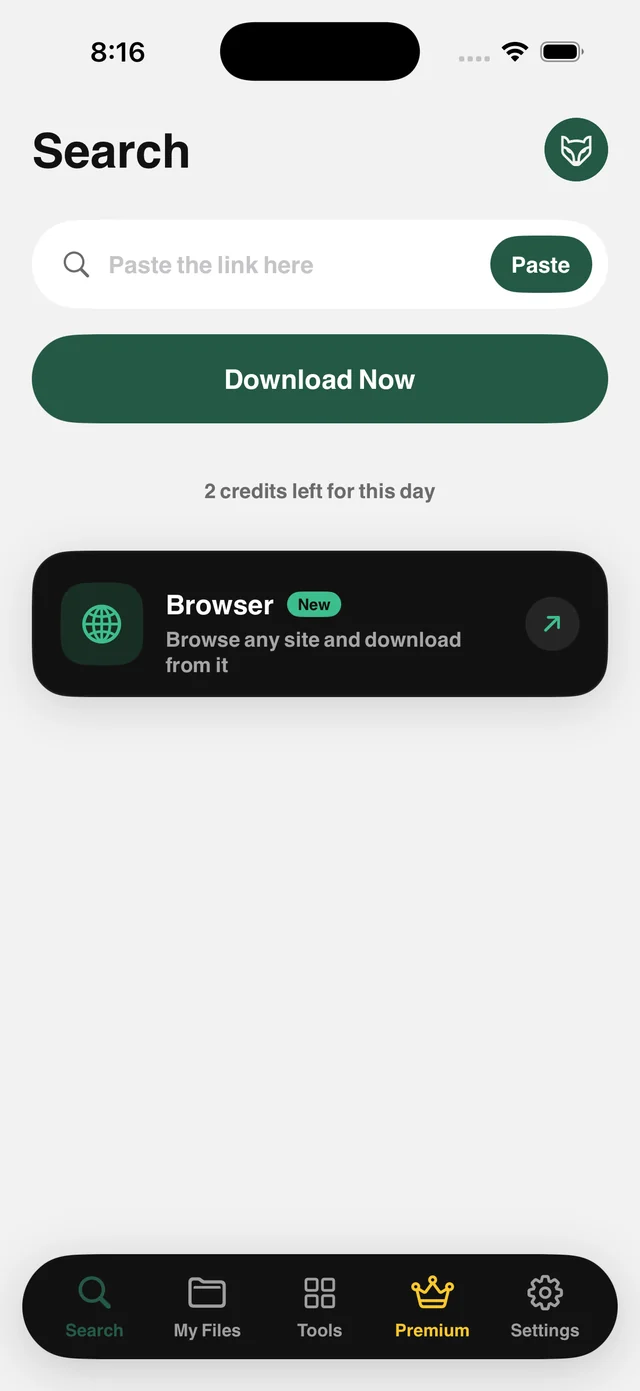
Copy the post's link and paste it into Raheeb. The video is saved to your files at the quality available, with no middleman sites and no ads.
How it works
Raheeb handles post links and short links, fetching the original video file rather than the re-compressed copy web tools hand you. A public post is all it needs, with no sign-in and no cookies.
Once saved, the video is in My Files: play it offline, trim it, extract the audio as MP3, or lock it with Face ID. Content behind a sign-in, such as closed groups and private accounts, is out of scope. You get a clear notice, and it doesn't count toward your daily limit.
Short links
Short links open automatically. Paste them as they are.
The original file
No re-encoding and no extra compression from a middleman.
MP3 audio
Save just the sound when it's a talk, a lecture or a podcast.
From the Share button
Share a post to Raheeb, no copy and paste.
How to use it
- 1
Open the post
Any public video.
- 2
Copy the link
In Facebook: from the post menu, choose Copy Link.
- 3
Paste it in Raheeb
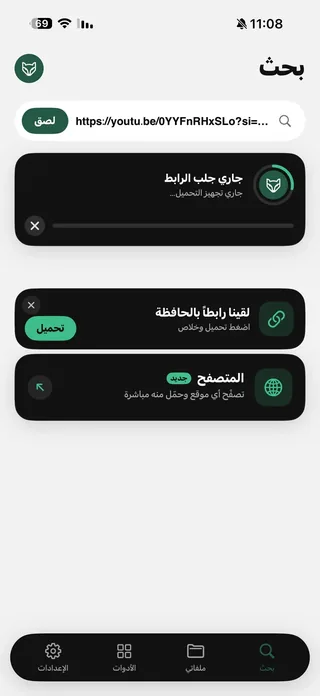
Tap Paste, then Save.
- 4
Saved
The video is in My Files and Photos.
When to use it
Talks and lectures
Save the video, or just its audio to listen to in the car.
Family memories
Save videos posted in a public family group.
Your own page
Keep a copy of your page's content before editing or deleting it.
Frequently asked questions
Does it work with private groups?
Do short links work?
What quality is the video saved in?
Can I save audio only?
Is saving free?

Get Raheeb Free
On the App Store for iPhone and iPad. No account, and your first save takes seconds.