In this guide
How to download from Pinterest
- 1Open the pinAn image or a video — a recipe, a decor idea, a design, a wallpaper.
- 2Tap “Share”And choose Raheeb, or “Copy link” and paste it into Raheeb's Search tab.
- 3For an imageIt downloads right away, with no quality sheet.
- 4For a videoIn the quality sheet, choose the height you want, or “Audio”.
pinterest.com links and short pin.it links (the ones you get when you copy the link in the app) all work — paste them as they are. Details on the Pinterest download page.
Which of the two? The Share button is faster while you're browsing: tap “Share”, then Raheeb, and carry on — the download happens over Pinterest without opening Raheeb. But it downloads straight away, without the quality sheet. So use the Share button freely for images, and for a video where you want to choose the height or take just the audio, copy the link and paste it — you'll follow the progress with size and time and a cancel button, and cancelled downloads don't count.
Pinterest videos: what quality to expect
Pinterest itself offers up to 3 heights for a video, usually topping out at 720p. Raheeb shows you what's there with its size — it doesn't invent a quality that doesn't exist. And the video downloads from Pinterest's servers straight to your phone.
- The video at the height you choose.
- “Audio” if you only care about the sound — free.
- “Video transcript” if the clip is a tutorial and you want its words in writing — part of Raheeb Pro.
After saving, from the video's menu in My Files: “Trim video”, “Change speed” and “Grab a frame” — for example, a still of the key step in a recipe video. “Change speed” slows the clip to 0.5× or 0.75× so you can keep up with the steps of a craft tutorial, without changing the pitch of the voice (it won't sound squeaky or deep), and the new copy is saved next to the original.
Pinterest images in full quality instead of screenshots
A screenshot saves your screen, not the image: the clock and battery bar, Pinterest's buttons, and a crop to your screen's shape. Raheeb saves the image itself, as Pinterest serves it.
Saving a pin to a board inside Pinterest keeps it there: you need the app and the internet every time you want to see it, and if the owner deletes it, it's gone from your board. The downloaded file on your phone stays with you — open it offline at the furniture store or the tailor's, and send it on WhatsApp like any photo.
| Screenshot | Raheeb | |
|---|---|---|
| Buttons and status bar | Show up and need cropping | No |
| Dimensions | Your screen's size | The image's dimensions as on Pinterest |
| Video | Screen recording | The video file with its audio |
| Organization | Lost among your album photos | Folders in My Files |

Start a tidy mood board — 3 free downloads a day, no account needed.
Recipes and decor: organize them in folders
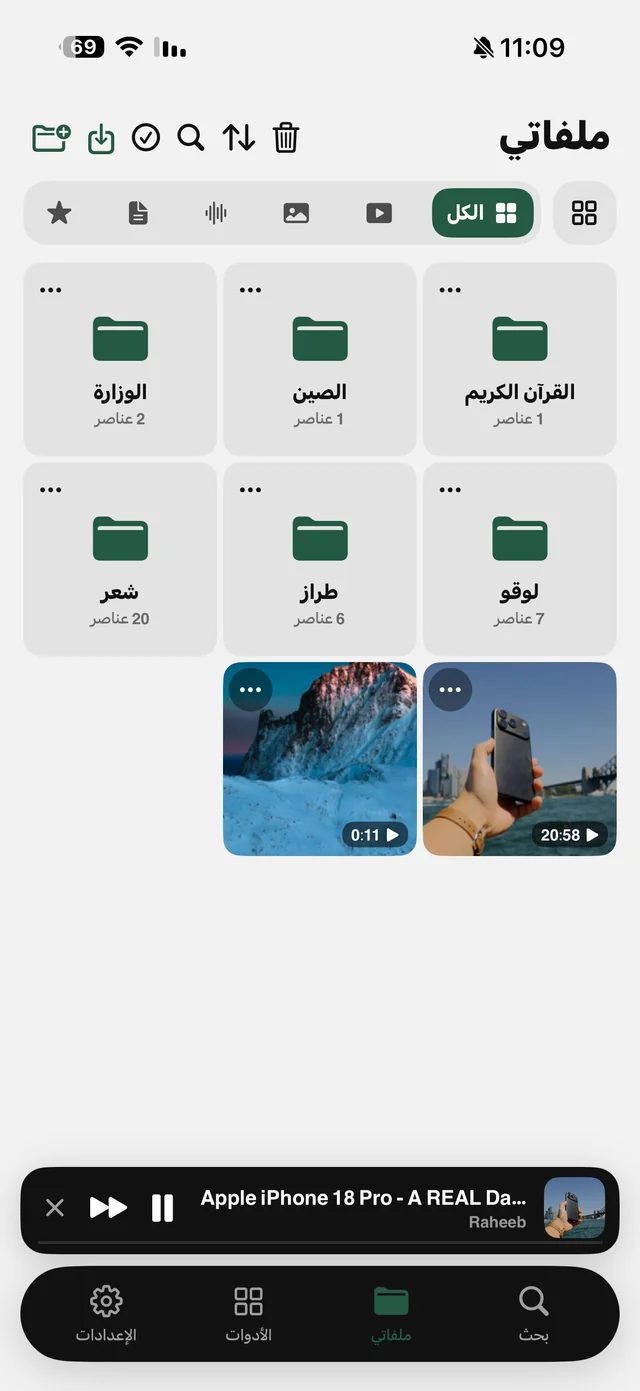
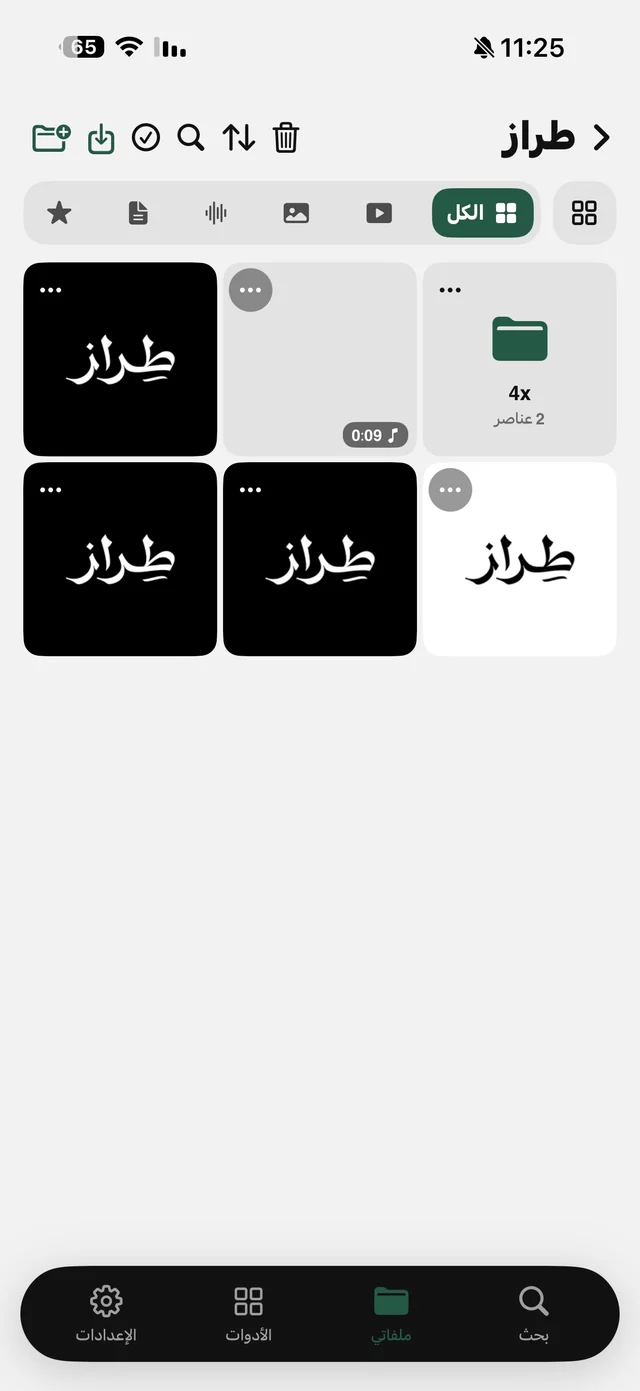
Anyone collecting recipes, planning their home decor or gathering wedding ideas knows the problem: hundreds of images mixed in with the kids' photos in the album. In My Files you make a folder per topic — “Recipes”, “Living room decor”, “Craft ideas” — and find any file by searching its name. You can also choose in Settings to send downloads to “My Files only” so your album stays clean. More in organize files on iPhone.
After saving: image tools
- A mood board in one file: “Images to PDF” combines images in your order — show them to the designer or carpenter all at once.
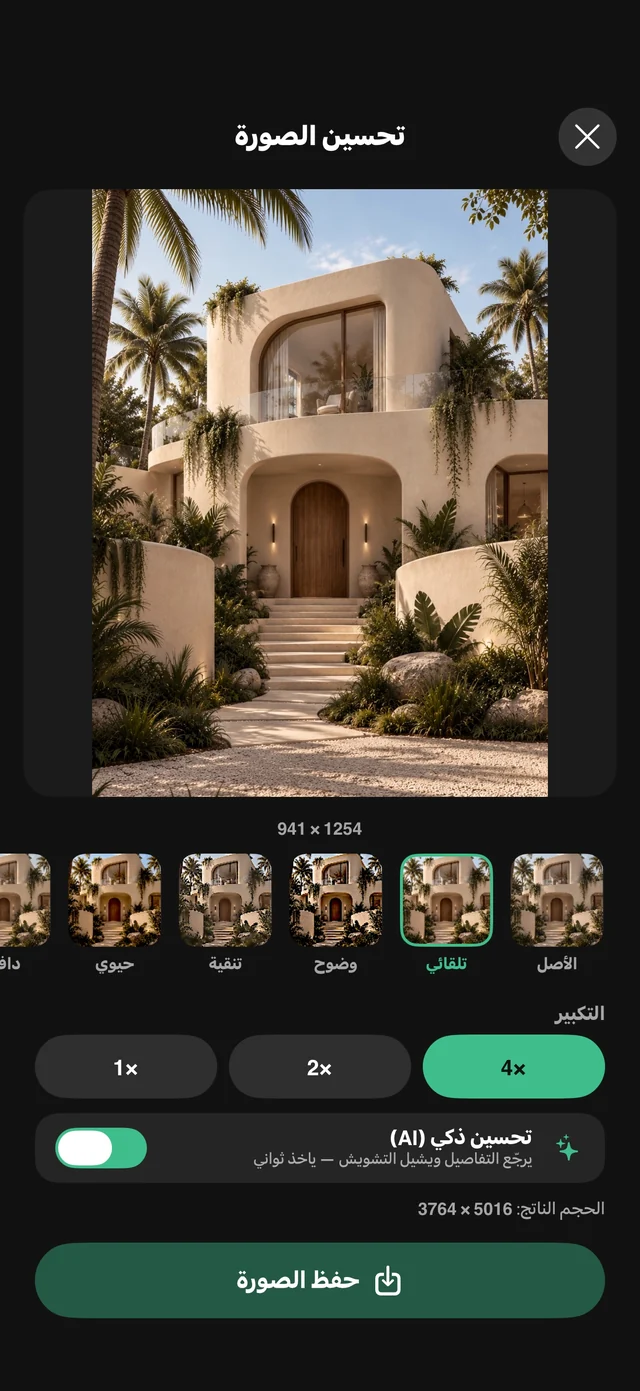
- Image too small? “Image enhance” has looks and 2× and 4× enlargement for free, and “Smart enhance (AI)” comes with Raheeb Pro — see enhance photo quality with AI.
- A piece of furniture without its background: “Remove background” on iOS 17 and later.
- Where can I buy this? “Search by Image” uploads the image to an external search engine to find its source — and it counts against the day's allowance.
Who is it for?
- A bride-to-be planning: a mood board for the dress, the wedding stage and the flowers, in one folder and one PDF to send to the planner.
- Designers: collecting references for colors, fonts and layouts, and finding the source of any image with Search by Image.
- Someone running a craft business: step-by-step videos with their audio, plus a still of the key step grabbed from the video.
- Anyone hunting for phone wallpapers: the image at its Pinterest dimensions instead of a screenshot with buttons on it.
All of it without an account: Raheeb doesn't ask for a Pinterest account or any sign-up, the free plan is 3 downloads a day, and a single pin — image or video — is one download.