In this guide
Why is there no Snaptube for iPhone?
Snaptube, TubeMate and VidMate are Android apps downloaded from their own websites as APK files, outside Google's store. iPhone can't install APK files, and it can't install any app from outside the App Store without getting around the system's protection. So any page promising “the original Snaptube for iPhone” or “TubeMate without the App Store” is asking you to install something other than the app itself.
The App Store does have apps called “Snaptube” or something close, but they come from other developers and have nothing to do with the Android app. Before downloading one, check the developer name and reviews, and what permissions and subscriptions it asks for.
What you liked about Snaptube, and where to find it
| What you want | In Raheeb on iPhone |
|---|---|
| Saving from a link | Paste the link in the Search tab, or Share → Raheeb from any app |
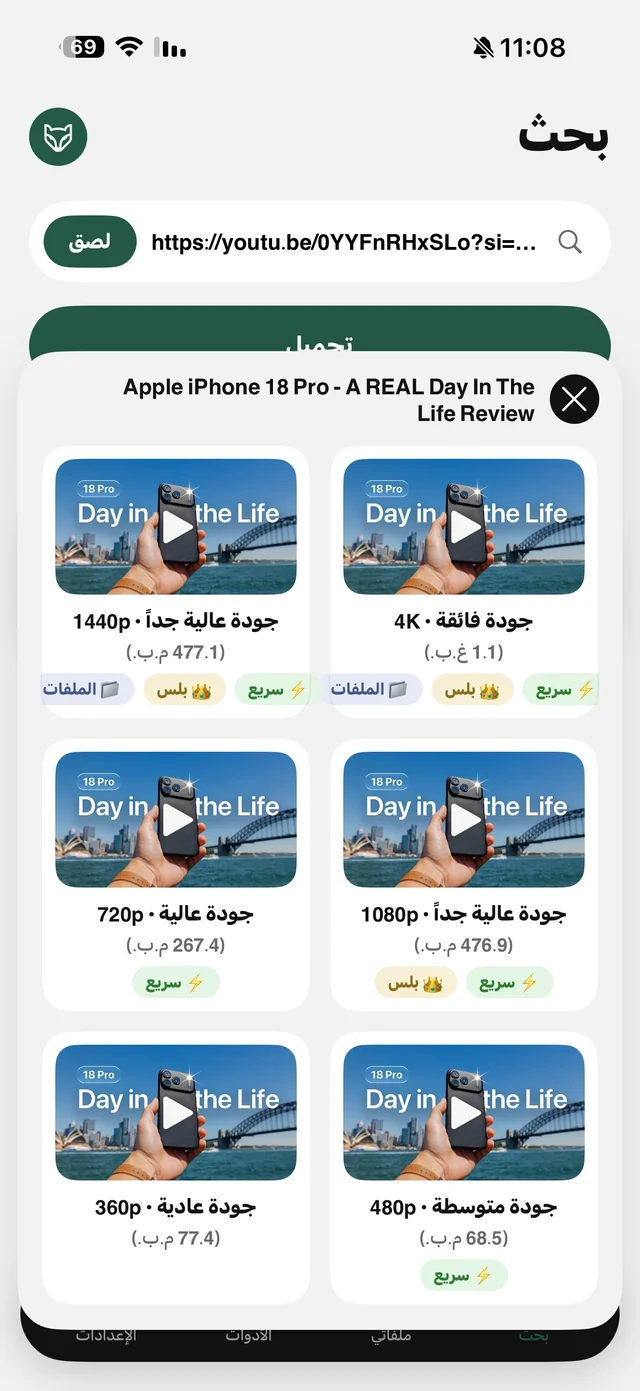
| Picking the quality | Every quality with its size before saving, up to 4K where the site offers it |
| Audio only as MP3 | The Audio card, then Convert to MP3 if you need it |
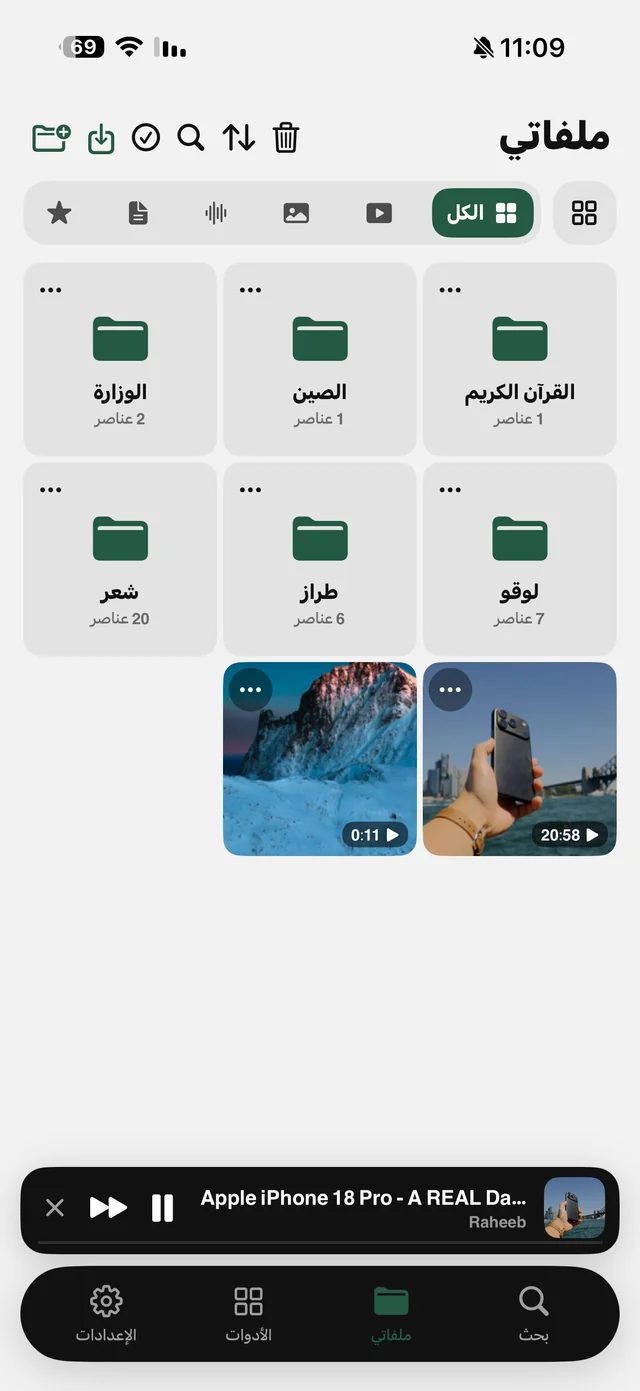
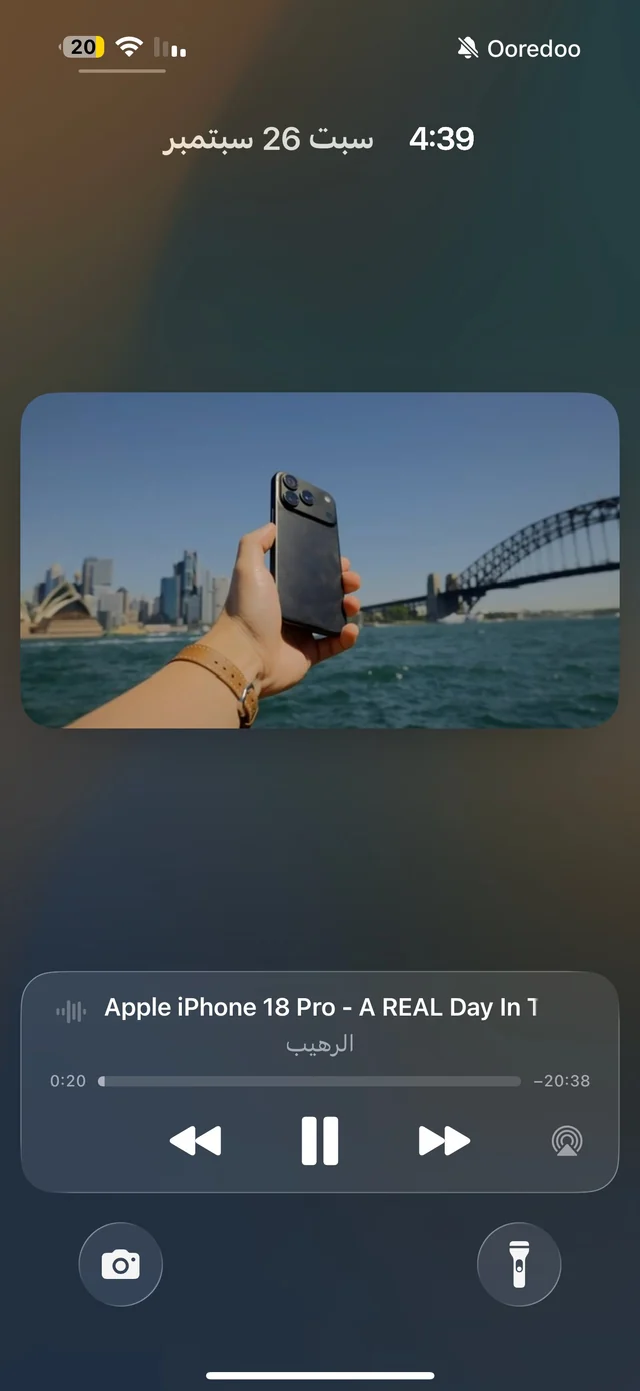
| Offline playback | A player in My Files with folders, which keeps going with the screen locked |
| A built-in browser | Raheeb's browser plays audio in the background and saves direct files |
| Sites | The most popular social and video sites, plus any direct file link |
The steps in Raheeb
- 1Get Raheeb from the App StoreA regular app: no profile, no certificate, no account.
- 2Copy the video linkFrom the Share button under the video, then Copy Link.
- 3Open RaheebThe copied-link card appears in the Search tab: tap Save, or tap Paste.
- 4Pick a quality or AudioEvery quality with its size, plus an Audio card for the sound only. The file goes to Photos and My Files.
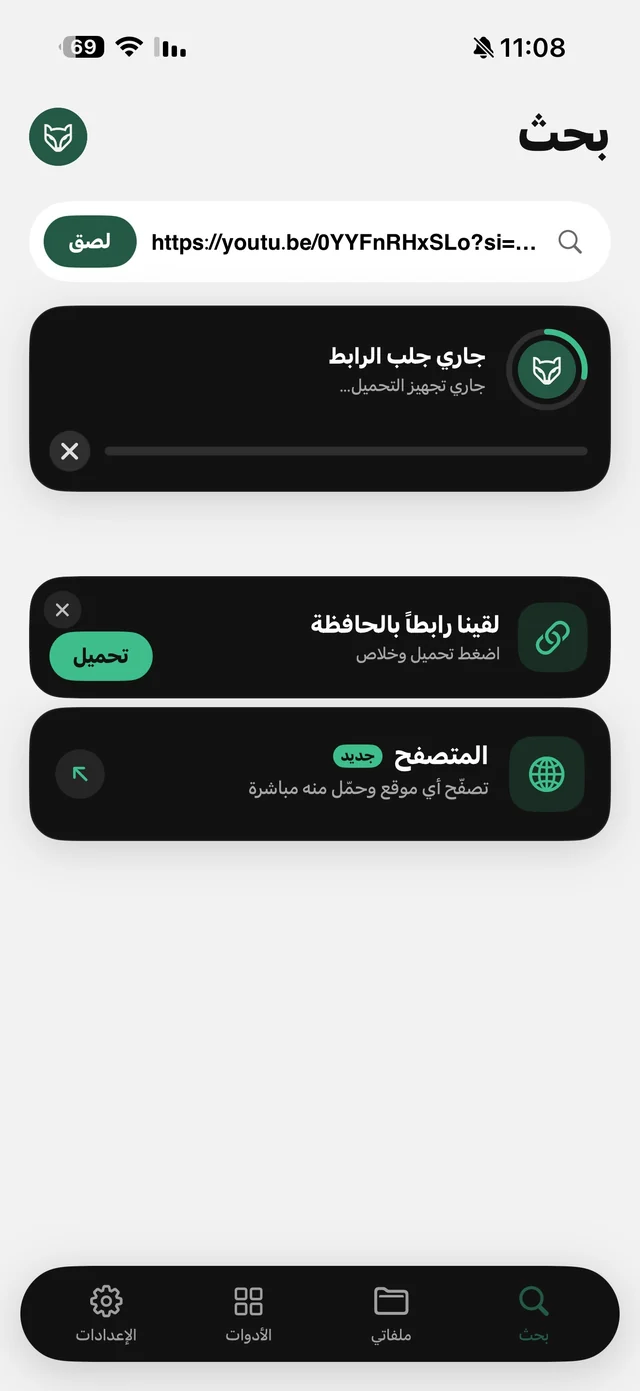
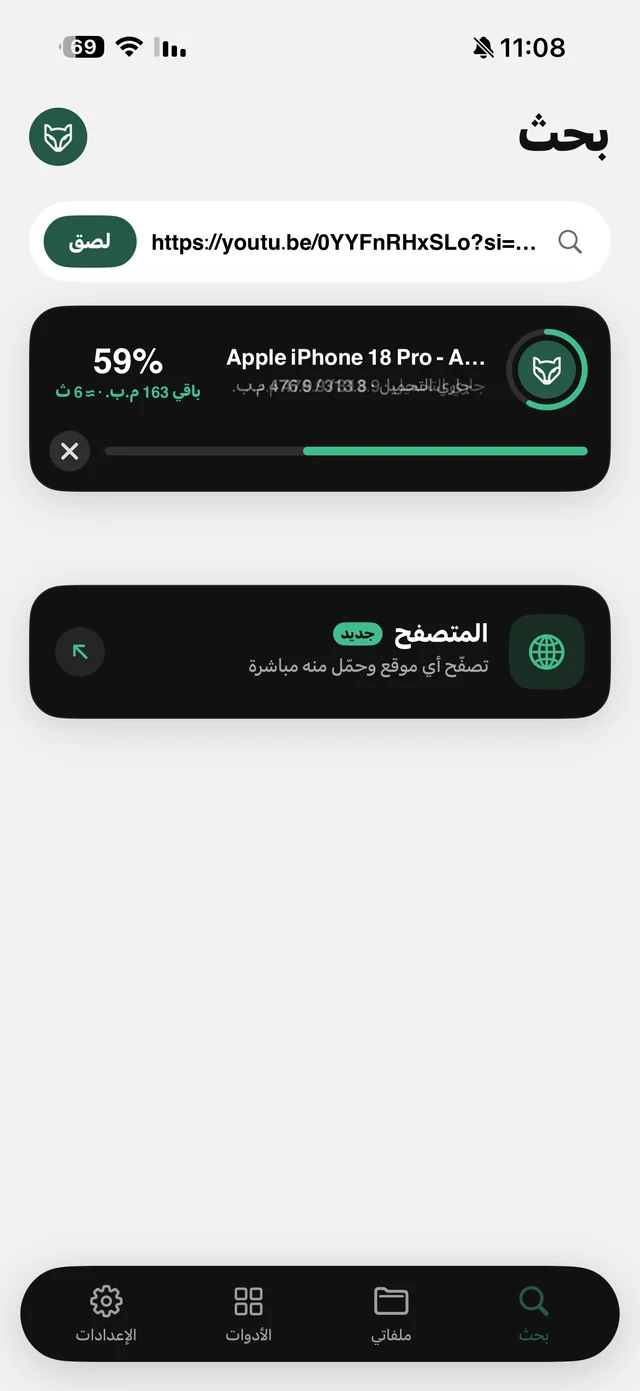
Even faster: tap Share inside the app where you're watching and choose Raheeb, and it saves while you stay where you are, without opening Raheeb. Details on the Share button page.

Try the safe alternative: 3 files a day free, no account, no profile.
Where does Raheeb save from?
It saves from public post links on TikTok, Instagram, YouTube, X, Facebook and Pinterest, and from any direct file link such as an MP4, PDF or ZIP. It doesn't save anything that needs a sign-in, such as private accounts and temporary content, because it never asks for your account or uses anyone else's.
After saving
- Offline: files in My Files play on a plane. Read watch videos offline.
- In the background: audio keeps going with the screen locked, with Lock Screen controls.
- Video tools: trim, compress and extract audio from any video's menu. Read convert a video to MP3.