Lock your files with Face ID or Touch ID
Anyone holding your phone can open Photos. With Lock My Files they need your face or fingerprint, and even turning the lock off requires authentication.
What is this feature?
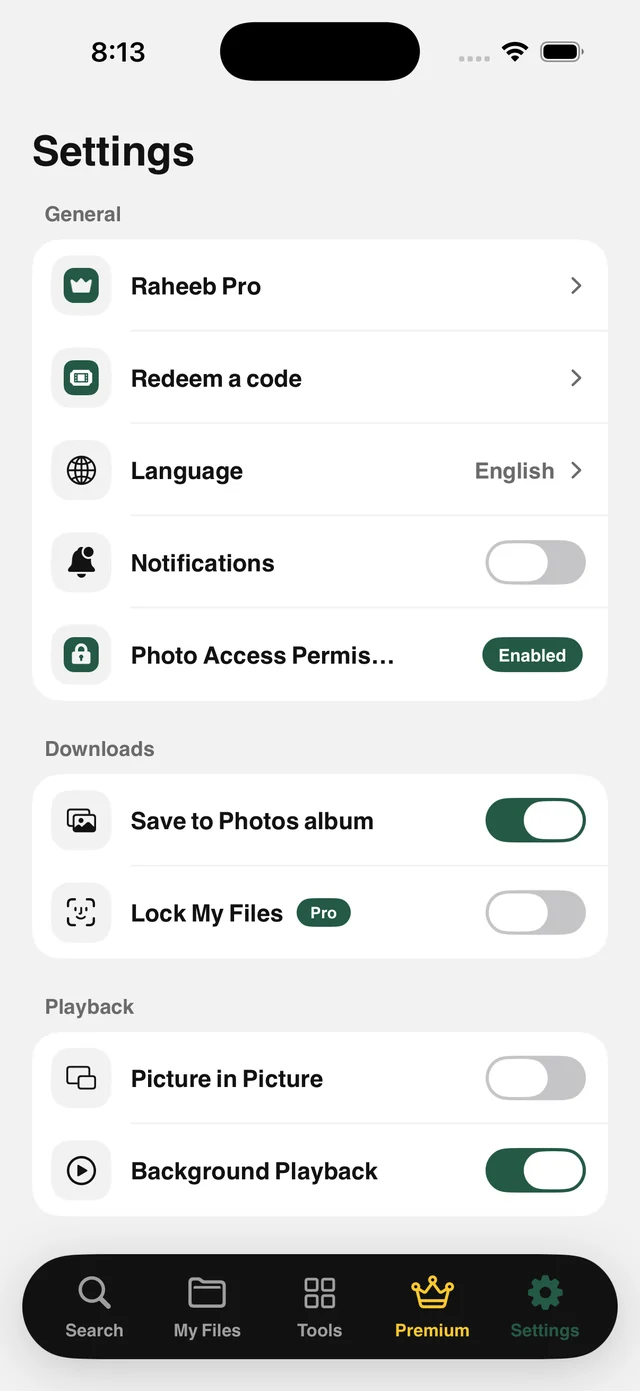
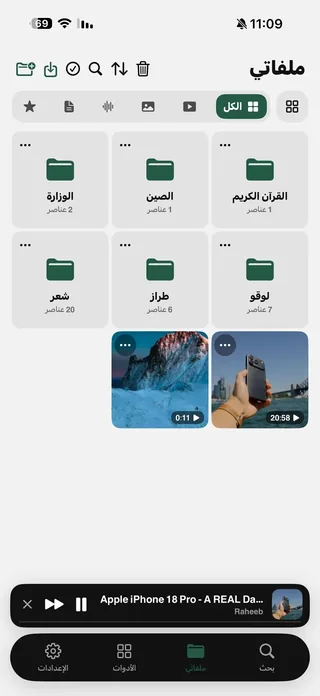
Not every file is for everyone to see. With Lock My Files on, the app covers the contents of My Files and reveals them only after Face ID, Touch ID or your device passcode.
Authentication lasts one session: as soon as the app goes to the background, the lock returns. Turning the lock off also requires authentication, so someone holding your unlocked phone can't simply switch it off. If your device has no passcode at all, the lock stays open because there's nothing for it to rely on.
Face ID or Touch ID
Or your device passcode when neither is available.
Locks every time you leave
One session per authentication. Going to the background locks it again.
Turning it off is protected
Nobody can disable the lock but you.
Away from Photos
Turn off Save to Photos to keep files inside the app only.
How to use it
- 1
Open Settings
From the Settings tab in the app.
- 2
Turn on Lock My Files
In the Downloads section.
- 3
Authenticate
With Face ID, Touch ID or your passcode.
- 4
Turn off Save to Photos
Optional. Keeps files inside the app alone.
When to use it
A shared device
Kids or friends use your phone without seeing your files.
Sensitive documents
Contracts, IDs and invoices behind Face ID.
Work files
Keep work files apart from your personal photos.
Frequently asked questions
Where are files stored?
Are they hidden from Photos?
What if my device has no passcode?
Can the lock be turned off easily?
Is it free?

Get Raheeb Free
On the App Store for iPhone and iPad. No account, and your first save takes seconds.