Remove an image background
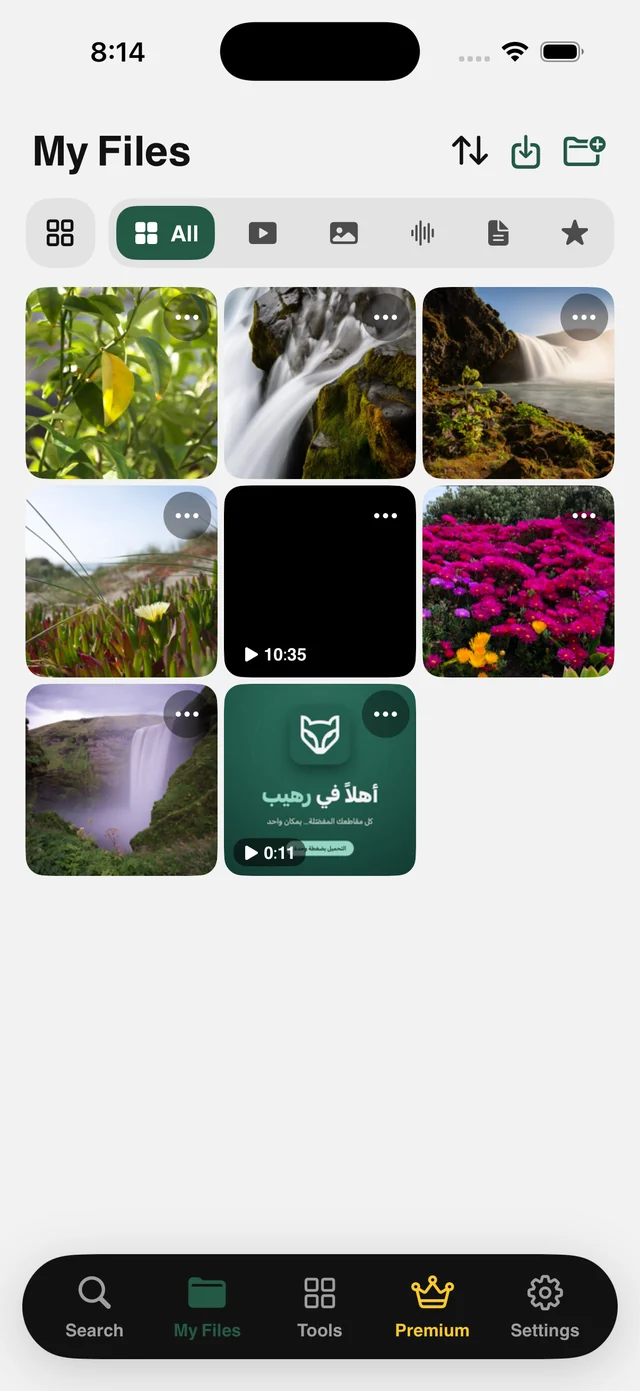
Cut the subject out of any image in My Files and keep it as a transparent PNG. Processing happens on your device, with nothing uploaded to a website.
What is this feature?
Background-removal websites ask you to upload your photo, then hand back a small watermarked version and ask you to subscribe for the full one. Raheeb uses the vision engine built into iPhone: it finds the main subject, separates it from the background, and saves the result as a transparent PNG at full resolution.
No upload, no account, no watermark, not even an internet connection. The cutout appears in My Files, ready for a design, a sticker or a slide, and you can combine it with other images into a single PDF without leaving the app.
Transparent PNG
A real transparent background, ready for any design.
Full resolution
The result matches your original, with no shrinking and no watermark.
On your device
No upload, no internet. The photo never leaves your phone.
One tap
No manual selection tools and no brush work.
How to use it
- 1
Open My Files
And pick the image.
- 2
Tap ⋯
The file's tool sheet opens.
- 3
Choose Remove Background
It takes seconds.
- 4
Done
A transparent PNG is saved next to the original.
When to use it
Product photos
Separate the product from its background for your shop or ad.
Stickers
Turn a photo into a transparent cutout for your chats.
Slides and designs
Drop the cutout onto any background in your design app.
Frequently asked questions
Is my photo uploaded?
Is there a watermark?
What if there's no clear subject?
What are the requirements?
Is it free?
Guides
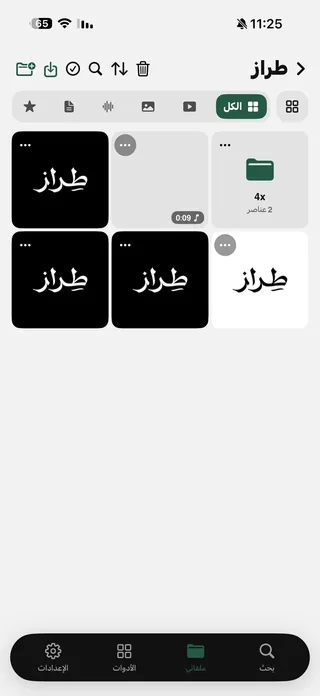 Save Pinterest Videos and Images on iPhone in Full QualityImages as they are, plus videos, and folders for recipes and decor.5 min read
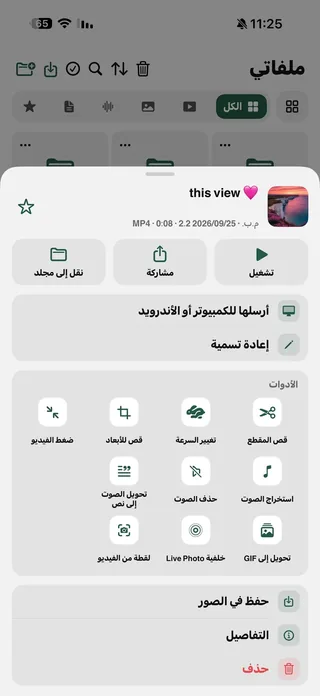 Turn a video into a live wallpaper, GIF or photo on iPhoneYour favorite video as a moving wallpaper, a GIF, or a photo from any moment.5 min read
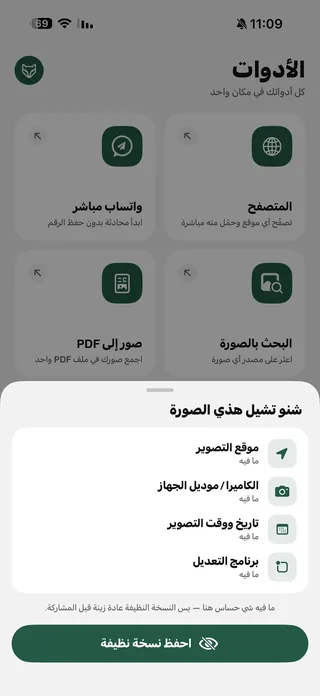 Remove the location from your photos before you post themYour photo may reveal where you live. See its hidden data and strip it before posting.4 min read
Get Raheeb Free
On the App Store for iPhone and iPad. No account, and your first save takes seconds.