Save images and videos from Pinterest
Paste a post's link into Raheeb and save the image at its original resolution or the full video, then sort it into folders in My Files.
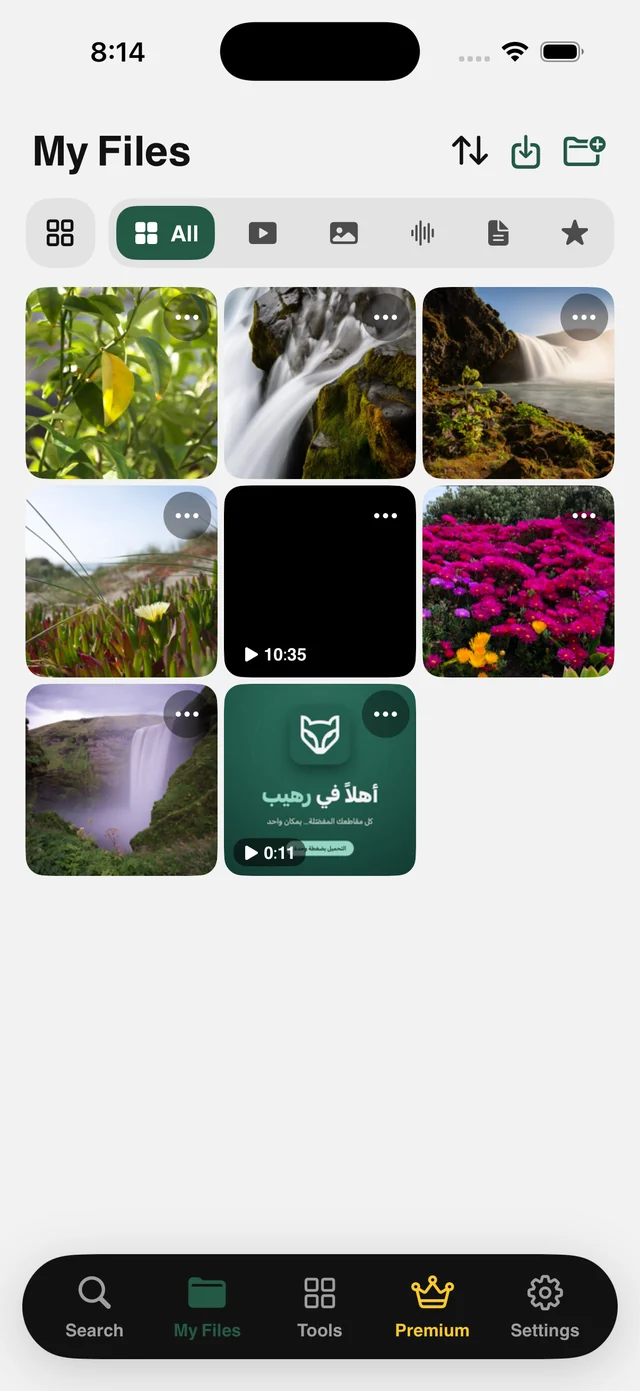
How it works
A screenshot gives you screen resolution plus the app's interface. Raheeb fetches the original image file at full resolution and perfectly clean. Videos too, including ones the site streams in segments, which the server puts back together into a single ready MP4.
Since this site is a mood board at heart, My Files is where the images belong afterward: folders inside folders, Favorites, search and a Face ID lock. From there you can remove the background from any image or combine several images into one PDF.
Original resolution
The image file as uploaded, not a screenshot.
Complete videos
Videos streamed in segments are put back together into one playable MP4.
Folders
Organize your images in My Files with folders and subfolders.
Image tools
Background removal and images to PDF, all on your device.
How to use it
- 1
Open the post
Any public image or video.
- 2
Copy the link
In Pinterest: from Share, choose Copy Link. Short links work too.
- 3
Paste it in Raheeb
Tap Paste, then Save.
- 4
Organize
Move it into a folder in My Files, by project or theme.
When to use it
Design mood boards
Keep references in one folder instead of losing them among thousands of images.
Interiors and projects
Save idea photos and send them to your carpenter or designer.
Fashion and recipes
A personal archive you can open offline.
Frequently asked questions
Is the image saved at full resolution?
Do short links work?
Can I save a whole board?
Where are images saved?
Is saving free?
Guides
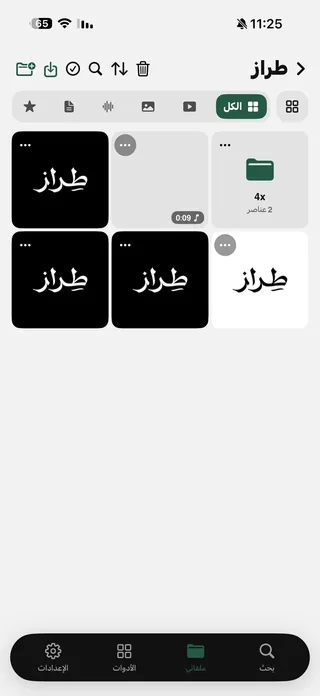 Save Pinterest Videos and Images on iPhone in Full QualityImages as they are, plus videos, and folders for recipes and decor.5 min read
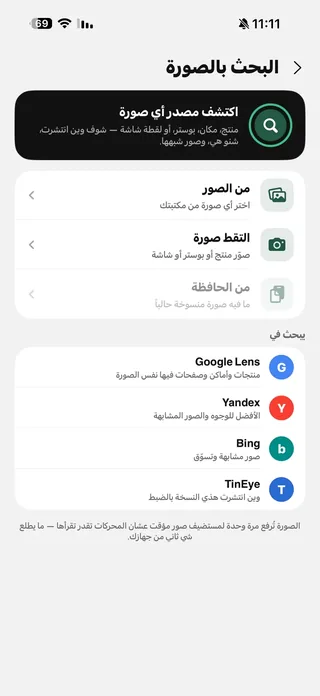 How to reverse image search on iPhone with four enginesA product in an ad, a news photo, or your own copied pictures — four reverse image search engines on one screen.4 min read
Get Raheeb Free
On the App Store for iPhone and iPad. No account, and your first save takes seconds.