Raheeb
App screenshots

See Raheeb before you download it

Every screenshot here was captured from the app on a real iPhone — no mock-ups. They show the Arabic interface; the app is fully available in English too. Titles and numbers inside are samples.

Downloading

From pasting a link and the Share button to picking quality and the Lock Screen.
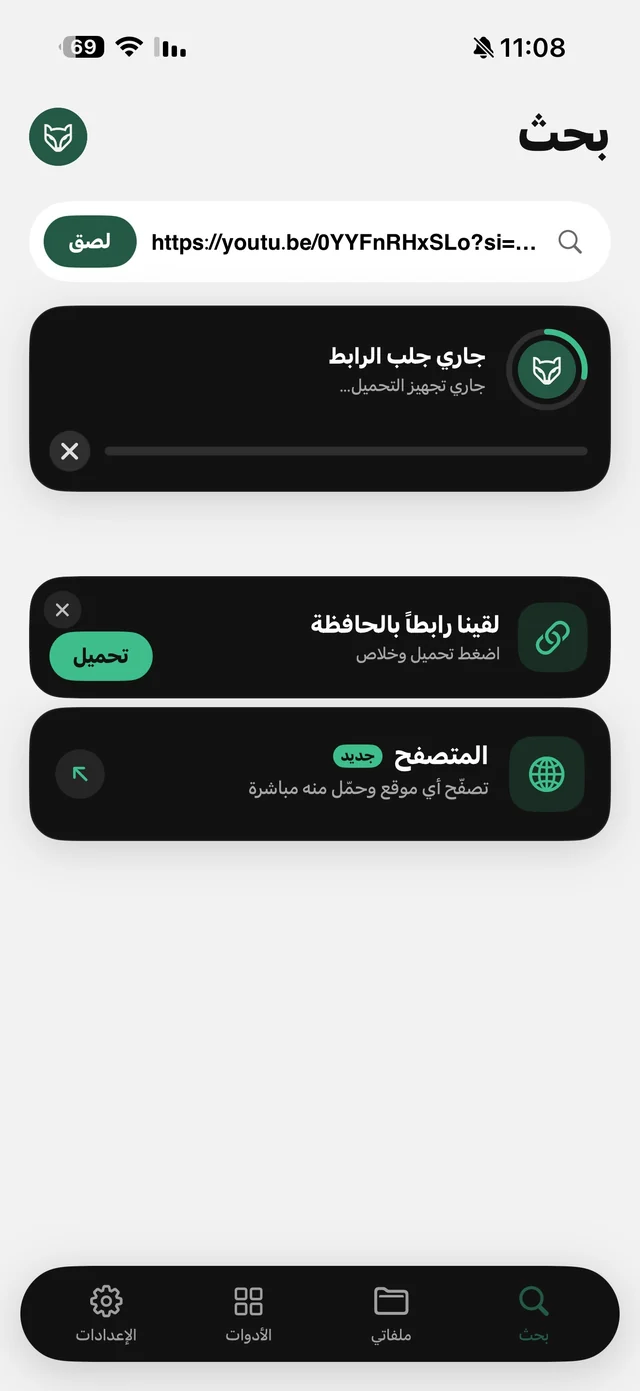
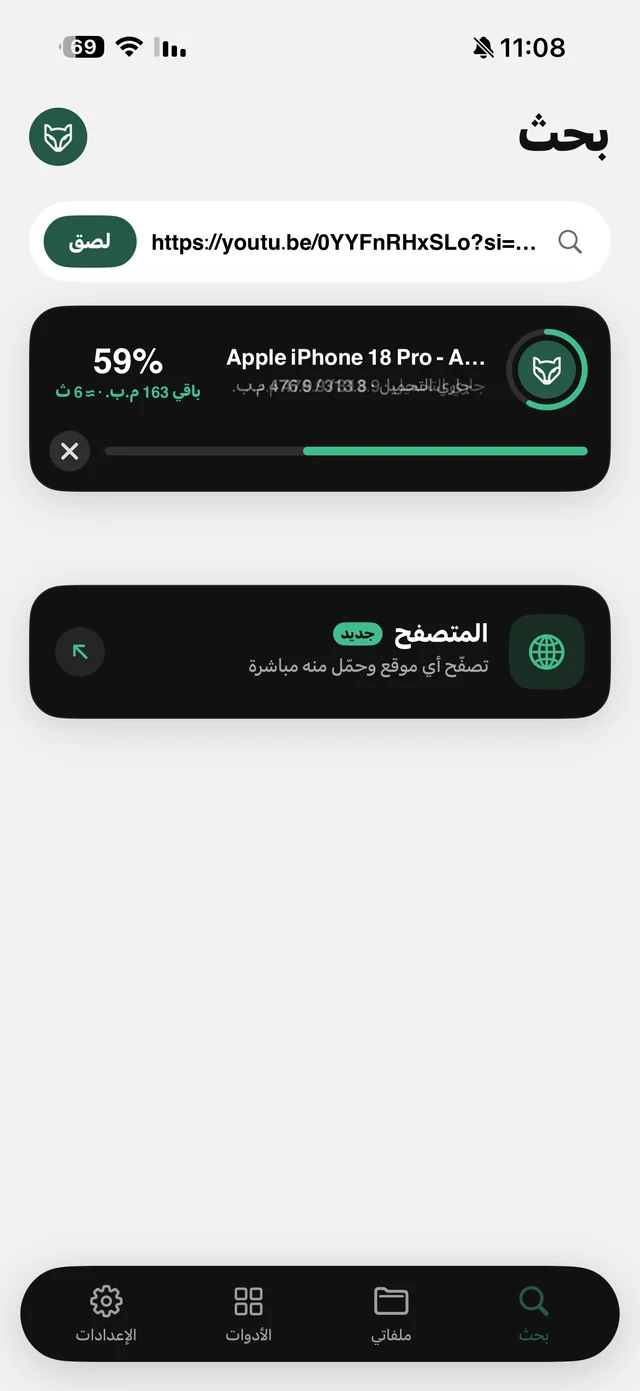
Raheeb Search tab: a pasted YouTube link, a fetching-link card and a “found a link on your clipboard” card with a Download button
Search tab with the copied-link card
Raheeb download progress card at 59% with remaining size, estimated time and a cancel button
Download progress inside the app
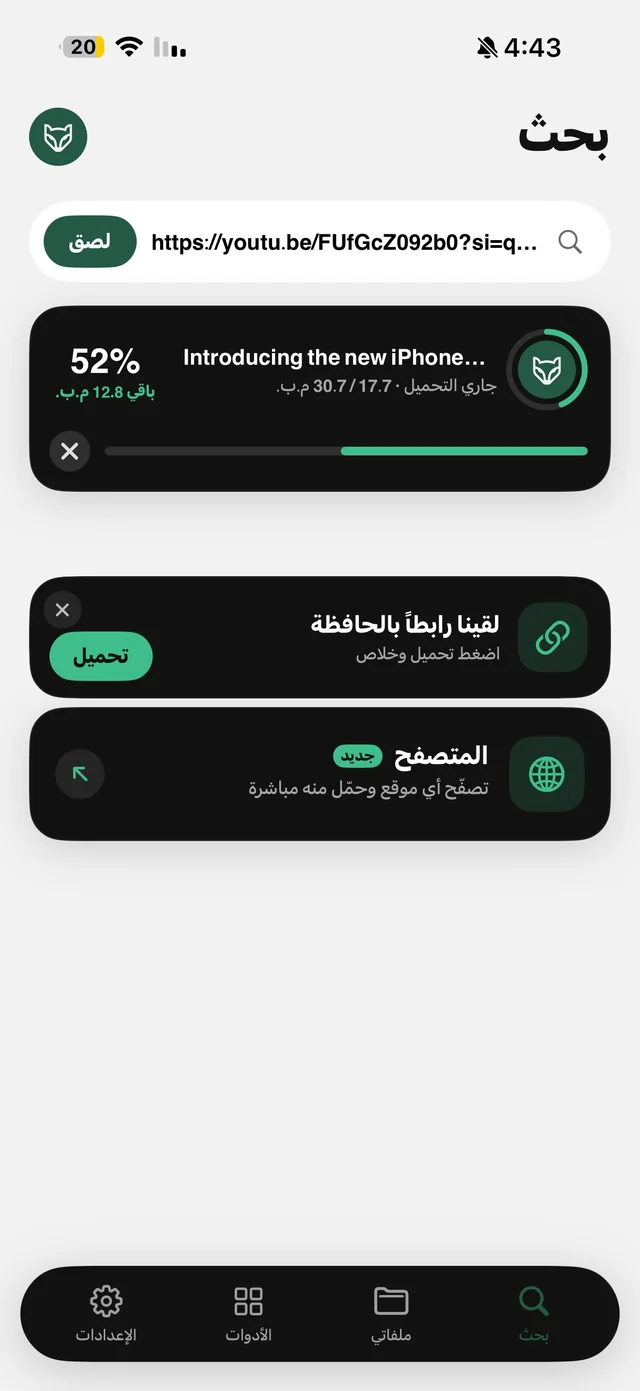
A YouTube video downloading at 52% in Raheeb with a copied link ready to download next
A download running with a copied link ready
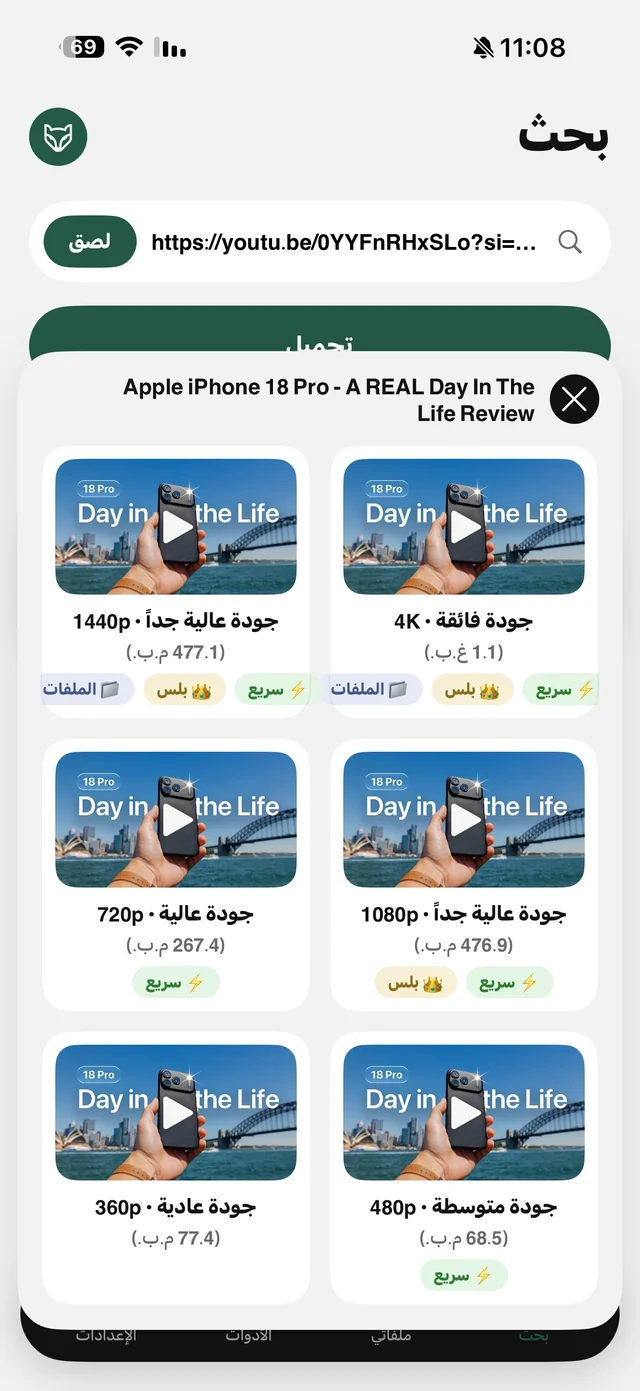
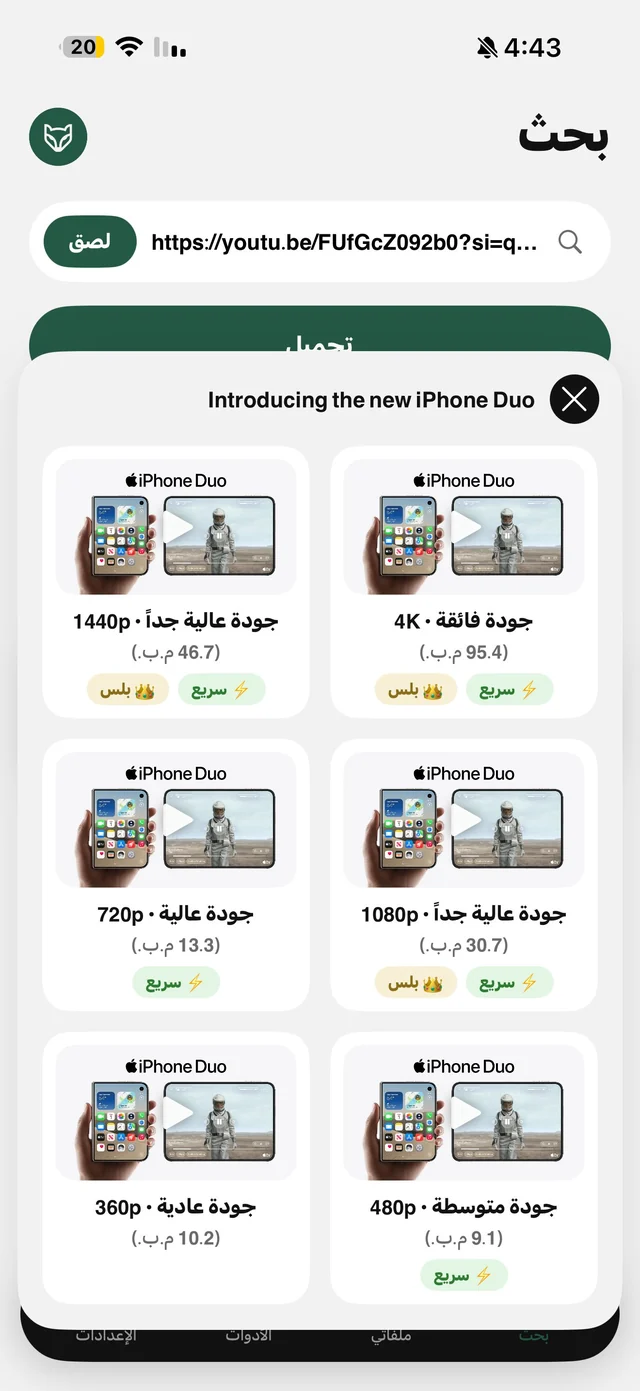
Raheeb quality picker for a YouTube video: 4K, 1440p, 1080p, 720p, 480p and 360p with the file size of each
Choosing YouTube quality from 144p to 4K
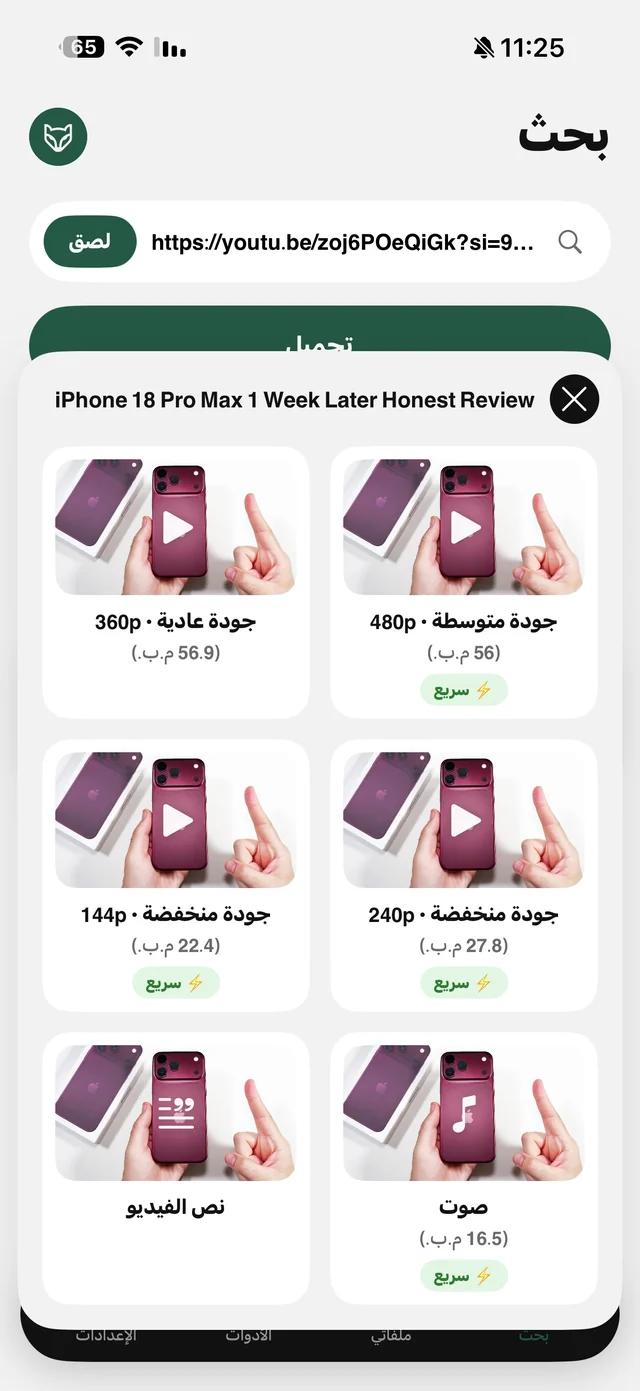
Raheeb quality picker showing low resolutions, an audio-only card with its size and a video transcript card
Audio and transcript cards next to the qualities
YouTube quality list in Raheeb from 4K to 360p with Fast tags and a Plus tag on the highest resolutions
Every quality with Fast and Plus tags
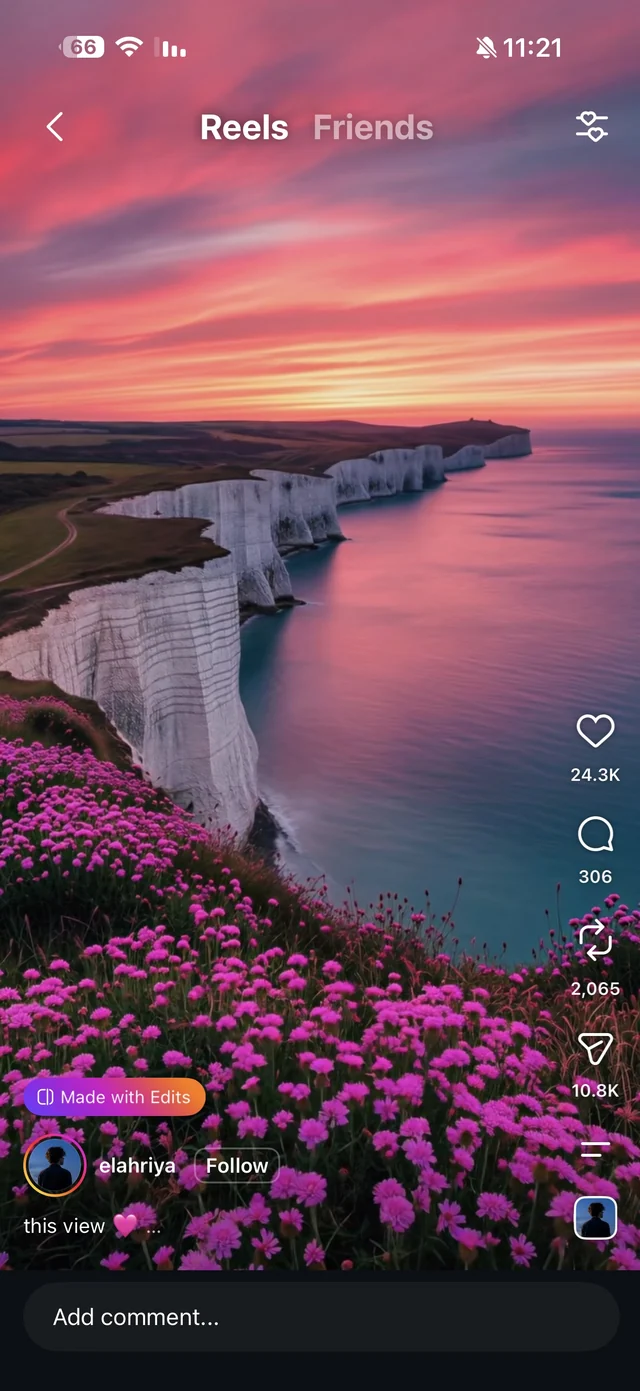
An Instagram reel before downloading it with Raheeb
An Instagram reel before saving
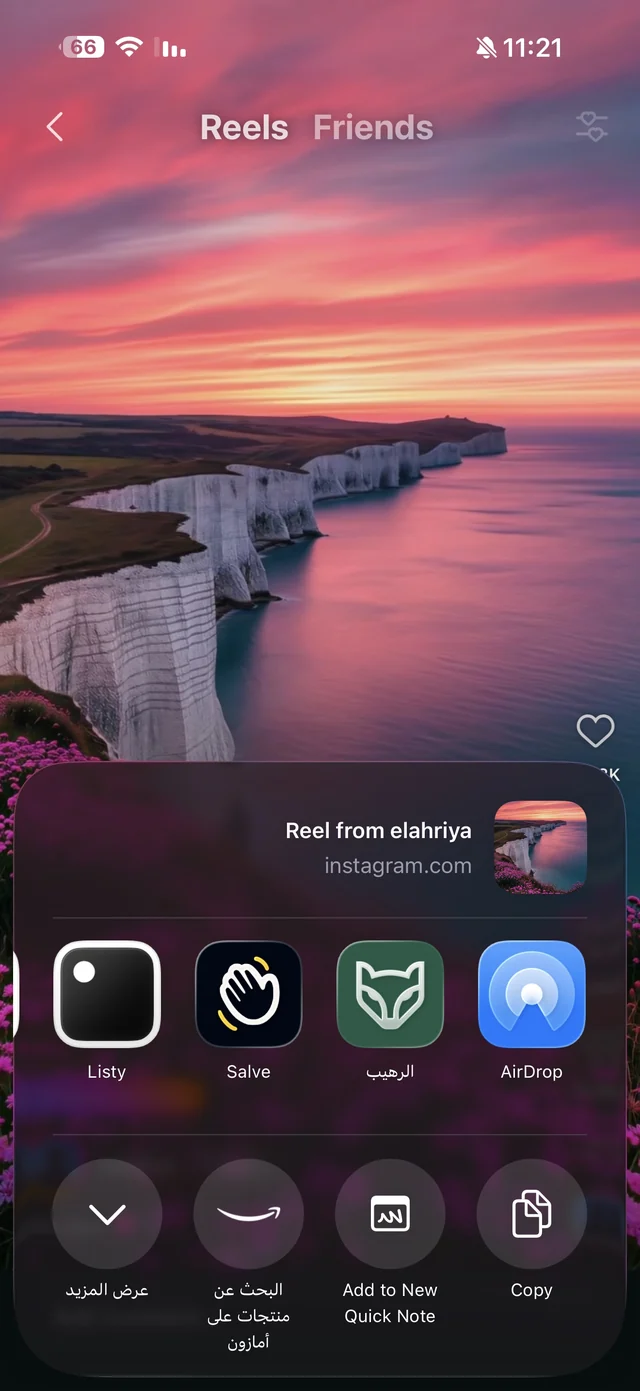
The iPhone share sheet inside Instagram with the Raheeb app icon
Raheeb in the iPhone share sheet
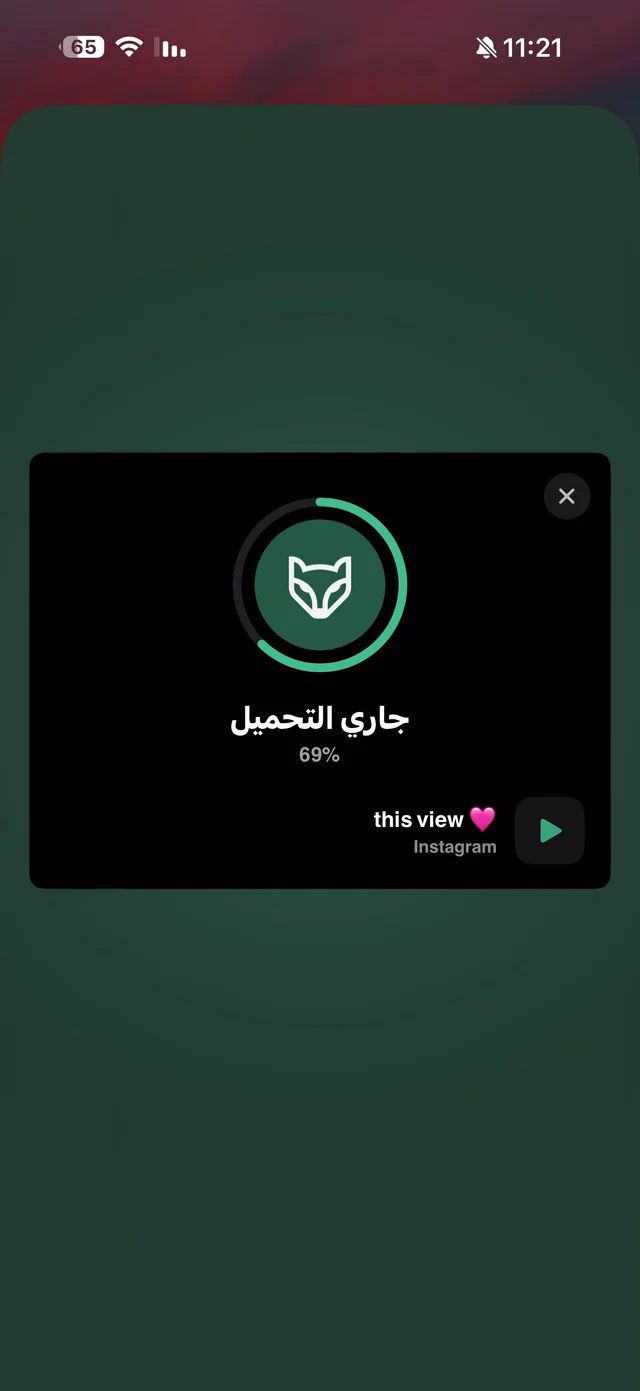
Raheeb card over Instagram showing the download at 69%
Downloading from the Share button without opening the app
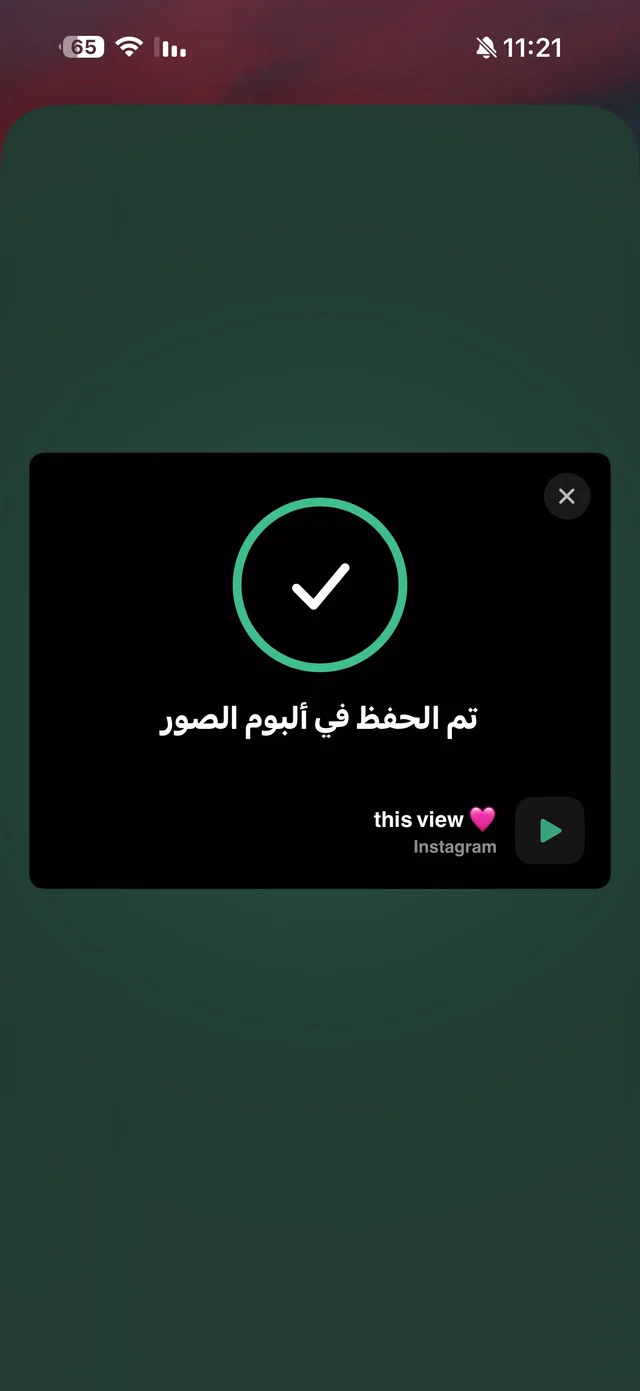
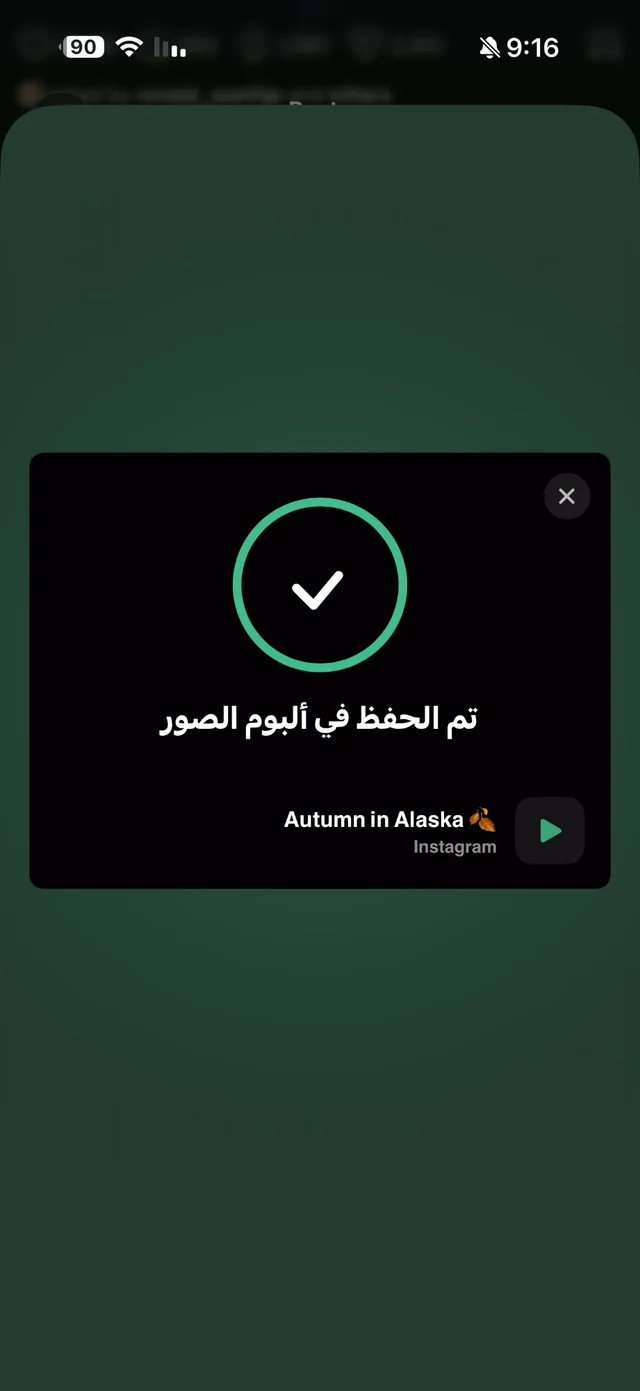
Raheeb card showing a checkmark and saved to Photos
Saved to the Photos album
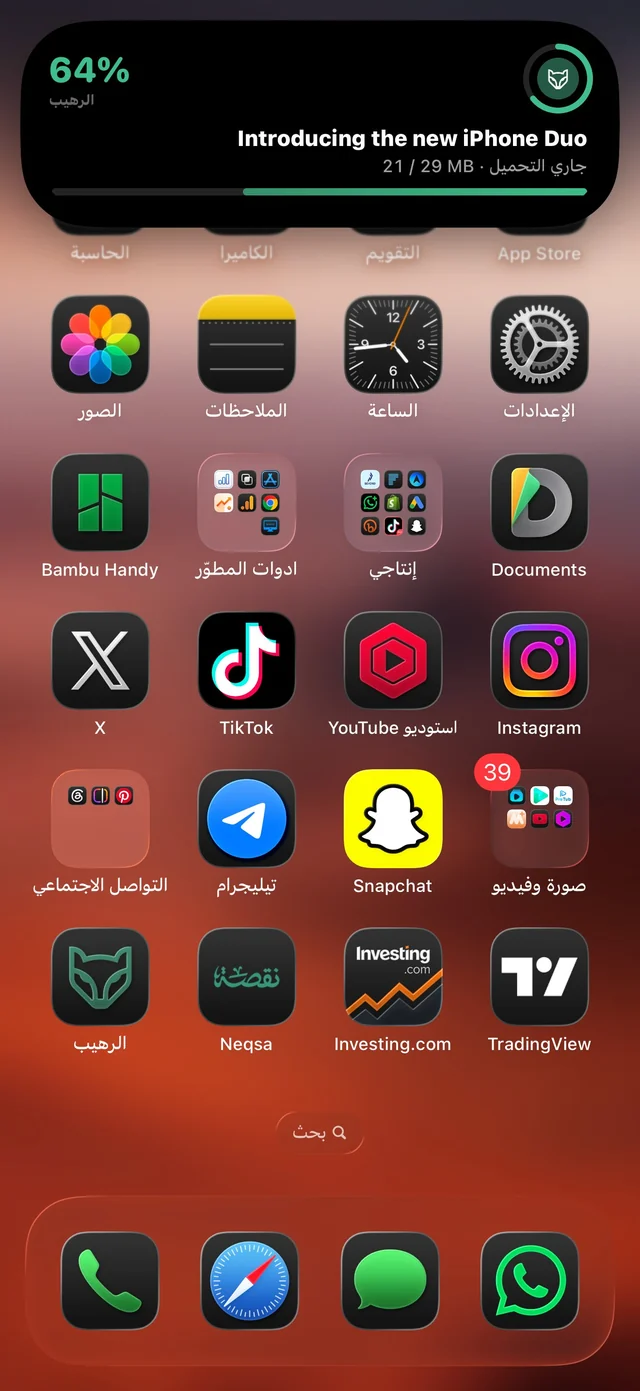
Raheeb download progress at 64% in the iPhone Dynamic Island over the home screen
Progress in the Dynamic Island
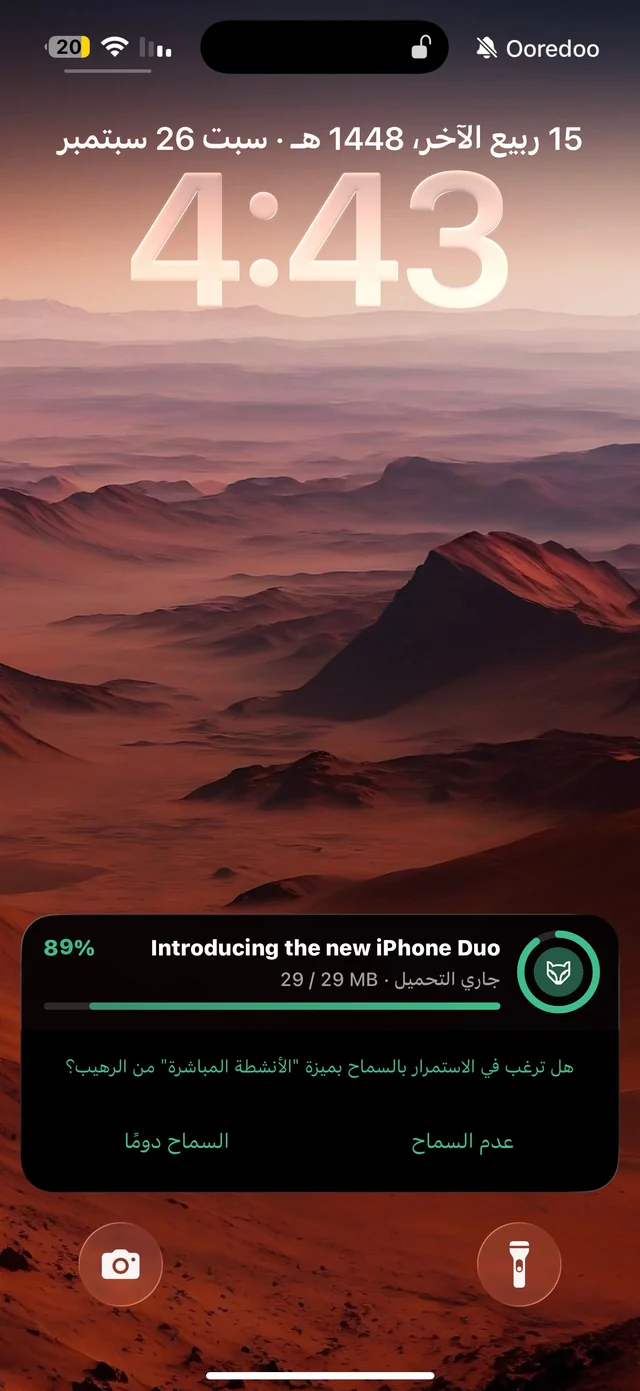
Raheeb download card on the iPhone Lock Screen at 89% with the Live Activities permission prompt
Download activity on the Lock Screen
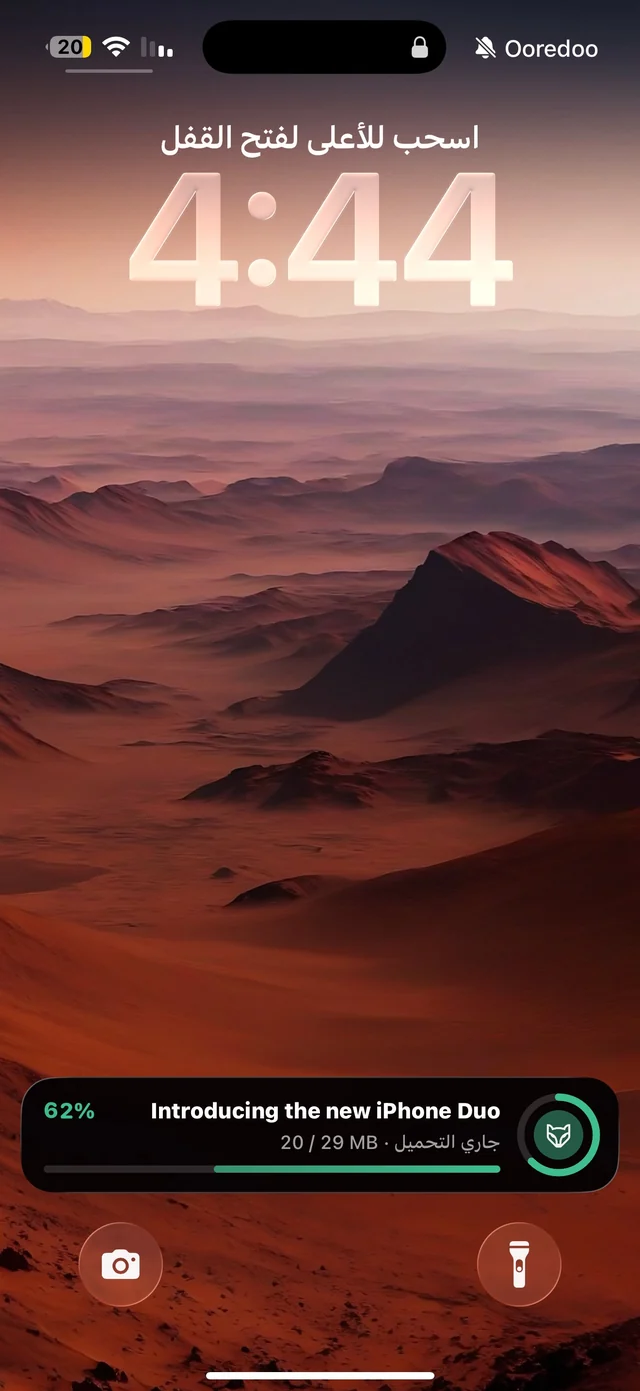
Raheeb Live Activity on the iPhone Lock Screen at 62%
The download keeps going while locked
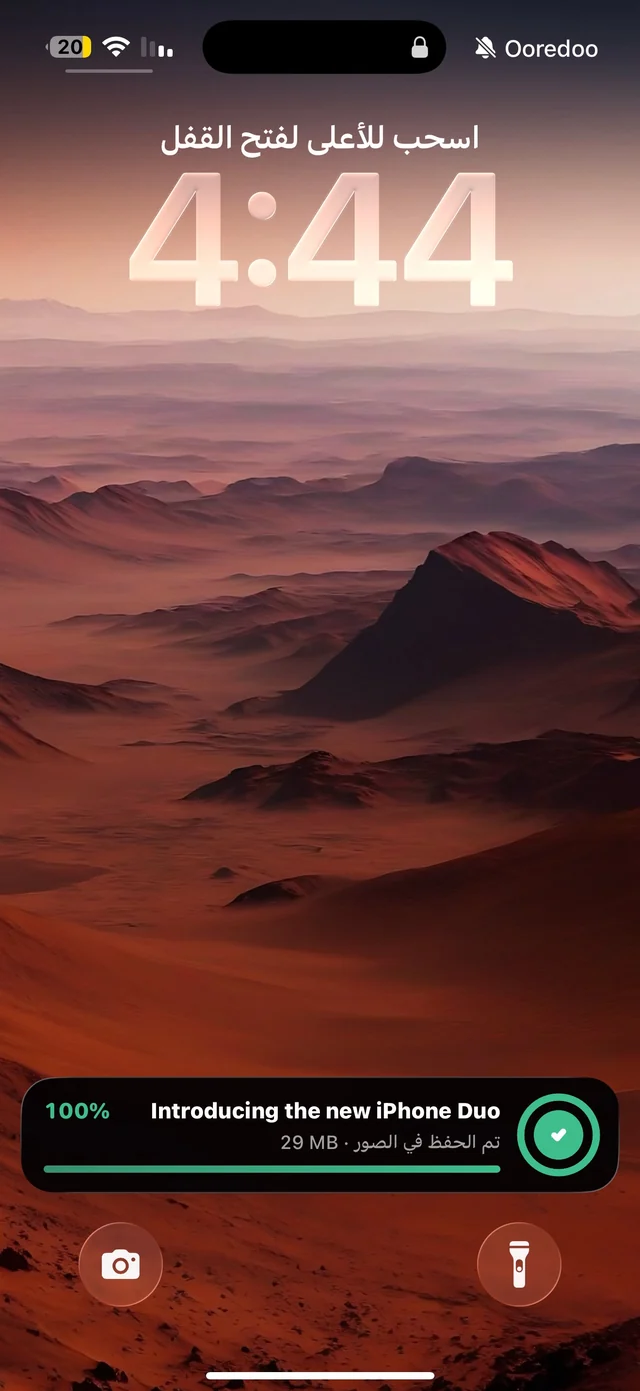
Raheeb Lock Screen card showing 100% and saved to Photos
Download finished on the Lock Screen
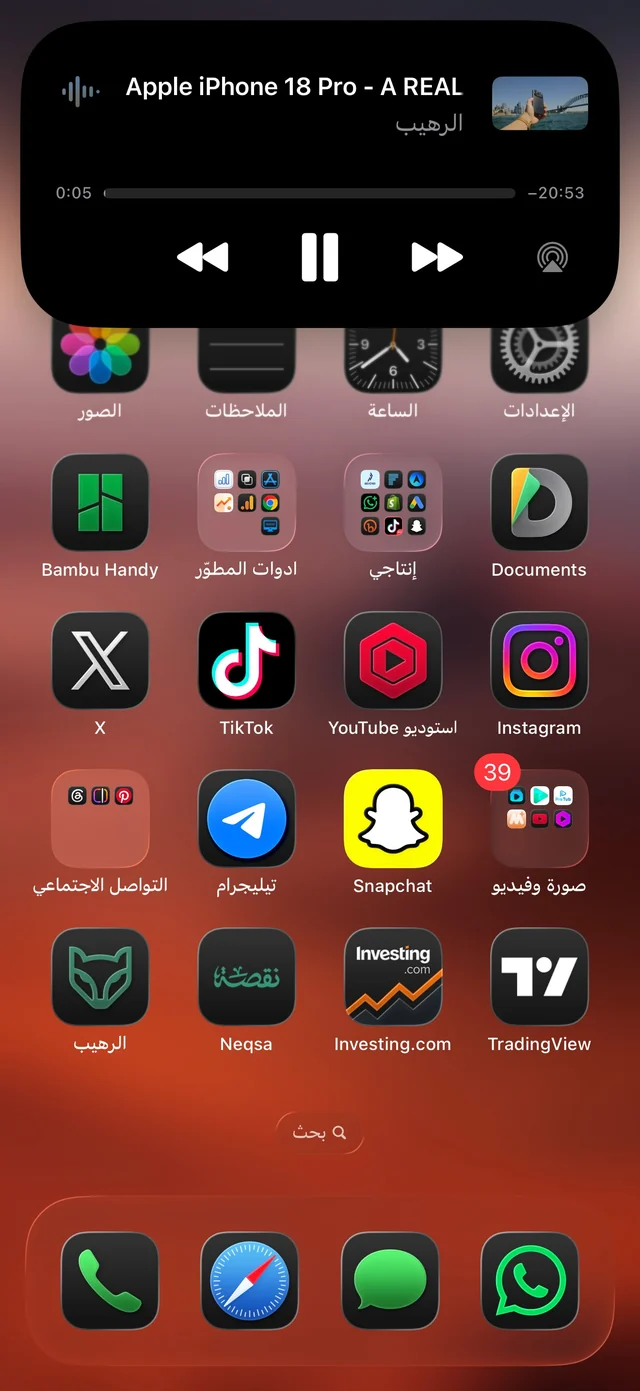
Raheeb’s expanded player in the Dynamic Island playing audio with playback controls
The player in the Dynamic Island

Saving an Instagram carousel — step by step

The post → “Share to…” → Raheeb → downloading over Instagram → saved → every item in your Photos library.
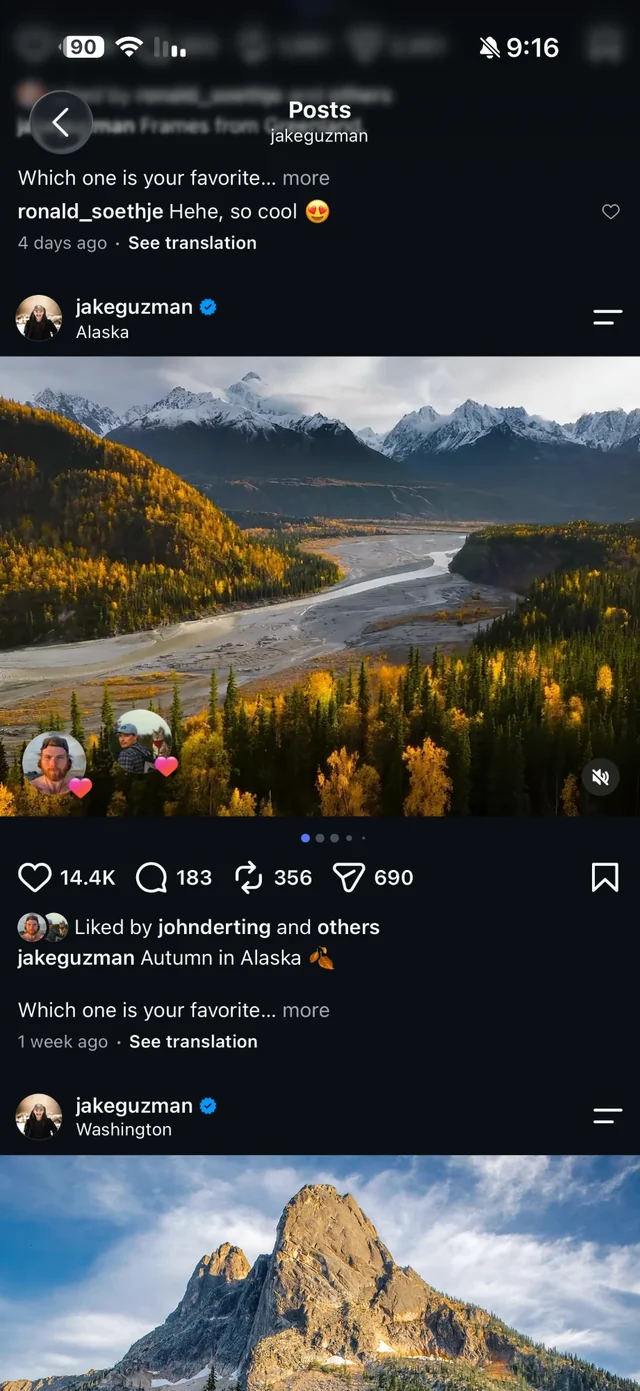
An Instagram carousel post with several items shown by the dots under the image, before saving it with Raheeb
1An Instagram carousel post
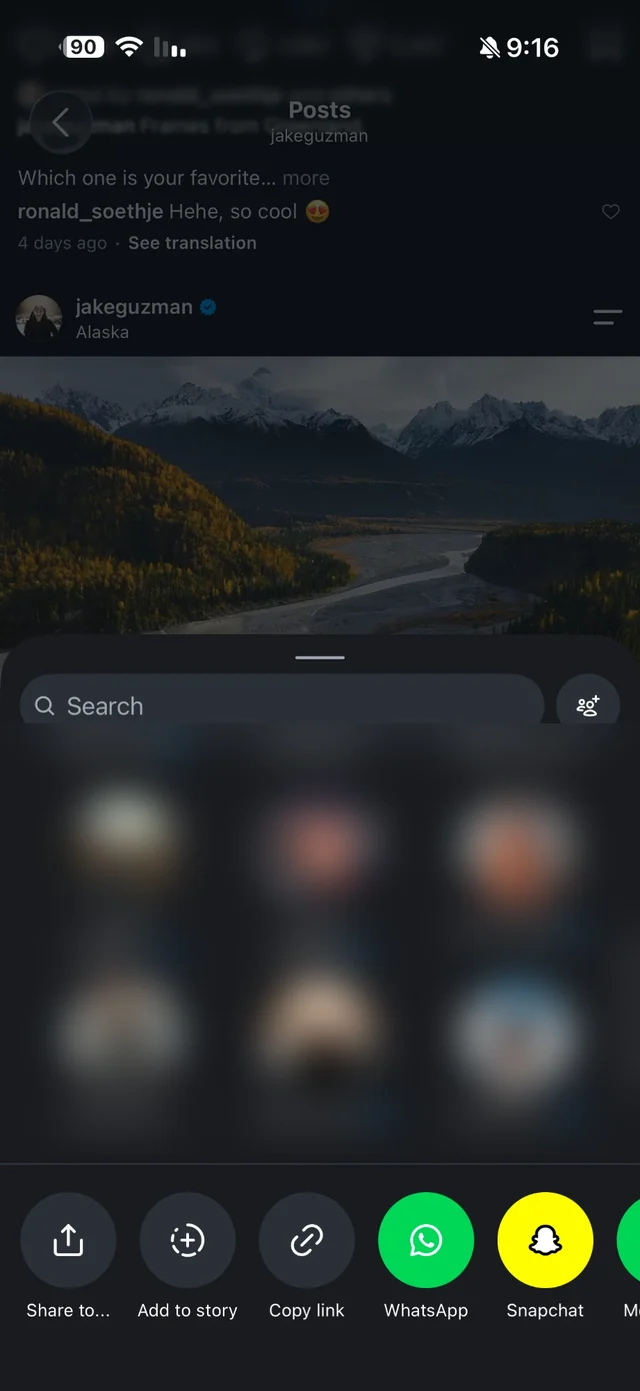
Instagram's own share menu with the Share to button that opens the iPhone share sheet
2“Share to…” in Instagram's share menu
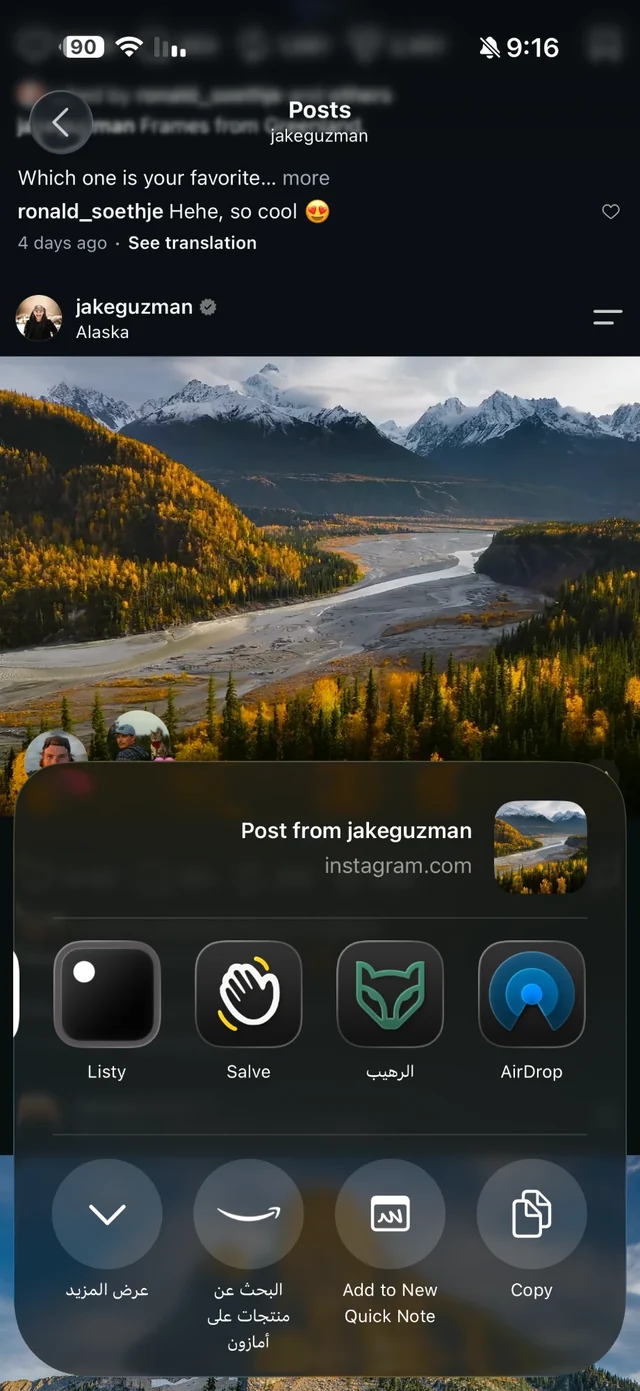
The iPhone share sheet for an Instagram carousel post with the Raheeb app icon
3Picking Raheeb for the carousel post
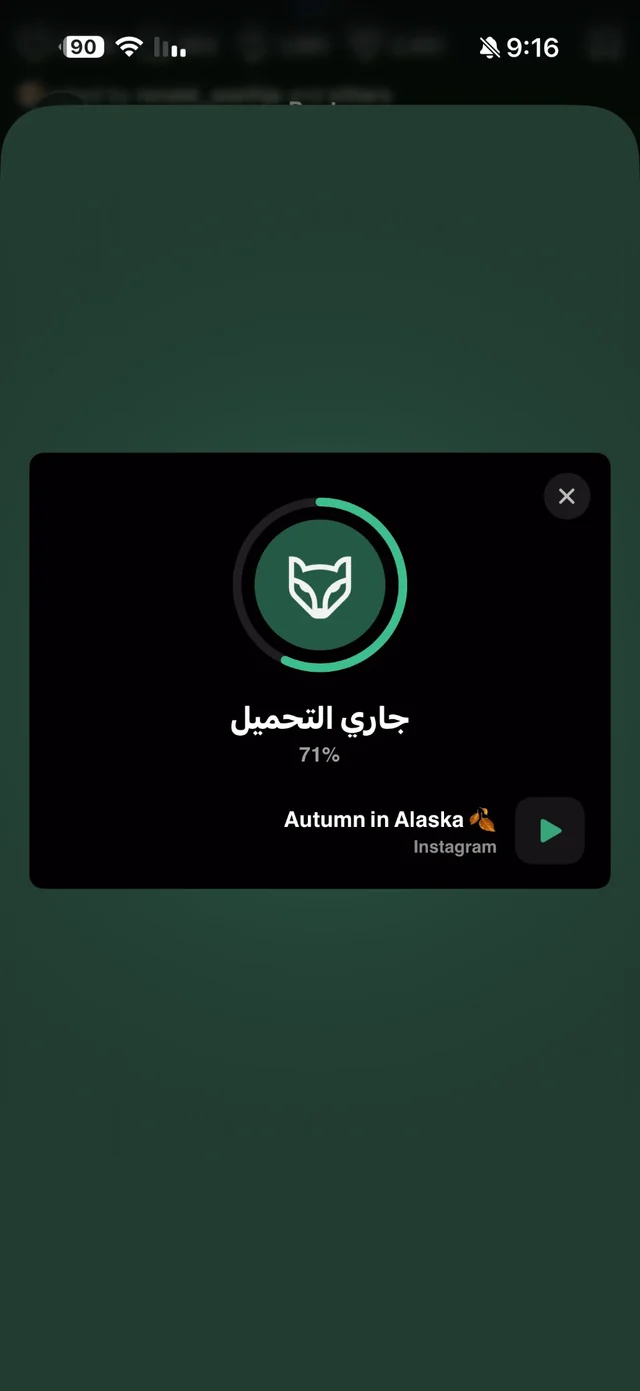
Raheeb card over Instagram downloading the carousel post at 71%
4Saving the carousel over Instagram
Raheeb card showing a checkmark and saved to the photo album for the carousel post
5Carousel saved to Photos
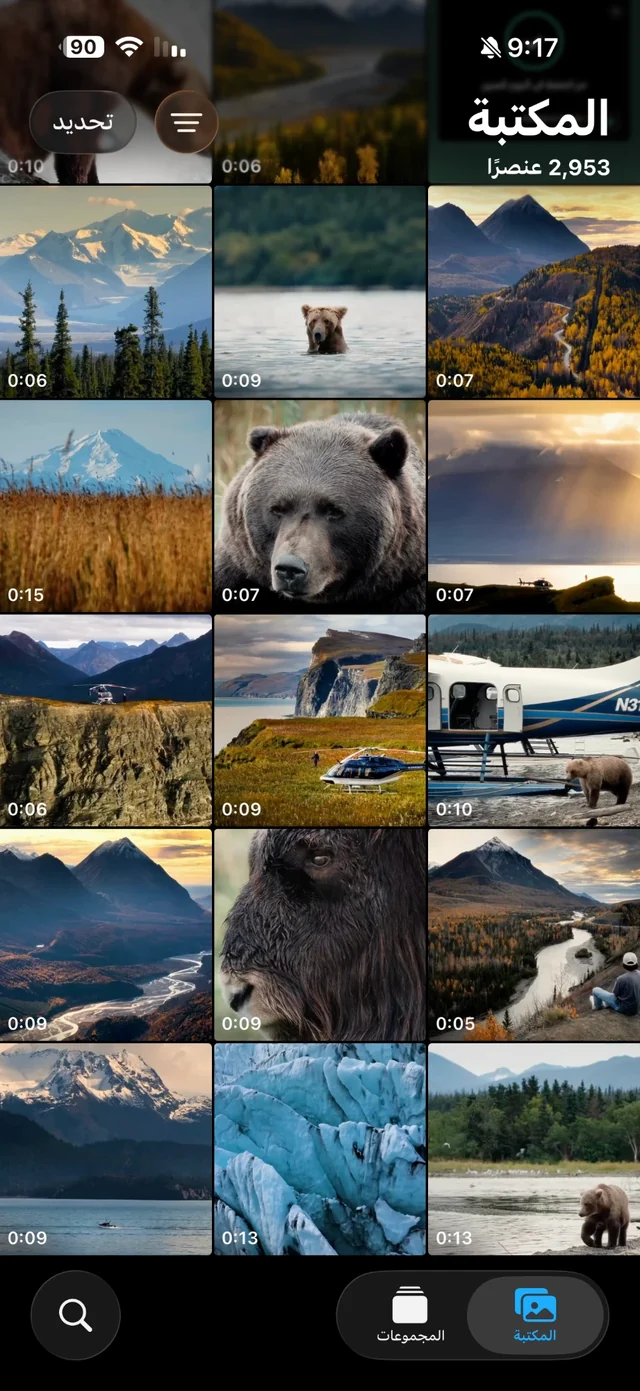
The iPhone Photos library with every item of the carousel post saved as its own file
6Carousel items in the Photos library

Tools

Photo, video and PDF tools, image search and the browser.
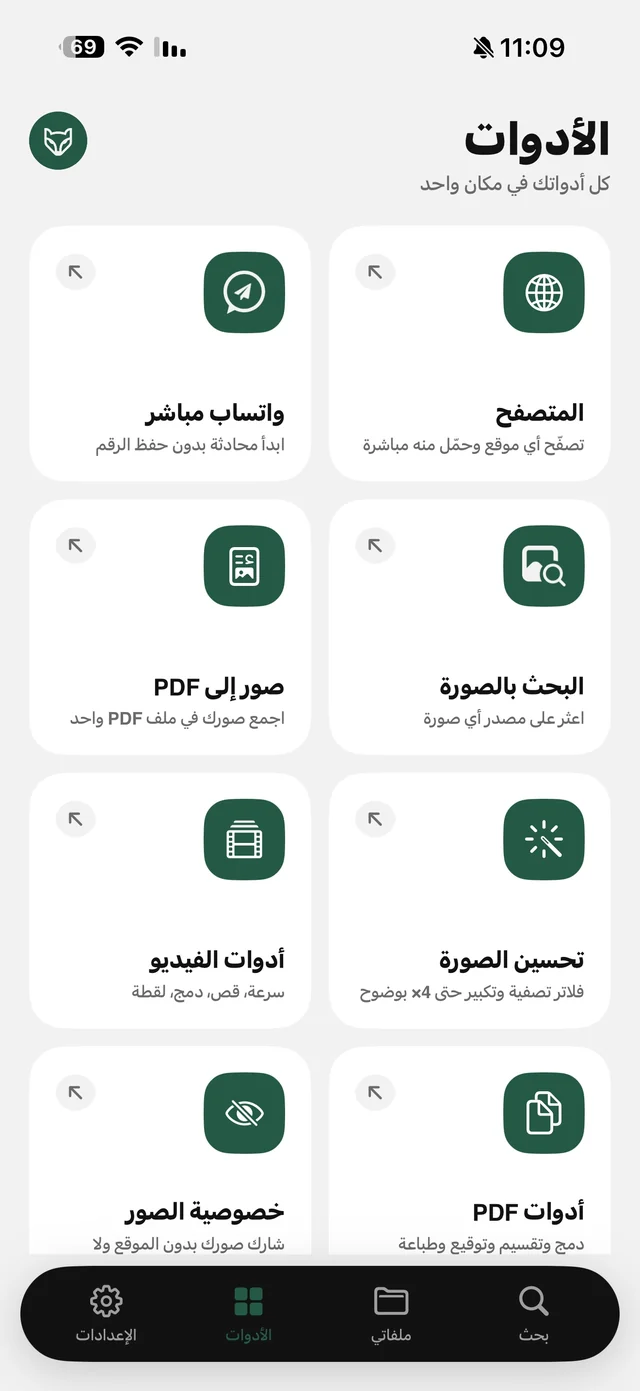
Raheeb Tools tab: Direct WhatsApp, Browser, Images to PDF, Image Search, Video Tools, Enhance Photo, Photo Privacy and PDF Tools
The Tools tab
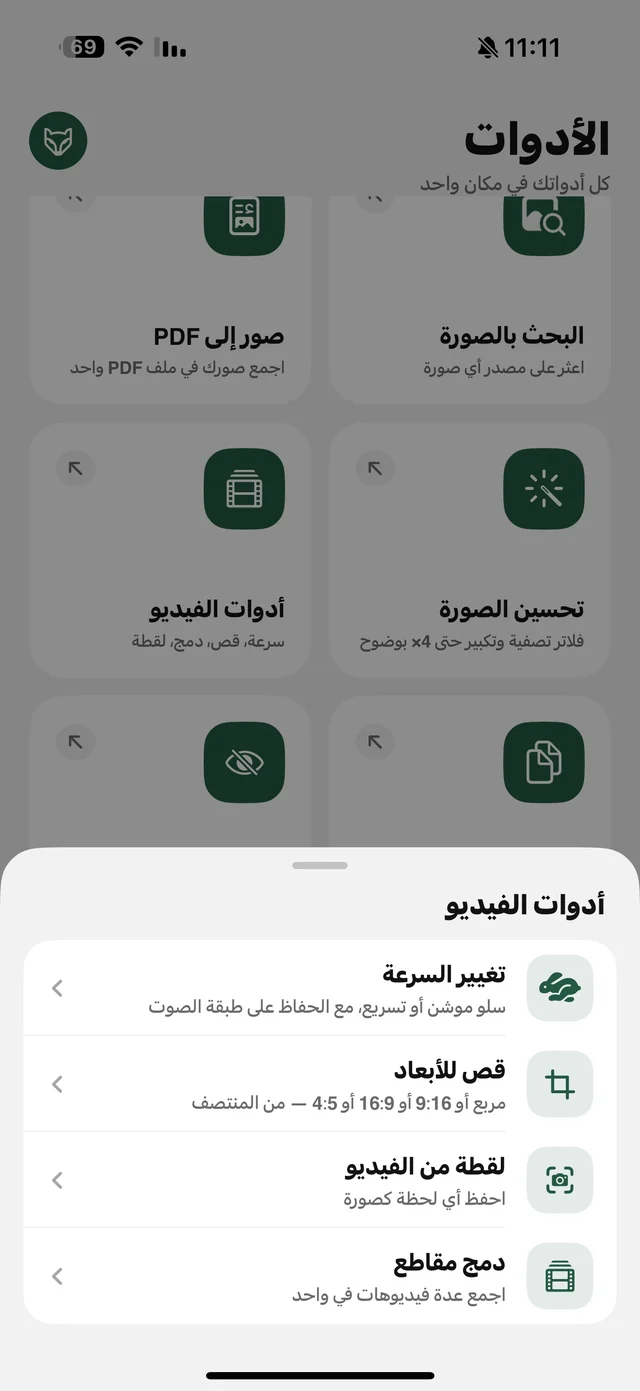
Raheeb video tools menu: change speed, crop to size, frame from video and merge clips
Video tools
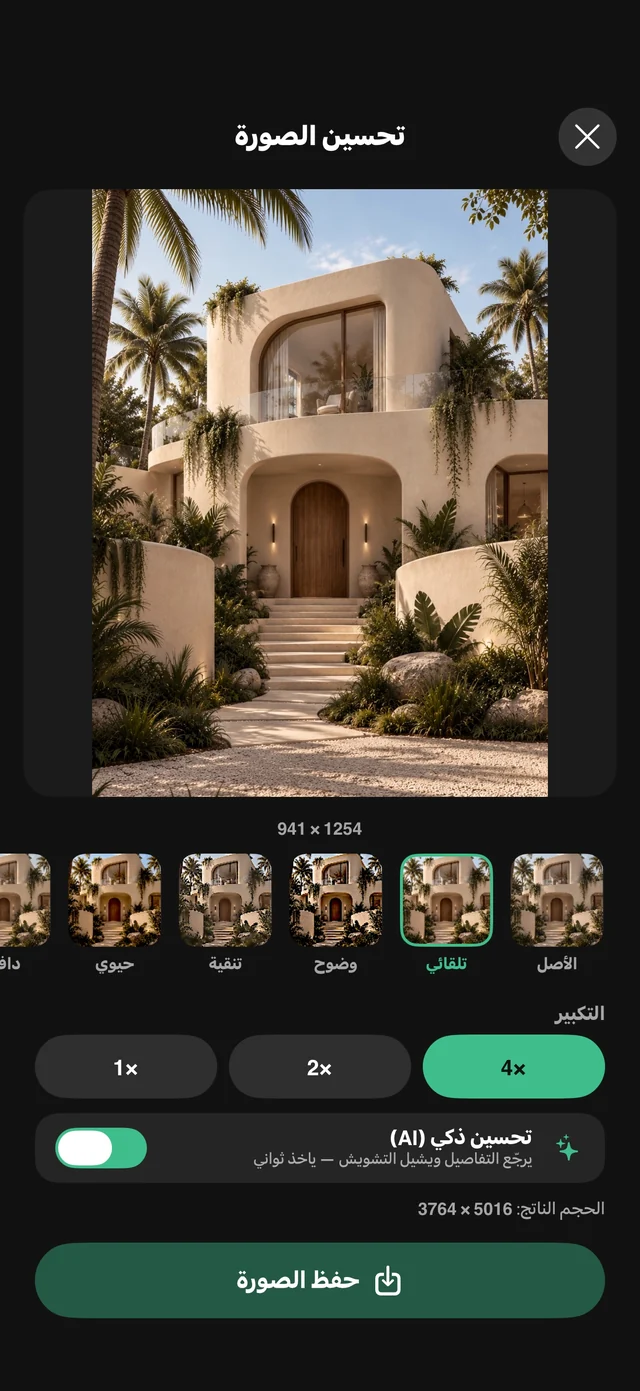
Raheeb photo enhancer with looks, 4x upscaling and the AI Smart Enhance switch
Enhance and upscale a photo 4×
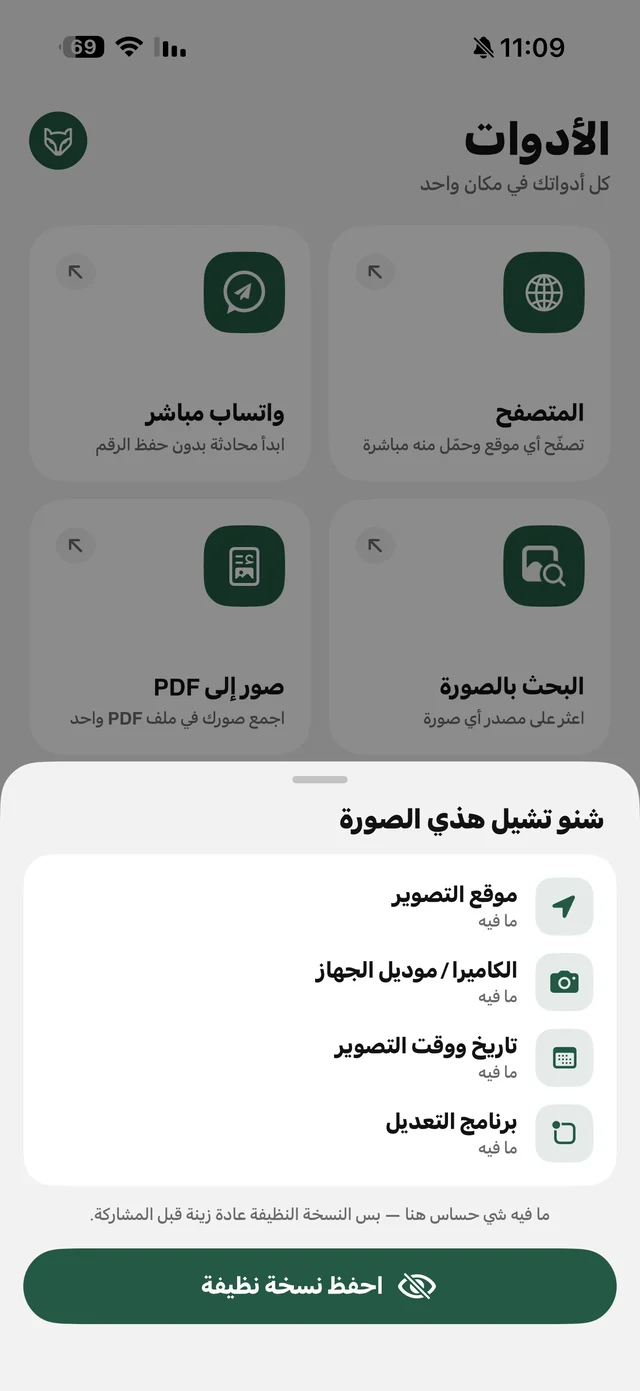
Raheeb Photo Privacy screen listing capture location, camera model and capture date with a save clean copy button
Photo Privacy: what your photo carries
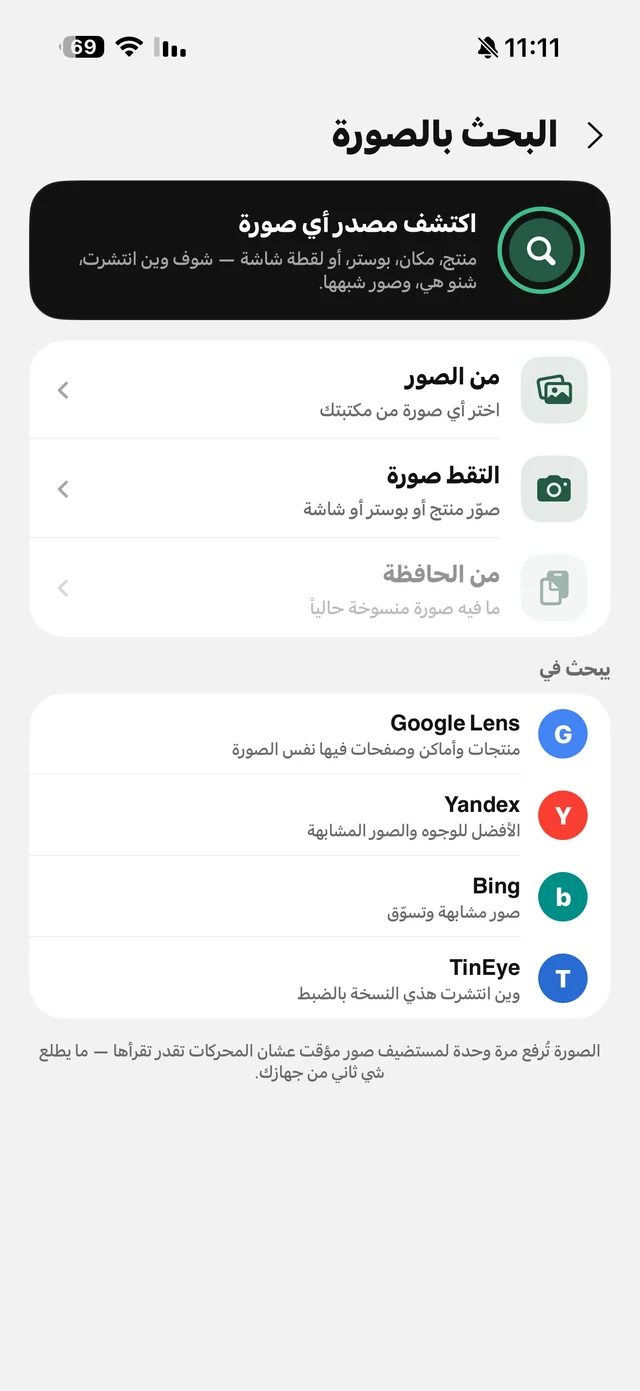
Raheeb image search screen with Google Lens, Yandex, Bing and TinEye
Reverse image search with four engines
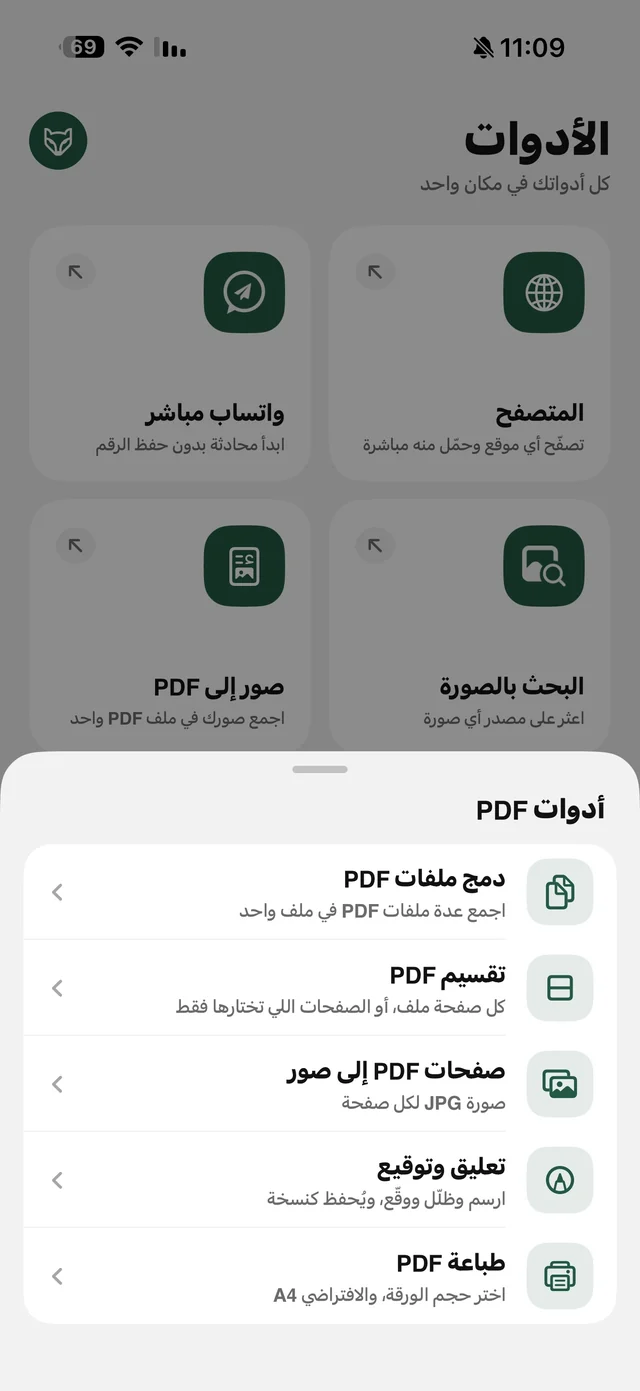
Raheeb PDF tools menu: merge PDFs, split, PDF pages to images, markup and sign, print
PDF tools
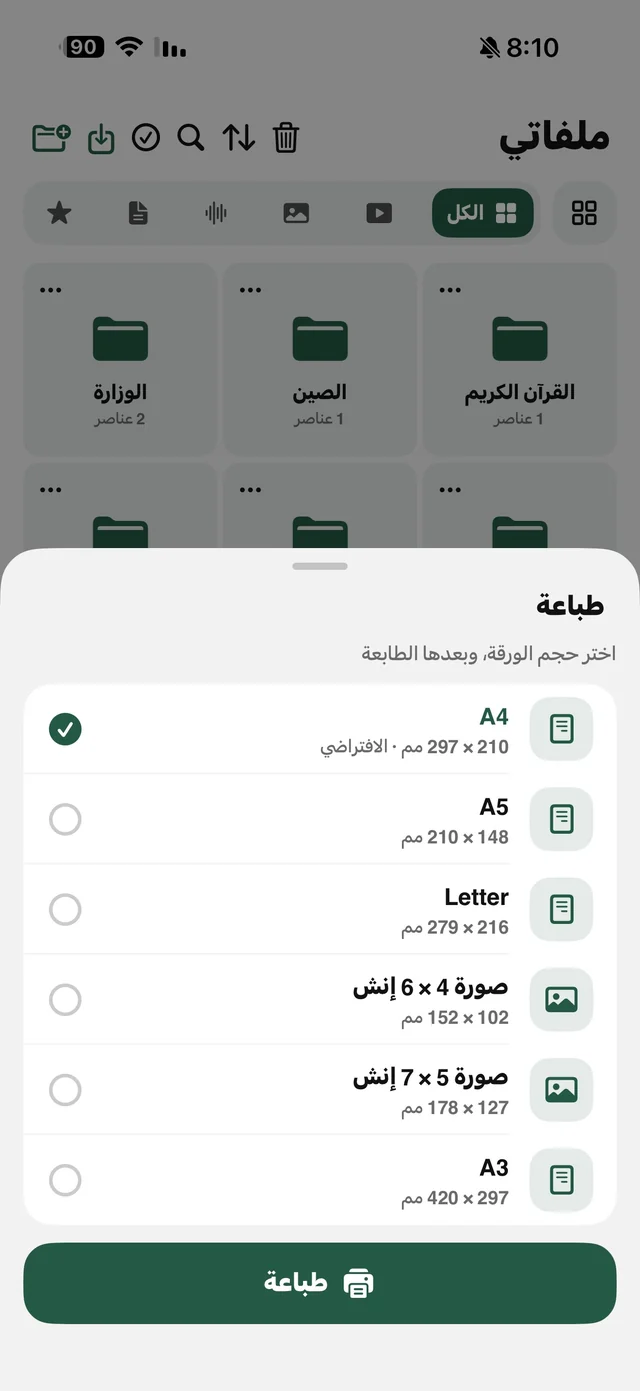
Raheeb print sheet to choose paper size: A4, A5, Letter, 4×6 and 5×7 photo, A3
Printing: choose the paper size
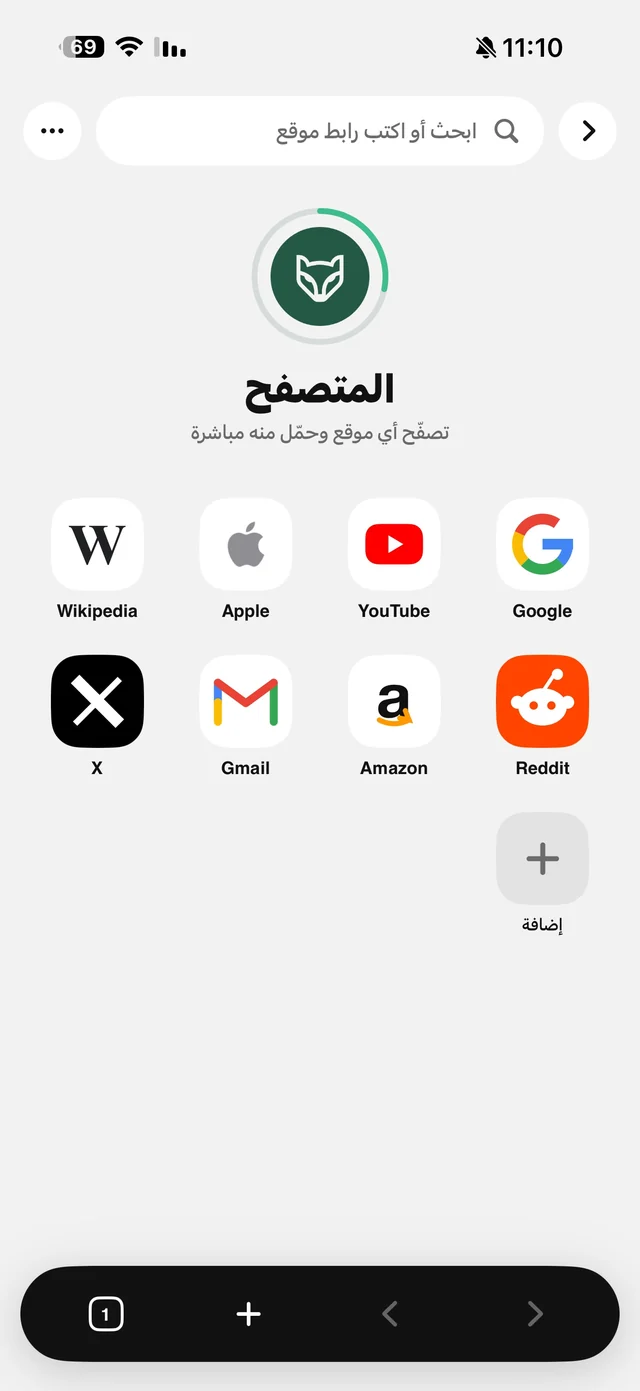
Raheeb in-app browser start page with Google, YouTube, Apple, Wikipedia, X, Gmail, Amazon and Reddit
The browser inside Raheeb

My Files and playback

The file manager, the player and background playback.
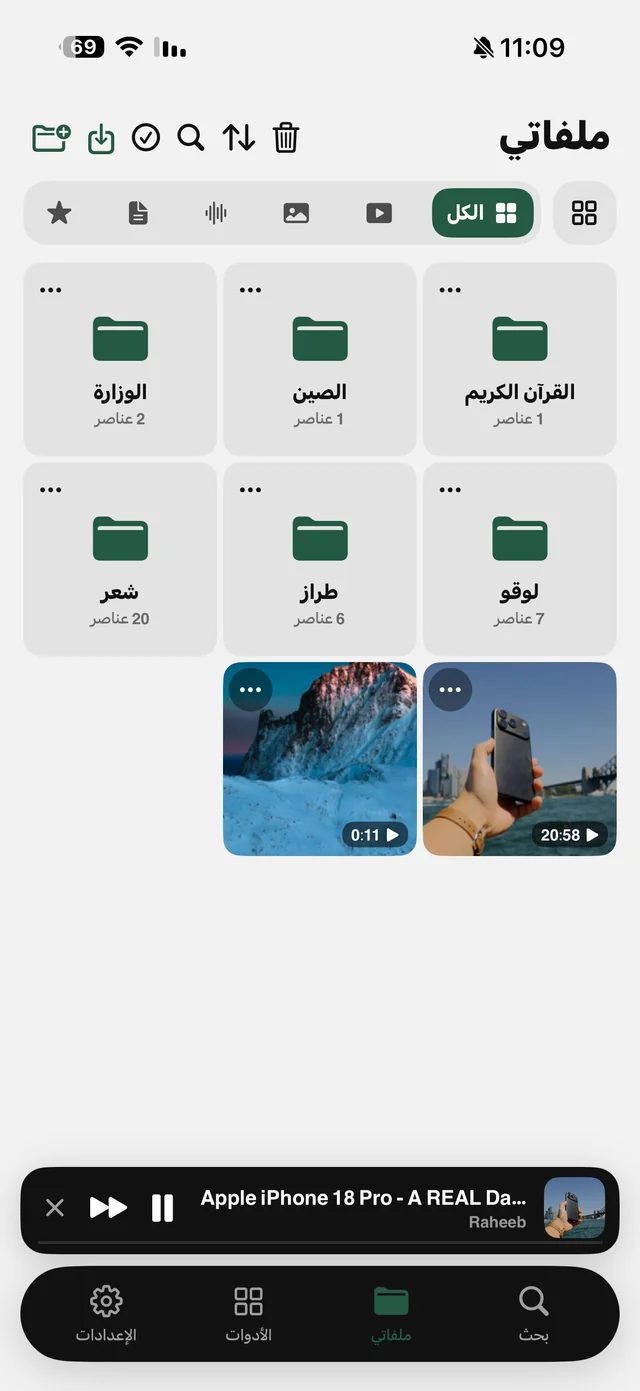
Raheeb My Files tab with organized folders, videos and a mini player at the bottom
My Files with folders
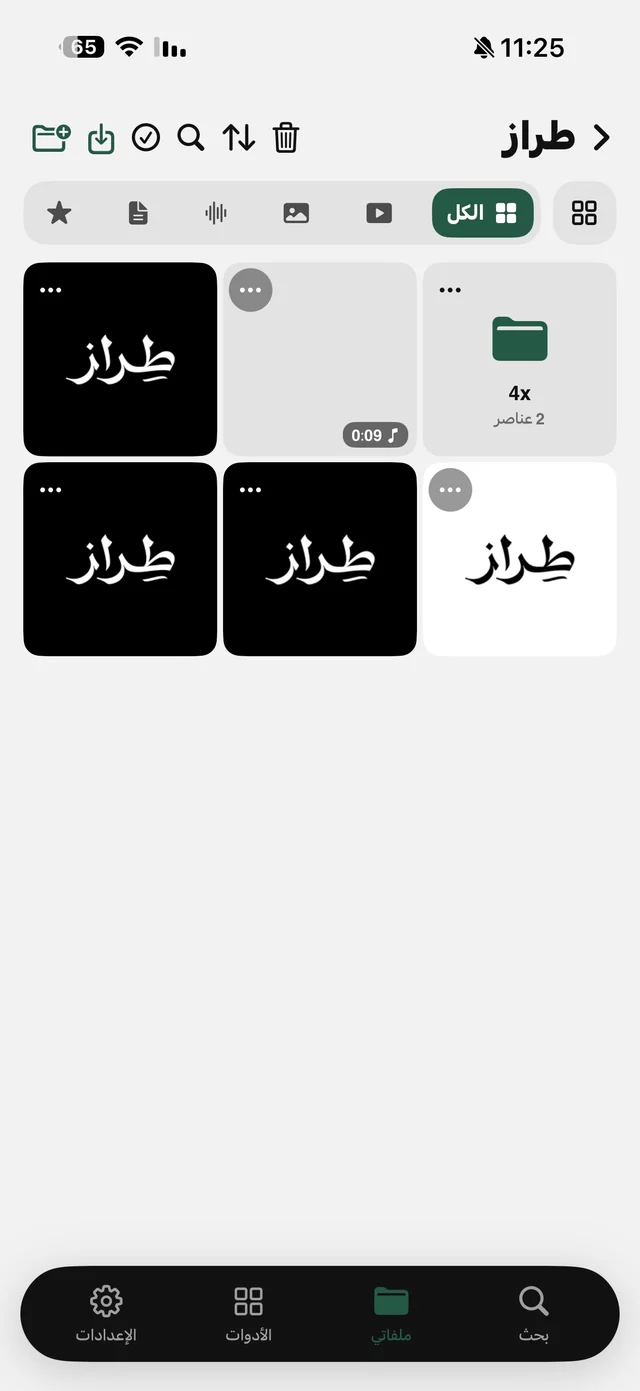
A folder in Raheeb My Files holding images, a video and a subfolder
Inside a folder in My Files
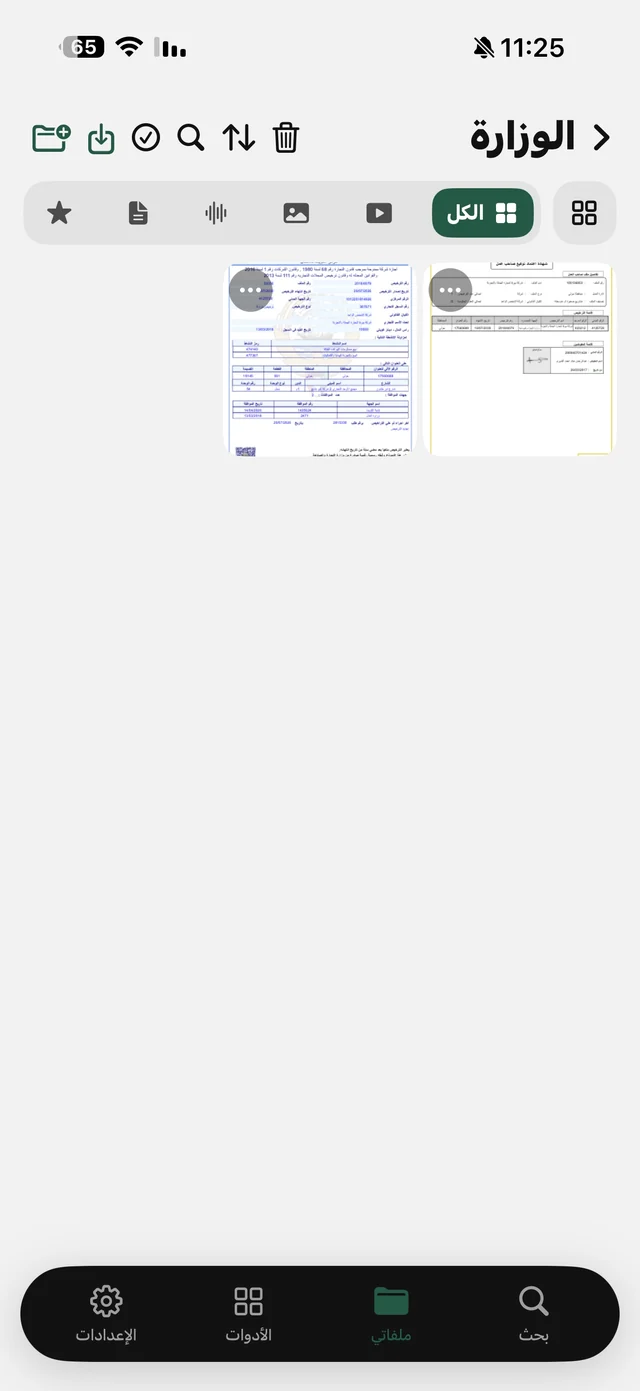
A documents folder in Raheeb My Files showing PDF files
Documents in My Files
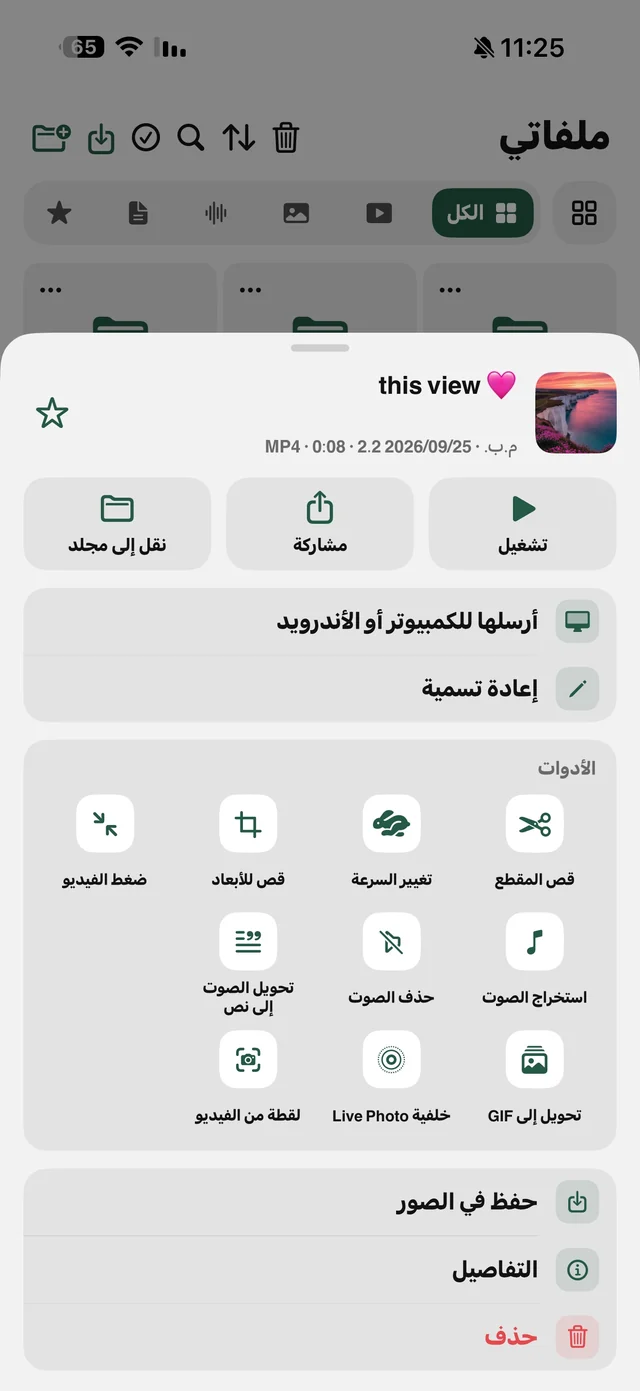
Raheeb options sheet for a video: play, share, move, send to computer, plus trim, compress, speed, extract audio and GIF tools
File options and video tools
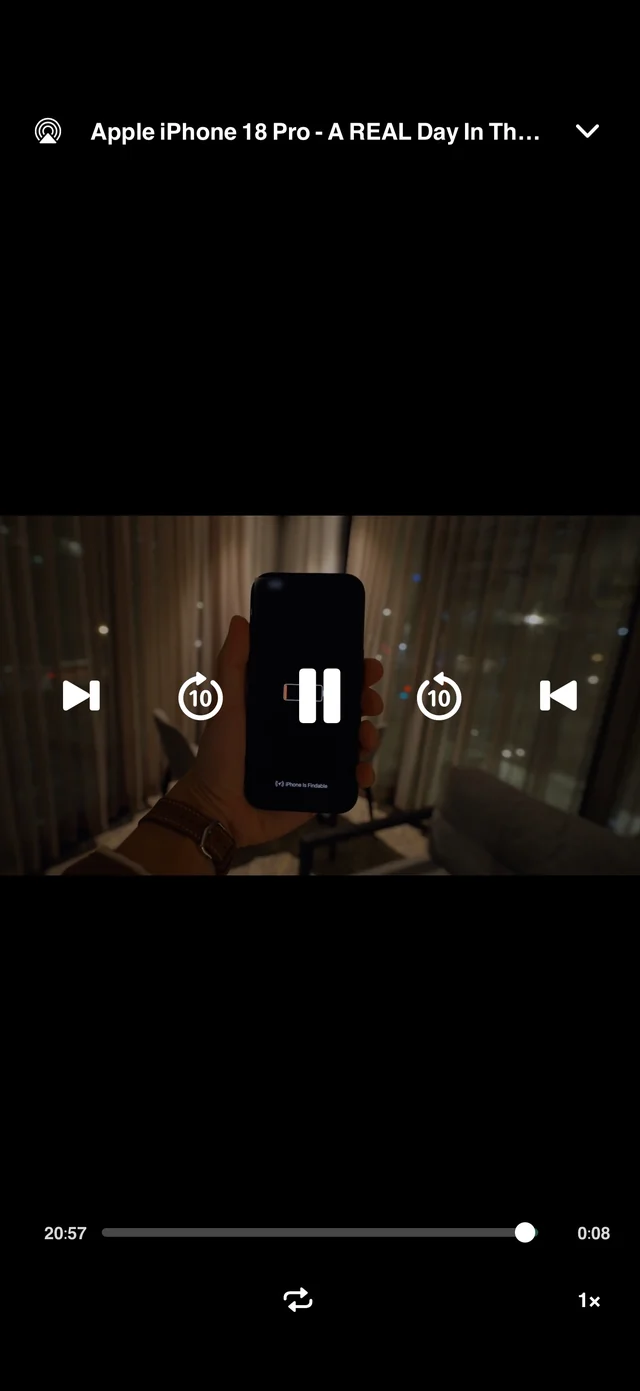
Raheeb video player with 10-second skip, previous, next, repeat and speed controls
The full video player
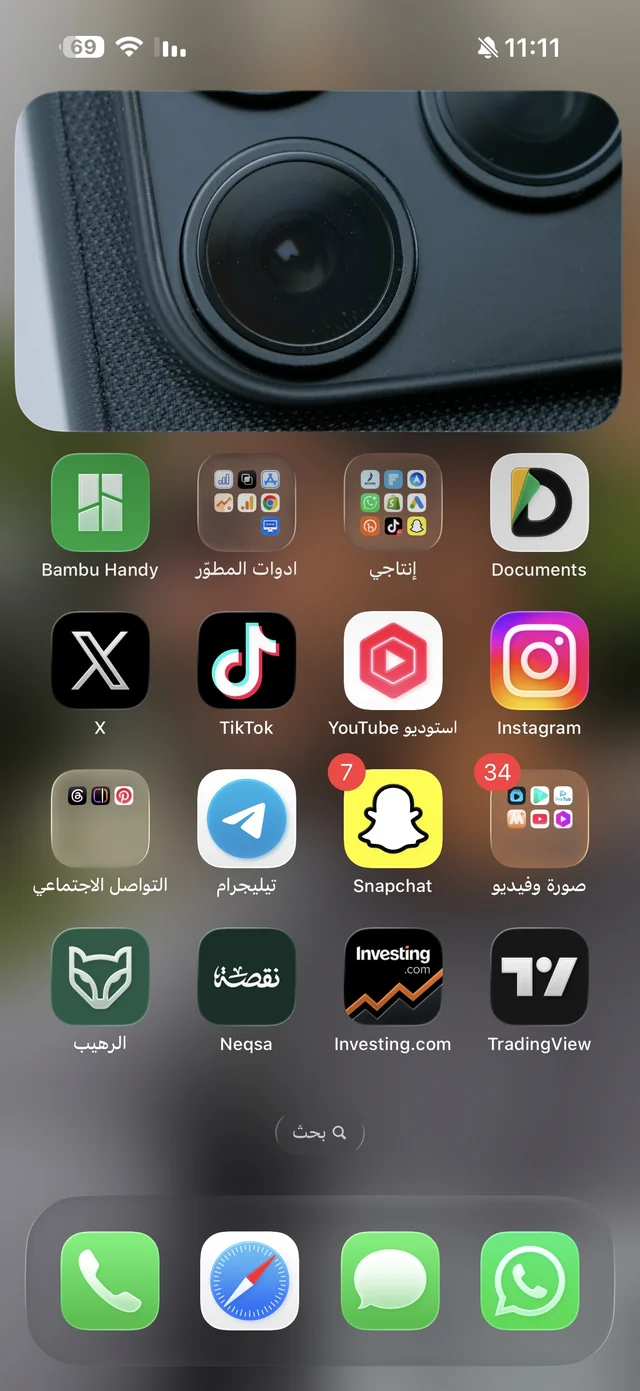
A Raheeb video playing picture-in-picture over the iPhone home screen
Video in a floating window
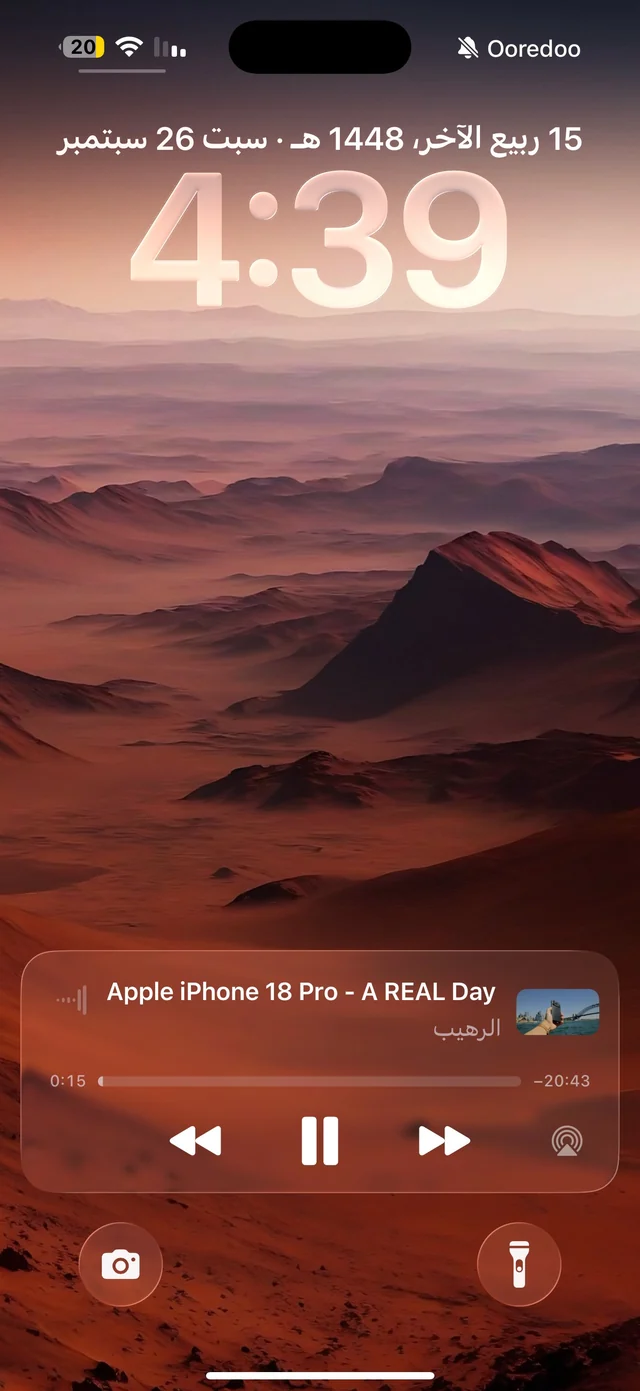
Raheeb player on the iPhone Lock Screen with playback controls
Playback controls on the Lock Screen
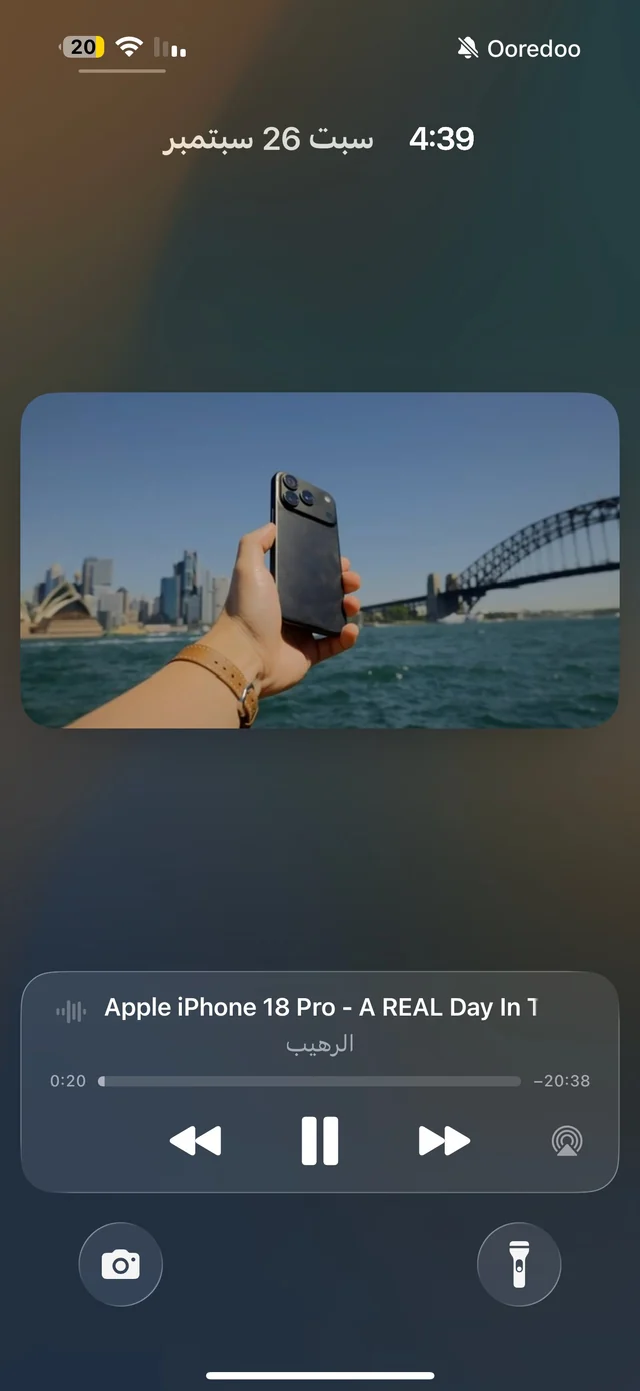
Audio from Raheeb playing in the background with Lock Screen controls
Audio keeps playing in the background
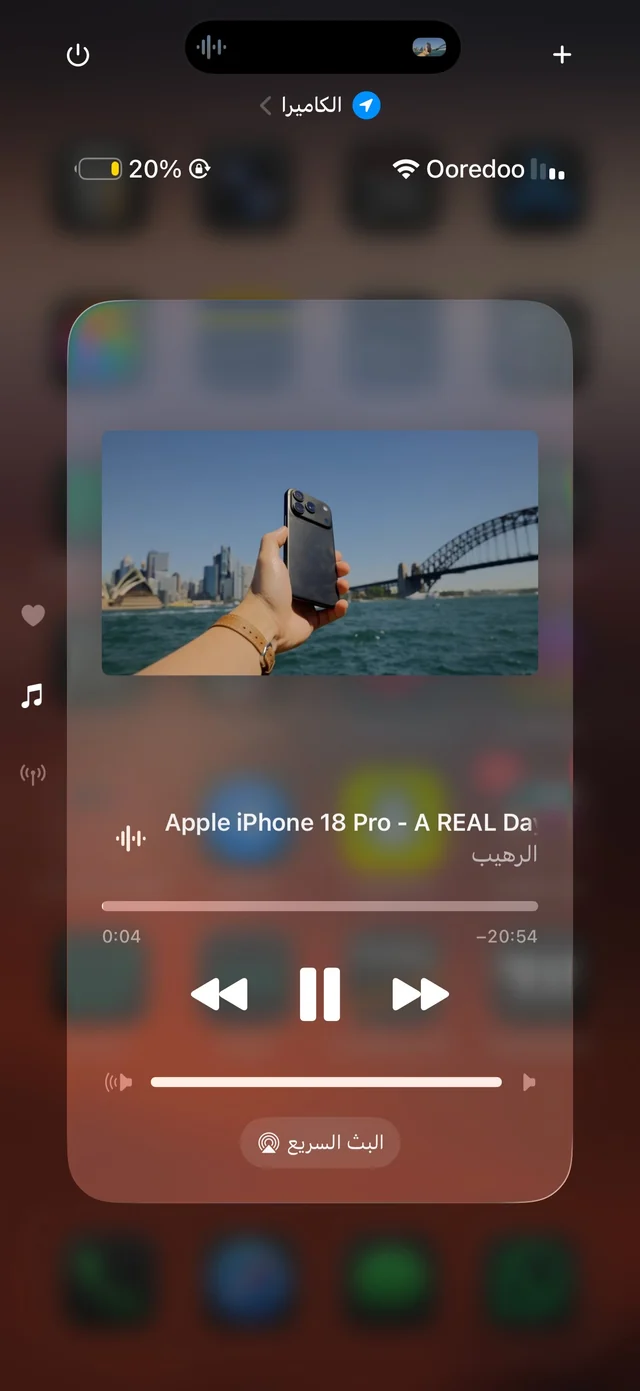
Controlling Raheeb playback from the iPhone Control Center
Controls in Control Center

Settings and shortcuts

Settings, widgets and app-icon shortcuts.
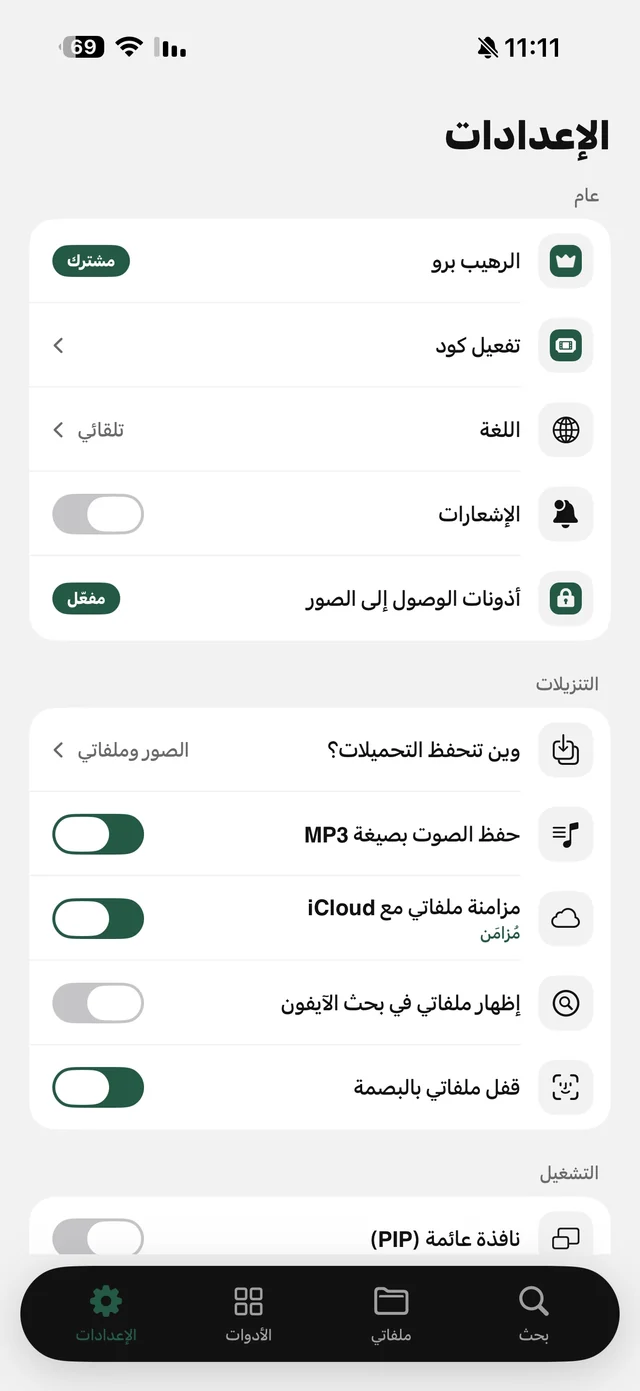
Raheeb settings: Raheeb Pro, redeem code, language, notifications, where downloads are saved, save audio as MP3, iCloud sync, Face ID lock
Raheeb settings
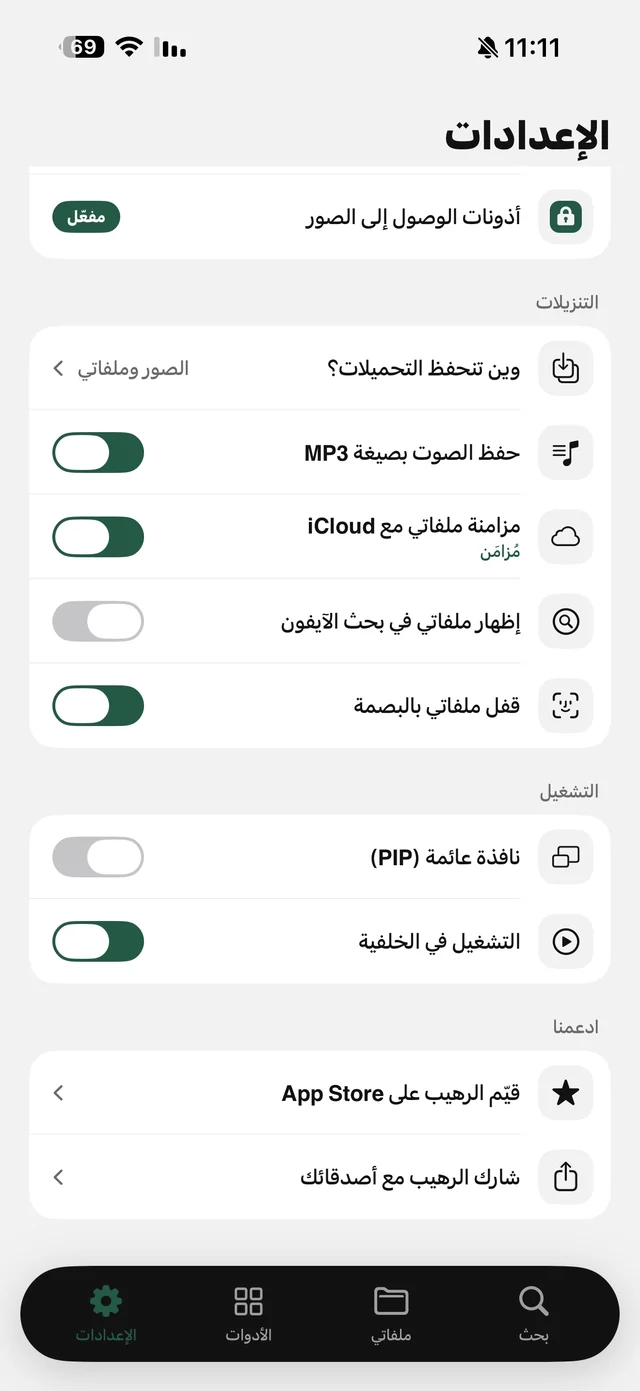
Raheeb downloads and playback settings: iCloud sync for My Files, Face ID lock, floating window, background playback
Downloads and playback settings
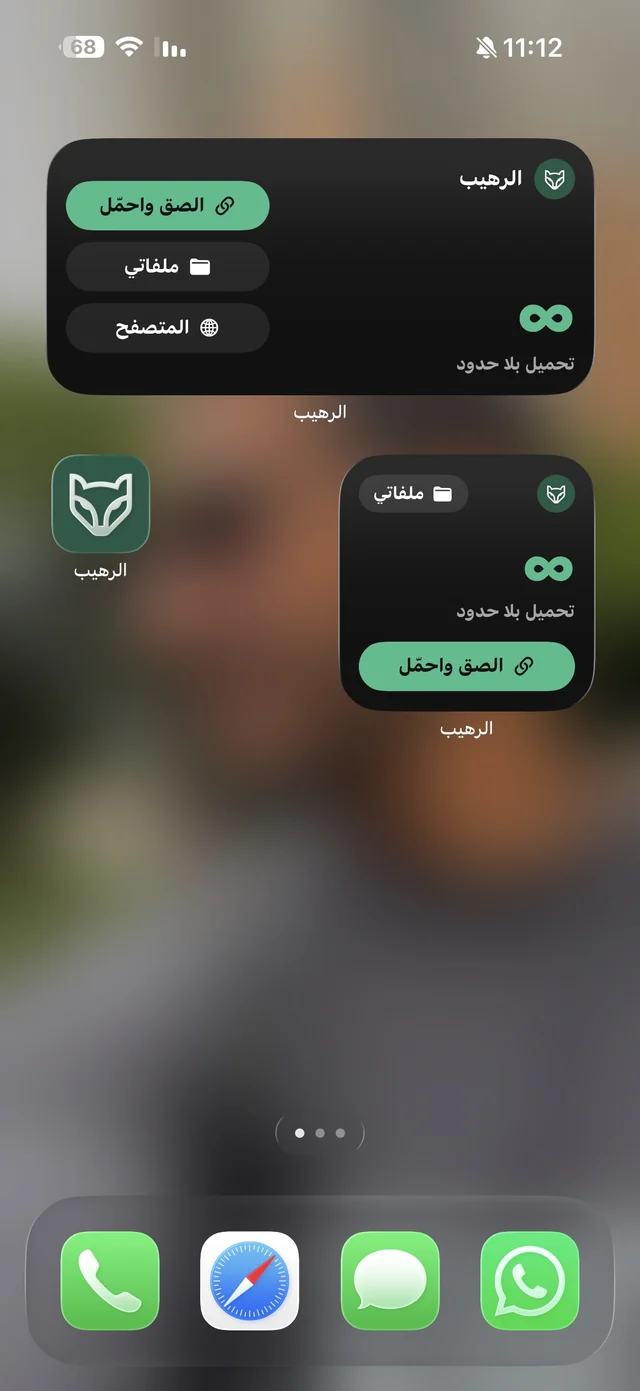
Raheeb widgets in two sizes on the home screen with Paste & Download, My Files and Browser buttons
Raheeb home screen widget
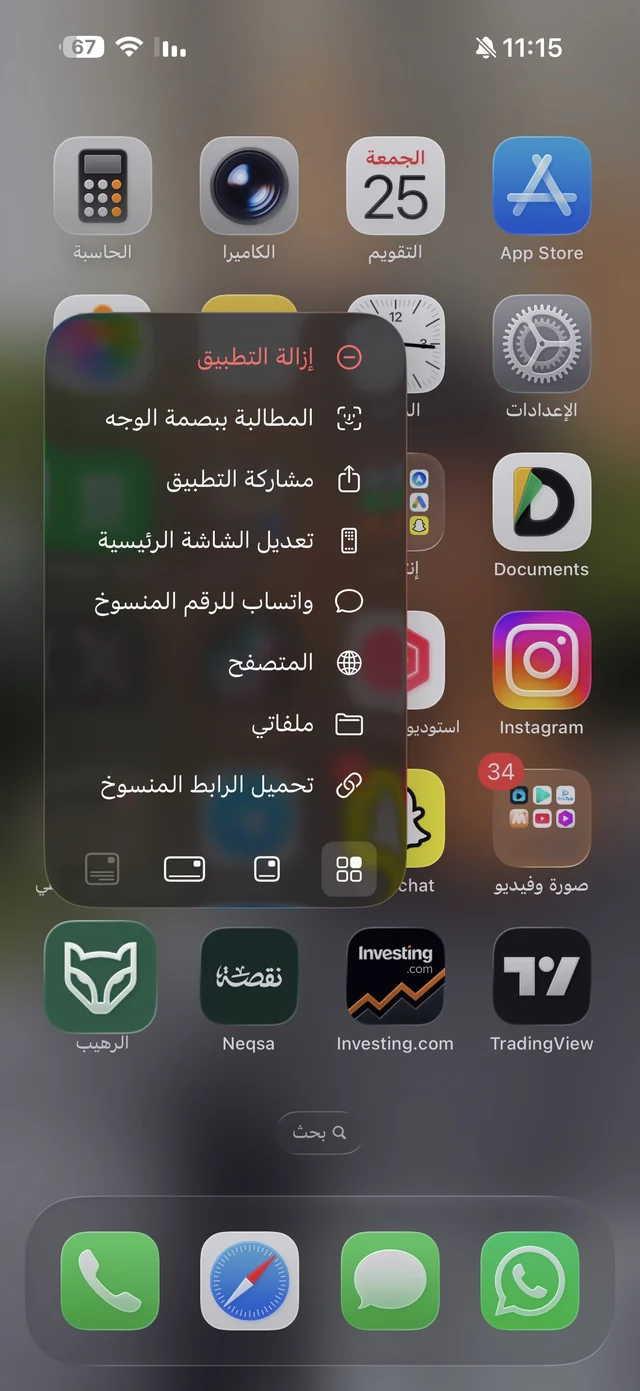
Raheeb app icon long-press menu: download copied link, My Files, Browser, WhatsApp copied number
Long-press shortcuts on the app icon

Get Raheeb free

On the App Store for iPhone and iPad — no account, and your first download takes seconds.