In this guide
The fastest way: the Share button
- 1Open the video or ReelFrom a public page, profile or group. Open the post itself, not the whole page.
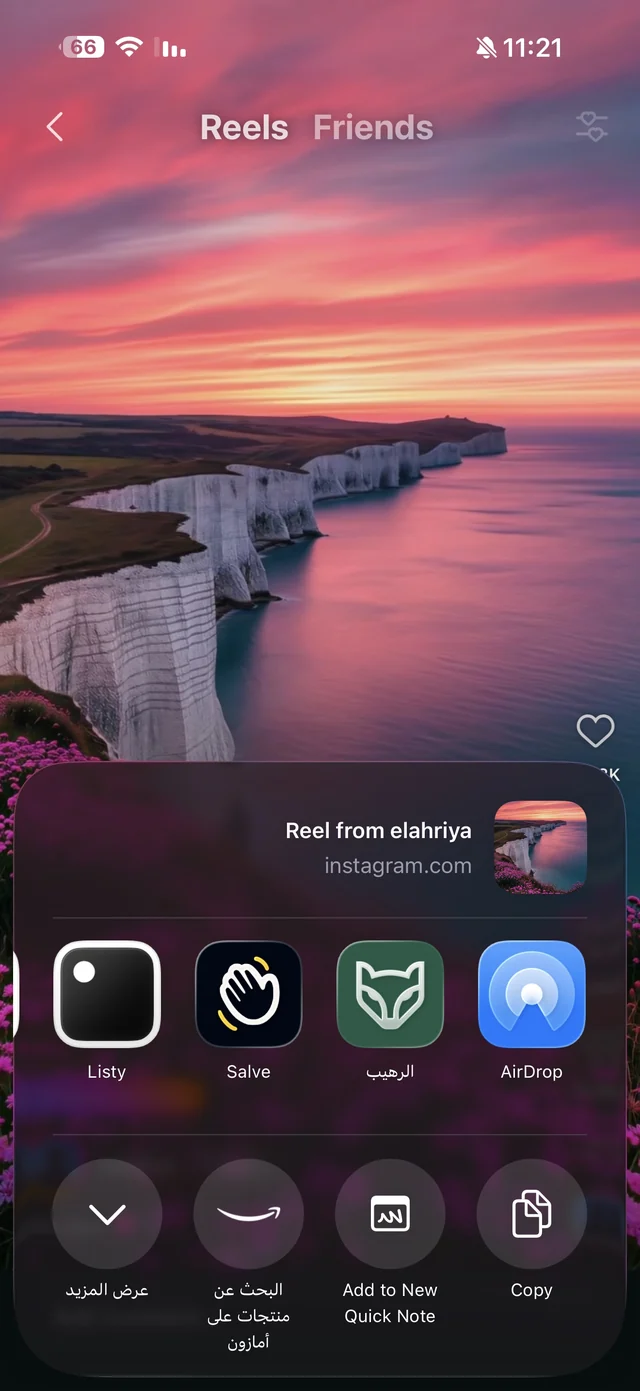
- 2Tap ShareThen More, or the option to share through other apps, and the iPhone share sheet appears.
- 3Choose RaheebThe first time, add it to Favorites in the app row so it always shows up first.
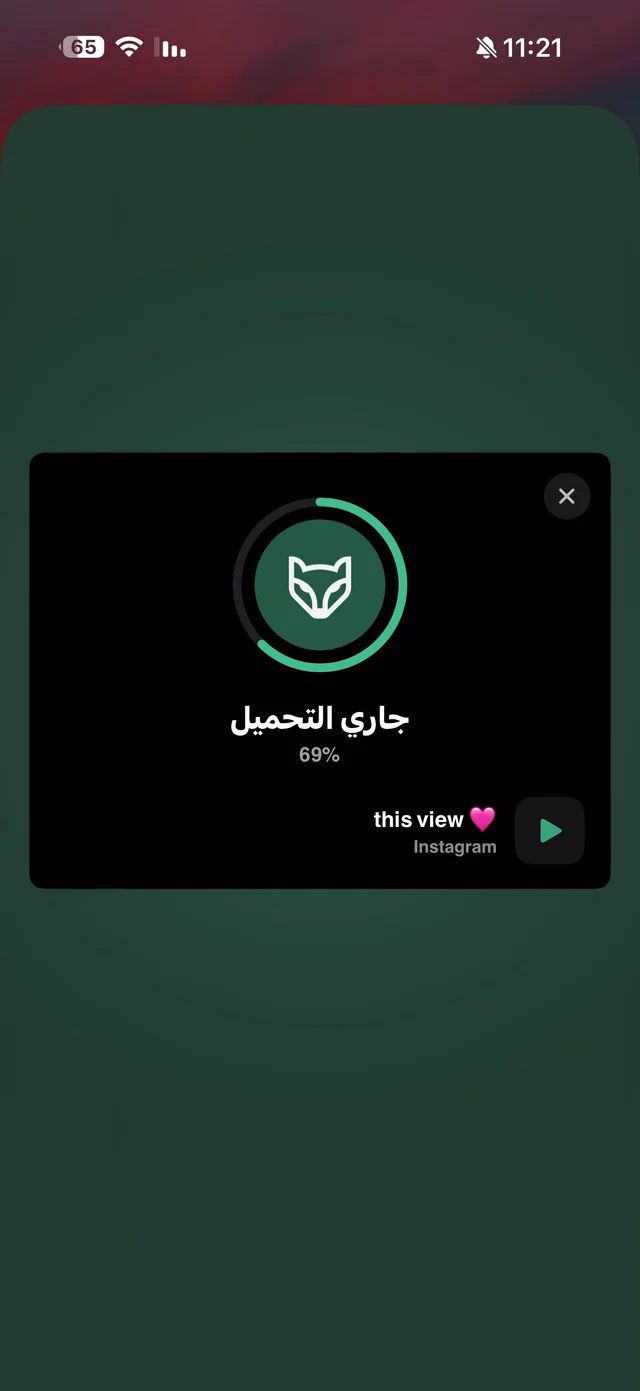
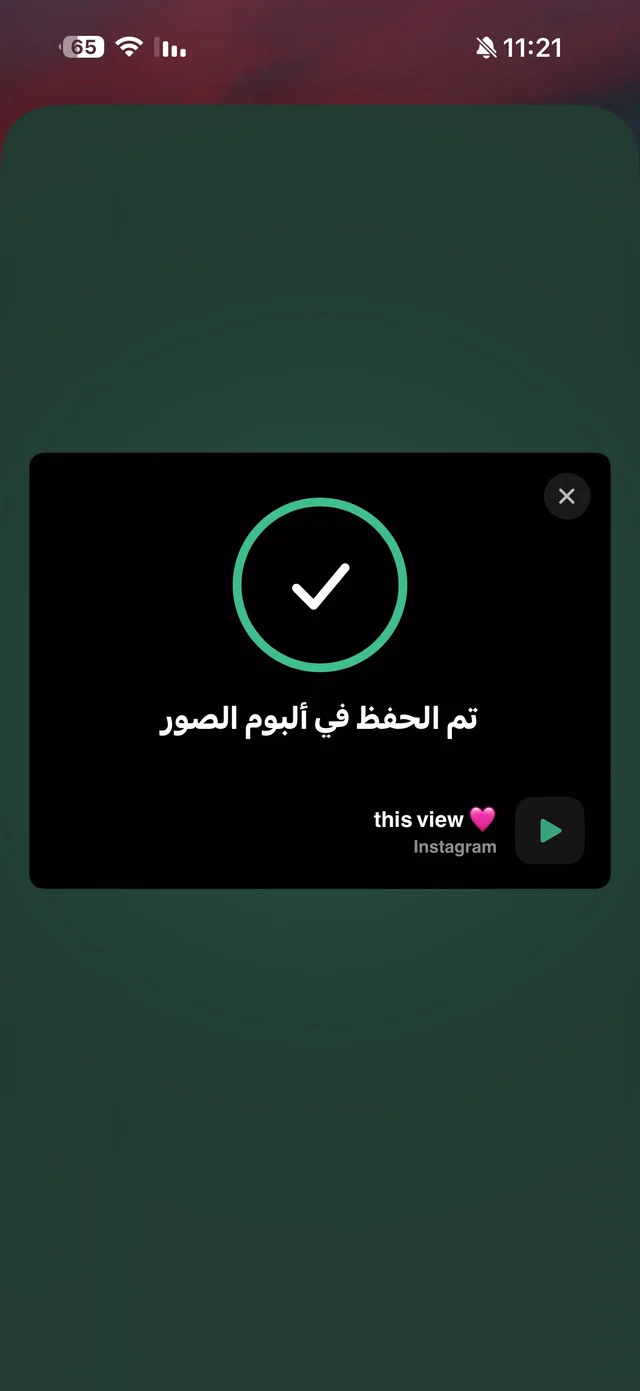
- 4Wait for “Saved”A card over Facebook shows the progress, then “Saved to Photos”, and you carry on where you were.
To pick the quality or audio: paste the link
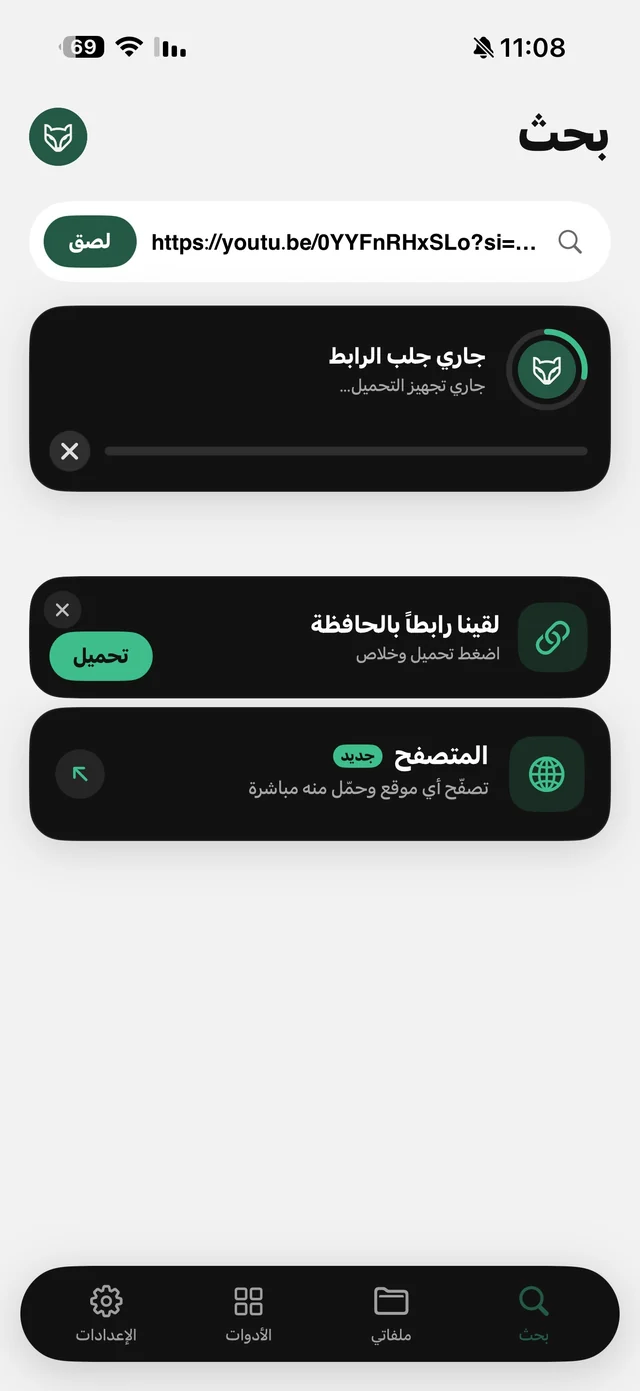
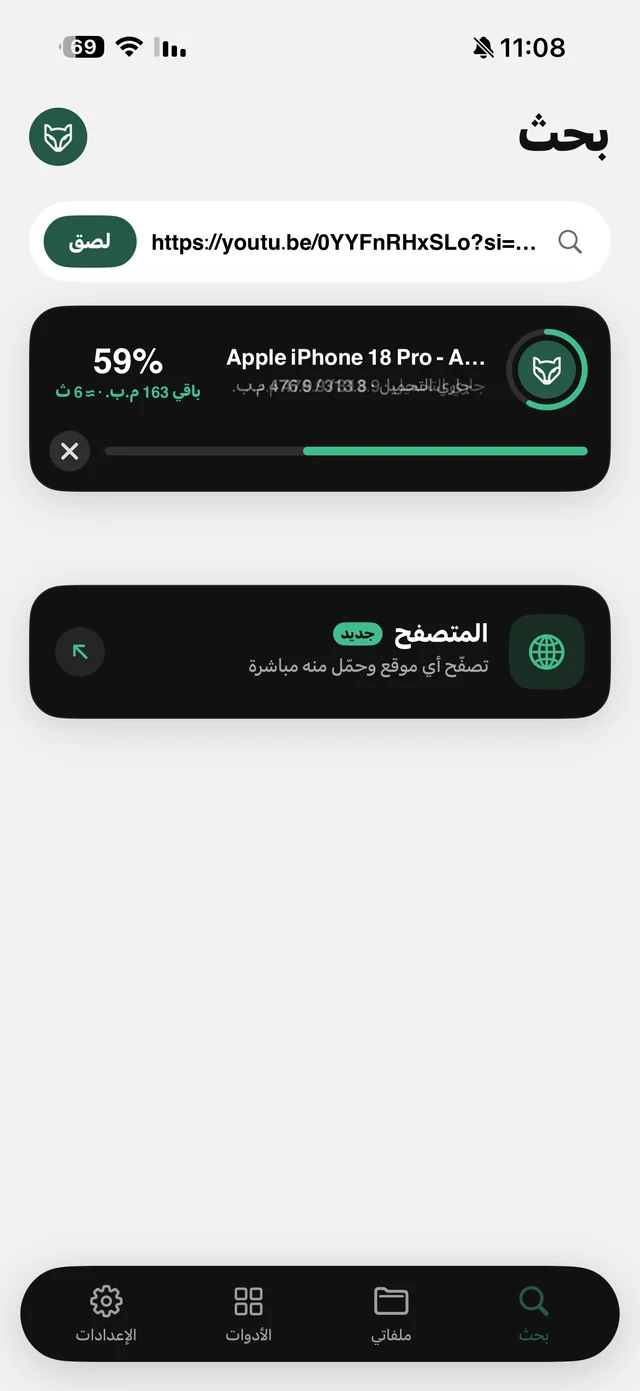
The Share button saves straight away at the best available quality. To choose yourself, tap Share, then Copy Link, and open Raheeb on the Search tab: a copied-link card appears with a Save button, or tap Paste. If Facebook serves the video in more than one quality, they all appear with their sizes, along with an Audio card if you only want the sound.
Downloading Facebook Reels
A Reel is a video like any other: tap Share under the Reel and choose Raheeb, or copy its link and paste it into the app. The link comes in several shapes depending on where you copy it, and all of them work as they are. The Reel is saved with its sound at the quality Facebook serves for the public link, and Raheeb adds no mark to it.
Links that work and links that don't
| Link | Result |
|---|---|
| A post with a video, or a Reel link | The video is saved |
| A short link or share link | Works as is; paste it without editing |
| A video post in a public group | Saved |
| A page, profile or group home link | Rejected; you need the link to a specific post |
| A private group, private profile or Stories | Not saved, because it needs a sign-in |
Rejected links are turned down before the download starts, so they don't count toward the daily limit, and neither does anything that failed or that you canceled. Details on the Facebook page.

Save the first video you want to keep: 3 files a day free, no account.
Why save the video instead of “Save post”?
Facebook's own Save button keeps a link in your saved list, not the file. If the owner deletes the video or changes its privacy, it disappears from your saved items, and it never works offline. Saving with Raheeb puts a copy on your phone that you can watch on a plane and that stays with you even if the post is deleted. Recipe, lesson and family videos need this most. We wrote more in save Facebook and X videos before they're deleted.
After saving
- Sending it on WhatsApp? The video itself beats a link: everyone can watch without an account. If it's large, shrink it with Compress Video; read compress a video before sending.
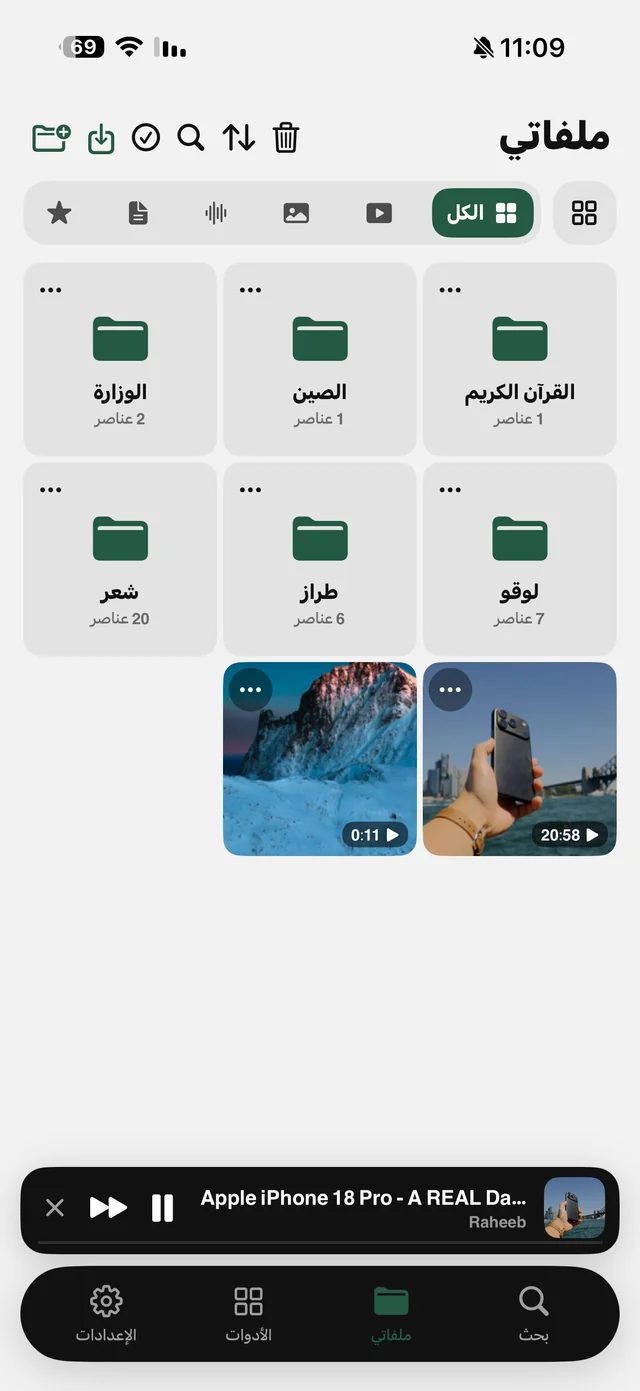
- Only need part of it? Trim Video from its menu in My Files, and the original stays as is.
- A lecture or talk? Extract Audio from the video's menu and listen with the screen locked. Read convert a video to MP3.
- Keeping things tidy? Put it in a folder named after the topic in My Files, like one for recipes and another for lessons.
Didn't save? Check these
- Did you copy the post link? Not the page link or the profile link.
- Is the post public? Anything that needs group membership or friendship with the owner can't be saved.
- Has the live stream ended? A live broadcast can't be saved while it's still running.
- Is there a video in the post? A text-only or photo post has no video to save.