In this guide
The steps
- 1Copy the Short's linkTap Share on the short video, then Copy Link.
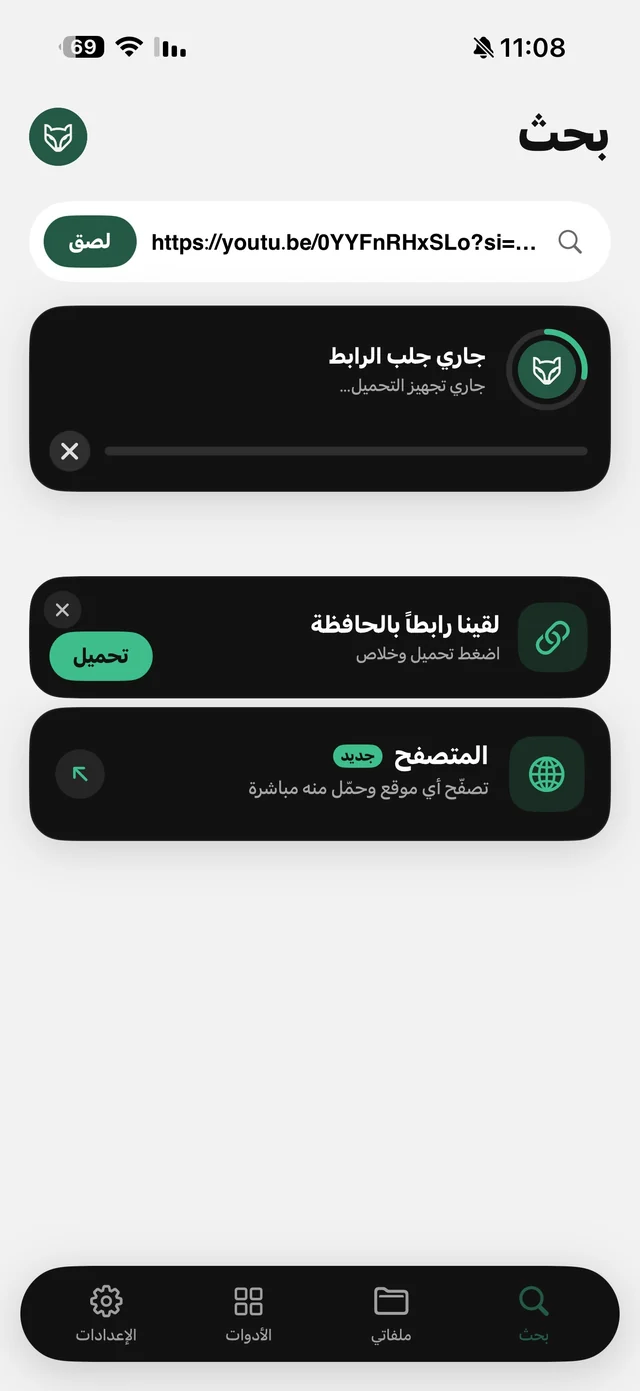
- 2Open RaheebIn the Search tab, tap Save on the “There's a link in your clipboard” card, or tap Paste.
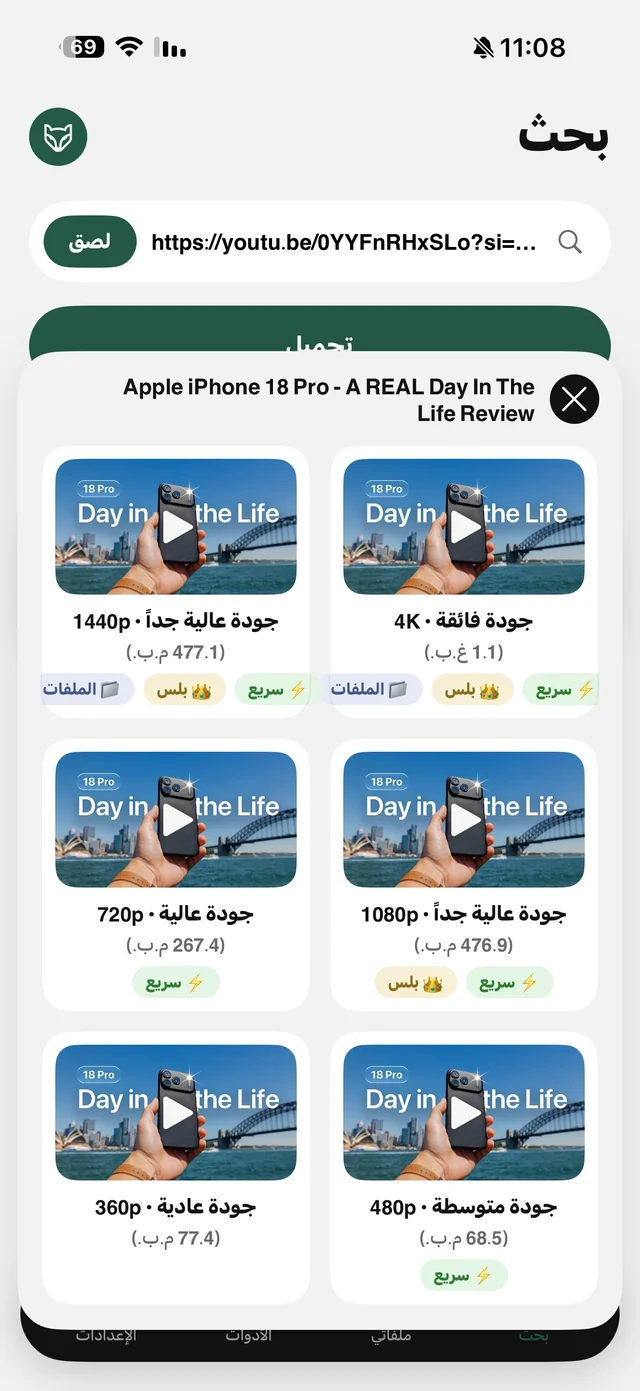
- 3Pick the qualityEach quality shows its size, along with the Audio and Video Transcript cards.
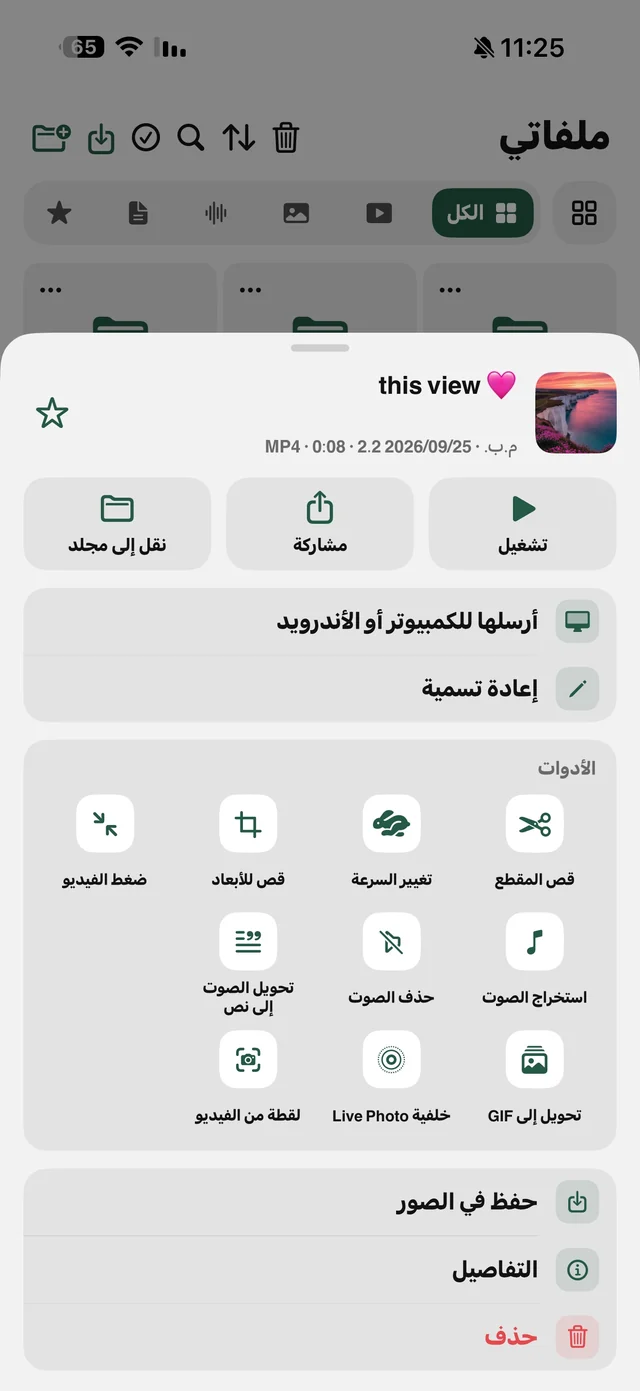
- 4SavedTo Photos and My Files, depending on the “Where downloads are saved” setting.
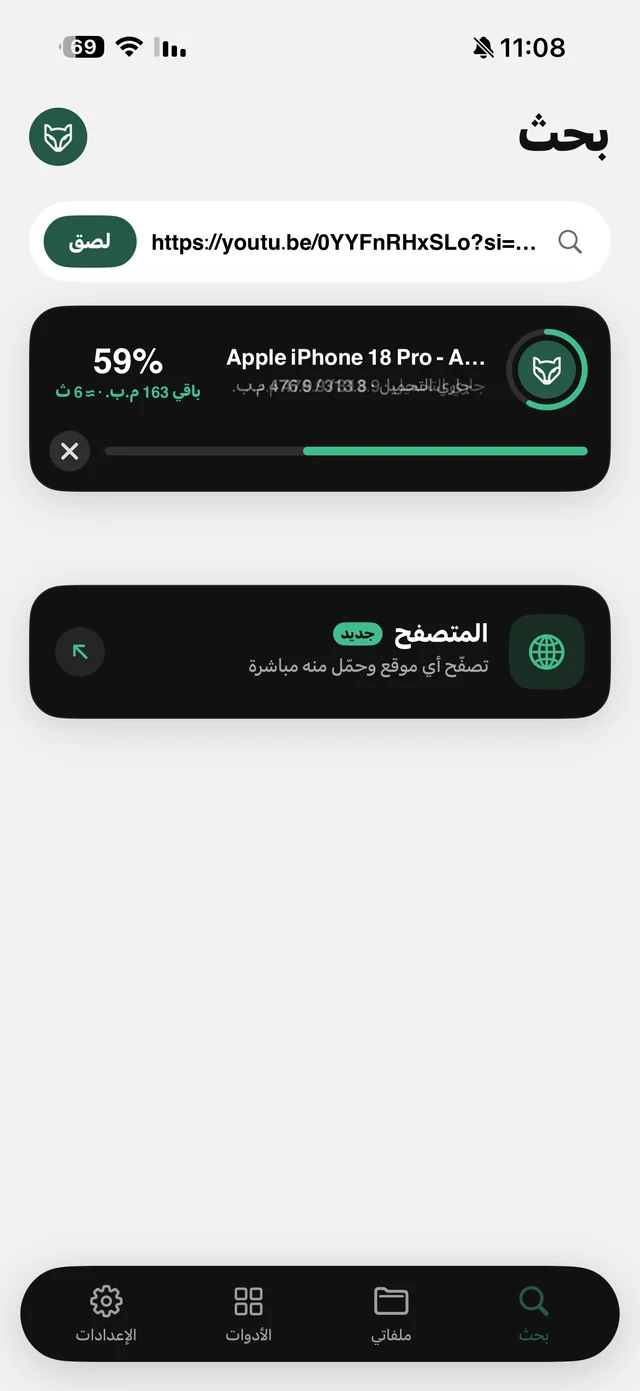
Share, then Raheeb, works too, but it saves straight away without the quality sheet. If quality matters to you, paste the link.
Which quality, and what's free?
| Quality | When to pick it | Free or Pro |
|---|---|---|
| 720p and below | For watching on your phone; smaller files | Free |
| 1080p | For the TV or reusing it in an edit | Raheeb Pro on this site |
| Audio card | When the words or the sound are what you need | Free |
The list shows what the video itself offers, and most short videos are uploaded at 1080p or lower. The size is written under each quality, so you know what it will use before you download. Details in download YouTube videos in HD.
Links that work and links that don't
- A short video's link from the Share button, full or shortened: works.
- A short video's link from a channel page (the link to the video itself): works.
- A channel link, or the page with all its short videos: rejected; you need the link to one video.
- Playlists: aren't saved whole; each video is saved from its own link.
Rejected links don't count against your daily limit, and neither does anything you canceled or that failed.

Save your first short video: 3 files a day free, no account.
After saving: trim it, make it a wallpaper or keep the audio
- Live wallpaper or GIF: from the video's menu in My Files. Read turn a video into a Live Photo wallpaper or GIF.
- Just the audio: the Audio card when saving, or Extract Audio later. Read YouTube to MP3.
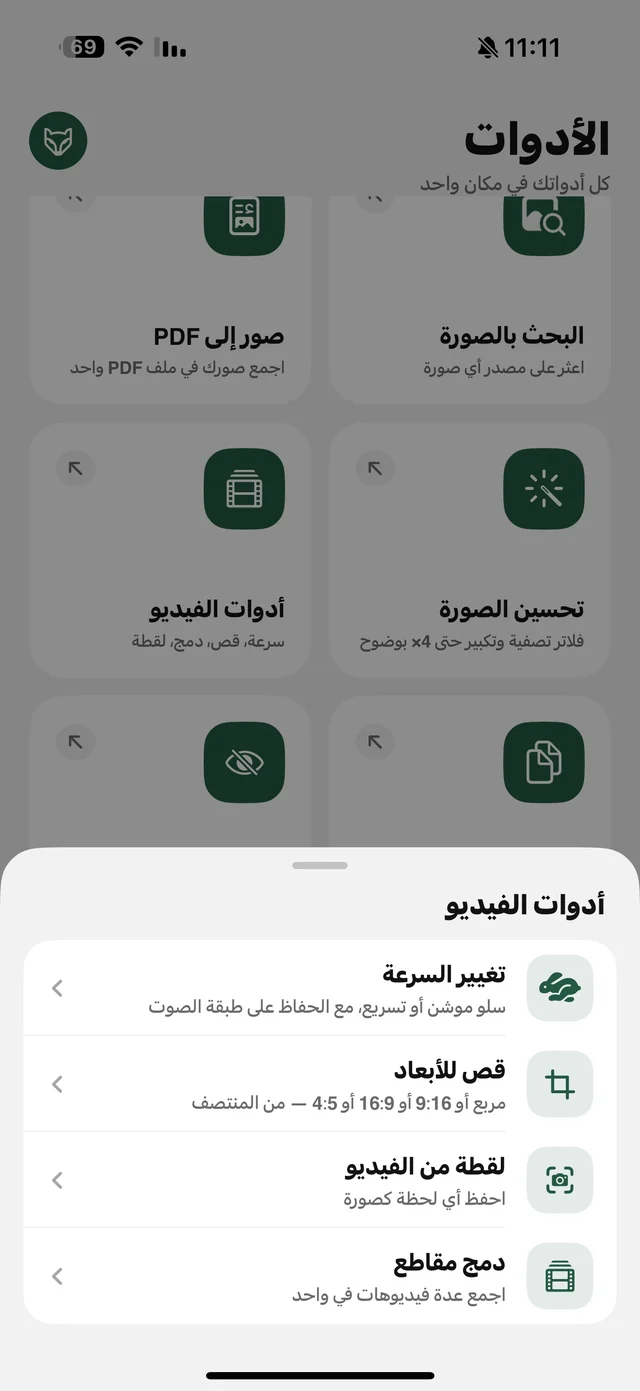
- A specific part: Trim Video with no quality loss; the original stays as it was.
- The words as text: Video Transcript is a Raheeb Pro feature. Read video to text in Arabic.