Save Instagram videos and photos
Paste a post's link into Raheeb and it's saved to My Files and Photos, a single video or every photo in the post, with no account and no sign-in.
How it works
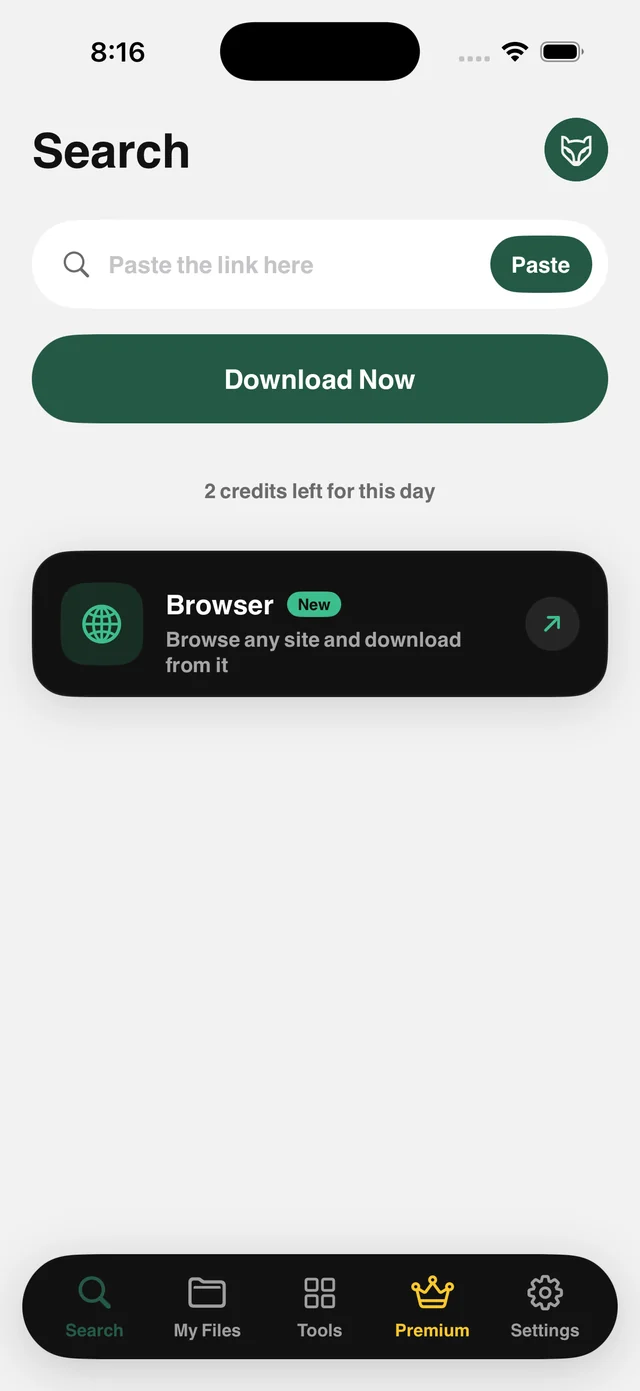
Raheeb reads a public post's link and fetches the original file: the video with its audio, the photo at full resolution, or every image in a multi-photo post at once. Over 130,000 files saved from this site since June 2026.
The shortest route is the Share button: tap Share under a post, choose Raheeb, and the file is saved without leaving the app you're in. Because Raheeb asks for no sign-in and stores no account cookies, it works on public posts only. Private accounts, temporary content and its pinned collections are out of scope.
Videos and multi-photo posts
A multi-photo post is saved complete, image by image.
No sign-in
No account, no password, no cookies. Public links only.
Audio intact
Videos are saved with their sound, and you can extract it as MP3 afterward.
From the Share button
Share a post to Raheeb without leaving the app you're in.
How to use it
- 1
Open the post
Any public video or post.
- 2
Copy the link
In Instagram: from the ••• menu choose Copy Link, or share it straight to Raheeb.
- 3
Paste and tap Save
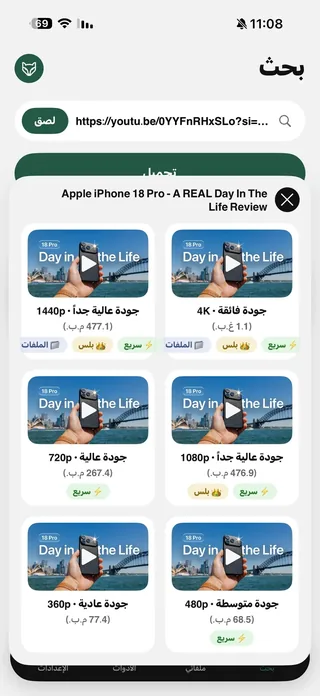
Raheeb reads the link and shows what's available.
- 4
Saved
The video or photos are in My Files and Photos.
When to use it
A reference library
Keep tutorial videos and recipes in one folder you can find again.
Archive your posts
Keep a copy of your own posts before you archive or delete them.
Mood boards
Collect images in My Files and sort them into folders.
Frequently asked questions
Can I save from a private account or temporary content?
Is a multi-photo post saved complete?
Is the audio saved with the video?
Does Raheeb need access to Photos?
Do short links work?
Guides
 The best app to save videos on iPhone: 3 ways comparedScreen recording vs. download sites vs. a file manager app: an honest comparison with steps.5 min readWhat do Arab users save from the web? Data from 490,000 save requests in 2026490,000 save requests: which sites Arab users save from, and from which country.3 min read
 Save Instagram Reels on iPhone with Sound in Full QualityThe video with its audio in your files, from Share or a pasted link.3 min read
Get Raheeb Free
On the App Store for iPhone and iPad. No account, and your first save takes seconds.