A browser that saves files to My Files
The browser is My Files' door to the web. Open any file link and you get a clear save sheet that puts the file in My Files, next to the rest of your files.
What is this feature?
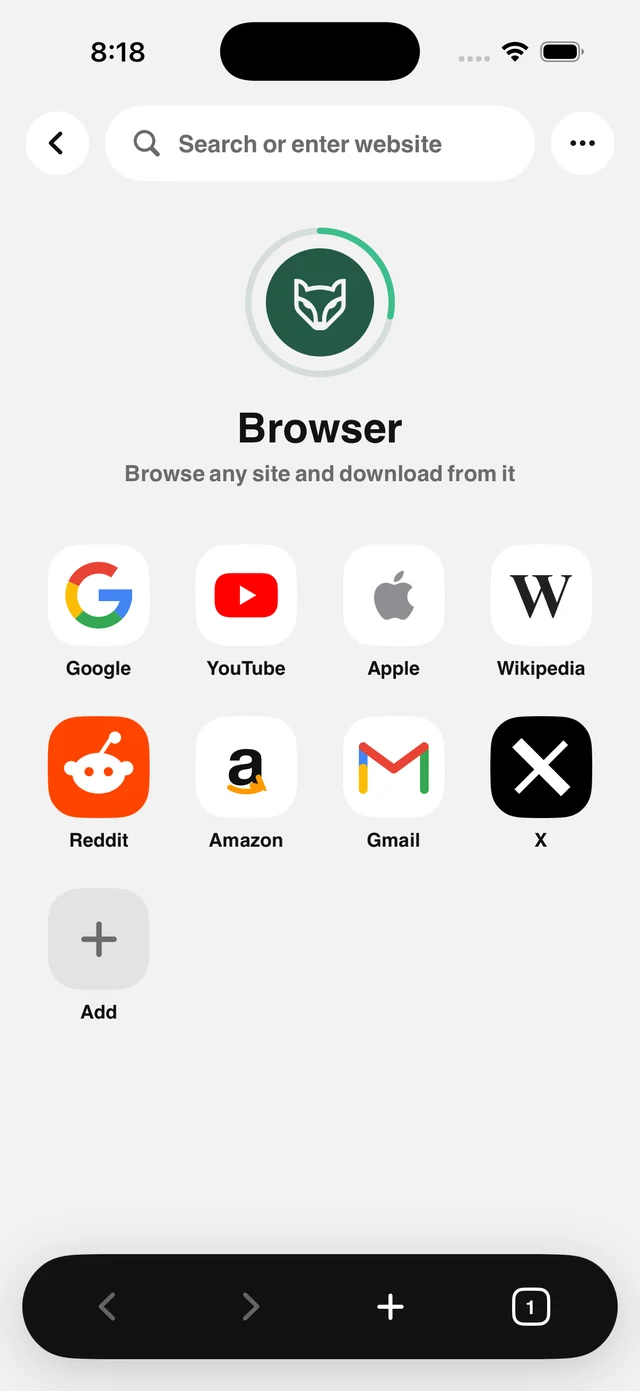
Raheeb's browser is part of the app: an address bar, tabs, a private tab, a start page with quick sites and your bookmarks, and ad blocking with Raheeb Pro. The real difference shows up with files: when you open a link to a file (PDF, ZIP, photo, video or Office document), the browser shows a small sheet with the file's name, its size and a Save to My Files button.
The download runs from your device with the site's own cookies, so files that need a browsing session still work. After saving, one button takes you to My Files, filtered to the right file type. Ordinary pages keep loading behind the sheet, just like in Safari.
A save sheet for every file
Name, size and one button, with no extra steps.
Tabs and private browsing
Multiple tabs, plus a private tab that stores no data.
Quick sites
A start page with your everyday shortcuts and bookmarks.
Saves to My Files
The file goes where it belongs, not to an unknown folder.
How to use it
- 1
Open the browser
From the Browser card on the home screen or the Tools tab.
- 2
Browse as usual
Type an address or search from the address bar.
- 3
Open the file link
The save sheet appears automatically.
- 4
Save to My Files
Then open it there with Quick Look.
When to use it
University sites
Save course files straight into one folder.
Forums and attachments
Save attachments without middleman apps.
Private browsing
Search without leaving a trace in History.
Frequently asked questions
Can it save from post and video pages?
Does it support private browsing?
Does it count toward my daily limit?
Where is the file saved?
Does it handle large files?
Guides
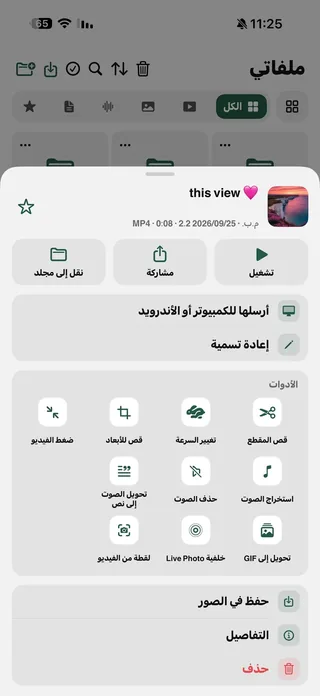 How to transfer files from iPhone to PC without a cable or softwareiPhone to Windows or Android over Wi-Fi: a browser and a PIN, no cable, no software.5 min read
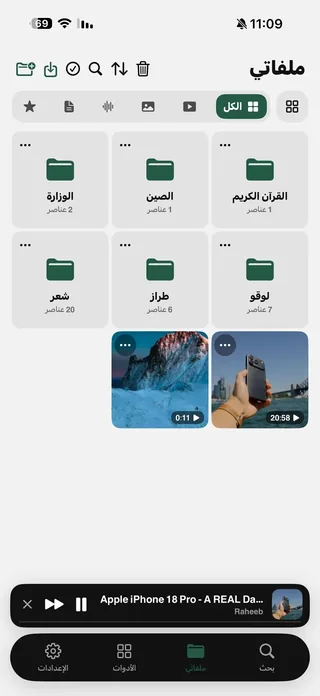 How to organize files on iPhone with folders and a Face ID lockFolders, filters, search, Recently Deleted and a Face ID lock — one tidy place for your files.5 min read
Get Raheeb Free
On the App Store for iPhone and iPad. No account, and your first save takes seconds.