Convert video to written text
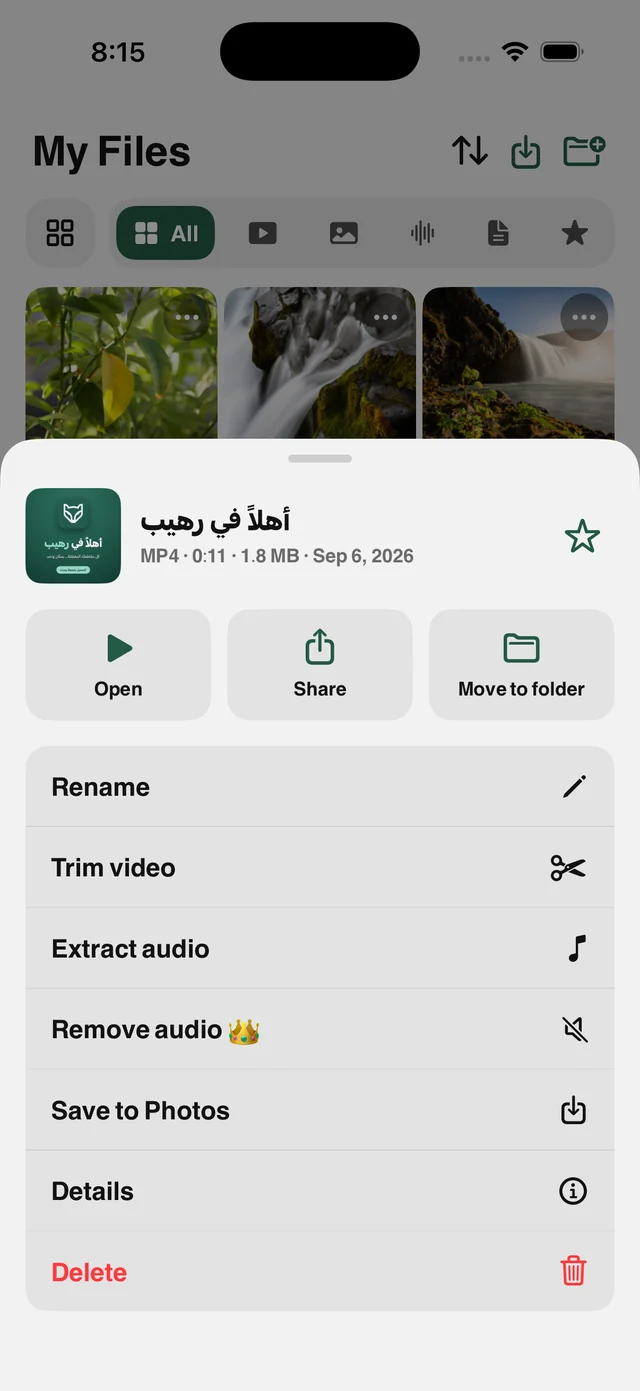
Transcribe any video in My Files into text you can copy and share. Processing happens on your device, so the file never leaves your phone.
What is this feature?
Online transcription services ask you to upload the file, create an account and wait, then charge by the minute. Raheeb uses the speech recognition built into iOS: pick a video in My Files and the speech becomes written text on the device itself, with no upload, no account and no minute counter.
That also means private recordings stay private: a lecture, a recorded meeting, a voice memo. None of it passes through a server. The result is text you can copy in full or share. And when the video at a link comes with captions from its site, the app can fetch them as a ready SRT file.
On your device
No upload and no server. Privacy as a fact, not a slogan.
No account
No sign-up and no per-minute billing with an outside service.
Copy or share
The text is ready to paste into your notes or a message.
SRT subtitles
Videos that come with captions can be saved as SRT.
How to use it
- 1
Open My Files
And pick the video, or save it from a link first.
- 2
Choose Video Transcript
From the quality card or the file's tools.
- 3
Wait a few seconds
The app separates the audio and transcribes it locally.
- 4
Copy or share
The full text is in front of you, with SRT where available.
When to use it
Students
Turn a lecture into text you can search instead of listening again.
Creators
Pull the script from your own videos to write a caption or a post.
Meetings
Transcribe a recording into written minutes without uploading it anywhere.
Frequently asked questions
Is my video uploaded to your server?
Which languages are supported?
Is it 100% accurate?
Is it free?
Does it need internet?
Guides
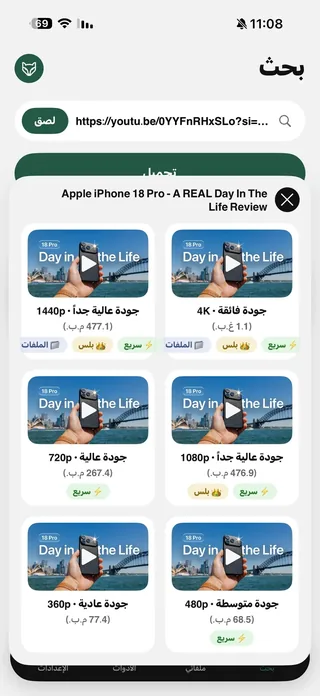 Save YouTube Videos in HD, 1080p and 4K on iPhoneEvery quality of the video with its size, up to 4K, and follow the download from the Lock Screen.5 min read
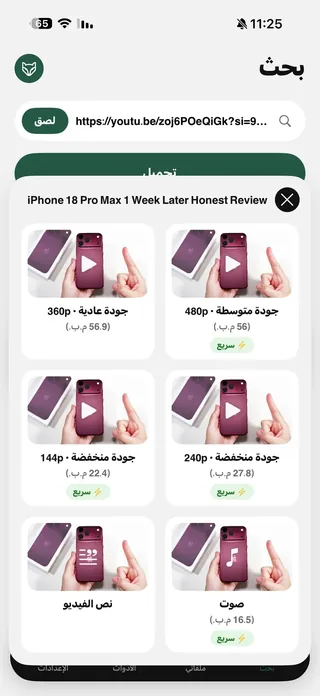 Turn a video or lecture into text on iPhoneA full lecture as text you can copy and study, with SRT and Arabic ↔ English translation.5 min read
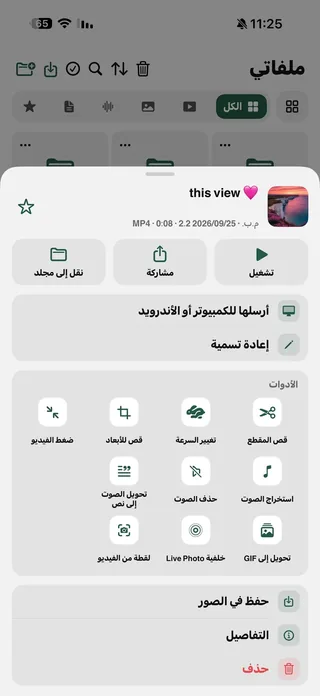 Transcribe recordings and voice messages on iPhoneThat long voice message, now text you read in seconds, in Arabic or English.4 min read
Get Raheeb Free
On the App Store for iPhone and iPad. No account, and your first save takes seconds.