In this guide
Why TikTok's own “Save video” isn't enough
TikTok's built-in “Save video” button adds the platform's logo and the account name on top of the clip. And photo slideshows — the posts whose photos flip by to music — can't be saved from the app as separate photos.
A downloader app works differently: it reads the public link and fetches the file itself. Raheeb adds nothing to the clip and doesn't re-encode it — it saves it exactly as the platform serves the public link. If the creator burned a logo or text into the video itself, that's part of the picture and it stays.
Method 1: From the Share button, without opening Raheeb
- 1Open the clip in TikTokAny video or photo slideshow from a public account.
- 2Tap “Share”Then choose Raheeb from the row of apps. The first time, add it to the share sheet's favorites so it sits at the front of the row.
- 3Wait for the cardA card appears over TikTok: it fetches the link, shows a preview with the thumbnail and title, then the progress and a ✓.
- 4DoneThe clip is in your photo album and in My Files, depending on your setting, and you're still right where you were, scrolling.
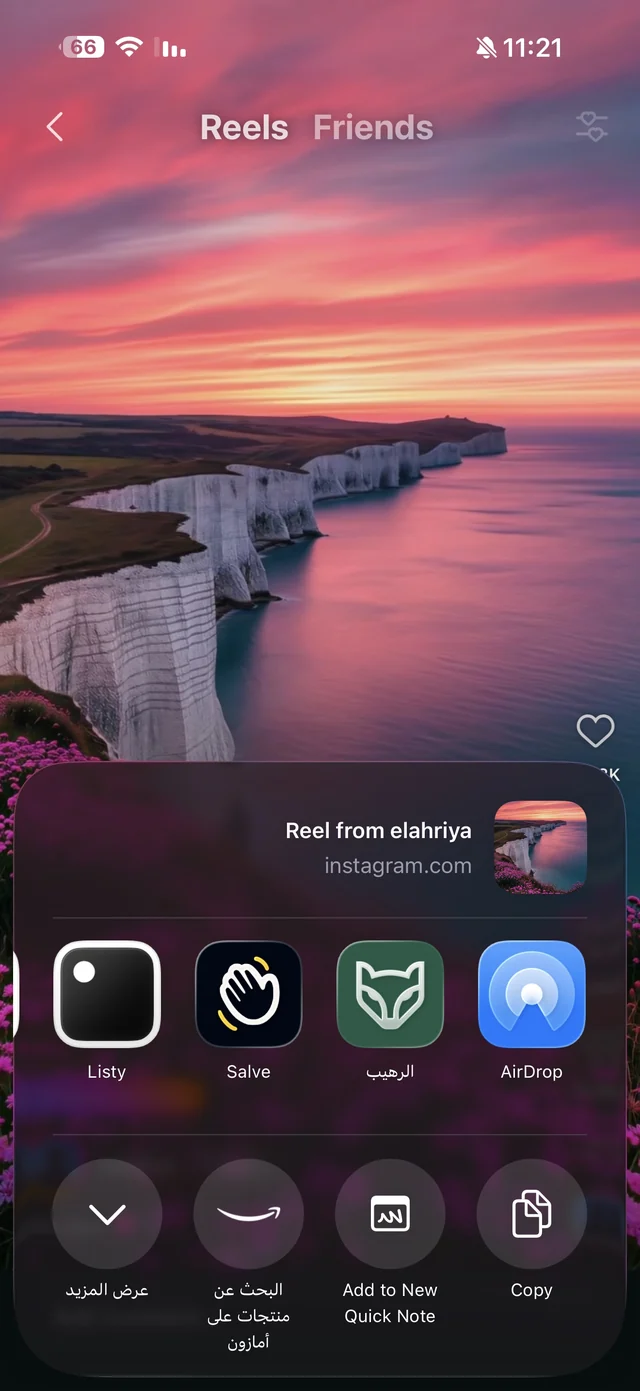
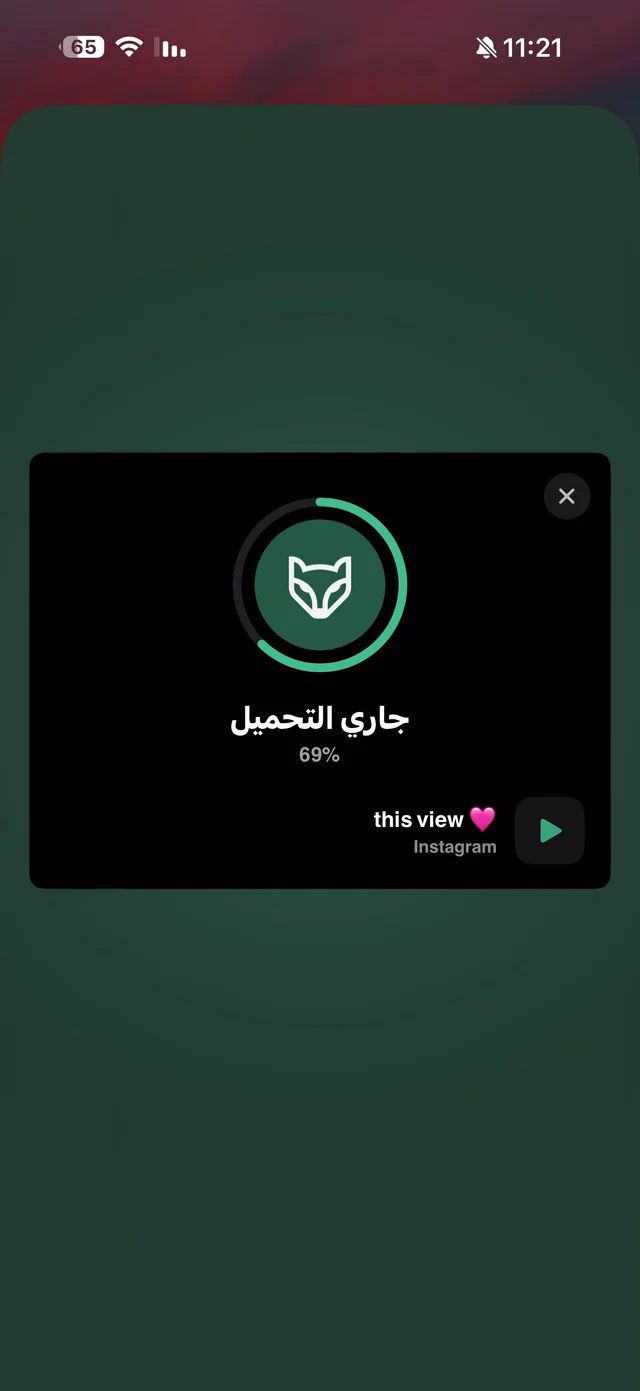
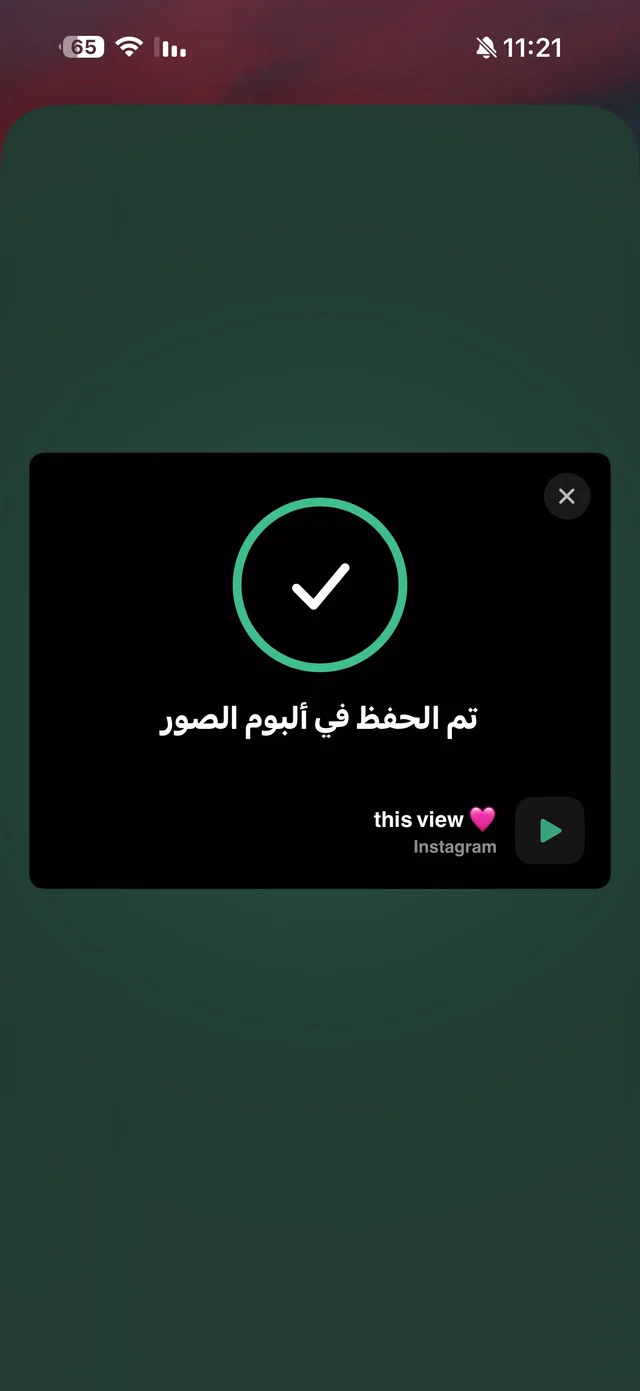
The Share button is the fastest, but it downloads straight away with no quality sheet and no cancel button. More on the Share button page.
Method 2: Paste the link and pick the quality
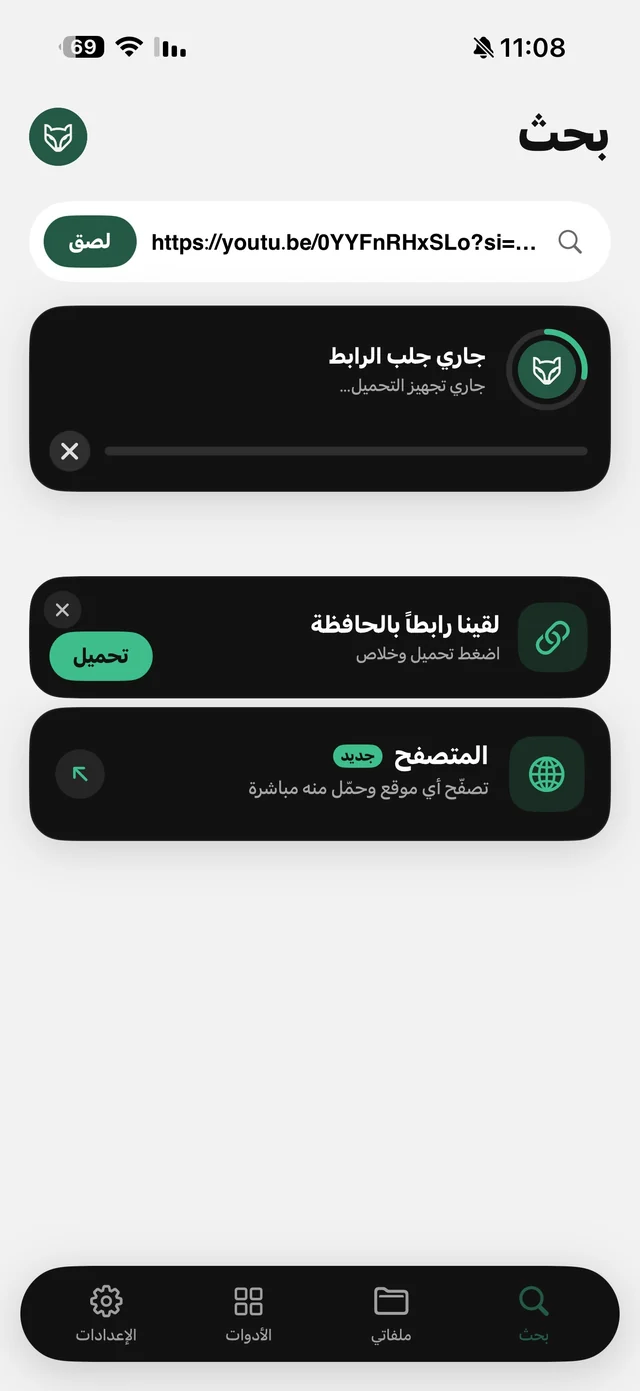
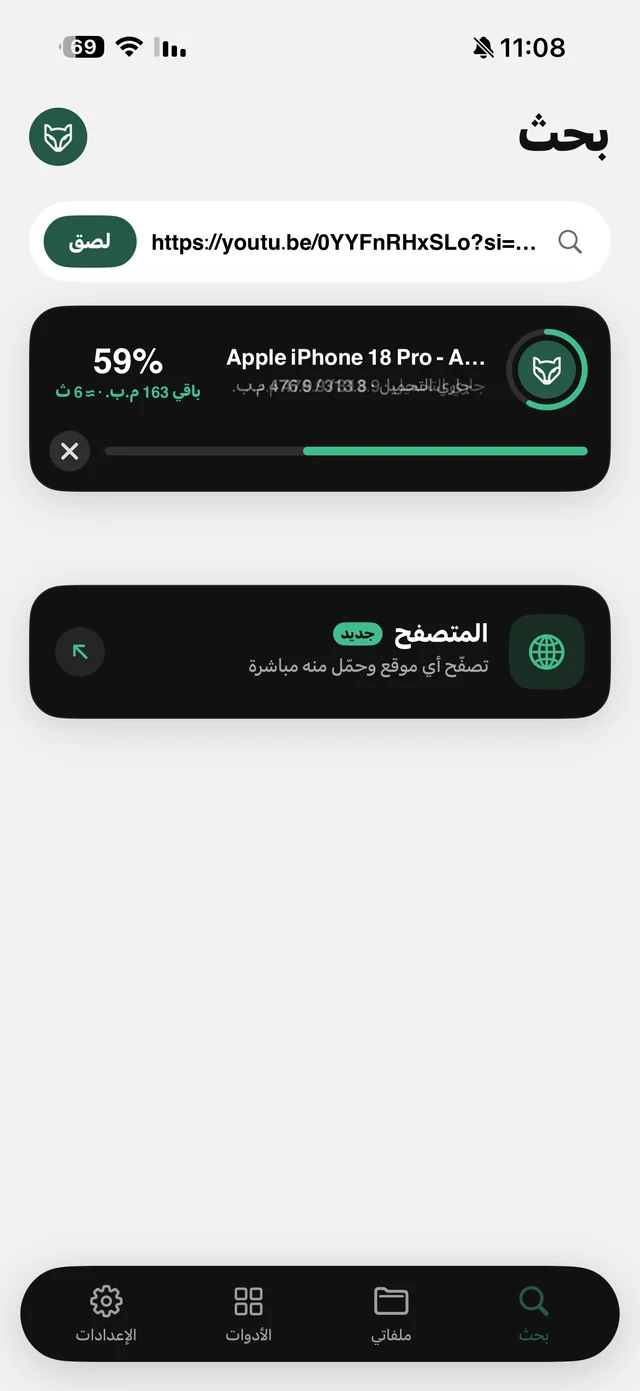
In TikTok tap “Share”, then “Copy link”, and open Raheeb. You'll see a “Found a link in your clipboard” card with a “Download Now” button — or tap “Paste”. The quality sheet then opens with the full quality ladder up to 1080p and the size of each option, plus an “Audio” card if the sound is what you're after.
Short vm.tiktok.com links work as they are, and so do regular tiktok.com links — paste them without editing.
| Share button | Paste the link | |
|---|---|---|
| Opens Raheeb? | No | Yes |
| Pick the quality | No, downloads right away | Every quality up to 1080p, with sizes |
| Audio only | No | The “Audio” card |
| Cancel button | No | Yes, and cancelled downloads don't count |
| Progress on the Lock Screen | No | Yes (iOS 16.2+) |
Saving TikTok photo slideshows
A photo slideshow downloads the same two ways: “Share” then Raheeb, or copy the link and paste it. The difference is that no quality sheet appears — all the photos come down at once, each saved as a separate file. And the whole slideshow counts as one download against your allowance, not one per photo.
One thing to know: the music behind the slideshow doesn't come down with the photos. If you want it, download the audio from the link of a video that uses the same sound. The full guide to slideshows — and what to do with the photos afterwards — is in how to download TikTok photos.
Where does the video get saved?
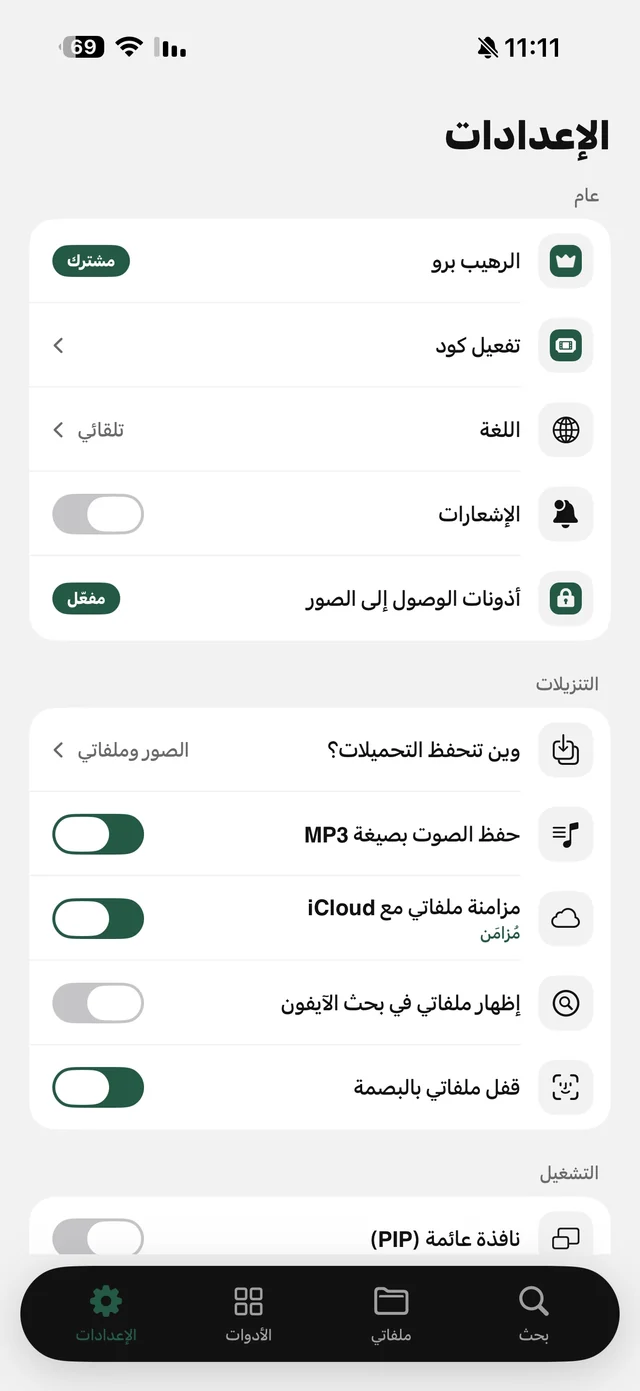
In Settings → Downloads → “Where downloads are saved” you choose one of three: Photos and My Files (the default), Photos only, or My Files only if you don't want the family album filling up with clips. The app asks for add-only access to Photos — it saves to your album but can't read your photos — and if you decline, downloads go to My Files and play in Raheeb's offline player.

Save your first TikTok now — 3 free downloads a day, no account needed.
After saving: audio, compressing and trimming
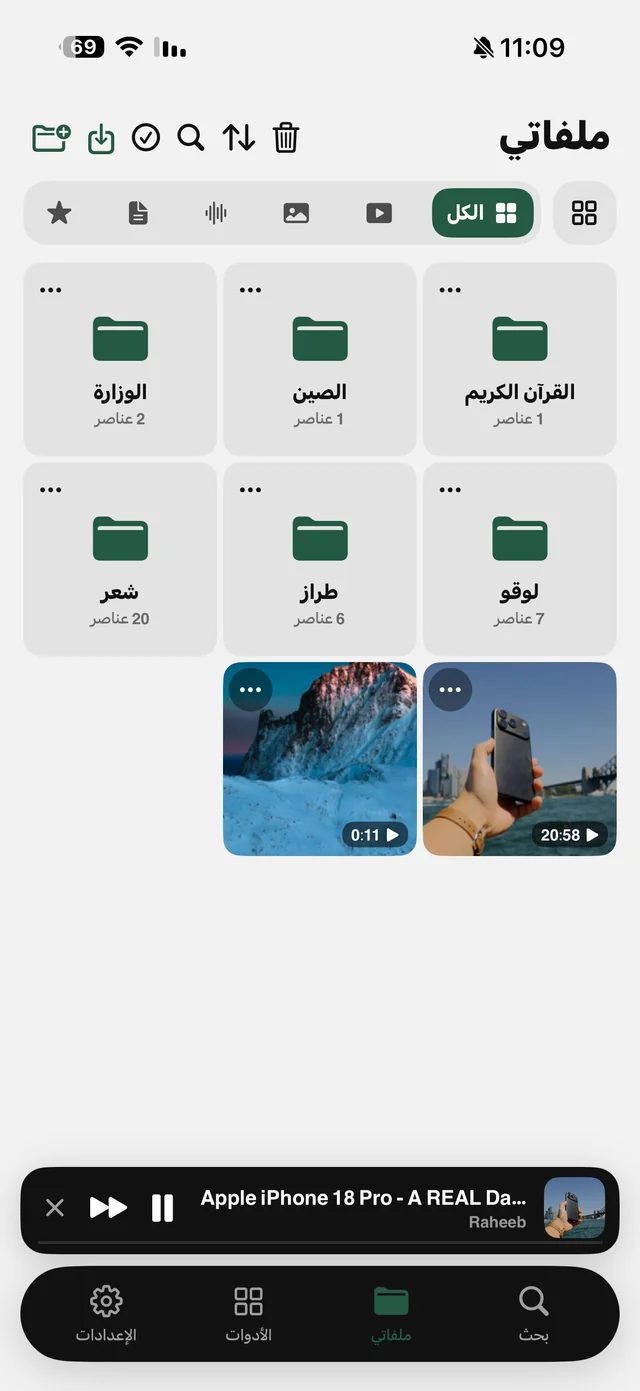
- Audio only: in My Files tap ⋯ on the video, then “Extract audio” — a separate audio file named after the clip. Details in video to MP3.
- For WhatsApp: “Compress video” shrinks it to 720p or 540p as a new file next to the original — see compress video for WhatsApp.
- Part of the clip: “Trim video” keeps just the seconds you want.
- GIF or wallpaper: from the same menu you can turn it into a GIF or a Live Photo wallpaper.
A TikTok clip as your WhatsApp status
One of the most common uses: a clip you liked that you want as your status. Once it's in your photo album, open WhatsApp and pick it for your status like any other video in your album. If it's long or heavy, trim the part you want with “Trim video”, or shrink it with “Compress video” at “Medium (720p)” or “Small (540p)” — the result is a new file next to the original, which stays untouched. All of these conversions happen on the phone; the clip isn't uploaded anywhere.
If the clip is your own and you want to re-edit it or post it on another platform, download it at the highest quality from the quality sheet (up to 1080p) instead of the Share button, so you start editing from the best version available. Someone else's clip still belongs to them: saving is for personal use, and reposting needs their permission.