In this guide
How to turn on ad blocking
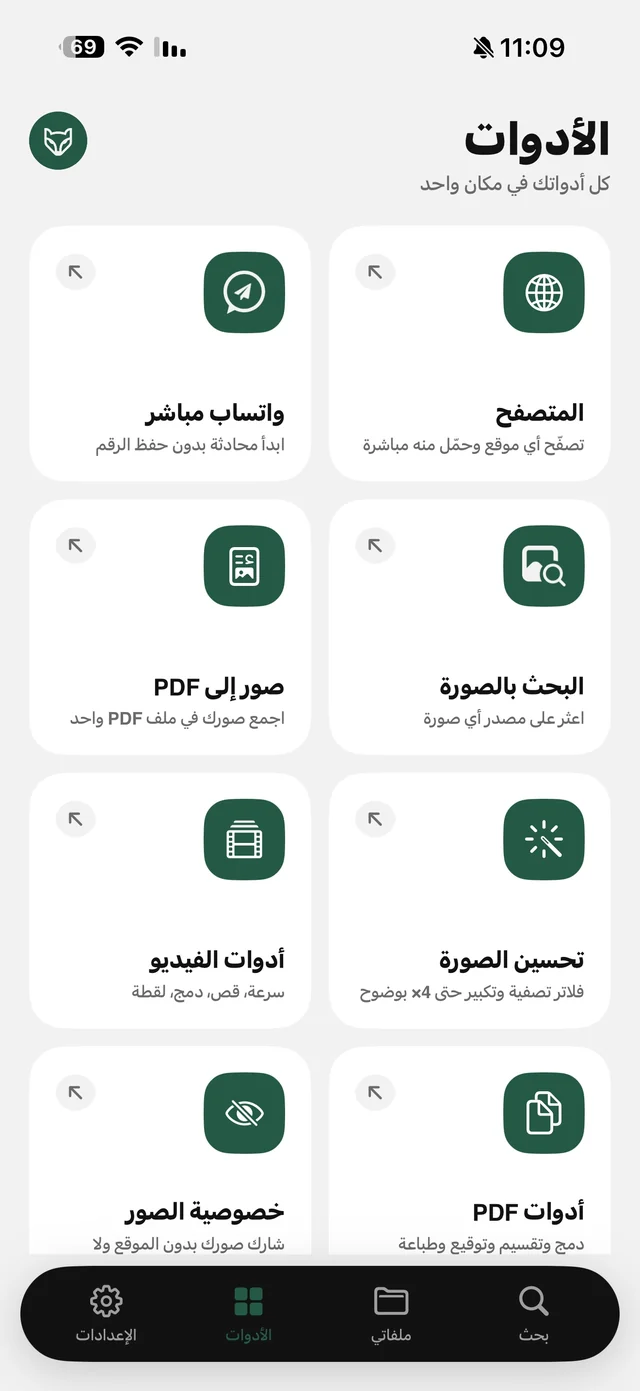
- 1Open the browserFrom the Tools tab → Browser.
- 2Tap the shieldIn the address bar. It shows the protection status for the open site.
- 3Turn blocking onFrom the same sheet. Blocking is part of Raheeb Pro; once it's on you'll see “Protection is on”.
- 4Browse as usualAds and trackers are blocked in every tab.
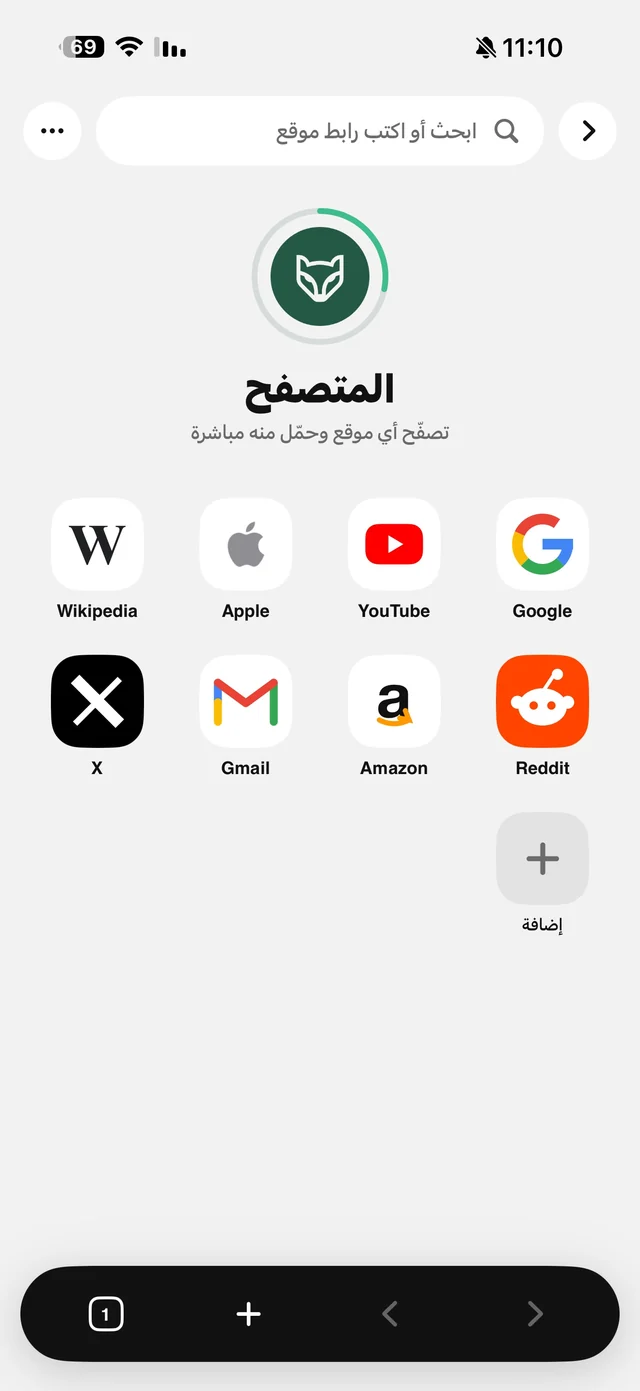
Blocking uses the same content-rule engine as ad-blocking extensions in Safari: well-known lists such as EasyList plus a list for Arabic sites, updated automatically, and working from the first launch even offline thanks to built-in rules. Raheeb doesn't read your pages, and your browsing never goes through its servers.
What's free in the browser?
| Feature | Free or Pro |
|---|---|
| Browsing, tabs and bookmarks | Free |
| Private tab (keeps no history or cookies) | Free |
| Background audio with the screen locked | Free |
| Saving direct files to My Files | Free (counts toward the daily limit) |
| Blocking ads and trackers | Raheeb Pro |
A browser that saves what you find
When you open a link that is a file, whether video, audio, image, PDF or ZIP, a card appears with its name, size and a Save to My Files button, instead of Safari's preview window with nowhere obvious to go. Read download a video from Safari and the Browser page.
And background audio
A lecture or podcast on a site? Play it and lock the screen, and the audio keeps going with Lock Screen controls. This is free and on by default. Read play YouTube in the background on iPhone.

Try Raheeb's browser: browsing and background play are free.
Compared with Safari and its extensions
| Safari | Safari + a blocker | Raheeb's browser | |
|---|---|---|---|
| Ad blocking | No | Yes | Yes with Raheeb Pro |
| Background audio | Usually stops | Usually stops | Keeps going |
| Saving a direct file | Through Downloads | Through Downloads | Straight to My Files |
| Tools after saving | No | No | Trim, compress, extract audio and PDF tools |
If Safari is your main browser and you just want fewer ads, a blocker extension from the App Store is enough. Raheeb's browser fits when you want background audio, or a tidy place for saved files with tools to work on them.