In this guide
Steps
- 1Open the browserIn the Tools tab choose Browser, or use the browser card in the Search tab.
- 2Open YouTubeTap the YouTube tile on the start page, or type the address in the address bar.
- 3Play the videoA lecture, a podcast or a playlist, as you would in any browser.
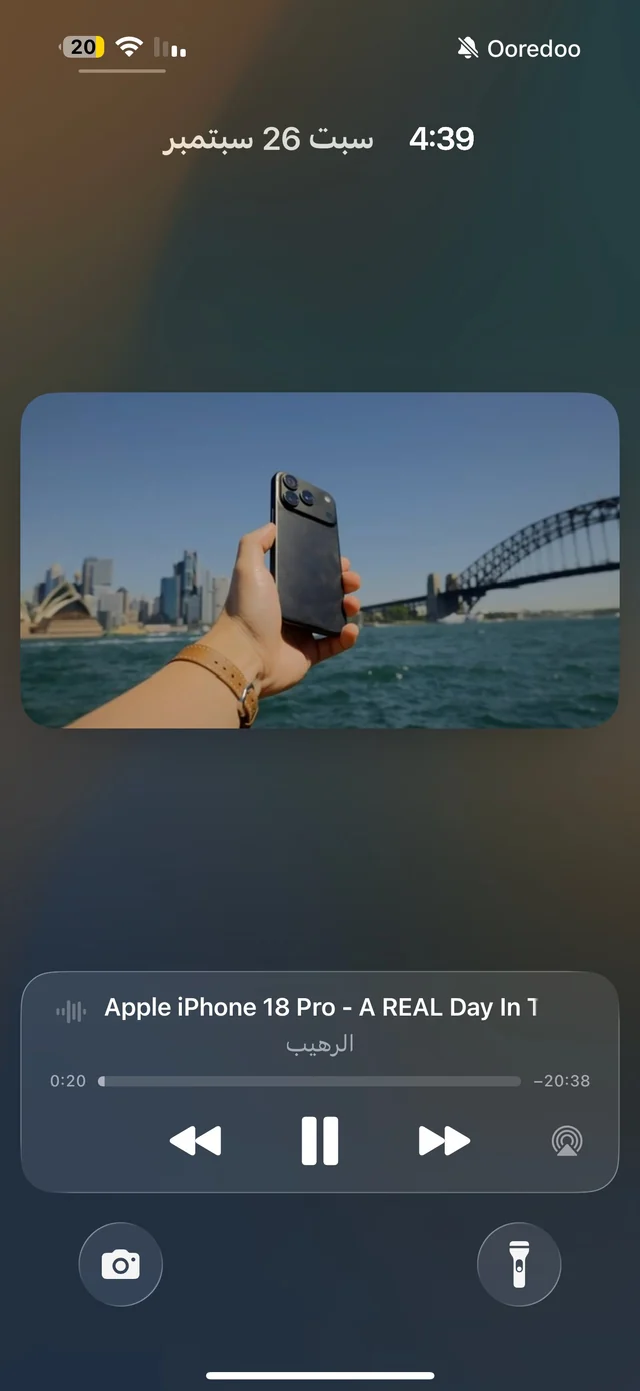
- 4Leave or lock the screenGo to the Home Screen or lock your iPhone, and the sound keeps going. To pause, use the Lock Screen or Control Center buttons.
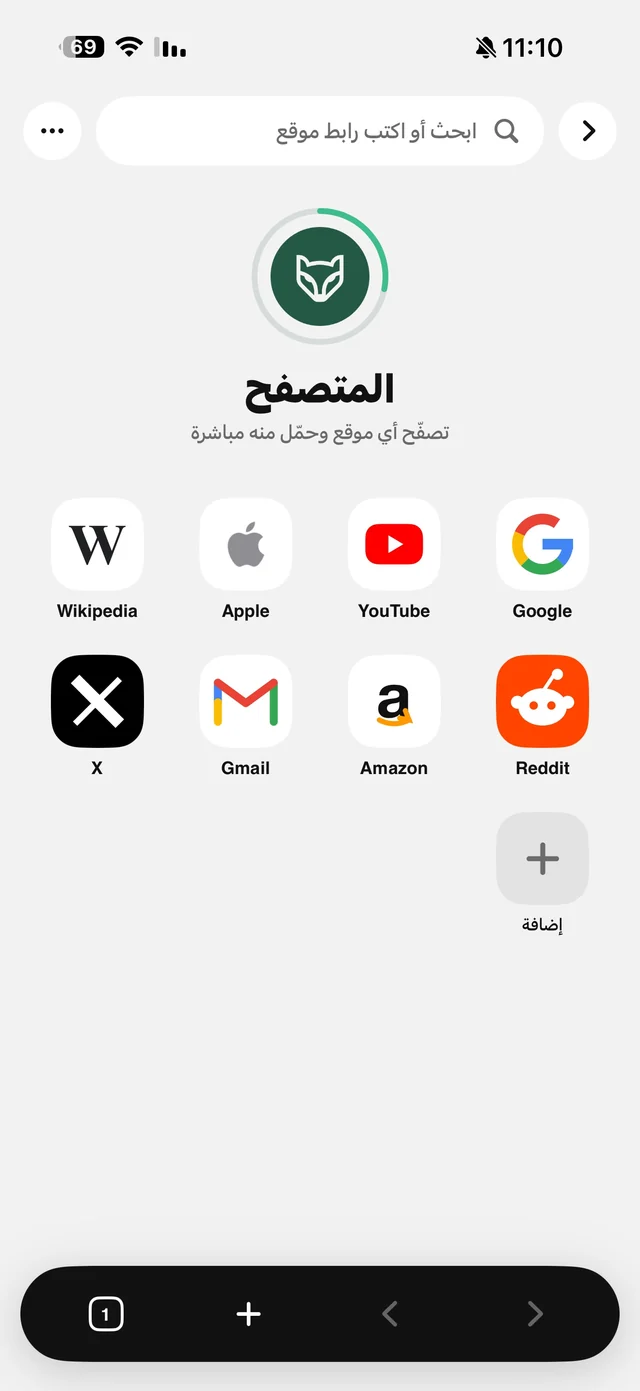
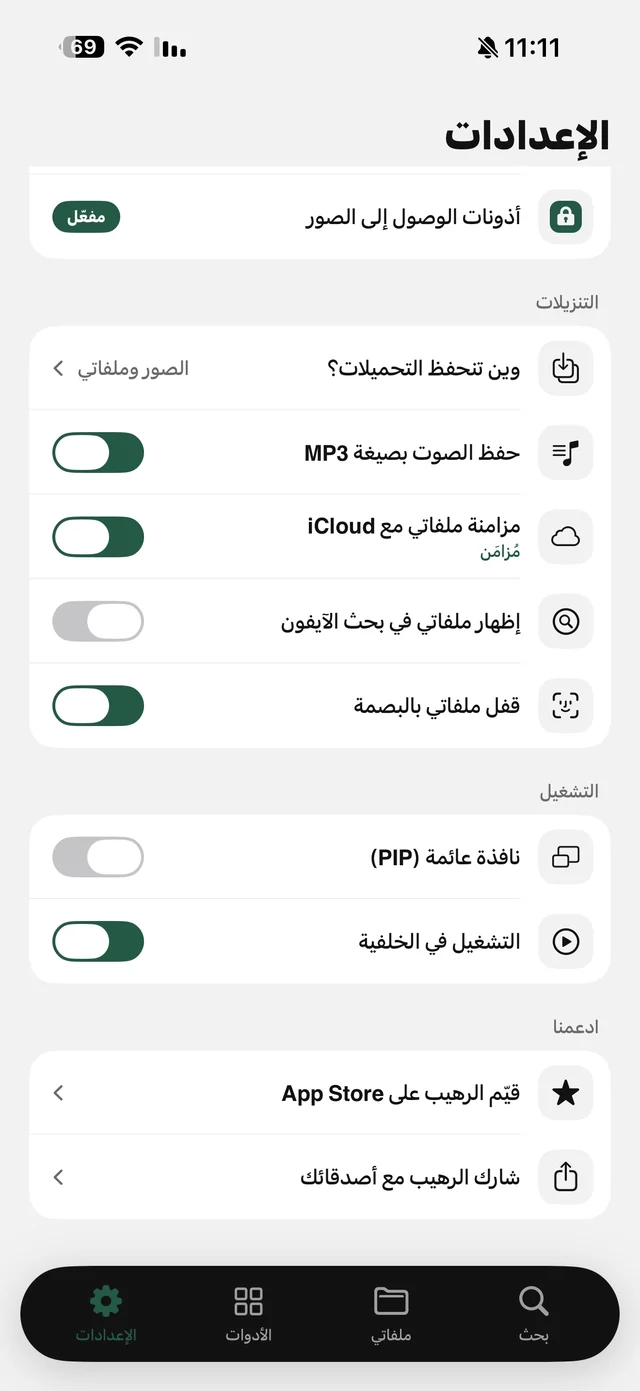
Background playback needs no subscription and doesn't count toward the daily limit, which applies only to files you save. Details on the Background Playback page and the Browser page.
Why does the sound stop in Safari?
When you leave a video page in Safari, the browser tells the site the page is now hidden, so the site stops playing, and the system also pauses any video with sound when the screen locks. Raheeb's browser keeps the page “visible” to the site and resumes only what the system paused, never what you paused. So if you tap pause on the Lock Screen or on the page, the video stays paused, as you meant.
What keeps playing in the background?
- When the screen locks: the sound continues, and the page title shows on the Lock Screen with play and pause buttons.
- When you open another app: the sound continues while you're in Messages or Maps, for example.
- When you leave the browser inside Raheeb: if you switch to My Files or Tools, the video keeps playing and is right where you left it when you come back.
- Playlists: the site moves on to the next video with the screen locked.
Your account and subscriptions
You can sign in to your YouTube account inside Raheeb's browser to see your subscriptions and playlists, and YouTube's bottom bar then appears in Raheeb's design. Signing in is optional, and background playback works without it. Your account stays in the browser on your phone and never reaches Raheeb's servers.
What about ads?
In the browser, “Block ads in the browser” is part of Raheeb Pro and blocks ads and trackers on sites, YouTube included. Without it, background playback works just the same, with the site's ads. Details on the pricing page.

Play your lecture and lock the screen: background playback is free, no account.
Want it offline? Save the audio
Playing from the browser needs a connection the whole time. For a flight or a long drive, save the video or its audio to My Files: copy the video's link, paste it in the Search tab, and pick a quality or the Audio card. Raheeb's player also keeps going in the background, with speeds from 0.5× to 2×, 10-second skip and rewind, and next and previous across the files in a folder. Read YouTube to MP3 and watch videos offline.
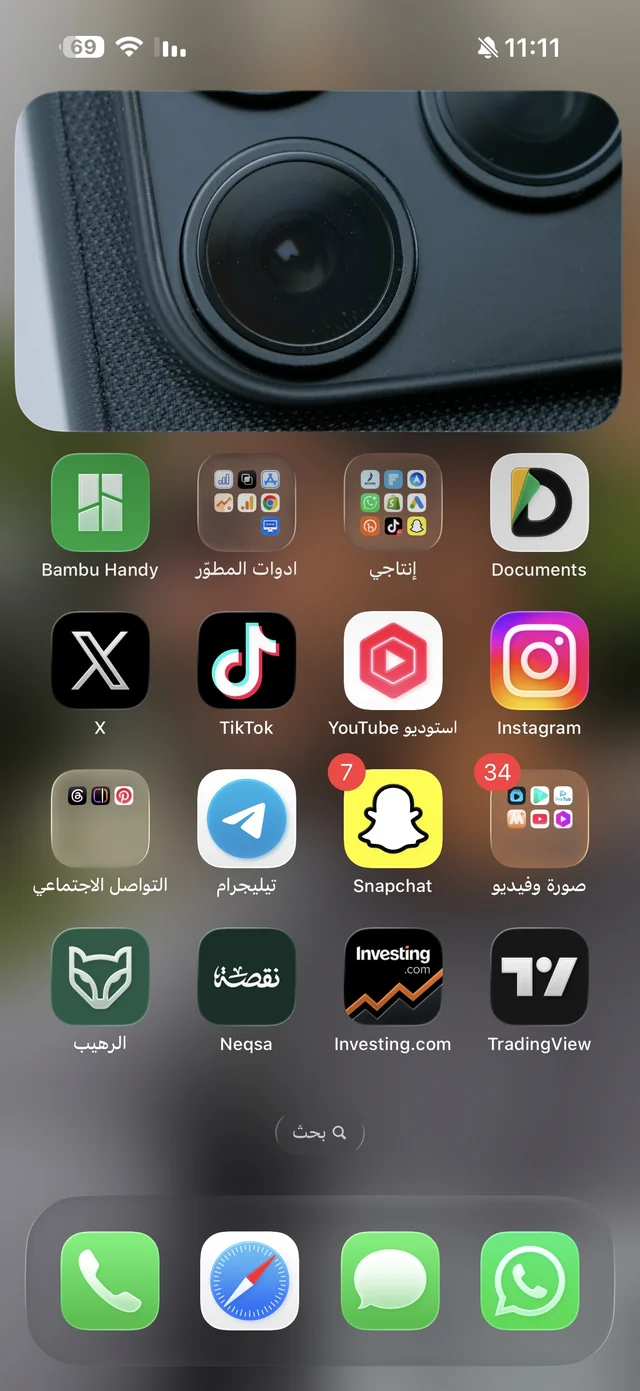
Saved videos also get Picture in Picture: turn it on in Settings → Playback, and the video becomes a small floating window when you leave the app, which you can move to any corner.