My Files: a file manager and player in one app
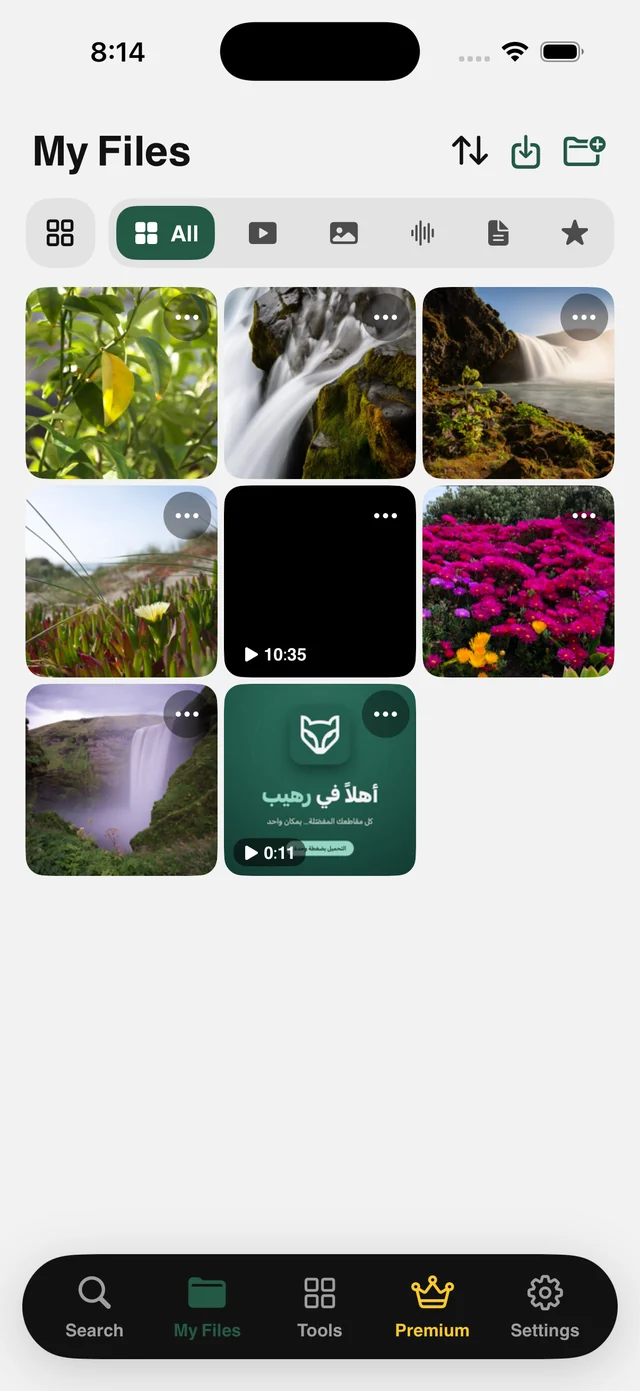
My Files is the heart of Raheeb: an organized space for your files with folders, type filters, Favorites, and a player that works offline. Everything you save or import ends up here.
What is this feature?
Every file you save in Raheeb goes into the app first, so it stays with you even if you don't allow Photos access. From there you organize it into folders and subfolders, filter by type in one tap (video, photos, audio, documents, Favorites), search, and play everything in a built-in player that supports background playback and Picture in Picture.
My Files isn't limited to what you save from links: Import to My Files adds photos and videos from your photo library, documents from the Files app or iCloud, and pictures from the camera or the clipboard. ZIP files are uncompressed automatically into folders with their full structure.
Folders inside folders
Organize by project or topic, as deep as you need.
Quick filters
Video · photos · audio · documents · Favorites in one tap.
Built-in player
Works offline, in the background, and in a floating window.
Import from anywhere
Photos, the Files app, iCloud, the camera and the clipboard.
How to use it
- 1
Open My Files
Your saved files are already there.
- 2
Create a folder
Tap the folder icon at the top and name it after your project.
- 3
Import what you need
From Photos, Files or the camera.
- 4
Organize and lock
Move files into folders, and turn on the Face ID lock if you like.
When to use it
An organized archive
One folder per topic instead of thousands of videos in one place.
Work files
Contracts, invoices and documents behind Face ID.
Offline travel
Prepare a folder and play it on the plane.
Frequently asked questions
Are files stored on my device?
Do they also go to Photos?
Are subfolders supported?
What happens to a ZIP file?
Is My Files free?
Guides
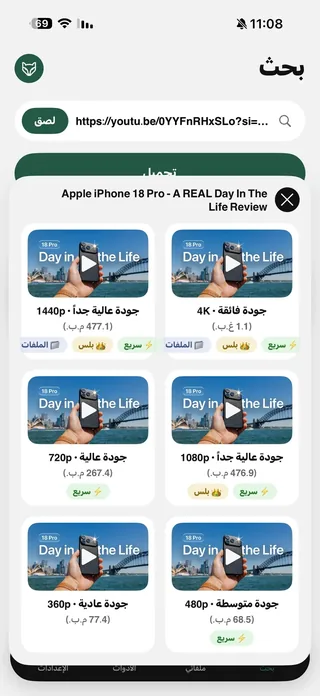 The best app to save videos on iPhone: 3 ways comparedScreen recording vs. download sites vs. a file manager app: an honest comparison with steps.5 min read
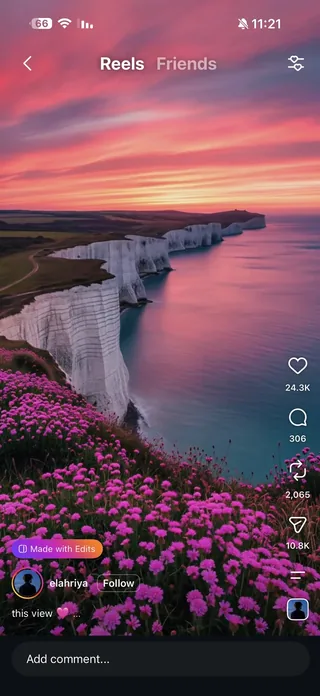 Save Instagram Reels on iPhone with Sound in Full QualityThe video with its audio in your files, from Share or a pasted link.3 min read
 Save All Photos from an Instagram Post on iPhone: Every Photo and Video in Two TapsEvery photo and video in the post at once, instead of a screenshot per photo.4 min read
Get Raheeb Free
On the App Store for iPhone and iPad. No account, and your first save takes seconds.