Save TikTok videos on iPhone
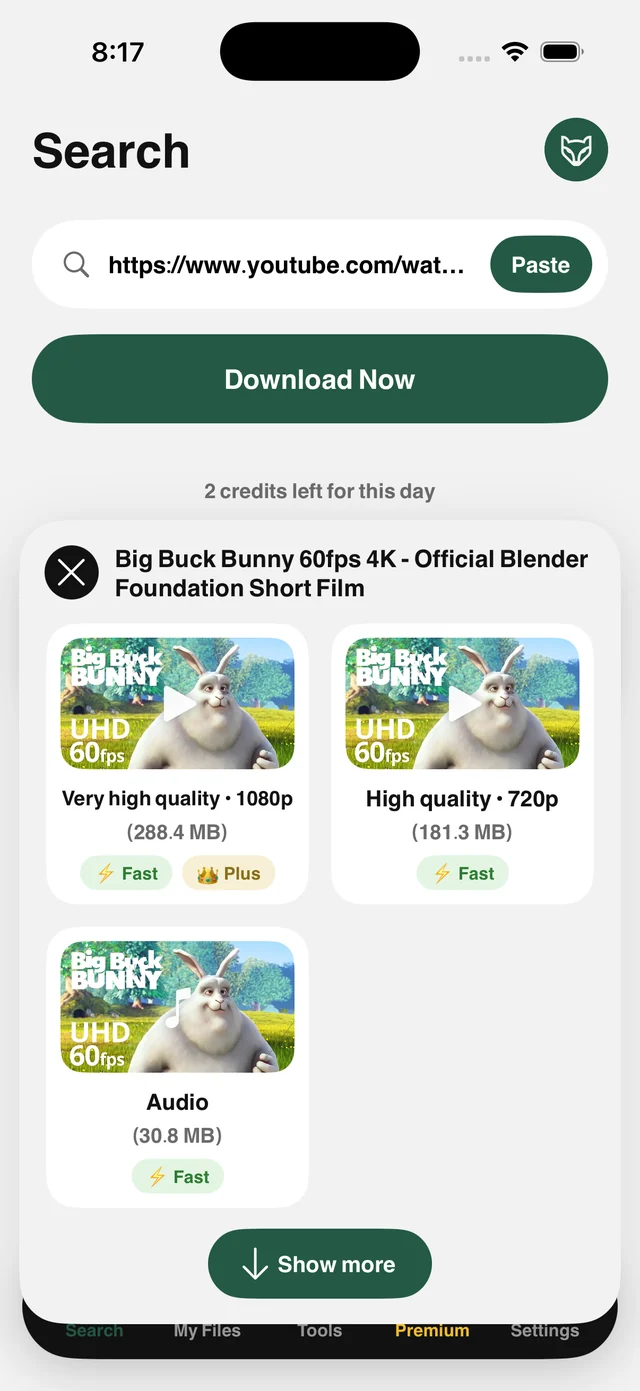
Paste the video's link into Raheeb, or tap Share and choose Raheeb, and the video is saved to My Files and Photos at the best quality the link offers.
How it works
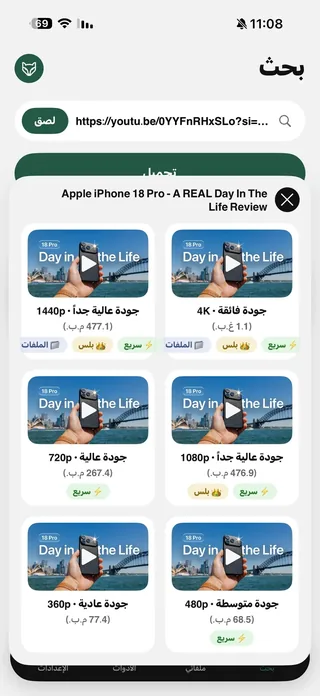
Copy the video's link from the Share button and paste it into Raheeb. You see every available quality before saving, with no middleman sites or pop-up ads. Over 180,000 videos saved from this site since June 2026.
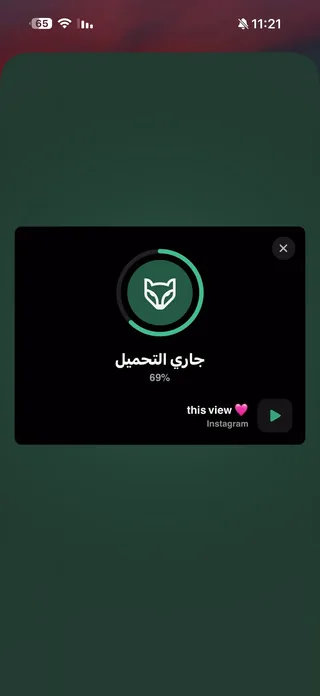
You don't even have to open Raheeb: tap Share, choose Raheeb from the app row, and the file is saved without leaving the app you're in. It arrives in original quality, just as the public link serves it, and is saved to both My Files and Photos.
Straight from Share
Share → Raheeb, and the file is saved without leaving the app you're in.
Original quality
The file the link serves, not a re-encoded copy from a web tool.
Audio only
Keep just the sound as MP3 when the song or voiceover is what you want.
Yours to keep
A copy in My Files and a copy in Photos, playable offline.
How to use it
- 1
Copy the link
In TikTok: Share → Copy Link.
- 2
Paste it in Raheeb
Open Raheeb, tap Paste, then Save.
- 3
Pick what you want
Video or audio. Tap it and the download starts.
- 4
Saved
It's in My Files and Photos, ready to trim or convert to MP3.
When to use it
Videos worth keeping
Save the recipe, the workout or the explainer before you lose track of it.
Your own videos
Keep a copy of your videos to edit or archive.
Offline
Build a folder before a flight and play it from My Files with no signal.
Frequently asked questions
Is saving free?
Is the video saved without a watermark?
Do I need an account or to sign in?
Where is the video saved?
Do short links work?
Guides
 The best app to save videos on iPhone: 3 ways comparedScreen recording vs. download sites vs. a file manager app: an honest comparison with steps.5 min readWhat do Arab users save from the web? Data from 490,000 save requests in 2026490,000 save requests: which sites Arab users save from, and from which country.3 min read
 Save TikTok Videos on iPhone in the Best QualityFrom the Share button or a pasted link: videos up to 1080p and complete photo slideshows.5 min read
Get Raheeb Free
On the App Store for iPhone and iPad. No account, and your first save takes seconds.