In this guide
Steps
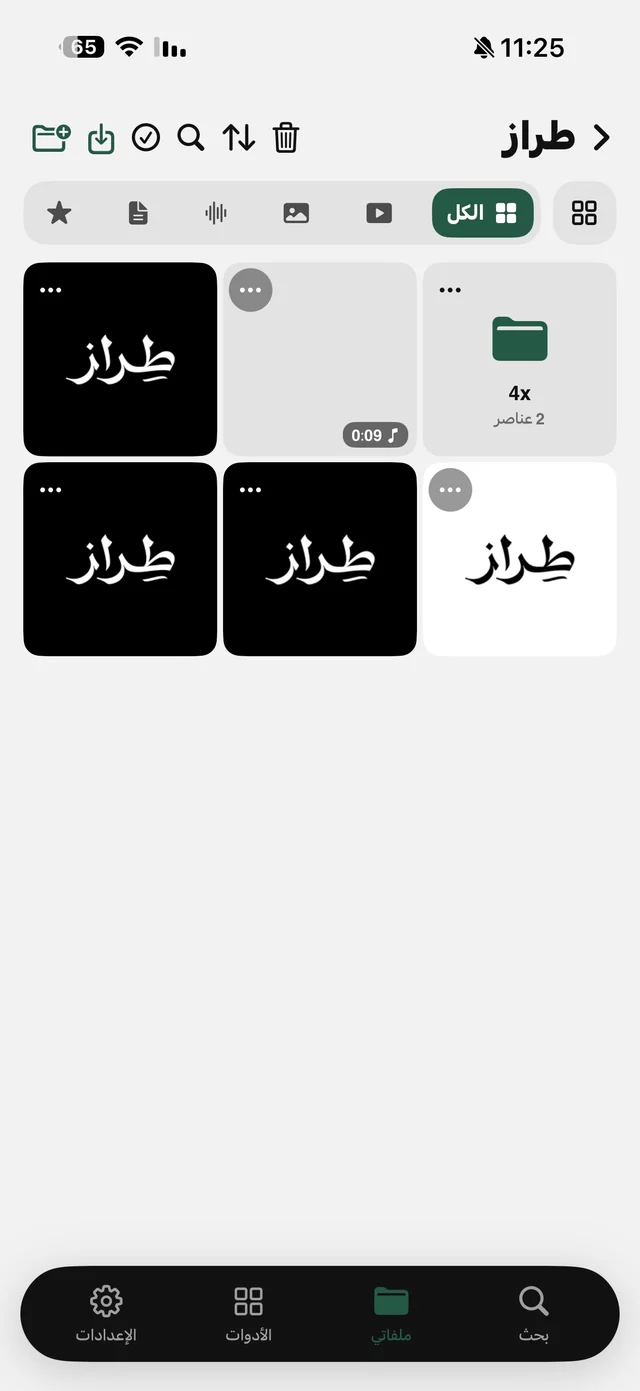
- 1Put the photo in My FilesFrom Import Files → From Photos, or from Photos itself: Share, then Raheeb. Photos you saved in Raheeb are already there.
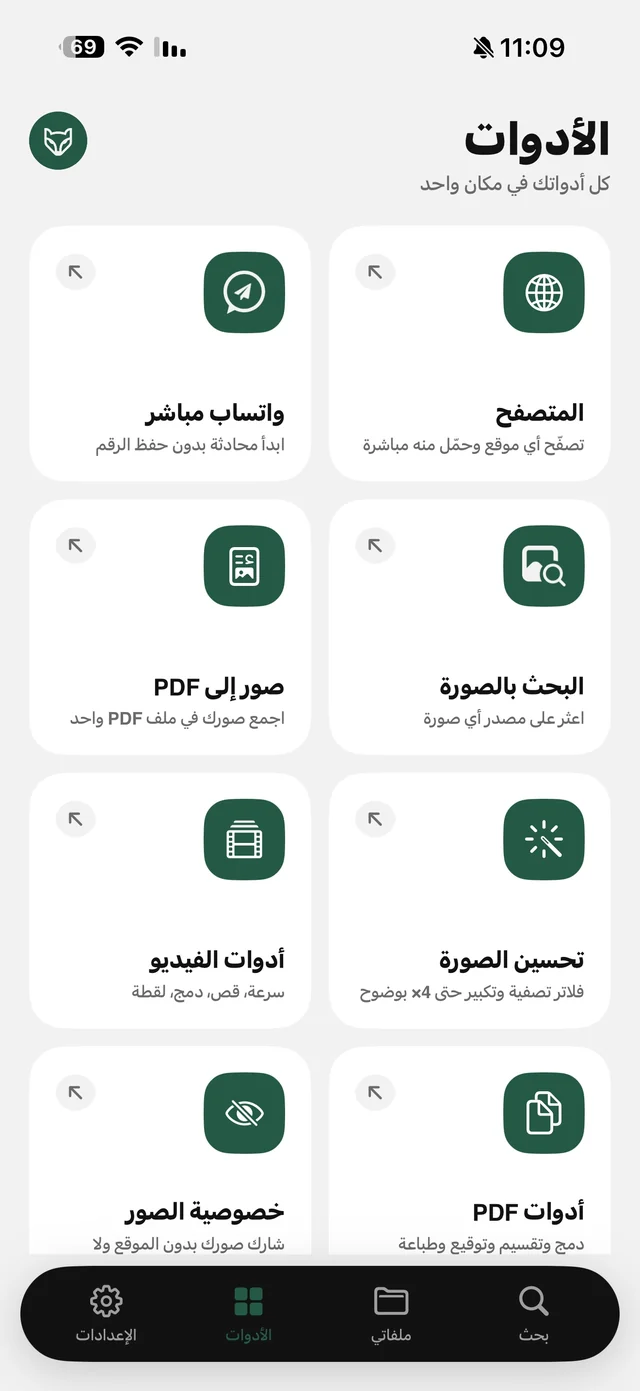
- 2Tap ⋯ on the photoThe photo's tools appear.
- 3Choose Remove BackgroundIt takes a few seconds.
- 4The transparent photo is readyIt appears next to the original, named after it with “Cutout”, as a PNG.
The cutout is done by the vision engine built into iOS itself, so the photo never leaves your phone, needs no internet, keeps its resolution and gets no watermark. Details on the Remove Background page.
Why PNG?
JPG has no transparency, so any transparent area turns white or black. PNG keeps the background truly transparent, so you can place the subject over any color or image in a design app or presentation without a box around it. That's why Raheeb always saves the result as PNG.
What about the iPhone's own feature?
Since iOS 16, iPhone has a built-in way to lift a subject: long-press the person in a photo in Photos, then copy or share them without the background. It's great for a quick paste into a chat. But it doesn't save a tidy file next to the original, and it takes a precise press on the subject. Raheeb uses the same engine and saves the result as a PNG file in your folder, ready to send, print or move to a computer.
| Long-press in Photos | Remove Background in Raheeb | |
|---|---|---|
| Result | Copy or share right away | A PNG file next to the original |
| Where it's kept | Wherever you paste it | In your folder in My Files |
| Photos saved from a link | After saving them to Photos | Straight from My Files |
| Price | Free | Free |

Remove your first background now: the tool is free, no account.
For a cleaner result
- A clear subject: a person, product or animal in the foreground, not a small group in a corner.
- Good contrast: a background whose color differs from the subject gives sharper edges.
- Good light: a dark photo makes the edges harder, so improve it first with Image Enhance. Read enhance photo quality.
- No clear subject: if your iPhone can't find a subject to separate, you'll see “No subject found in this photo”, and no empty file is saved.
Common uses
- Product photos: a small shop owner shoots a product on the table, then cuts it out and places every product on the same background.
- Chat stickers: a photo of a person or a pet without its background makes a sticker for chat apps.
- Presentations and designs: a logo or portrait over the slide's background with no white box around it.
- Invitations and occasions: a photo of the groom or the graduate over the invitation design.
After removing it
- Save it to Photos: Save to Photos from the file's menu, and the background stays transparent.
- Send it as a file: Share from the menu. On WhatsApp send it as a document, not a photo, so it isn't compressed and doesn't lose its transparency.
- On a computer: Send to Device moves it over Wi-Fi. Read transfer files to a computer.
- In a PDF: combine it with other images in one file with Convert to PDF, part of Raheeb Pro. Read images to PDF.