In this guide
Why do websites reject iPhone photos?
HEIC is the iPhone's default photo format: excellent quality at a smaller size than JPG. The problem is that some older systems — government application forms, university registration portals, job sites — don't recognize it, so the file is rejected as an unsupported format, or doesn't show up at all. And even when the format is accepted, many of them cap the attachment size, which a full-resolution camera photo easily exceeds.
So you have two separate problems: the format (HEIC instead of JPG) and the size (large dimensions). Raheeb solves both from the same menu, without uploading the photo to a conversion site.
How to convert HEIC to JPG with Raheeb
The tools work on images inside “My Files”, so a photo in your Photos library needs to be brought in first. Importing from the library doesn't ask for access to all your photos, and you can pick several at once.
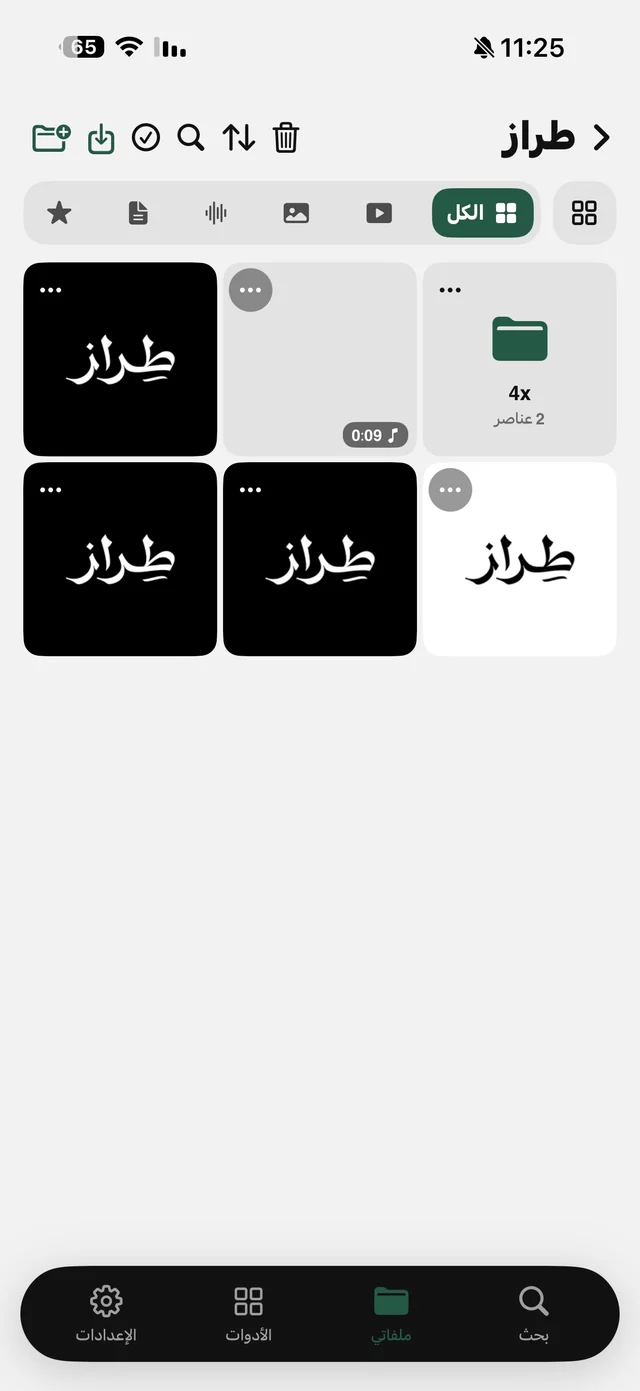
- 1Bring the photo into “My Files”Open “My Files”, tap the import button at the top and choose “From Photos” or “From Files”.
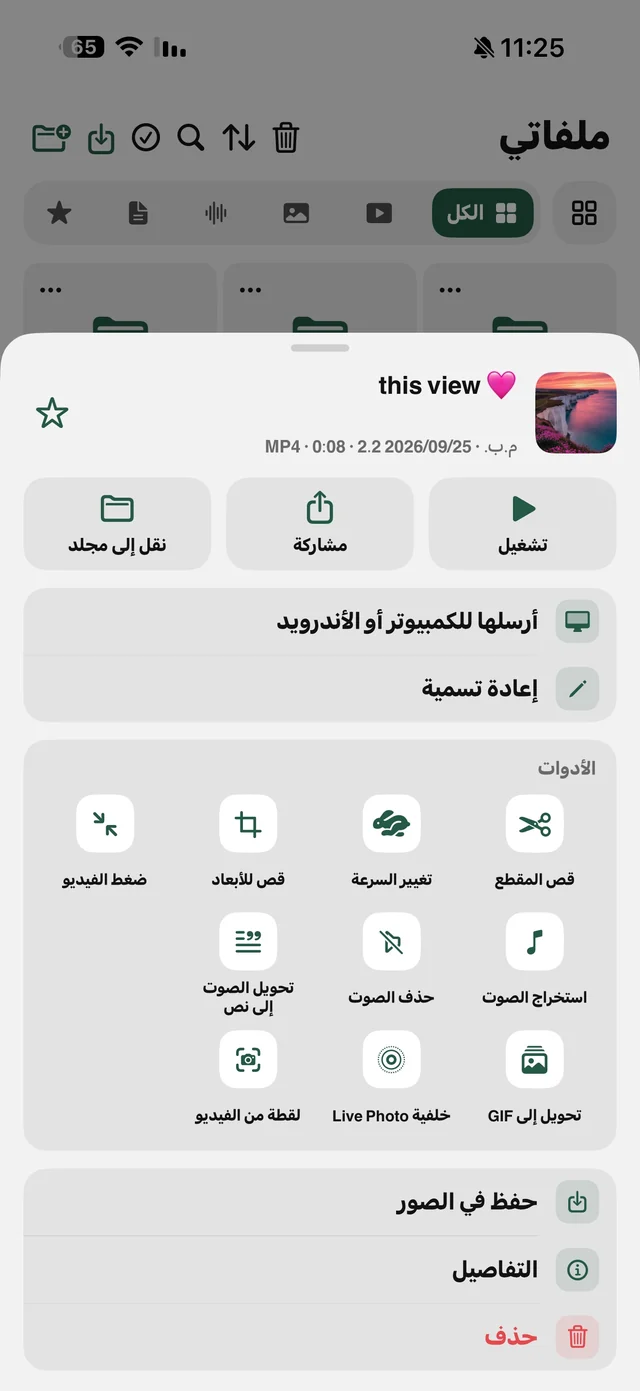
- 2Tap ⋯ on the imageThe file options menu opens.
- 3Choose “Convert to JPG”Under the “Convert & export” group. The option only appears if the image isn't already a JPG (HEIC, PNG or WebP).
- 4Take the new copyA new file appears next to the original with “(JPG)” added to its name; the original is untouched. Upload it or share it.
Reduce photo size: 2048, 1280 or 800 pixels
If the site says “maximum file size…” or your email bounces the attachment, choose “Resize image” from the same menu, under the “Edit photo” group. The screen shows the “Current size” before you choose, and the sizes apply to the longest side:
| Size | Longest side | When to pick it |
|---|---|---|
| Large | 2048 px | You want the photo sharp for printing or enlarging later |
| Medium | 1280 px | An email attachment or a regular application form |
| Small | 800 px | A profile photo, or a field with a strict size limit |
After resizing, the “New size” is shown and a new file named “(Resized)” is saved next to the original. Any size larger than your photo is greyed out, and if all of them are, you'll see “This image is already small”.
Site wants a PDF instead of an image? “Convert to PDF” in the same menu opens the “Images to PDF” screen with the photo already selected as page one, and you can add more — details in the PDF tools guide.
From now on: shoot JPG in the first place
If you deal with these sites often, you can have the camera save JPG instead of HEIC: iPhone Settings → Camera → Formats → Most Compatible. New photos are saved as JPG, but the files are larger than HEIC and take more space, and your existing photos stay HEIC. That's why many people keep HEIC and convert only the photo they need, when they need it.
Recent versions of iOS also offer an image conversion option under Quick Actions in the Files app, but it works on images saved in the Files app. The difference in Raheeb is that conversion, resizing, text copying and enhancement all sit in one menu, with the results organized in your folders.

Raheeb's photo tools are free and run on your device.
Copy text from an image in English and Arabic
Snapped a lecture whiteboard, a poster with a phone number, a book page, or a screenshot with an address? Instead of typing it out, choose “Copy text from image” from ⋯ on the image (the “Convert & export” group). Wait through “Reading the text…”, and the text appears on a screen with “Copy text” and “Share” — paste it into any app.
- Languages: Arabic and English, read on your device without uploading the image.
- Translation: a “Translate” button switches between Arabic and English, and “Show original” brings you back — on iOS 18 and later.
- Part of the text: the text can't be edited on that screen, but you can select a portion and copy it.
- No words in the image: you'll see “No text found in this image”.
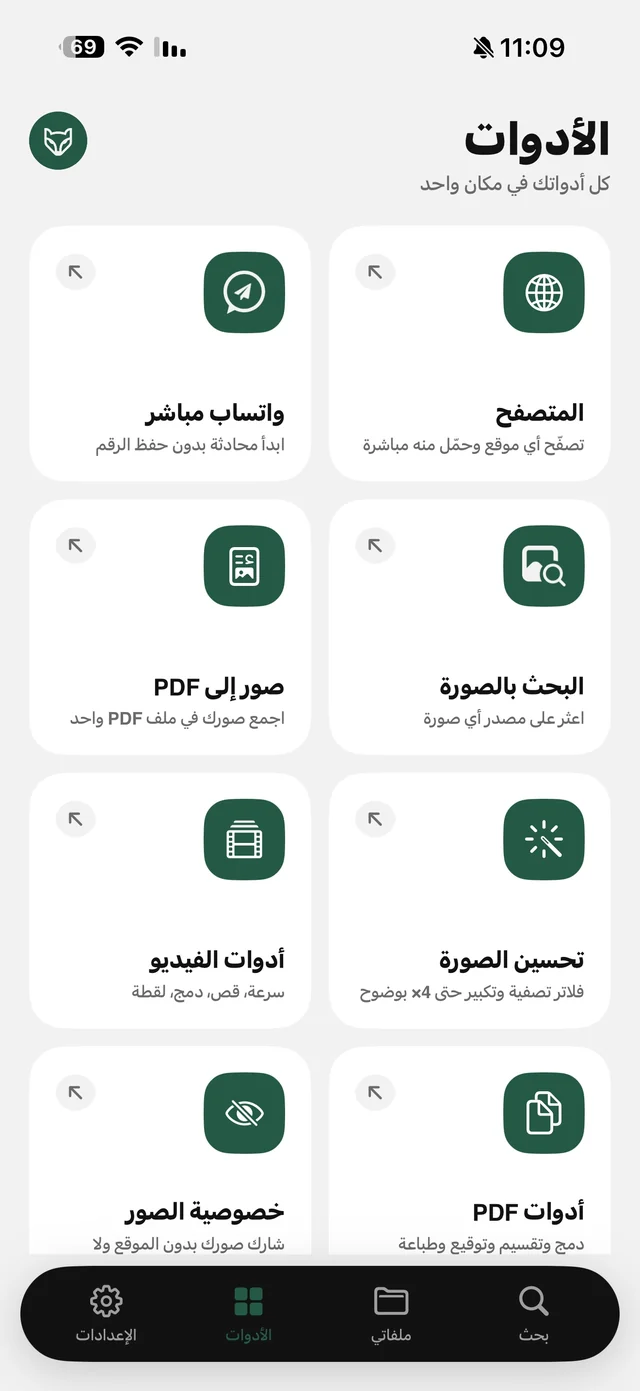
The iPhone also has Live Text in the Photos and Camera apps, and its language support varies by iOS version. Raheeb's feature helps when the image already lives in “My Files” with your documents and you want to copy, translate and share from the same place. For voice recordings and recorded lectures, the right tool is “Transcribe to text” (part of Raheeb Pro). And if the photo shows your home or something private, clean its hidden data before uploading it.