Raheeb
Saving from sites

How to download Snapchat videos on iPhone

Public Spotlight videos on Snapchat have a link, and Raheeb saves the video from that link to My Files, and from there to Photos. Before you start: the video saves the way Snapchat shares it, with Snapchat's logo and the username on it, and Stories and private Snaps don't save.

Abdulrahman Alqadiri · Raheeb developerUpdated: 2 min read
In this guide
  1. 1What you can save from Snapchat
  2. 2Save a Spotlight video
  3. 3If the video doesn't save

What you can save from Snapchat

ContentSaves?
A public Spotlight videoYes, from its link
A StoryNo, it's temporary content
A private Snap or chatNo
A whole profileNo, use each video's own link

Save a Spotlight video

  1. 1Copy the video's linkOn a Spotlight video in Snapchat, tap the share button, then Copy Link. The link starts with snapchat.com/spotlight.
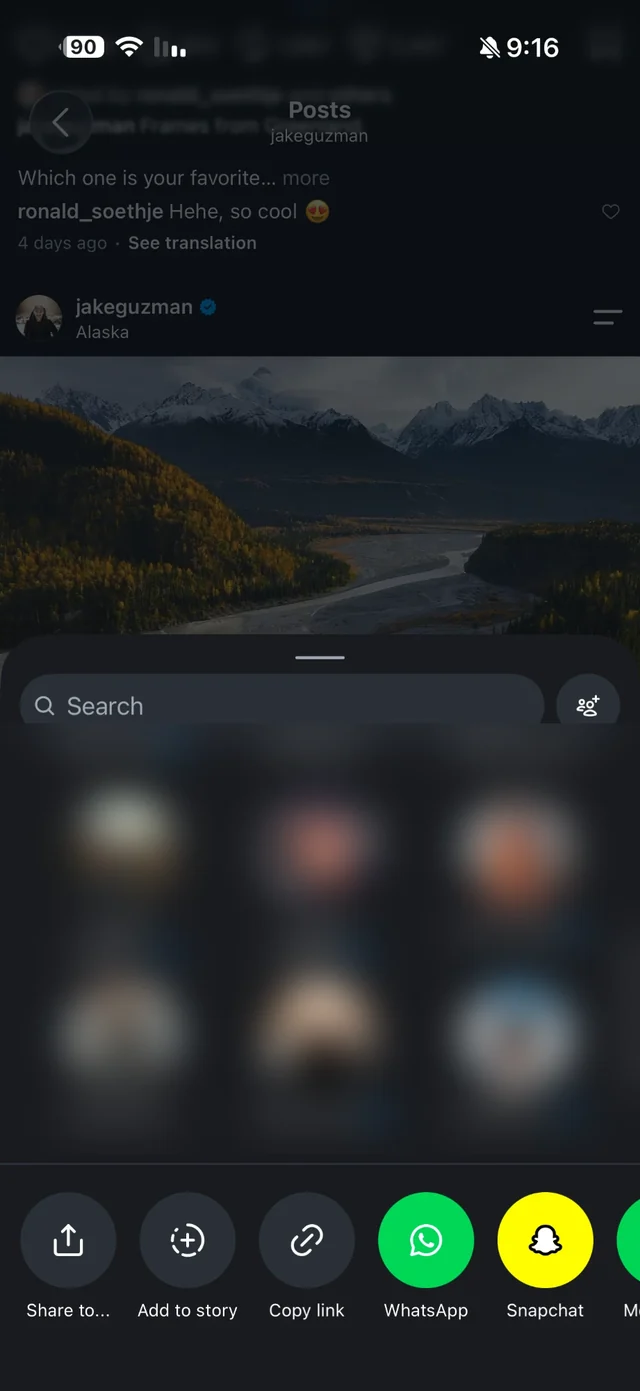
    Instagram's own share menu with the Share to button that opens the iPhone share sheet
    The copy-link button in a share menu (shown from another app; the step is the same in Snapchat).
  2. 2Open RaheebThe copied link shows up as a card in the Search tab: tap Download. If it doesn't, tap Paste next to the search field.
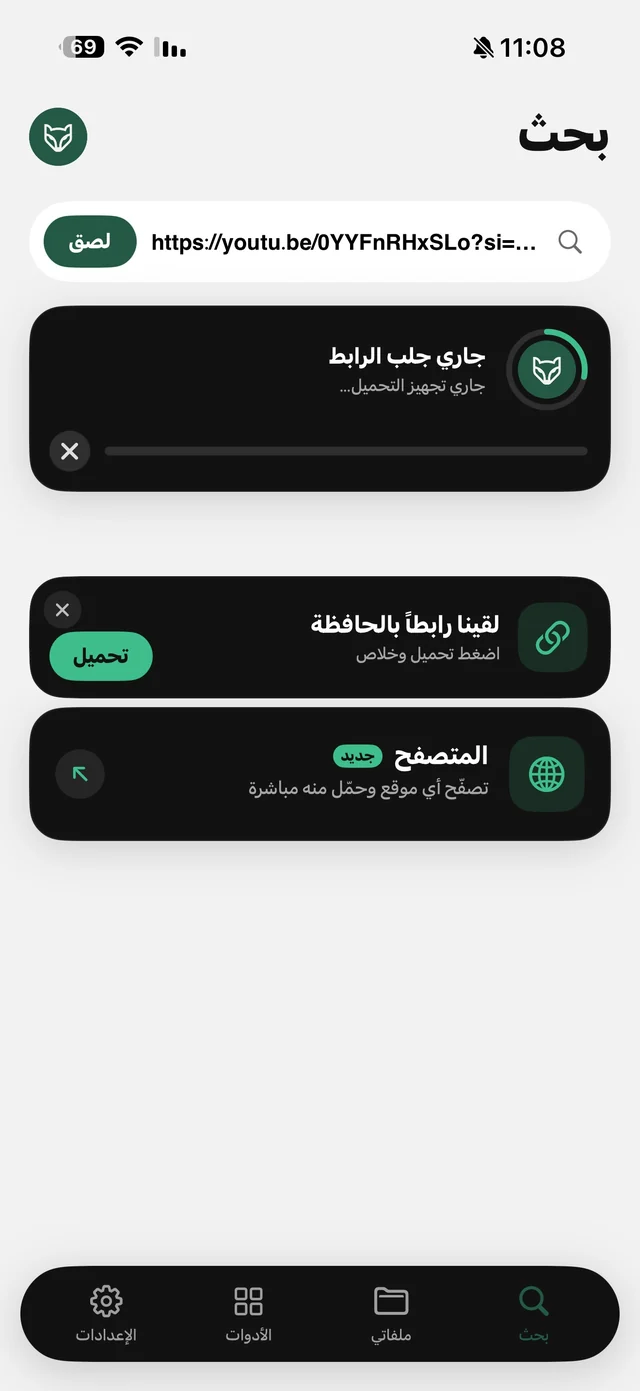
    Raheeb Search tab: a pasted video link, a fetching-link card, and a clipboard-link card with a Save button
    The Download button on the copied-link card.
  3. 3Wait for it to saveProgress shows the percentage and the size left, and it keeps going if you switch to another app.
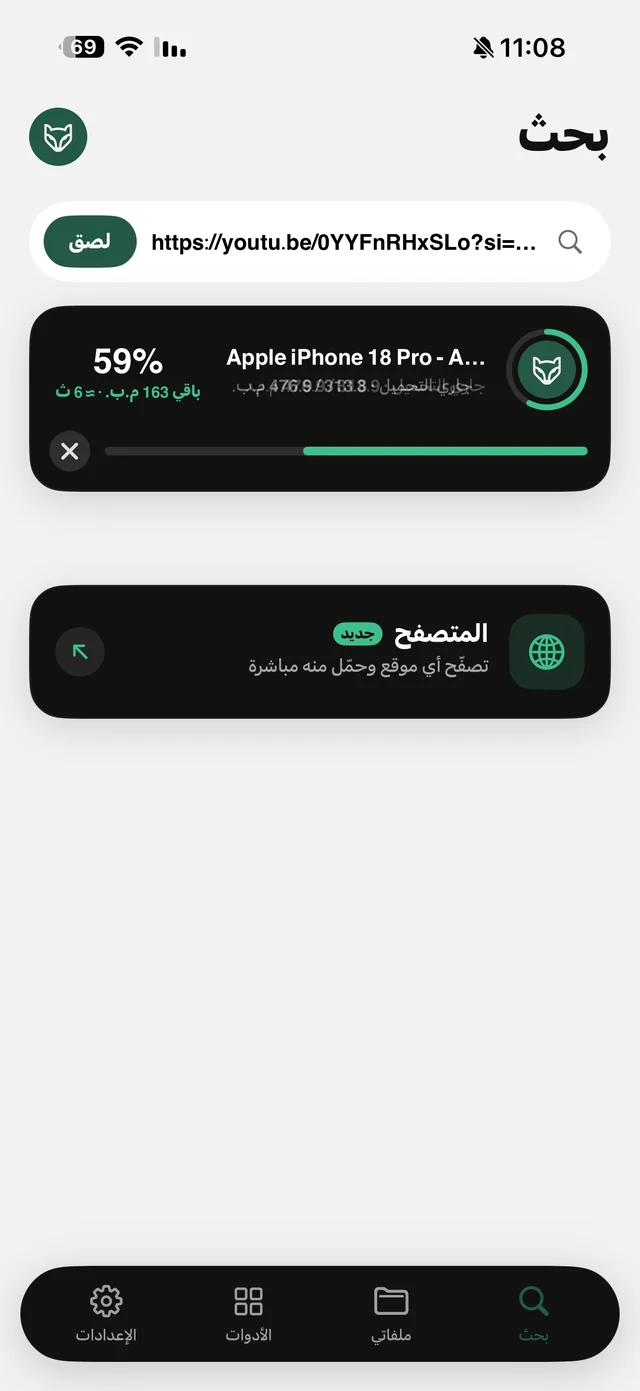
    Raheeb download progress card at 59% with remaining size, estimated time, and a cancel button
    Saving progress inside Raheeb.
  4. 4Save it to PhotosThe video is in My Files. Touch and hold it, then tap Save to Photos if you want it in your photo library.
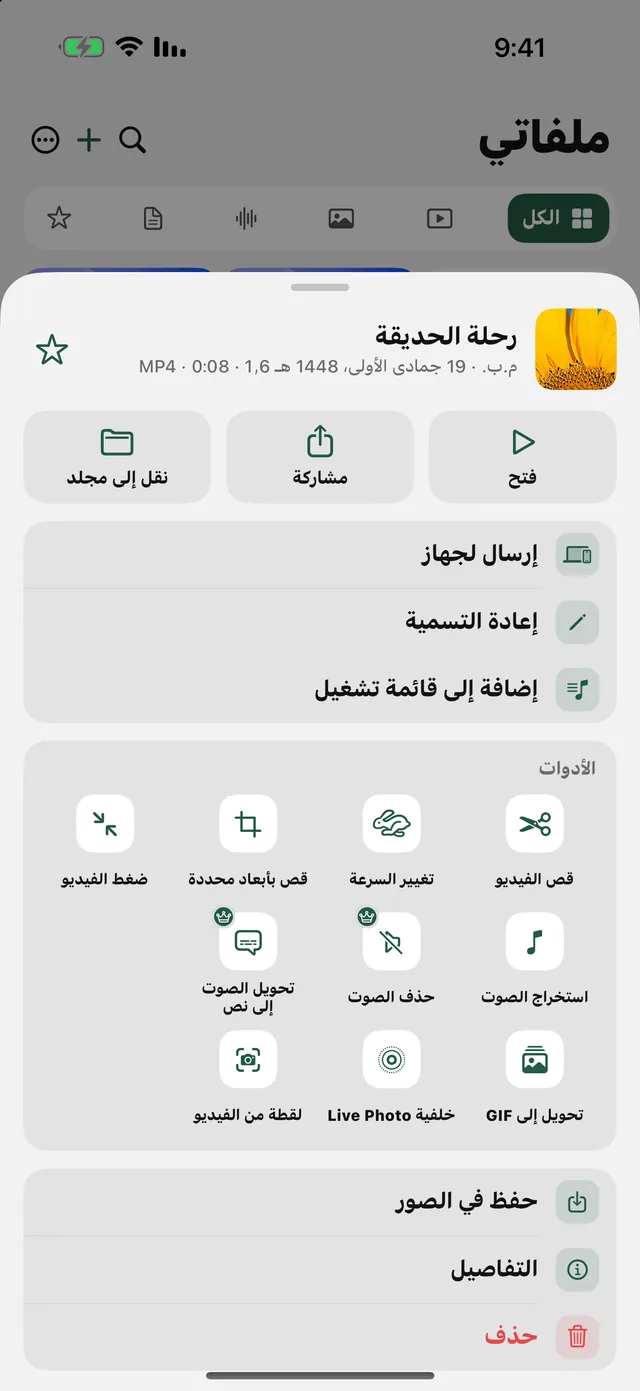
    An MP4 video's menu in My Files: Trim, Change Speed, Crop, Compress, Extract Audio, Remove Audio, GIF, Live Photo wallpaper, and Grab a Frame
    Save to Photos in the video's menu.

Try saving from a link: 3 files a day free, no account.

Download on the App Store

If the video doesn't save

  • A Story link: Stories are temporary and don't save. Use a Spotlight video's link.
  • A profile link: it opens the profile, not one video. Open the video itself and copy its link.
  • A deleted video: if the creator removed it from Spotlight, the link no longer gives a file.

FAQ

How do I download a Snapchat video on iPhone?
Copy a Spotlight video's link from the share button, then open Raheeb and tap Download on the link card.
Does it save without the watermark?
No. The video saves the way Snapchat shares it by link, with Snapchat's logo and the username.
Can I save Snapchat Stories?
No. Stories are temporary content, and Raheeb saves public Spotlight videos only.
Do I need a Snapchat account?
No. Raheeb doesn't ask for any account to save.

Get Raheeb Free

On the App Store for iPhone and iPad. No account, and your first save takes seconds.