In this guide
Why turn a carousel into a PDF?
A lot of Instagram carousels are content you want to come back to: a course summary before an exam, recipe steps, numbered tips, a reading list. Saved as loose images, they get lost among your photos, the order gets jumbled, and sending them to a group chat means ten messages. One PDF fixes all of that: ordered pages, a clear name, and one file to send or print.
Step 1: download the whole carousel
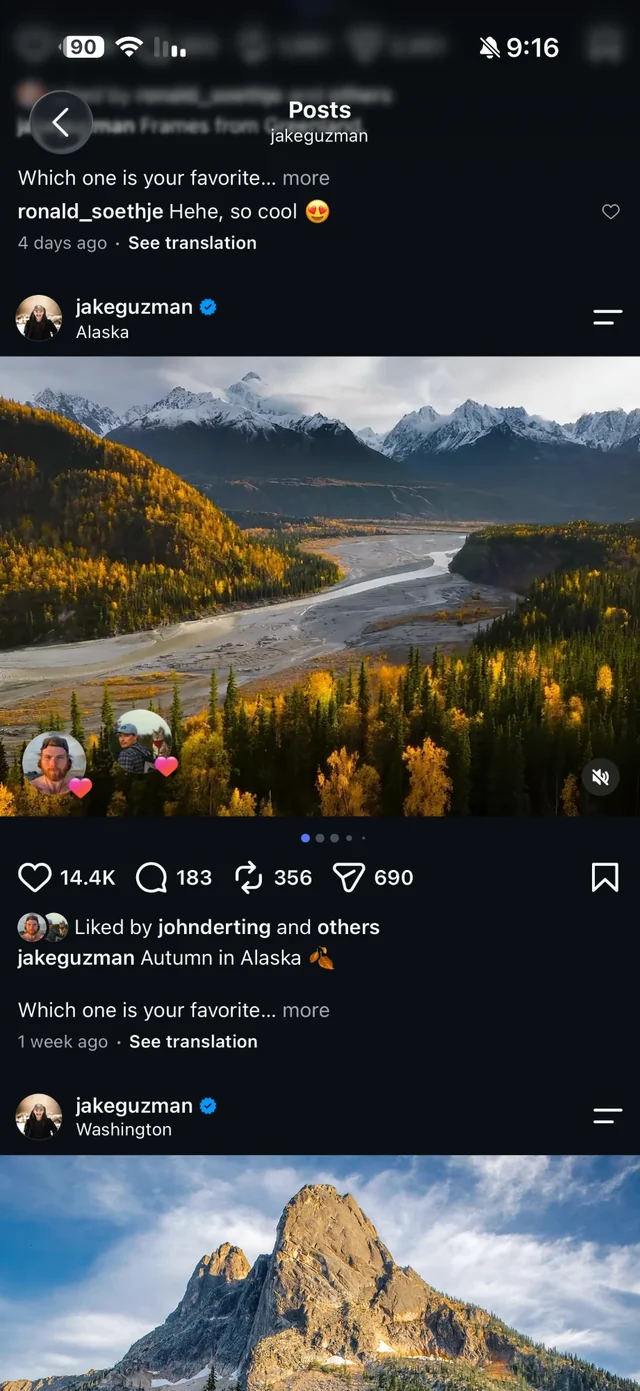
On the post: share icon → “Share to…” → Raheeb. Every image downloads at once as its own file, and the whole post counts as one download. The full walkthrough with screenshots is in how to download a full Instagram carousel.
Step 2: combine the images into a PDF
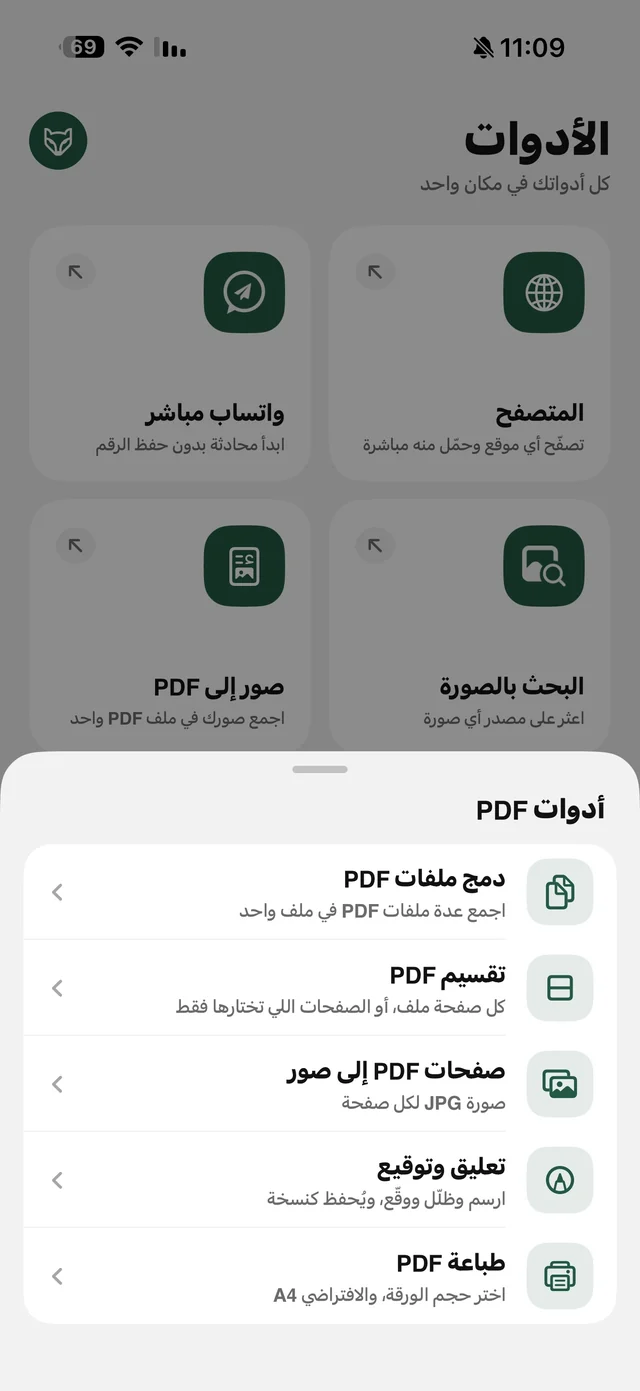
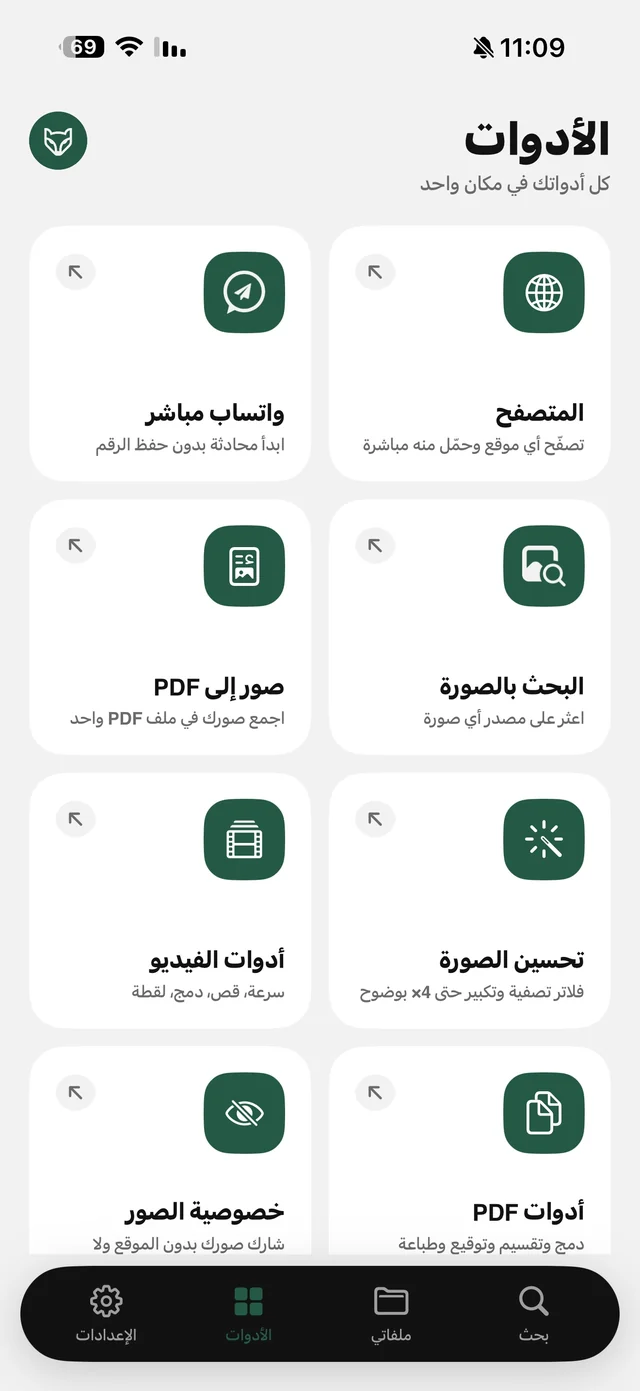
- 1Open “Images to PDF”From the Tools tab in Raheeb.
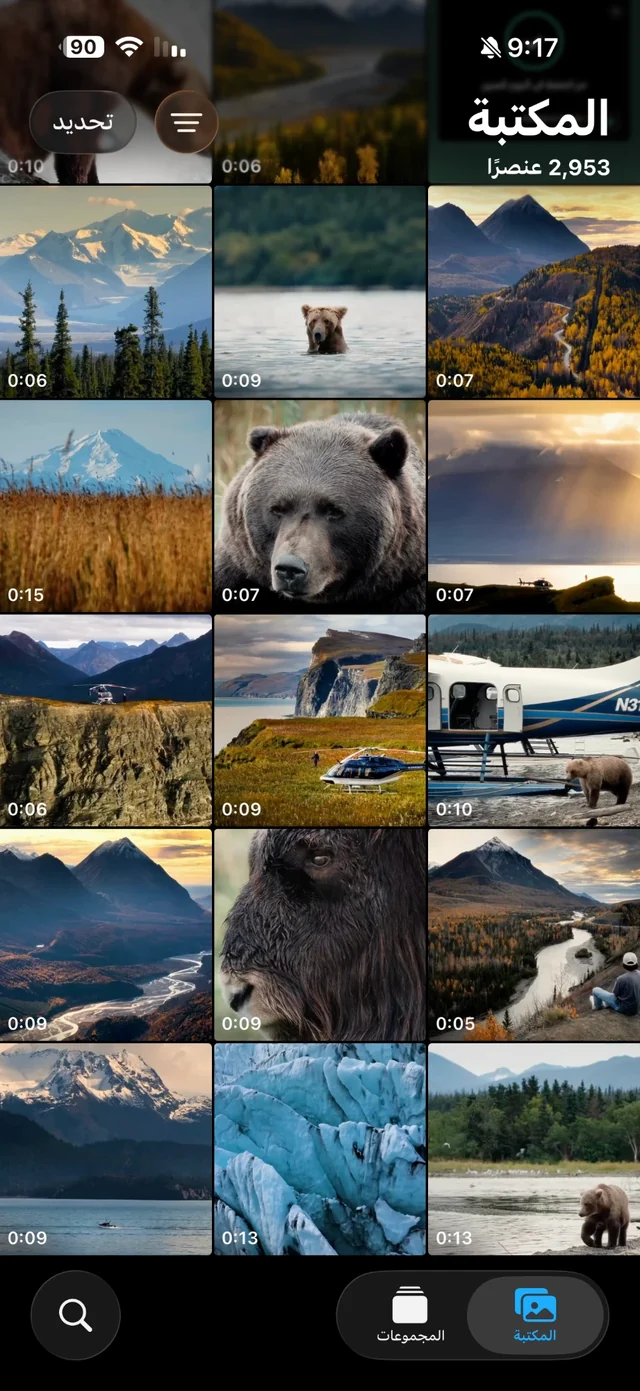
- 2Pick the images in orderFrom your My Files images, or add them from Photos if they went to your album. The order you tap is the page order — start with the first slide.
- 3Choose the page size“Image size” keeps each slide exactly as it looks; “A4” if you plan to print.
- 4Create the fileThe PDF is saved in My Files under Documents and opens straight away.
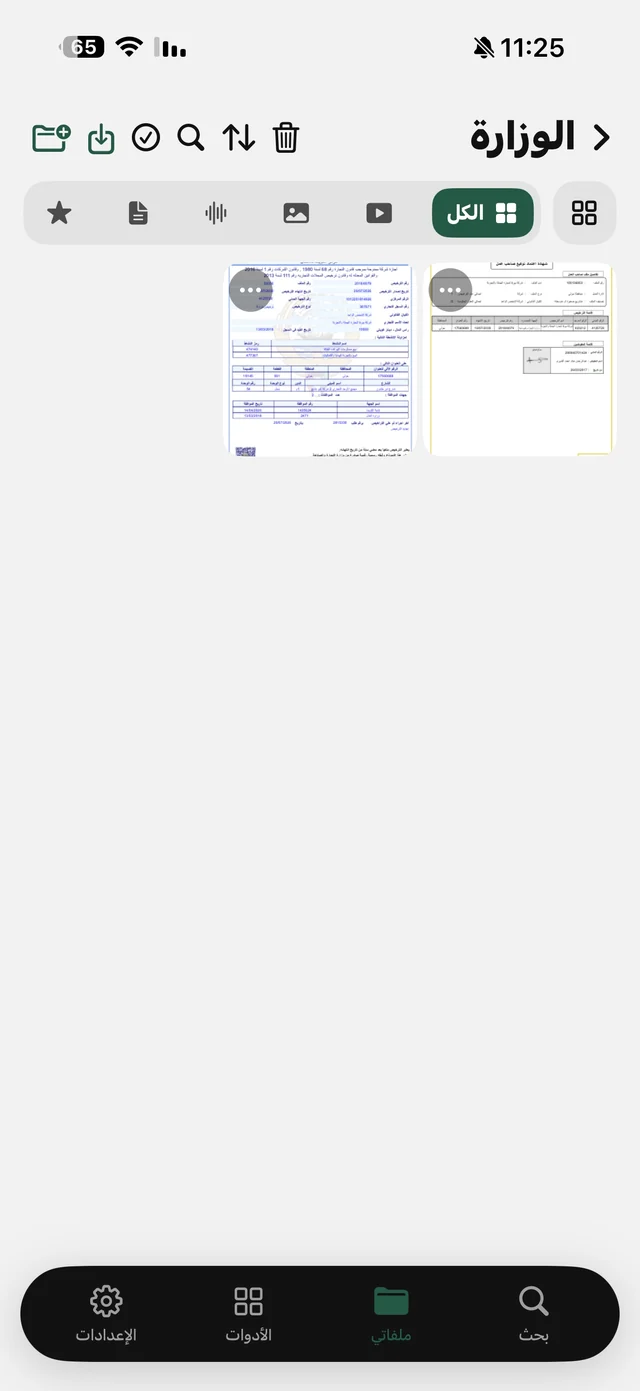
Only one image? Its ⋯ menu in My Files has a convert-to-PDF option that opens the same screen with that image as page one, and you can add more. It all runs on your device with no upload, and it's free. Details on the Images to PDF page.

Get Raheeb and turn your first carousel into a file — free on iPhone.
Want the words themselves as text?
If the slides are all text — a summary or quotes — you can pull it out as text to paste into your notes: in the ⋯ menu of any image in My Files, choose “Copy text from image”. It reads Arabic and English on the device and gives you the text with copy and share buttons, plus a translate button between Arabic and English on iOS 18.
Once you have the PDF
- Merge it with another: several carousels for the same course? PDF Tools can merge them into one file — see PDF tools on iPhone.
- Print it: print from the file's menu, with A4 as the default size.
- Send it to your laptop: “Send to computer or Android” moves it over Wi-Fi with no cable — here's how.
- Keep it tidy: a folder per course in My Files, and search finds it by name.
And the content belongs to its creators: the PDF is for your own study and use, not for reposting under your name.