In this guide
The problem: a contact list full of “Courier” and “Shop”
A delivery order, a car ad, a number someone texted you, a shop you want to ask about a size — these are numbers you talk to once. Save them all just so they show up in WhatsApp and your contacts fill up with numbers you can't place, which then start appearing as suggestions in other apps. It's easier to open the chat directly and keep your contacts for people you actually know.
The manual way: a wa.me link
WhatsApp itself supports a link that opens a chat with any number: type wa.me/ in Safari followed by the number in international format — no + sign, no leading 0 from the local number, and no spaces. It works, but the conversion is on you: drop the zero, add the country code, and double-check every digit yourself — one wrong digit opens a chat with someone else. And you retype it from scratch every time, because there's no list of recent numbers.
With Raheeb: Direct WhatsApp step by step
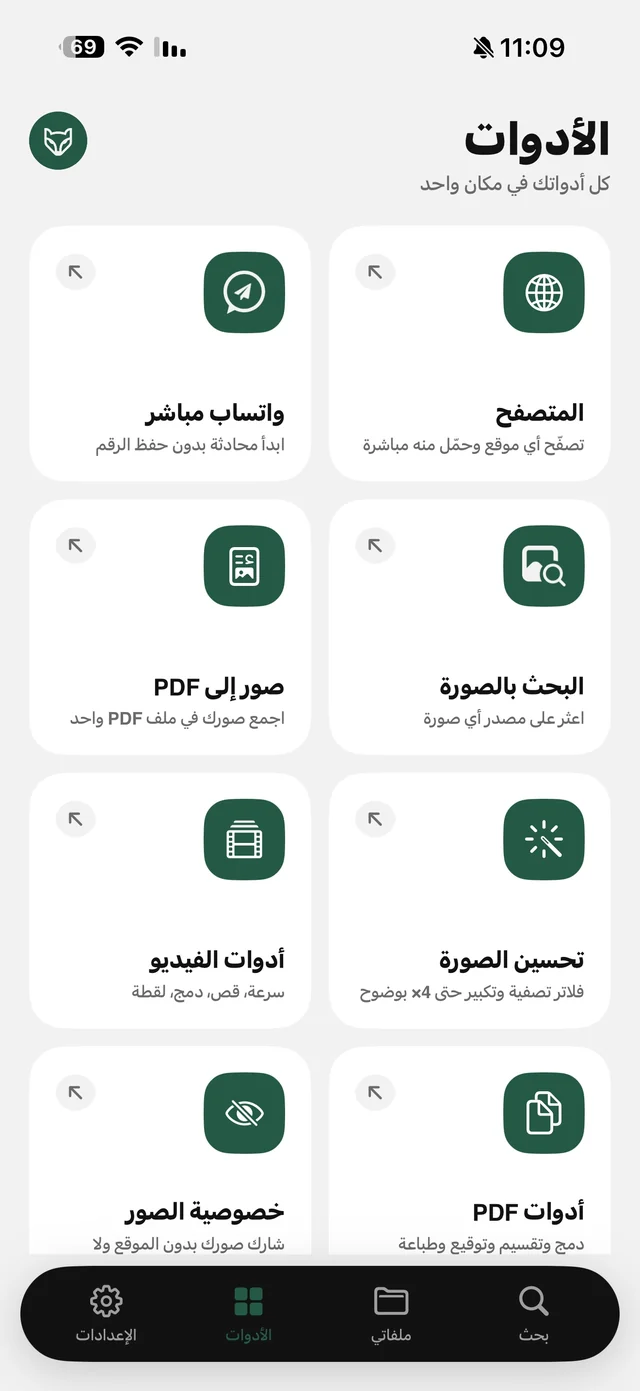
- 1Open Direct WhatsAppFrom the “Tools” tab in Raheeb.
- 2Paste or type the numberWhen you paste, the country is set automatically. If you type it, leave out the leading 0.
- 3Add a first message if you likeOptional — something like “Hi, about your ad…”.
- 4Tap “Start Chatting”A WhatsApp chat with that number opens right away, with your first message ready if you wrote one.
| Manual wa.me link | Direct WhatsApp in Raheeb | |
|---|---|---|
| Country code | You type it yourself | Pick it by flag, or it's set when you paste |
| Number check | No | “Valid number” once it's complete |
| First message | Added to the link by hand | A ready-made field |
| Recent numbers | No | A list with options for each number |
| From a copied number | Paste and edit | Icon shortcut or Siri |
| Needs Raheeb | No | Yes, and it counts toward your free daily allowance |
Small details that save you from mistakes
- Countries by flag: search by name or code; the “Suggested” list at the top has the Gulf states and nearby countries, and the app remembers the last country you picked.
- Formatting as you type: the number is split into easy-to-read groups, and “Valid number” appears once it's complete, so you know nothing is missing before you tap.
- Smart paste: copy an international number from an ad or a message and the country switches to match its code by itself. The same happens if you fill the number from a contact.
- A ready first message: write it once and the chat opens with it already typed.
The fastest route for a copied number
Most numbers reach you already copied. Instead of opening the app and finding the card, you have three shorter routes:
- Long-press the Raheeb icon → “WhatsApp the copied number”.
- Siri (iOS 16.4 and later): say “WhatsApp the copied number with Raheeb”.
- The lock-screen widget: a round Direct WhatsApp button on your lock screen that opens the tool directly.
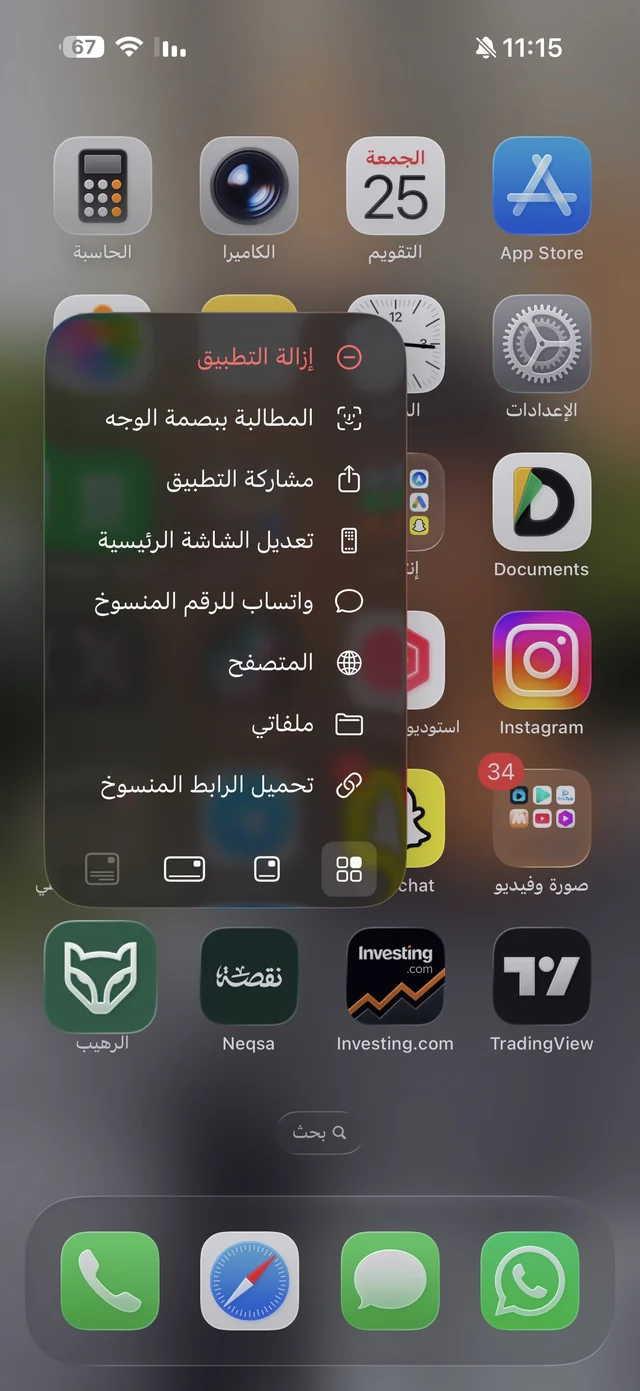
There's a fourth way if the number is saved on someone else's phone: have them share the contact card to Raheeb from the Share button, and WhatsApp opens on that number. The rest of the shortcuts and Siri commands are covered in Raheeb tips.
Recent numbers and privacy
Numbers you've messaged are kept in the “Recent numbers” list inside the app; long-press any of them for “Open in WhatsApp”, “Copy number” and Delete. “Clear All” empties the list here only — nothing changes in your WhatsApp chats. Most importantly, no number is ever added to your contacts — it stays inside Raheeb until you delete it.

Direct WhatsApp is in the Tools tab — try it on the next number you get.
Who is it for?
- Small business owners answering orders from new numbers every day without filling up their contacts.
- Anyone talking to a delivery driver once about the location or pickup time.
- Buyers on classifieds sites: message the seller, and if they send product photos you can search by image to check they aren't copied from somewhere else.
- Travelers who need to message a driver or hotel with a number from another country.